Chats
Chats Calendar
 Meetings
 Contacts
 Mail
Mail Docs
Docs Drive
Drive AI Table
 AI Minutes
 Attendance
 Approval
 YiDA
YiDA Admin Console
1. Overview
1.1 Feature Introduction
Custom pages let you configure styles and layouts, display data from every form in an app, and address more flexible scenario requirements. They are more complex than standard form design and typically require code-based configuration.1.2 Use Cases
Use custom pages to display an app’s overall data — for example, to view items pending your action, items you created, or items CC’d to you. You can also set up quick-access entry points for submitting forms.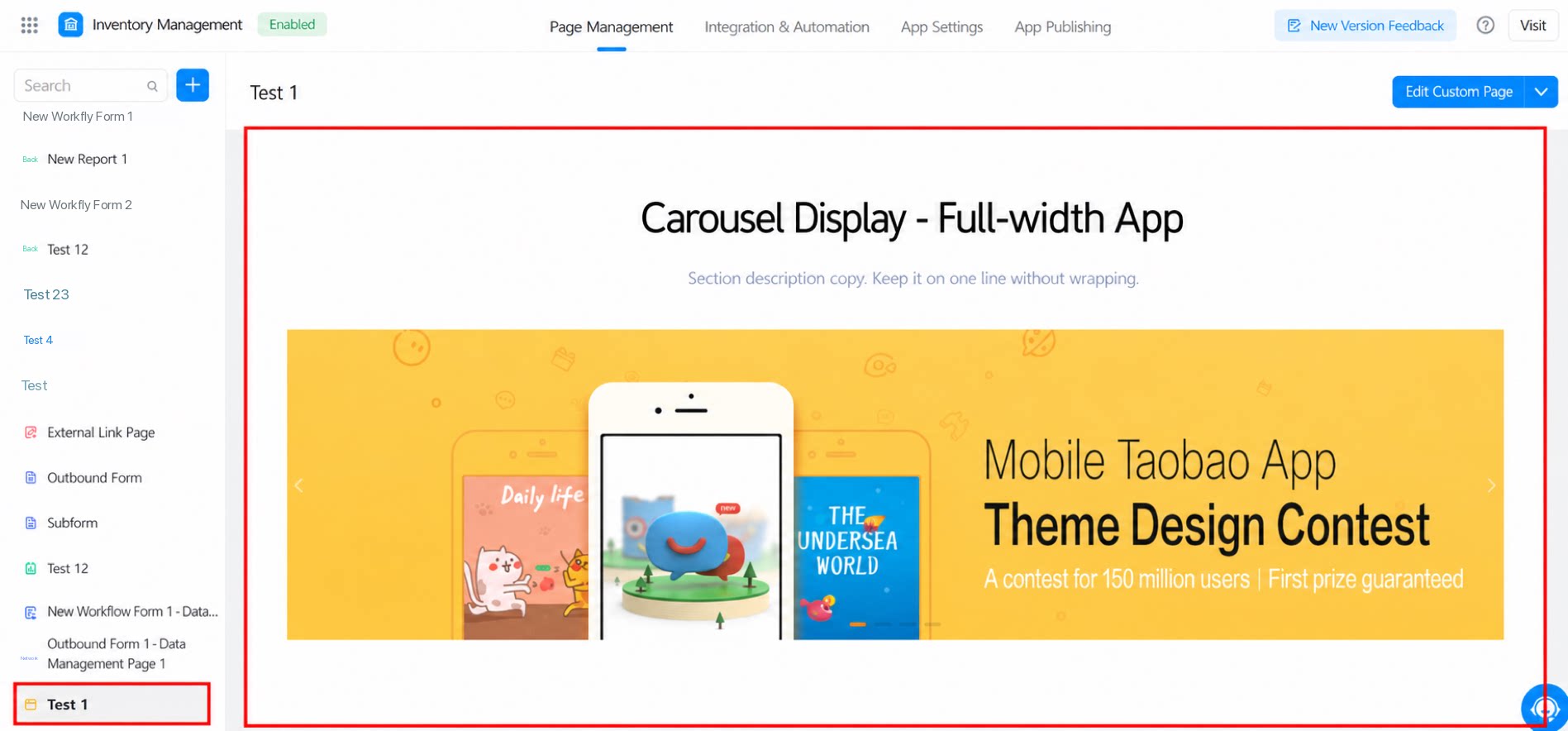
2. Create a Custom Page
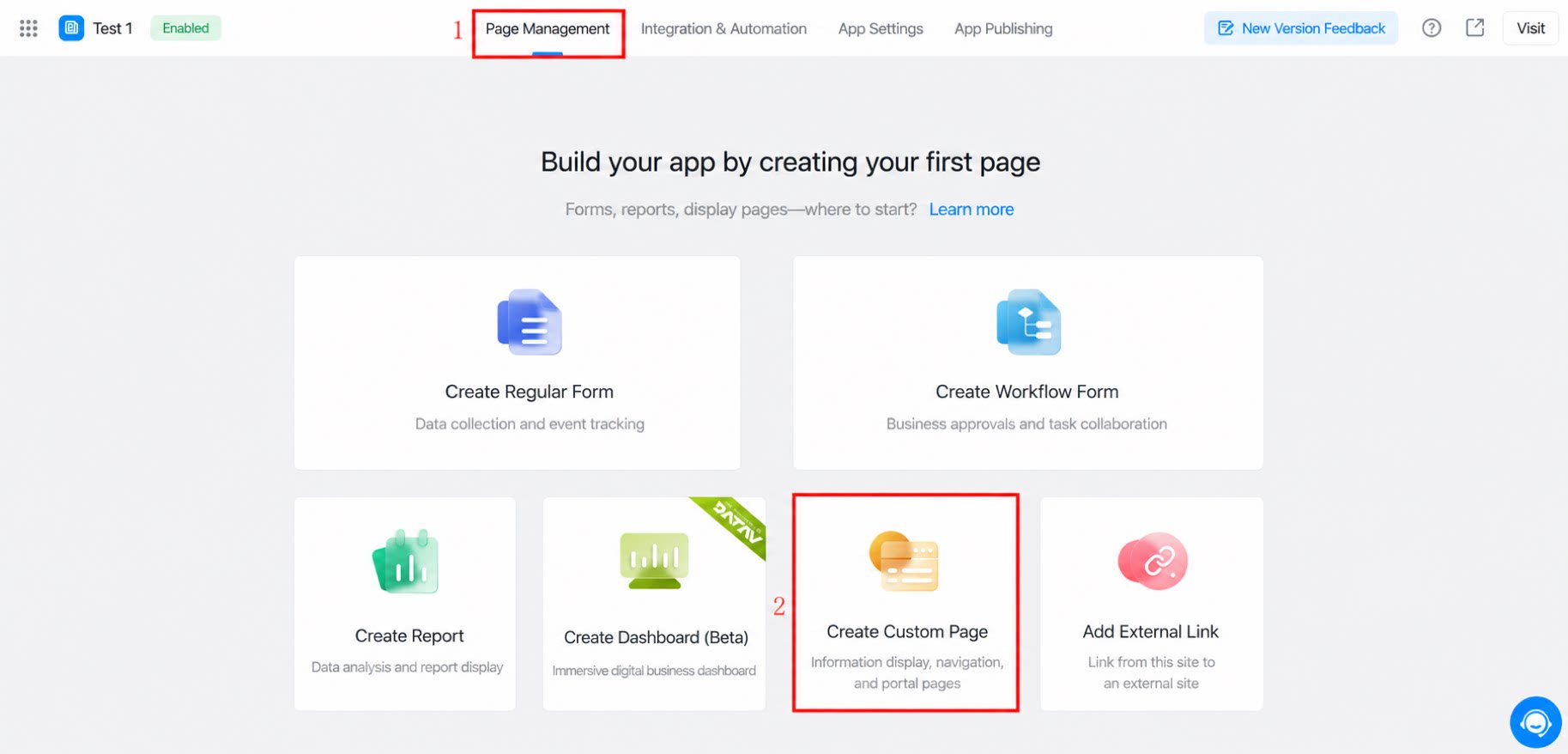
(1) Create via the new page entry.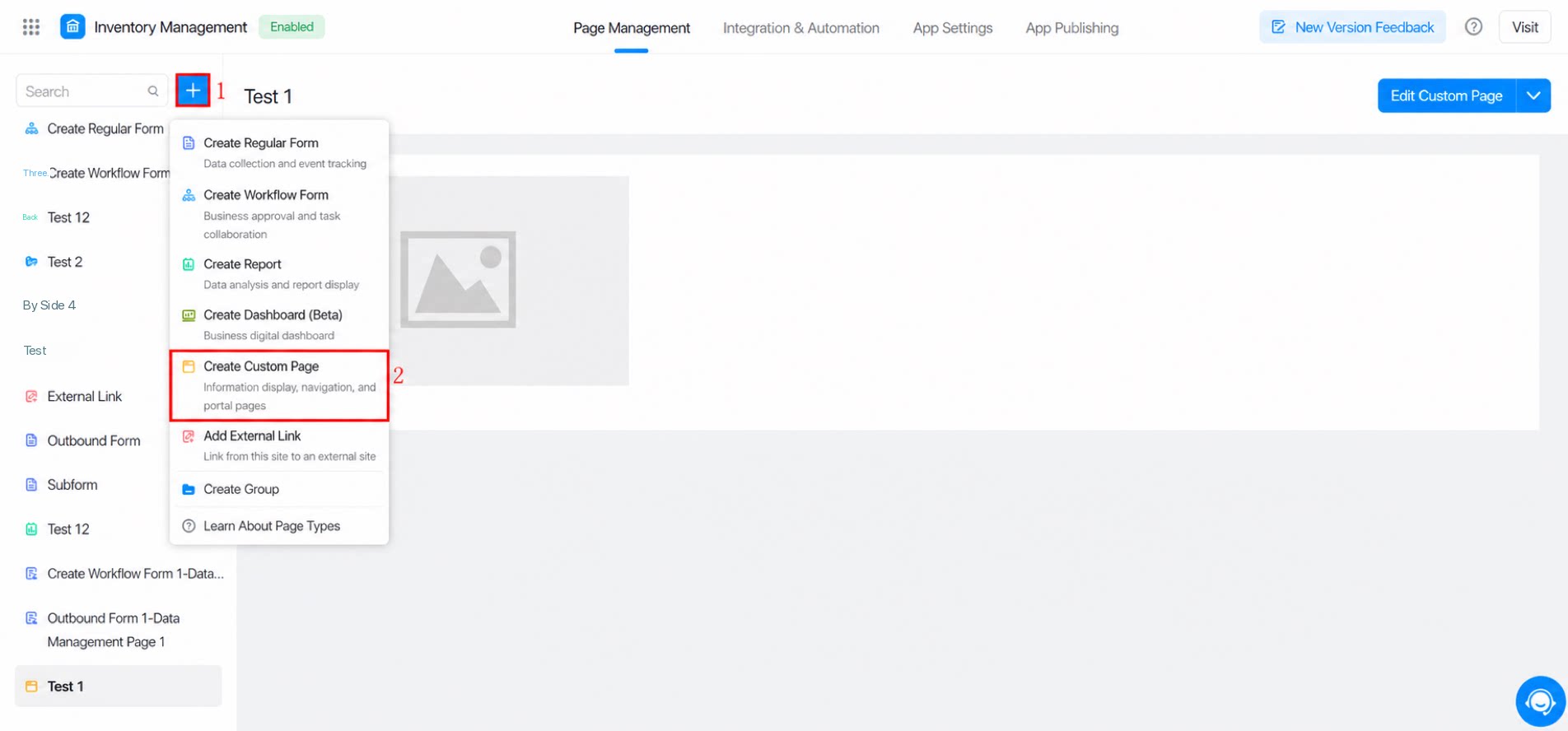
3. FAQ
Q: How do I implement data management page functionality in a YiDA custom page Spreadsheet?
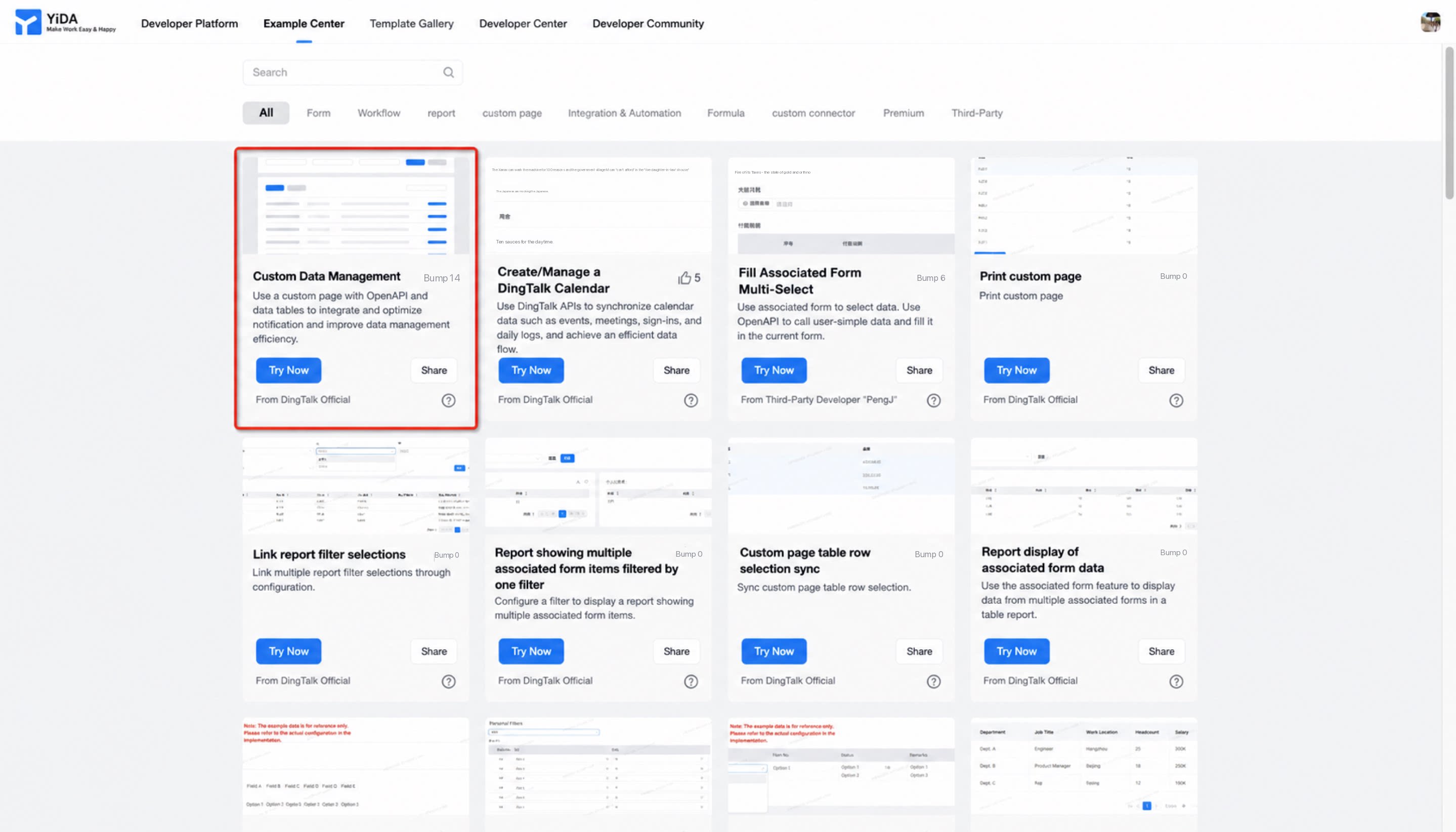
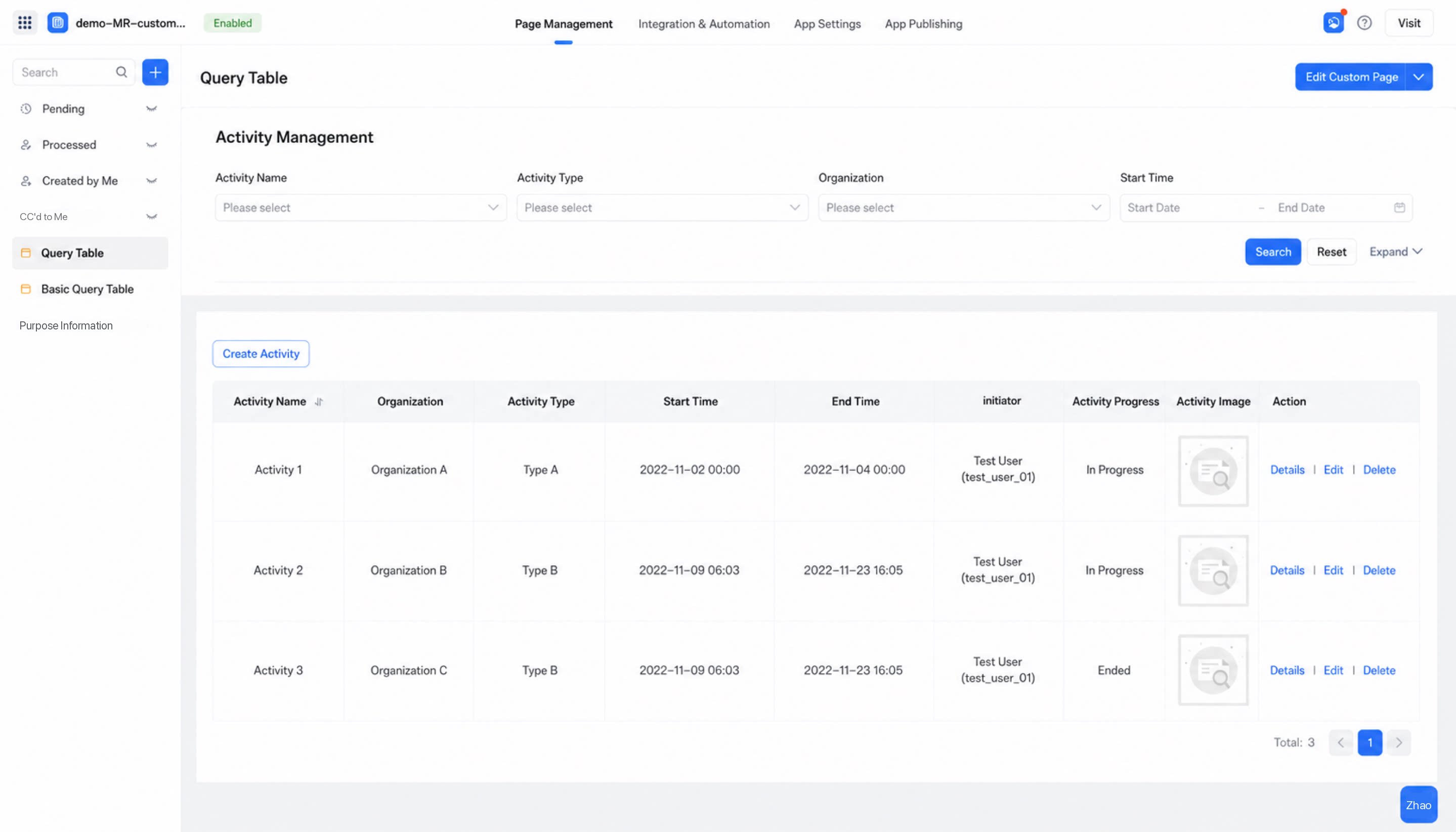
Go to “YiDA Developer Enablement Platform > Custom data management page” to try a demo. The main approach is to call the OpenAPI from a custom page and connect it to form data to perform create, read, update, and delete operations. For the detailed Spreadsheet configuration guide, see 👉Table component detailed introduction