Chats
Chats Calendar
 Meetings
 Contacts
 Mail
Mail Docs
Docs Drive
Drive AI Table
 AI Minutes
 Attendance
 Approval
 YiDA
YiDA Admin Console
Step 1: Sign up for an Account
Follow these steps to sign up for DingTalk.- Open the YiDA official website in your browser.
- Click the Sign up button in the upper-right corner to open the account registration page.

- Read the DingTalk Convention, DingTalk Terms of Service, and other agreements. If you accept them, select “I have read and accept the DingTalk Convention, DingTalk Terms of Service, DingTalk Privacy Policy, and DingTalk Organization Agreement.”
- In the input field in the middle of the page, enter the mobile number you want to use to sign up for a DingTalk account. Then click Sign up.
If you are using a mobile number from outside mainland China, select the corresponding country or region first. Then enter your mobile number and follow the on-screen instructions to complete registration.

1
Enter the SMS verification code, then click Verify and continue
2
Follow the team setup guide on the subsequent pages to complete account registration
For more account registration methods, refer to Accounts and Teams in the DingTalk Help Center.

Step 2: Sign in to YiDA
Follow these steps to sign in to YiDA.
- Go to the YiDA official website.
- Click the Sign in button in the upper-right corner to open the DingTalk Unified Identity Authentication page.
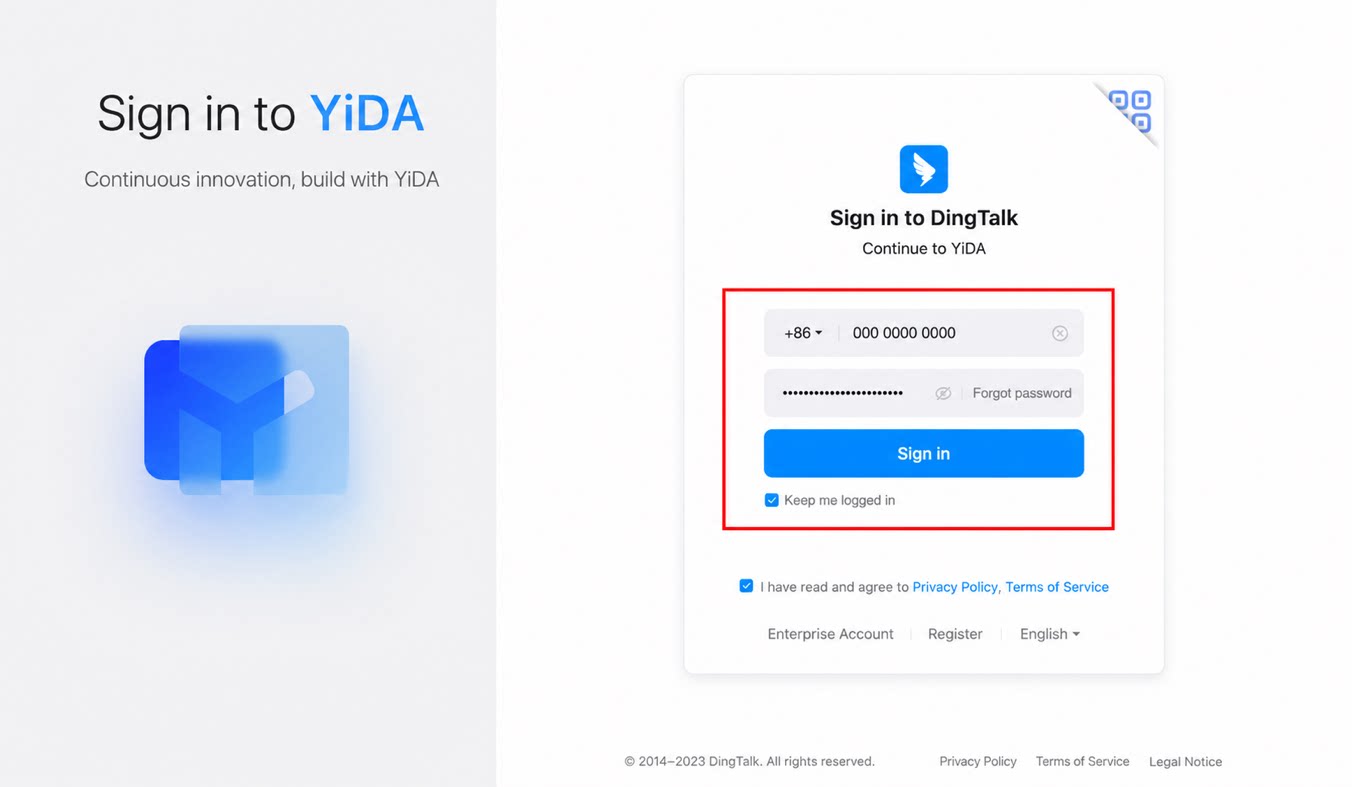
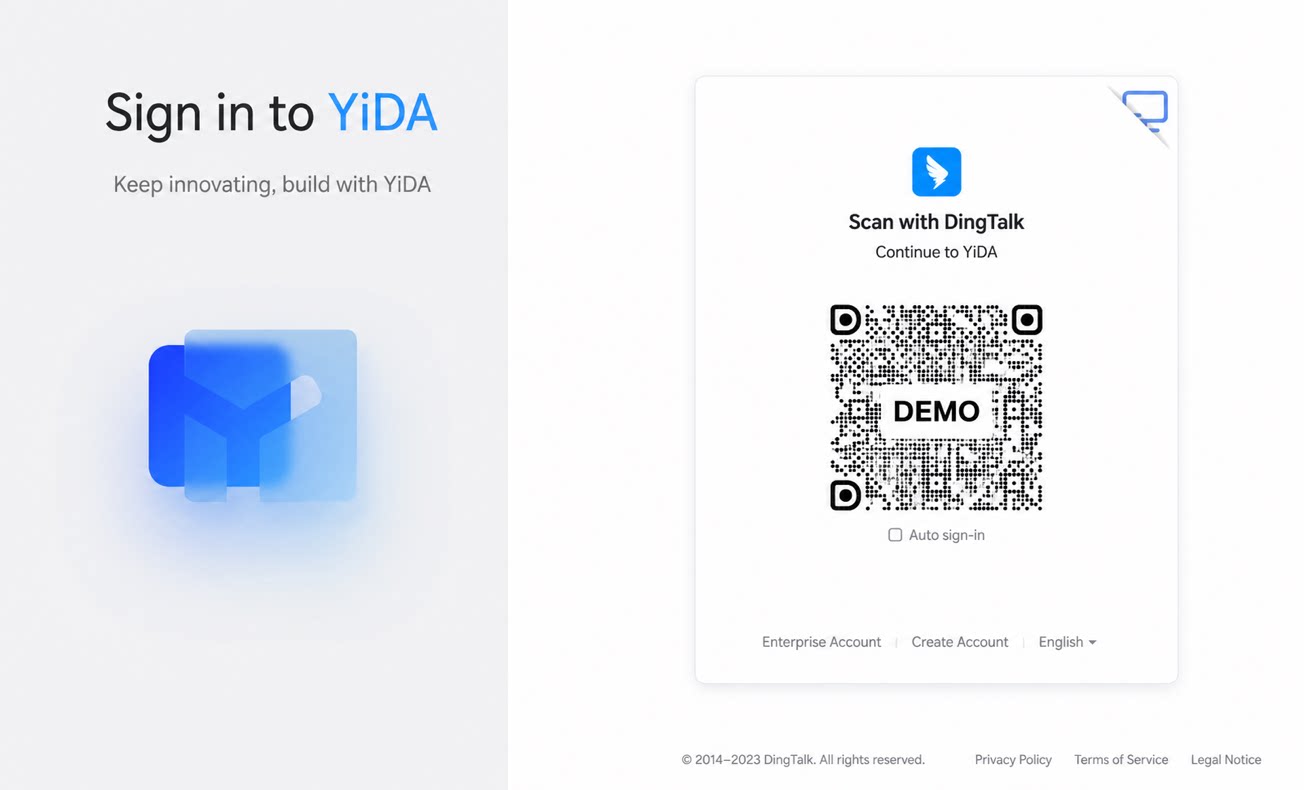
- Select one of the following methods to sign in to YiDA.
The DingTalk ecosystem now supports unified sign-in status. If you are already signed in to the DingTalk client, DingTalk Admin Console, DingTalk Developer Console, DingTalk Docs, or other official products, YiDA automatically detects your sign-in status when you access it. You do not need to sign in again.