Chats
Chats Calendar
 Meetings
 Contacts
 Mail
Mail Docs
Docs Drive
Drive AI Table
 AI Minutes
 Attendance
 Approval
 YiDA
YiDA Admin Console
Only YiDA certified service providers can use this feature.
Procedure
Follow these steps to view historical app sales orders.1
Step 1
Sign in to the YiDA Workbench.
2
Step 2
Click the Platform Management button  in the upper-right corner to open the platform management page.
in the upper-right corner to open the platform management page.3
Step 3
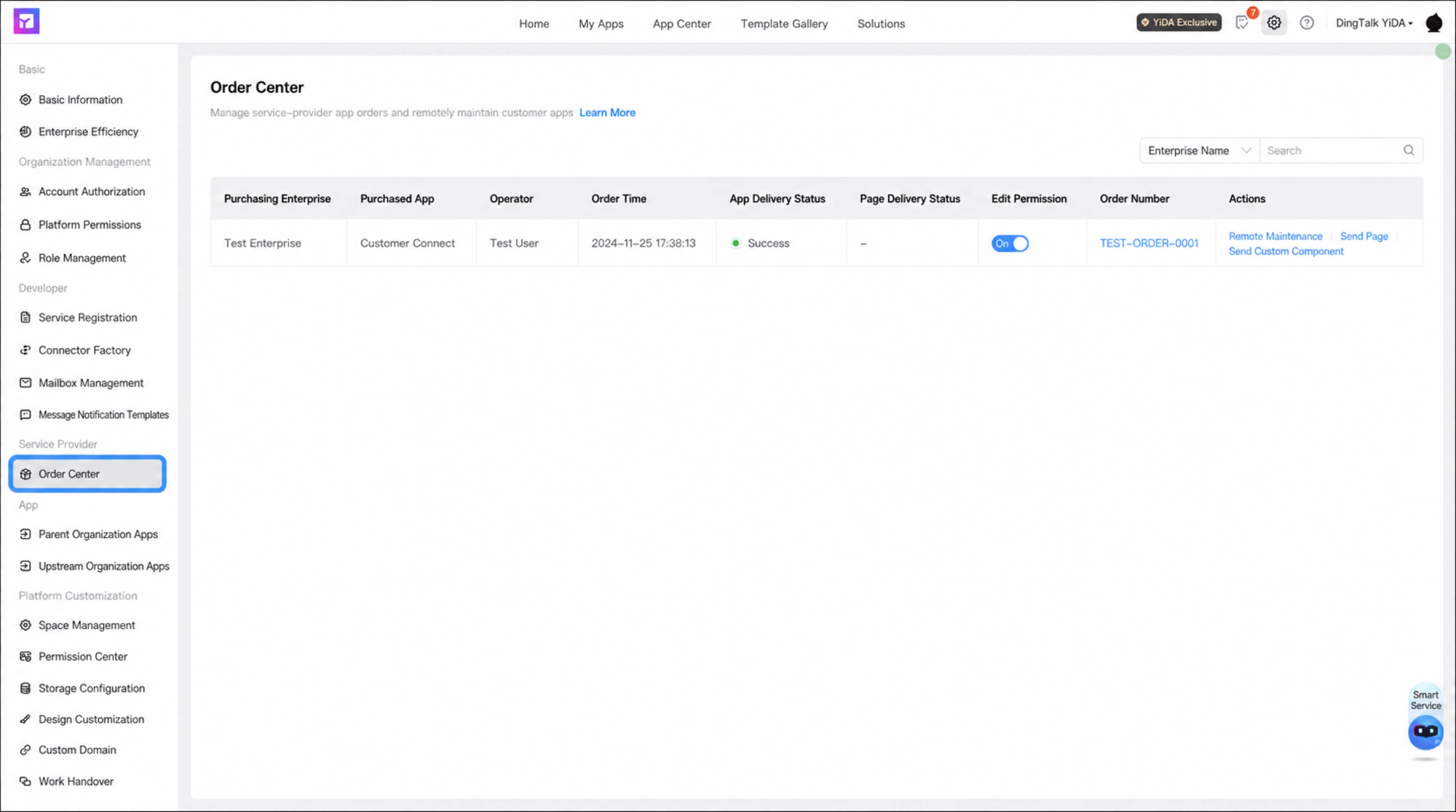
In the left-side menu, select Service Provider > Order Center to open the Order Center.
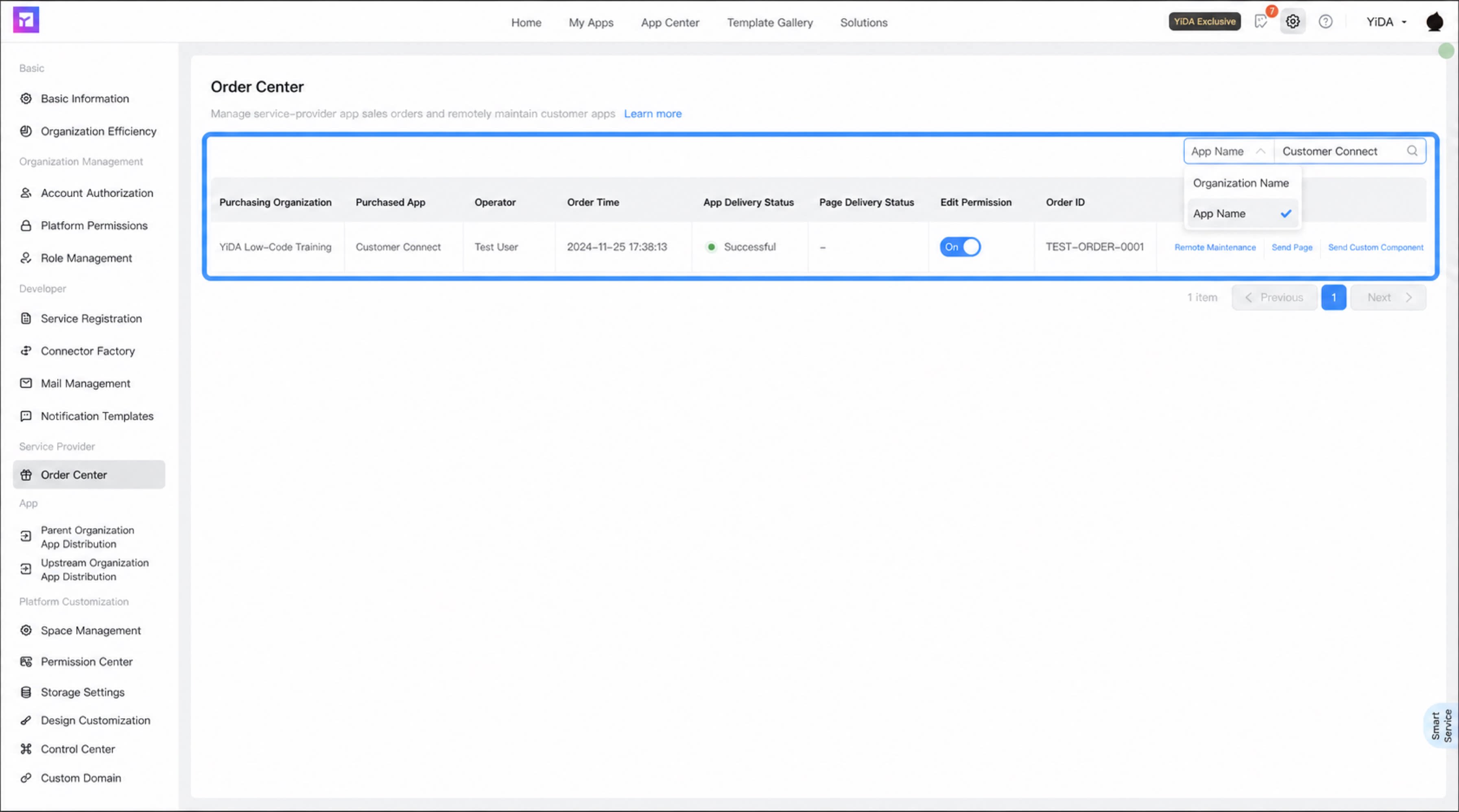
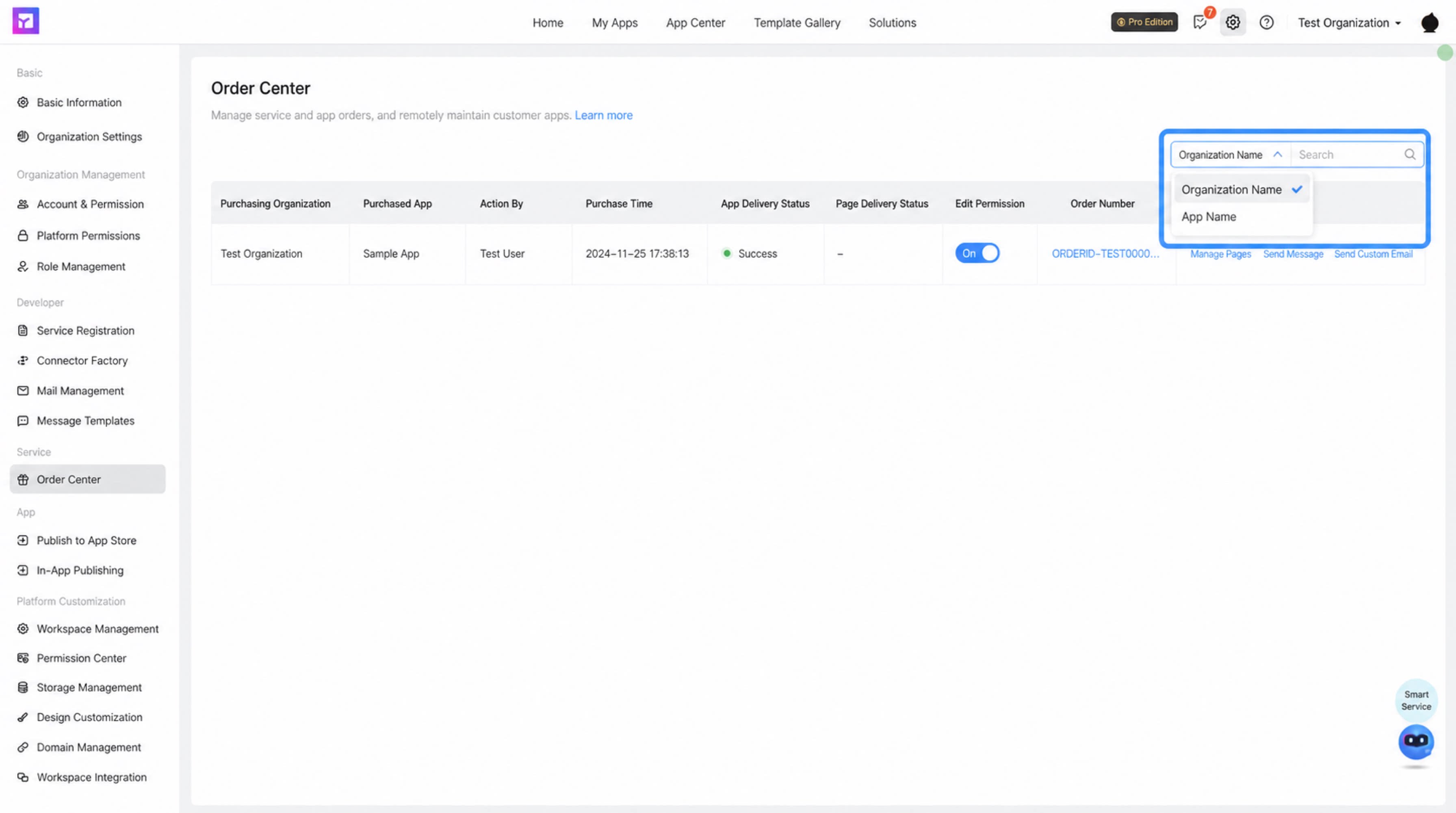
In the Order Center, you can view details such as Purchasing Organization Name, Purchased App Name, Operator, Order Time, App Delivery Status, Page Delivery Status, Edit Permission, Order Details, and Remote Maintenance.
- Search by purchasing organization name
- Search by purchased app name