Chats
Chats Calendar
 Meetings
 Contacts
 Mail
Mail Docs
Docs Drive
Drive AI Table
 AI Minutes
 Attendance
 Approval
 YiDA
YiDA Admin Console
Regular Form
YiDA regular forms are used for data collection and data collaboration, such as editing, deleting, importing, and exporting. Regular forms also support fine-grained permission management. By configuring different permission groups, you can grant different users, roles, and departments different editing capabilities.For more information, see Regular form.
Workflow Form
A workflow form is a way to enter data. In a workflow form, you define a preset path so that data is entered in an orderly, rule-based way, for use cases such as leave requests and expense reimbursements. Before building a workflow form with these capabilities, you need to plan and design the workflow, including the steps, flowchart, and control conditions. Workflow forms provide a more efficient way of working for enterprises and organizations by improving data entry efficiency and reducing data entry errors.For more information, see Workflow form.
Aggregate Table
A YiDA aggregate table is a calculated table created by aggregating multiple forms. It supports real-time calculation and real-time validation, and can be used across other modules of an app, such as forms, reports, associated forms, and portal data cards.For more information, see Aggregate table.
Report
Data from forms, workflows, and custom-built business systems can all be analyzed on the report page. Data is not only clearly displayed but can also be operated on, edited, deleted, exported, and printed, enabling effective data management and use. Whether for business meetings, market research, or enterprise operational decisions, the report page delivers valuable information for more informed and scientific judgments and decisions.For more information, see Report page.
Broadcast-Enabled Portal
The out-of-the-box templates and business components officially provided by YiDA include 9 scenario-based templates, designed to deliver a personalized, dedicated broadcast-enabled portal home page for organizations and provide one-stop workbench navigation. In addition, the combination of portal templates, the editor, and business components lets you build a personalized portal page without any complex coding.For more information, see Portal settings.
Digital Dashboard
The digital dashboard is a data visualization platform provided for YiDA apps, powered by Alibaba Cloud DataV. Through a graphical interface, it helps users from different professional backgrounds easily build professional-grade visualization apps, so that your app can be readily used for various business scenarios such as conferences and exhibitions, business monitoring, risk alerting, and geographic information analysis.For more information, see Dashboard settings.
Custom Page
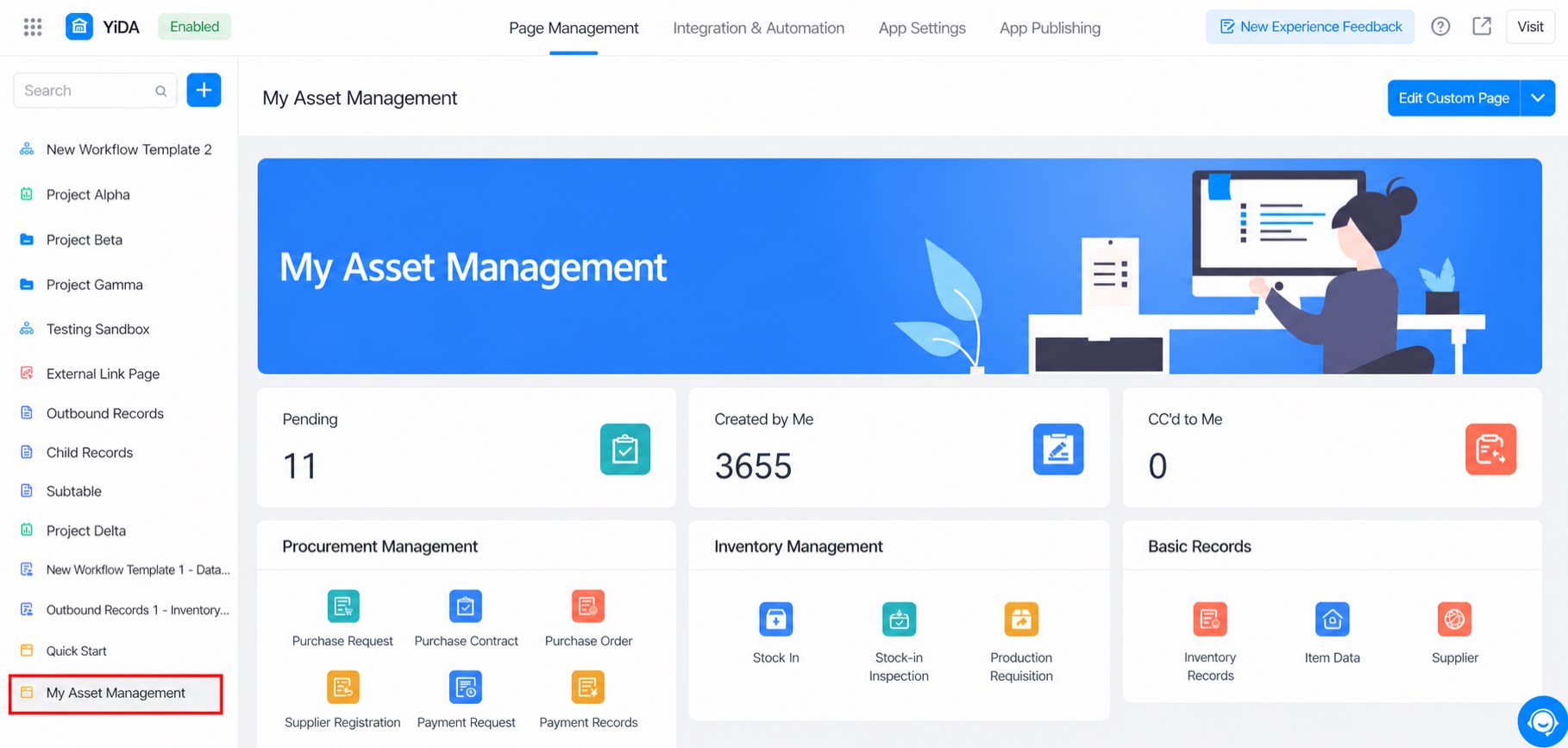
Use low-code development to build display pages or any other type of custom page. With data sources and a richer set of components, you can create app portal websites and complex business scenario pages. You can use a ready-made template directly, or configure a custom page from scratch.For more information, see Create a custom page.
External Link
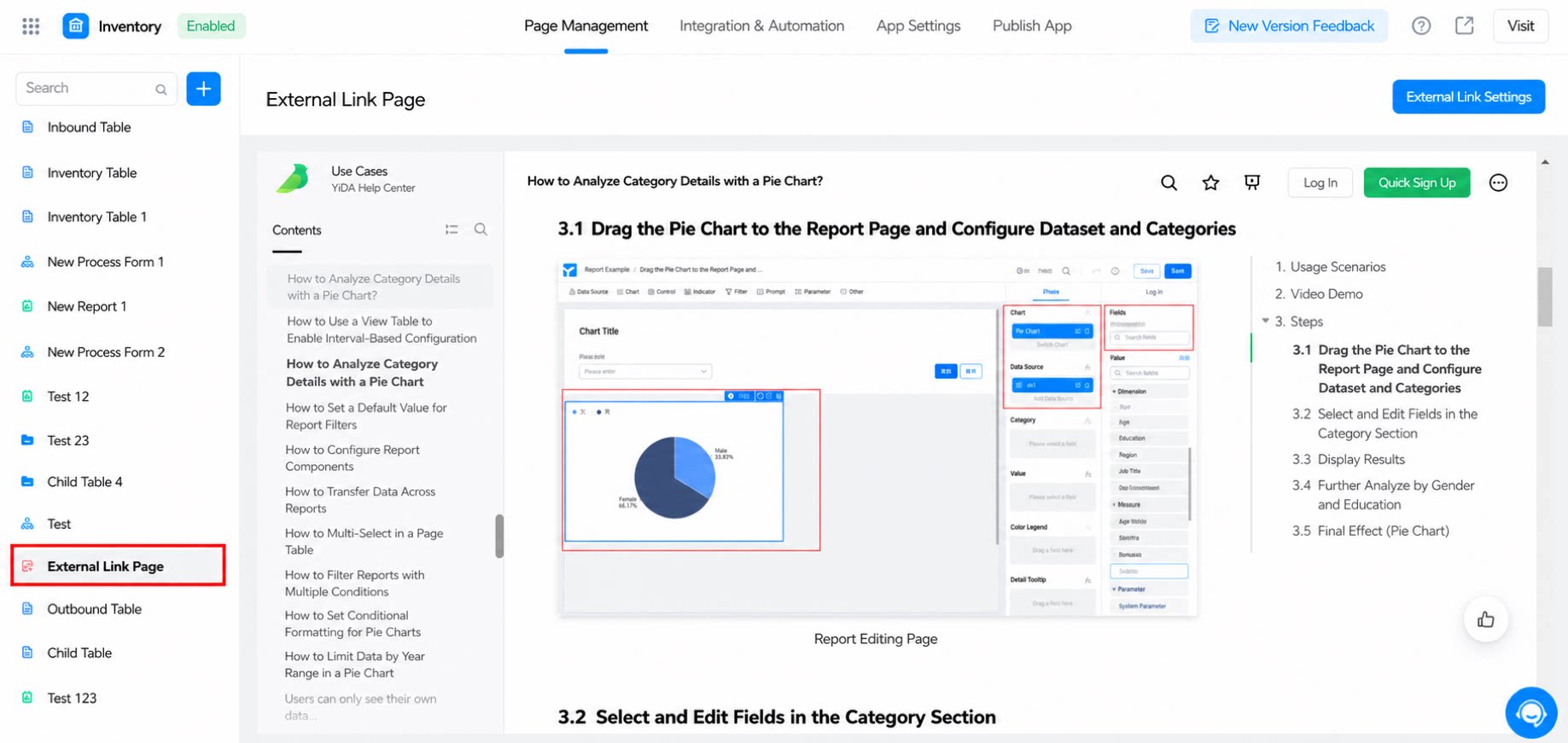
An external link is a URL that can be opened in a browser, similar to a Windows application shortcut. It helps users organize pages from other application systems. You can add links to existing external systems within the current app.For more information, see Add an external link.