Chats
Chats Calendar
 Meetings
 Contacts
 Mail
Mail Docs
Docs Drive
Drive AI Table
 AI Minutes
 Attendance
 Approval
 YiDA
YiDA Admin Console
About the Broadcast Portal
The YiDA broadcast portal—a portal home page that can broadcast announcements and key updates to members—can serve as the home page of an app. With portal templates, out-of-the-box business components, and the editor, organizations can build a dedicated, personalized app portal home page that provides one-stop workbench navigation.- Organization portal: business dashboards, government and public-sector services, customer service, and more.
- App portal: customer management, quality inspection management, procurement management, CRM, and more.
About the Editor
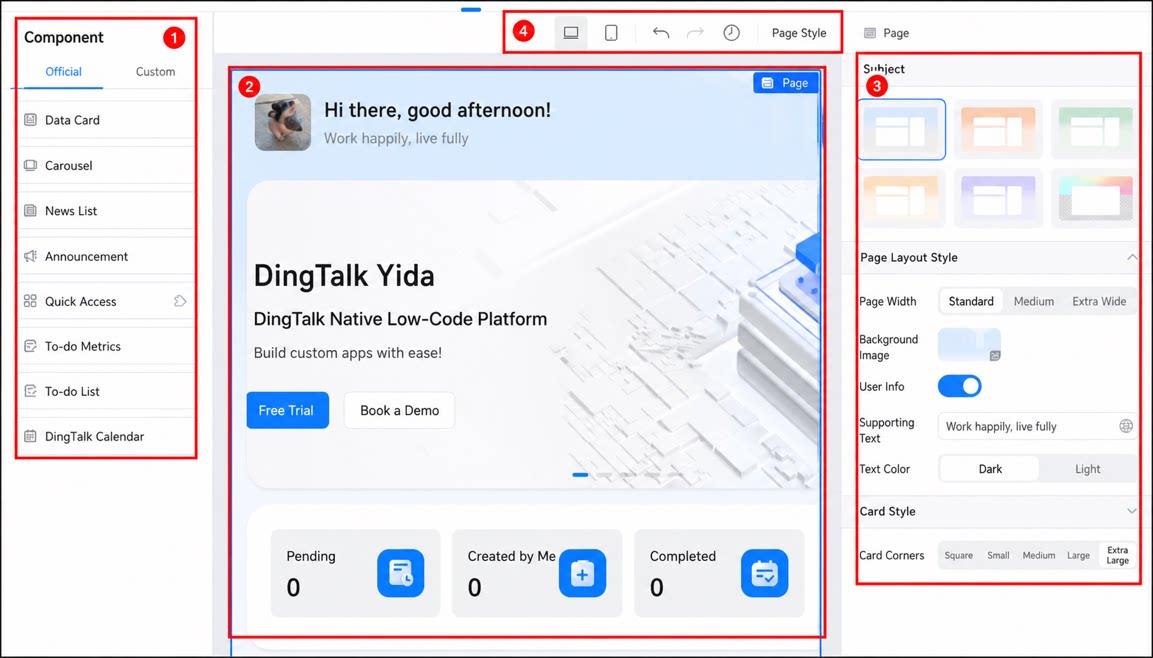
The broadcast portal editor consists of the following four areas.- ① Component library list: select from a range of out-of-the-box components. For details, see portal components.
- ② Central canvas: lay out components and arrange their order.
- ③ Attribute panel (right side): configure attribute settings for individual components and style settings for the entire page.
- ④ Top menu bar: preview the portal page on mobile and PC, undo changes, view the activity log, and adjust the page style.
Ways to Create a Broadcast Portal
After you create a YiDA app, you can create a broadcast portal in any of the following ways.- Option 1: Create a portal from a blank page.
- Option 2: Create a portal from a template.
- Option 3: Create a portal with YiDA AI.
For detailed steps, see Create a portal.
Design a Broadcast Portal
After you create the portal, you can start designing it. For details, see Portal design.Page Settings
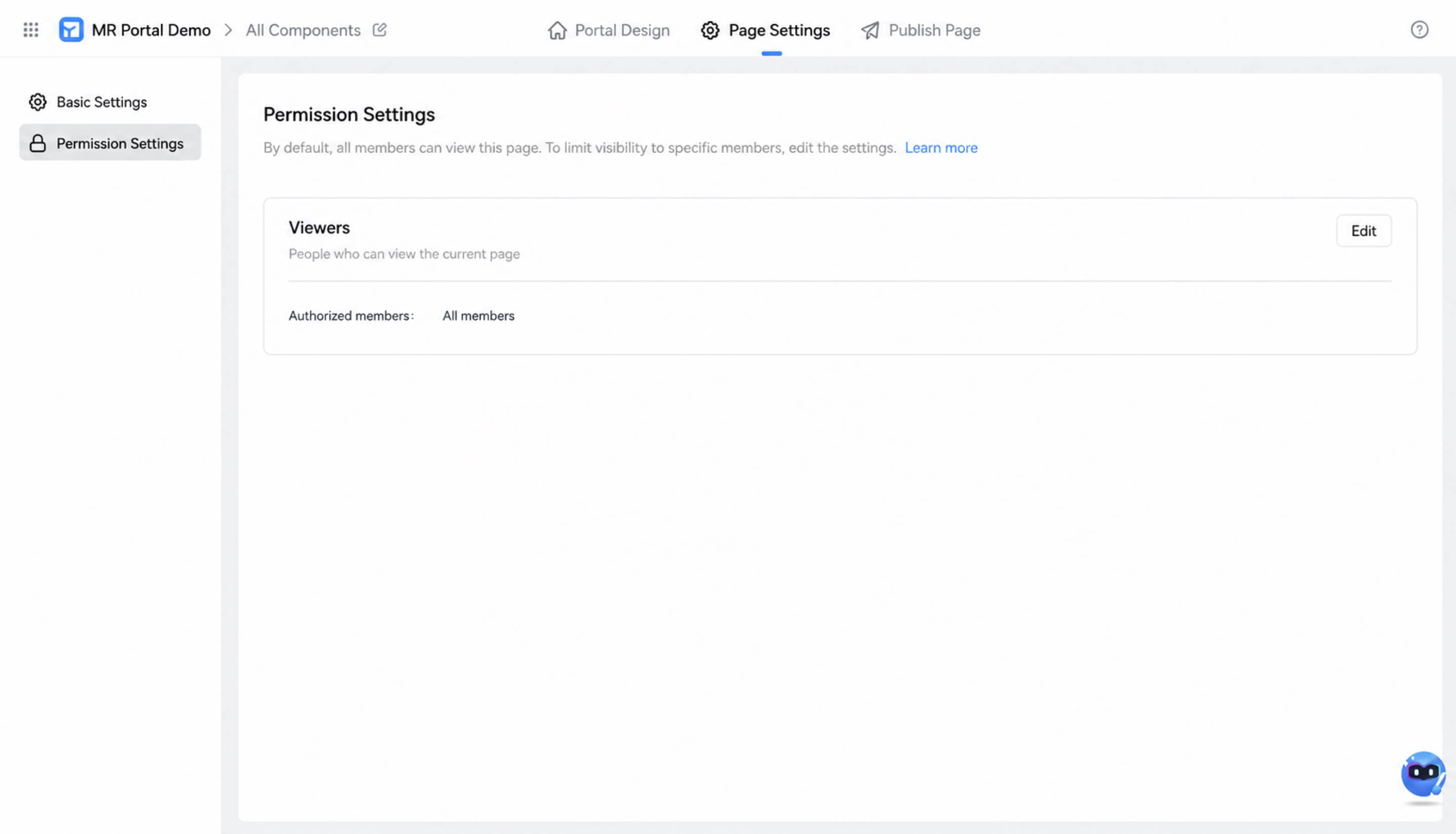
Page settings cover the basic and advanced configuration of a portal, such as basic settings and permission settings. For details, see Page settings.