Chats
Chats Calendar
 Meetings
 Contacts
 Mail
Mail Docs
Docs Drive
Drive AI Table
 AI Minutes
 Attendance
 Approval
 YiDA
YiDA Admin Console
For component attributes, usage, and examples, see the table component reference.
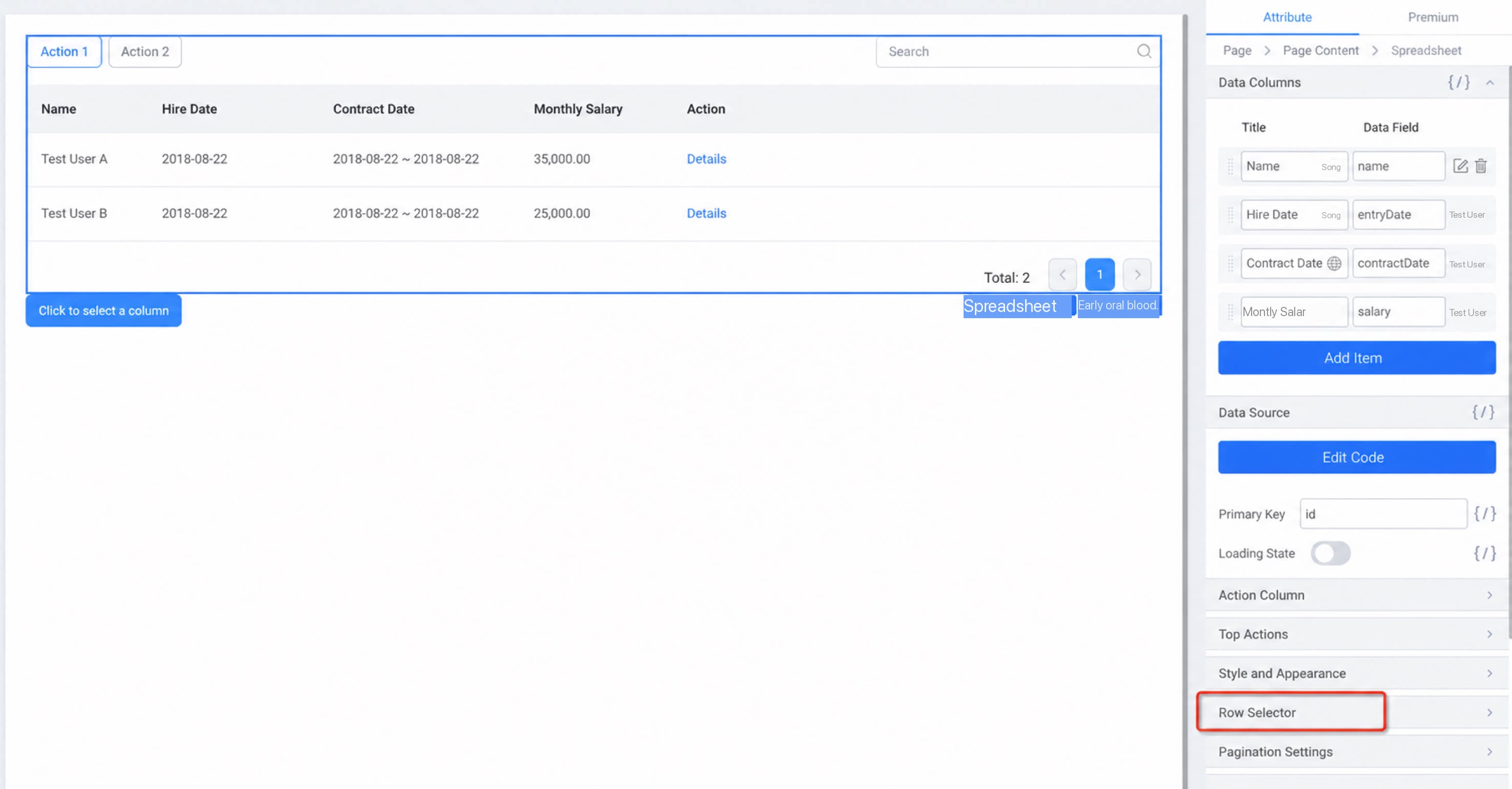
1. Control Table Row Selection with Code
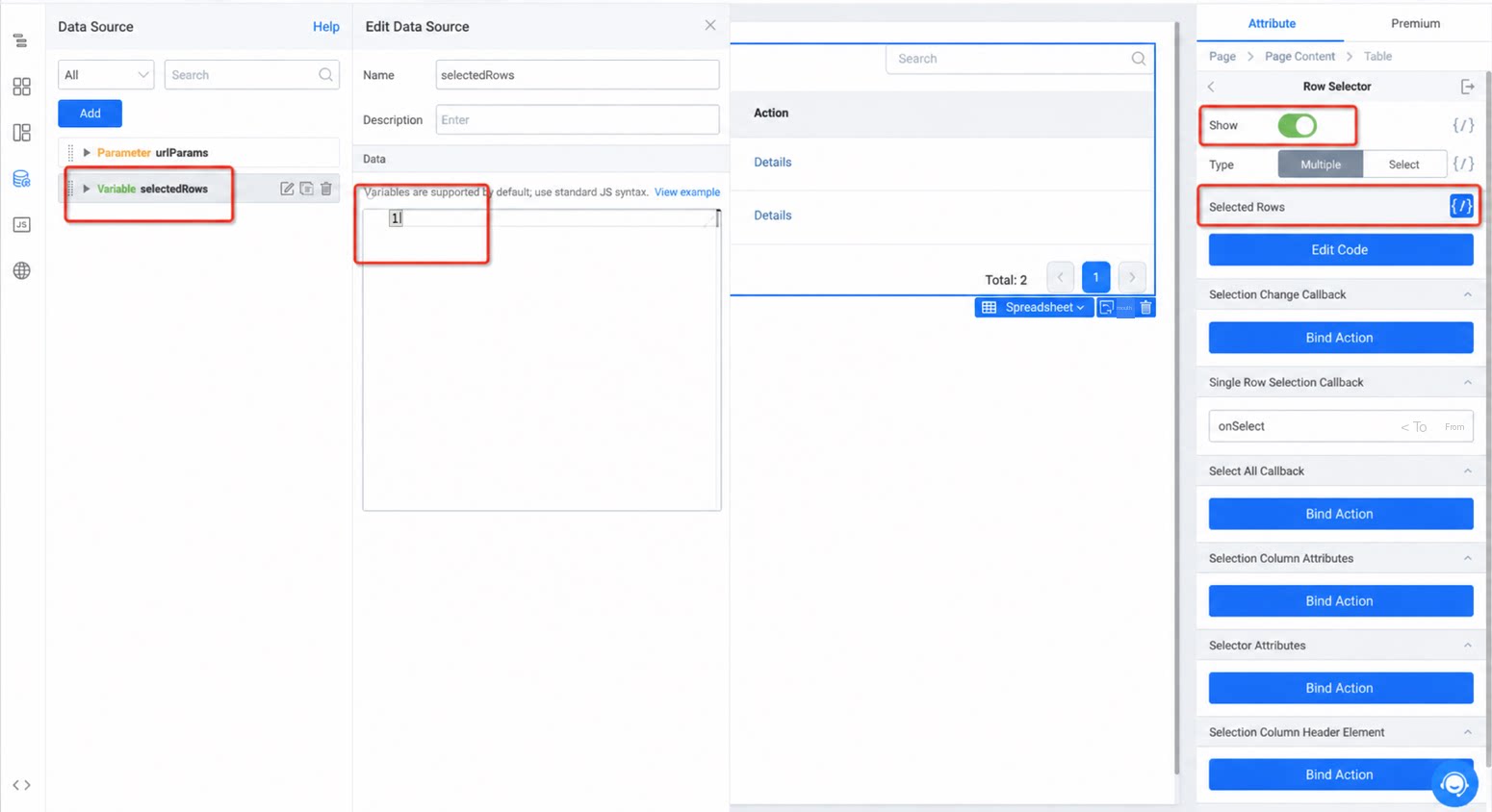
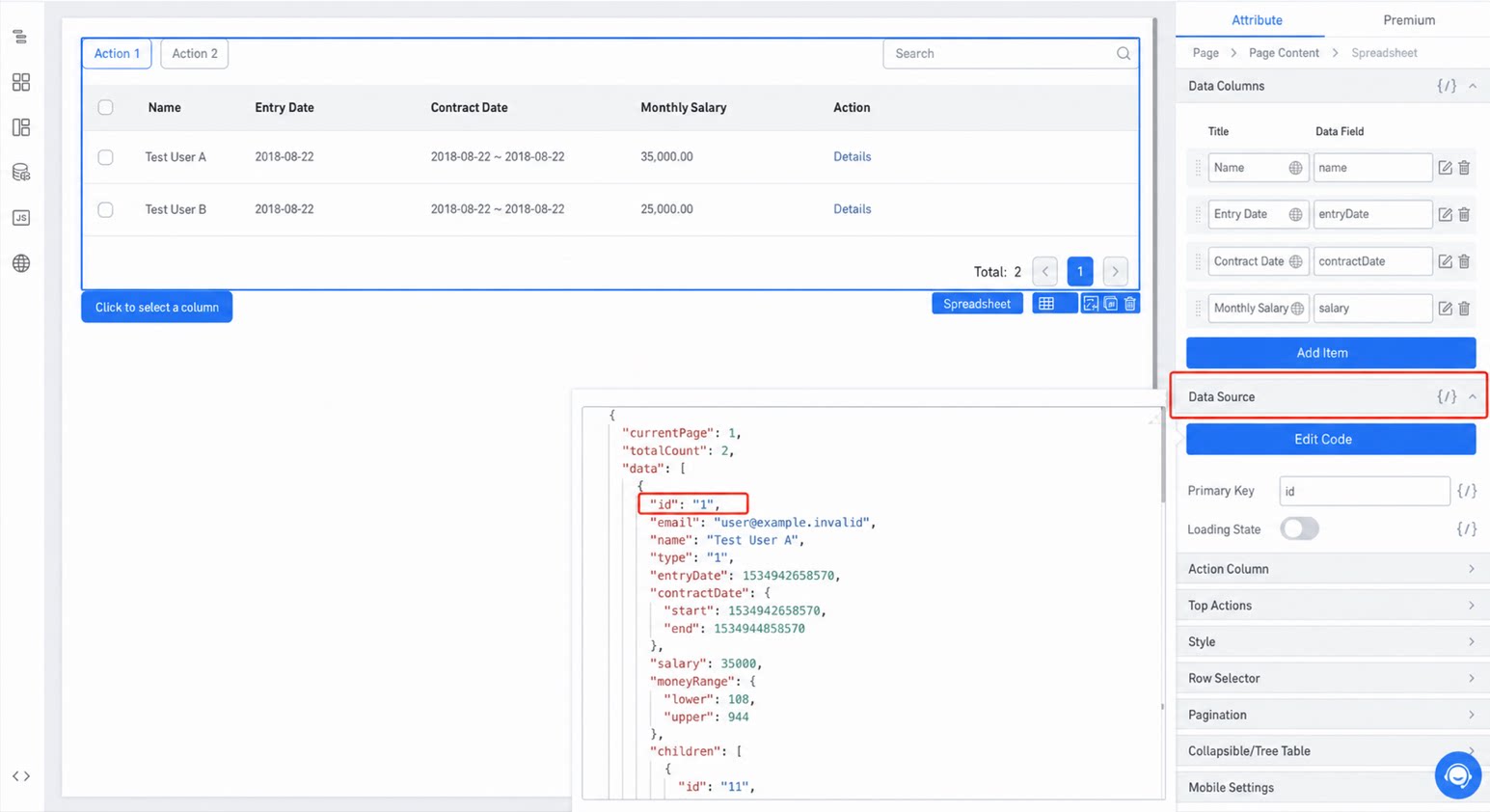
1.1 Select the Table Component and Click “Row Selector”
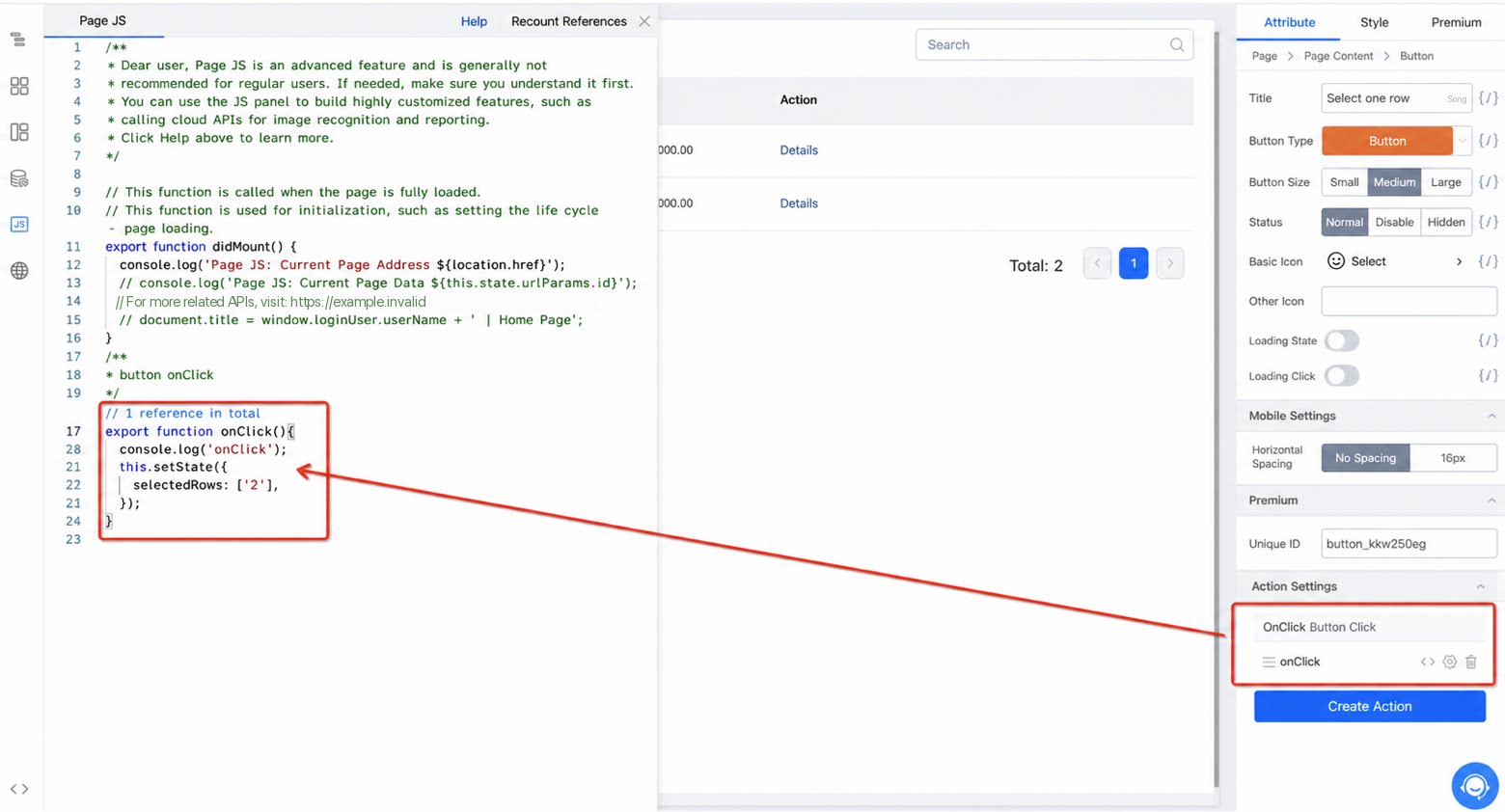
1.4 Bind an Event to Your Action Button and Control Row Selection by Updating the Custom Data Source
2. Retrieve Selected Rows
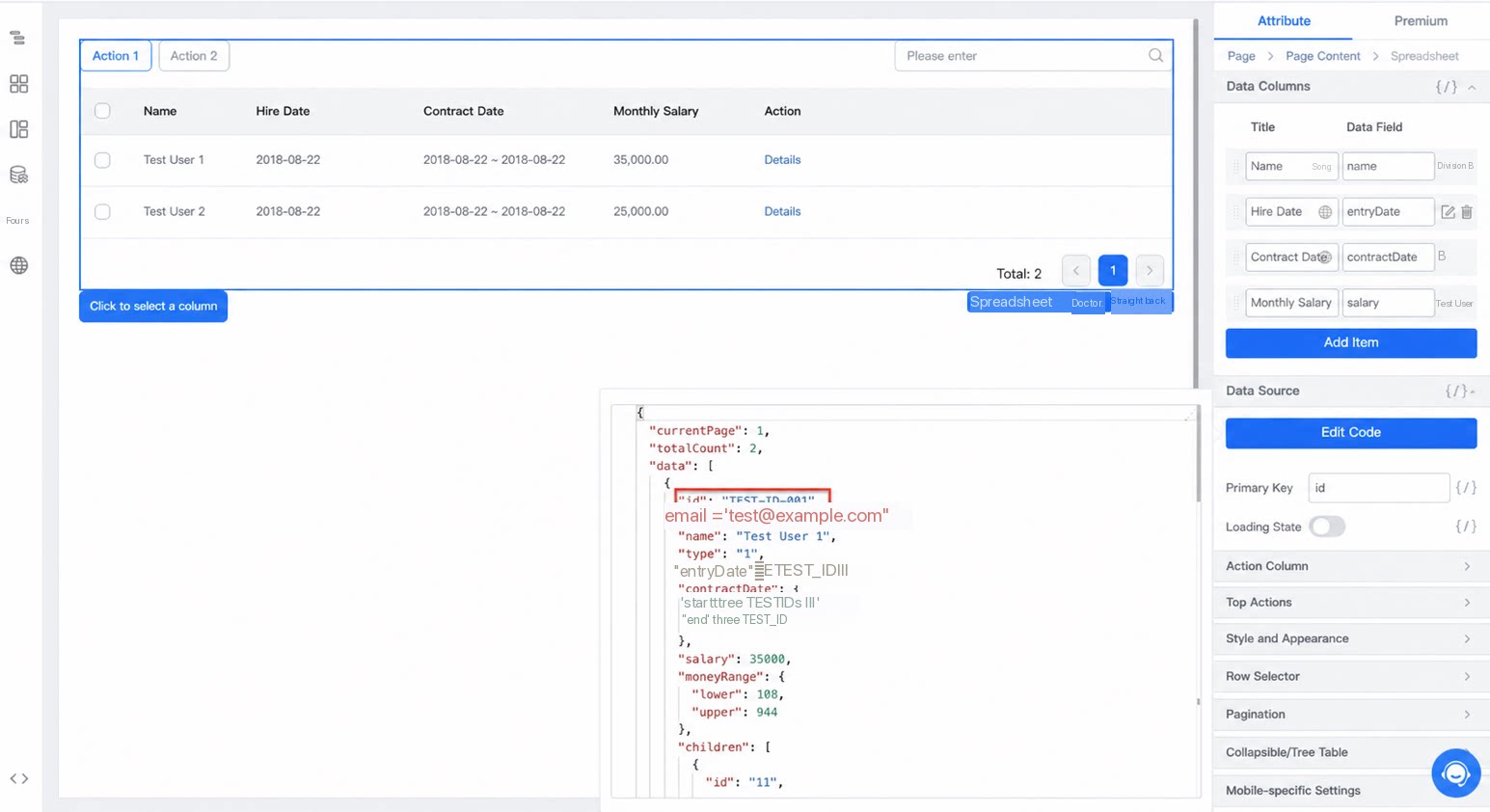
2.2 To Retrieve Them at Other Times, Create a “Variable” Data Source and Store Them Yourself
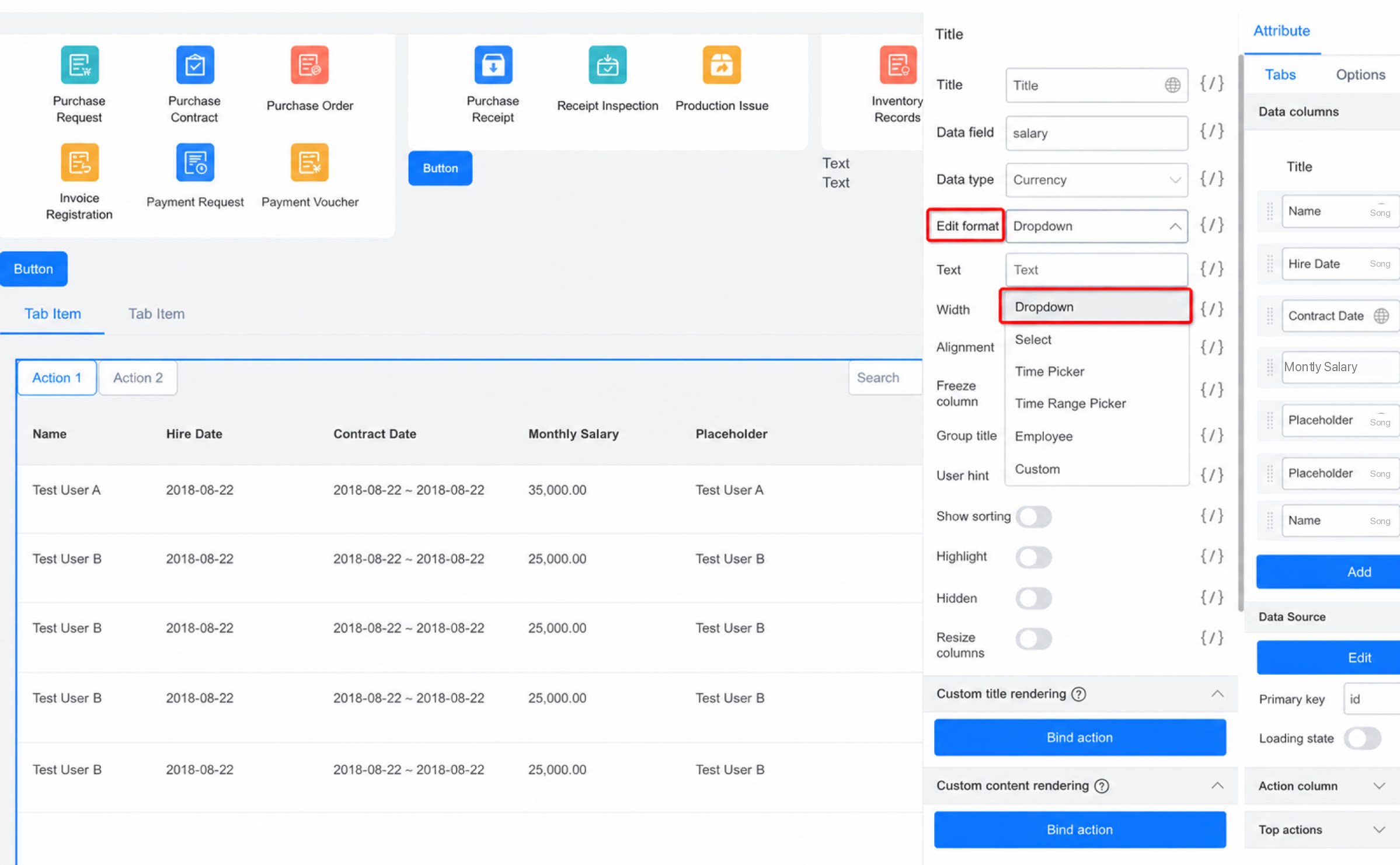
3. Set a Field’s Edit Format to Dropdown
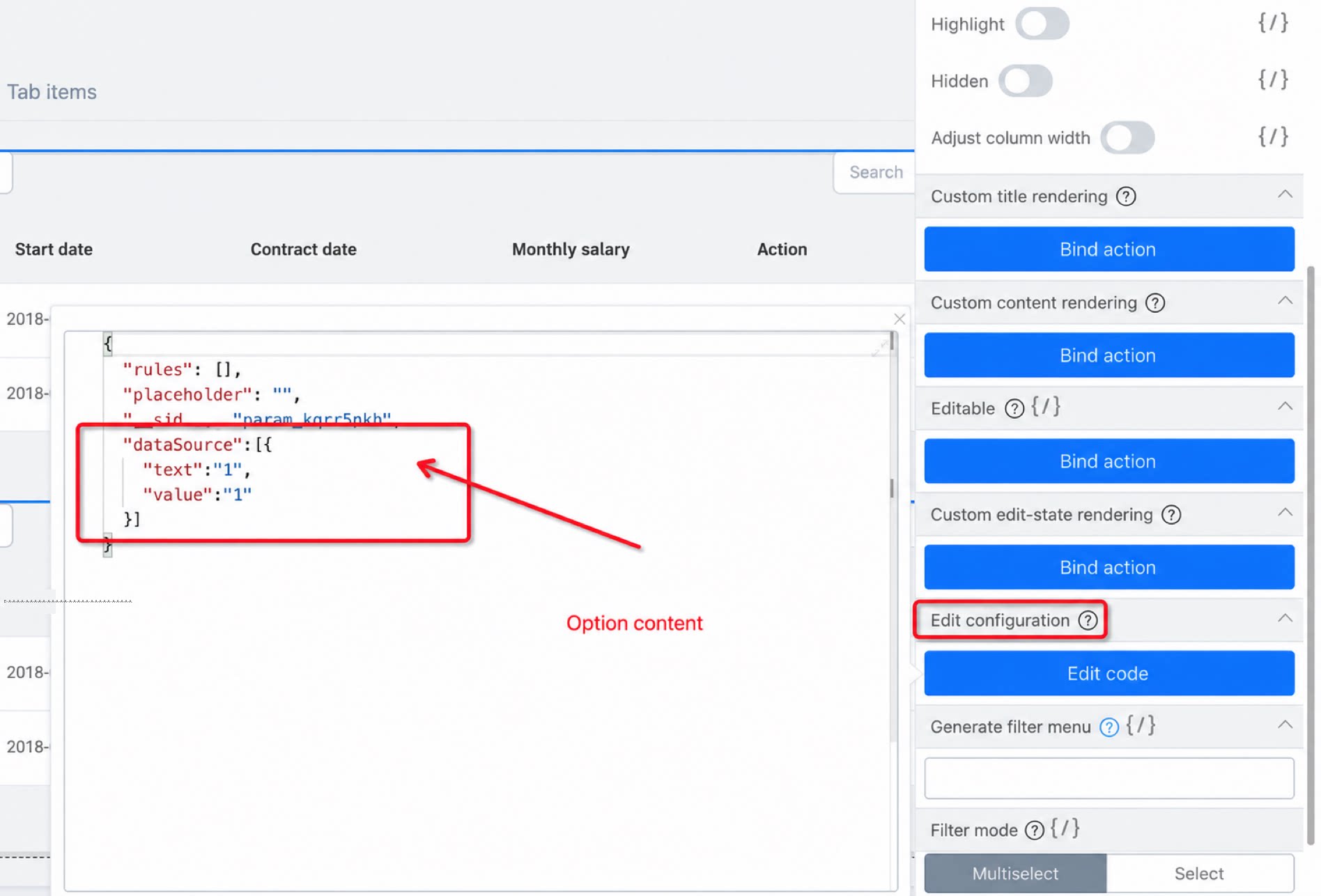
3.2 Update the Edit Configuration
Reference code:4. Expand Rendered Rows by Default After Enabling the Tree Structure
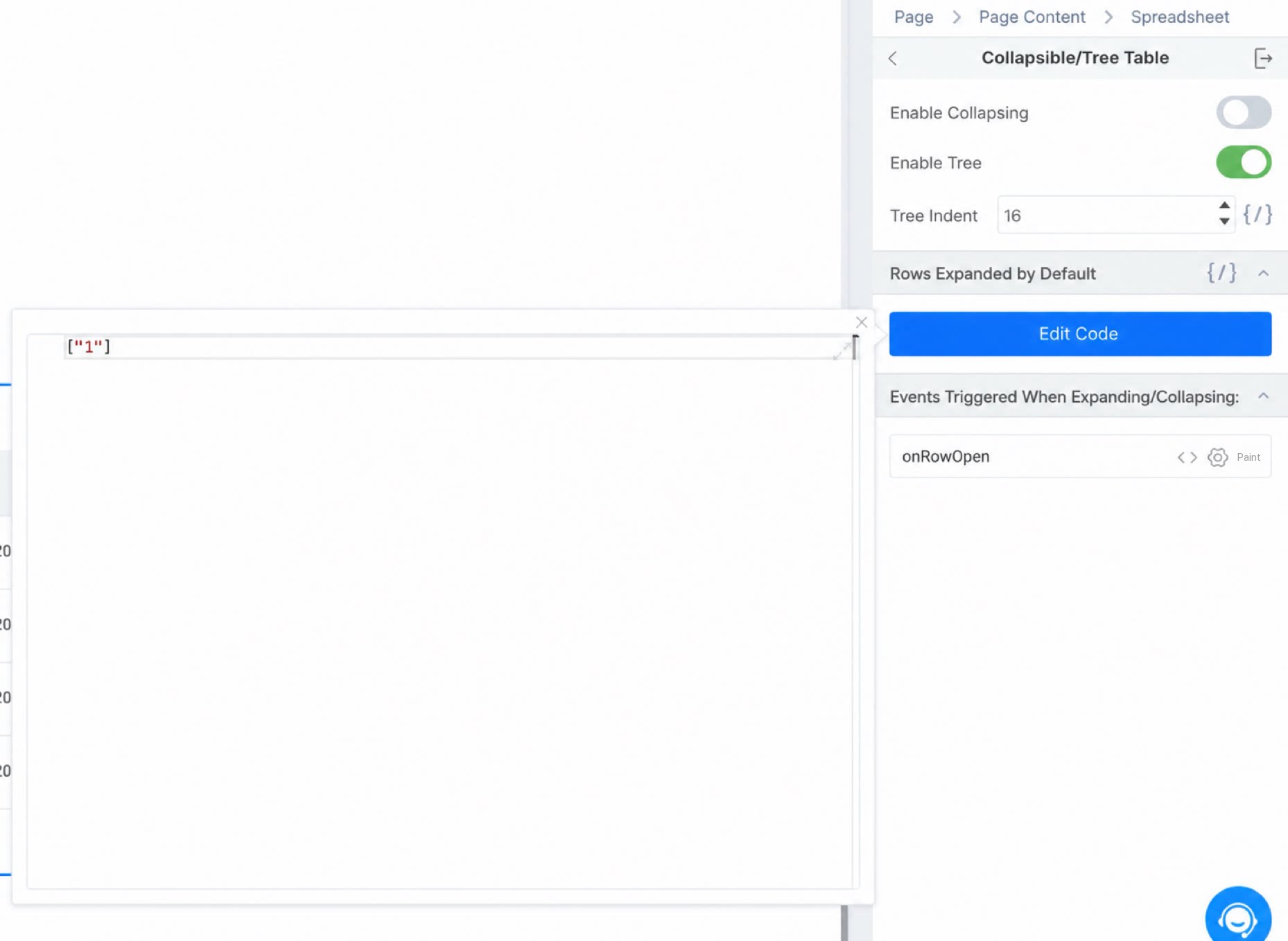
In the edit code, the data format must be an array whose values are the primary keys of each row. This expands the corresponding rows by default. You can also bind a variable and update it on each click to dynamically change which rows are expanded by default.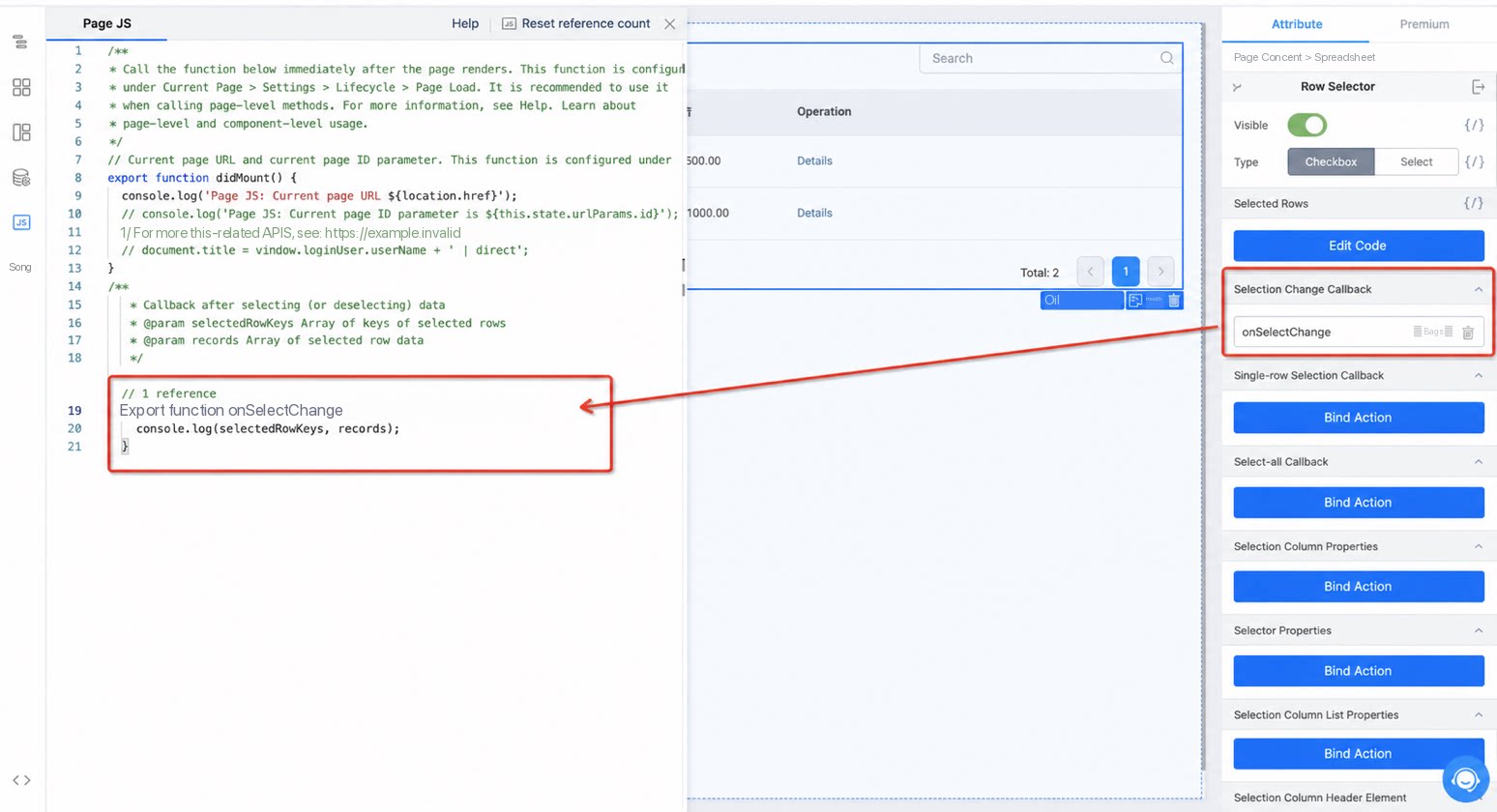
5. Detailed Table Documentation
View the full table documentation