

 Chats
Chats Calendar
 Meetings
 Contacts
 Mail
Mail Docs
Docs Drive
Drive AI Table
 AI Minutes
 Attendance
 Approval
 YiDA
YiDA Admin Console
1. Background
This section explains the motivation behind this iteration, which is aimed at YiDA developers such as ISV service providers or YiDA users who need to call APIs directly.2. Iteration Content List
This release covers 14 API changes across 4 modules and removes 11 unavailable APIs, as follows:| Module | API name and documentation link | Description | Use case | Details |
| Platform | Query the execution records of YiDA form service calls | Query service call execution records for a given YiDA form ID, including the call status, endpoint, and result. | For example, in the data management list of an organization’s YiDA App, use this API to retrieve service call record details for a form instance.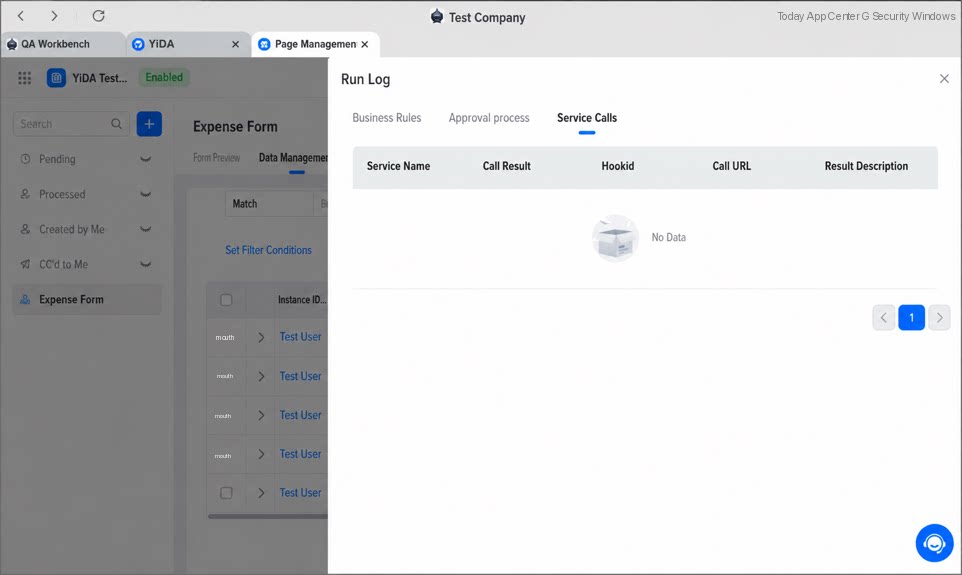 | — |
| Query the YiDA App list | Query the list of YiDA Apps under an organization, including App status, icon, and code. | For example, use this API to retrieve the details of YiDA Apps within your organization.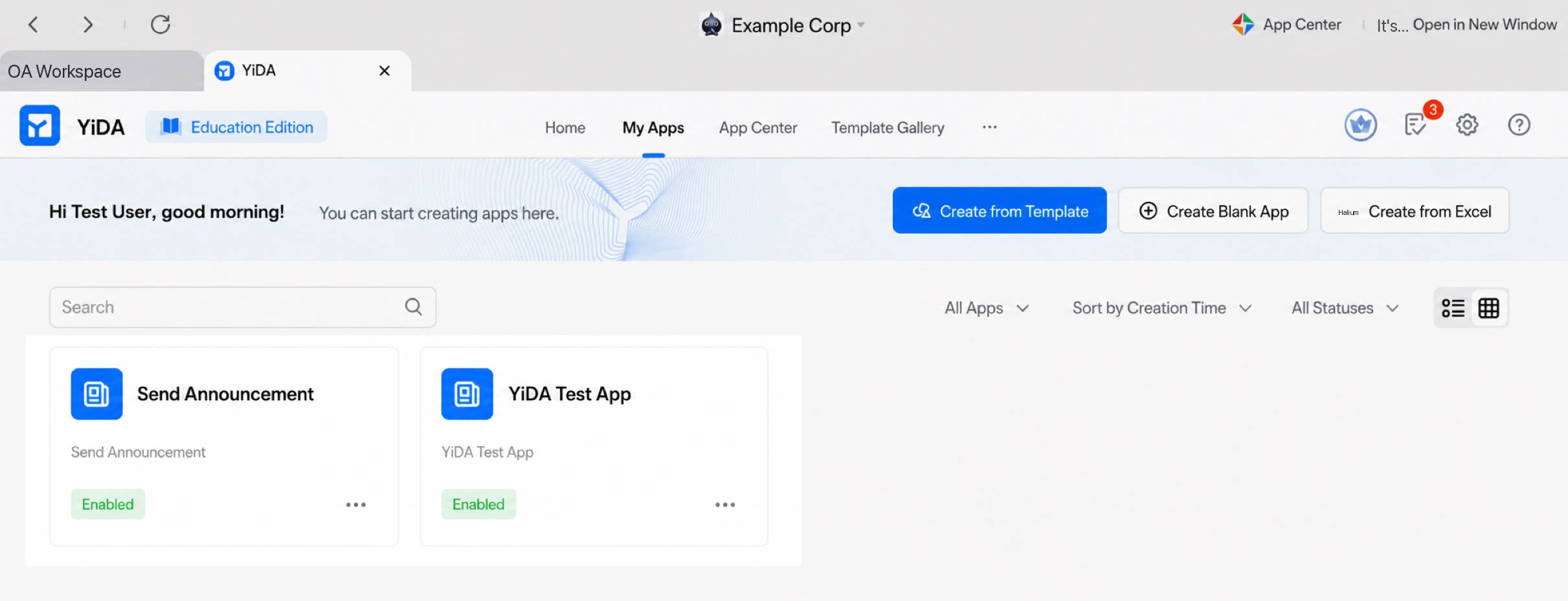 | — | |
| Data query and operations | Query form instances using advanced search conditions | Retrieve form instance details using Filters. | On the page shown, enter Filters to query form instances that meet the conditions. For example, filter by form submitter or creation start time.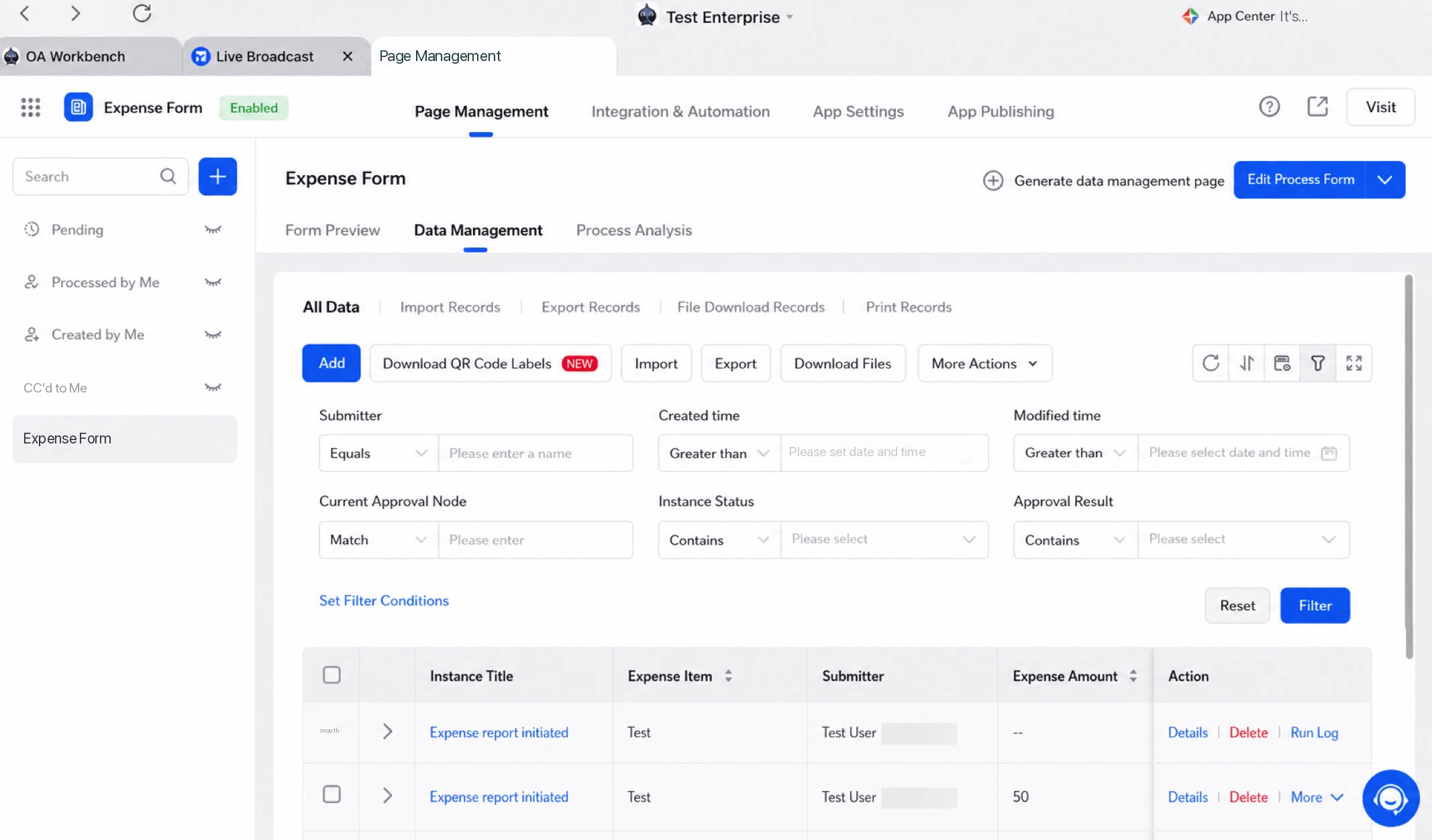 | 1. After switching to the new search storage structure, the query result cap increases from 5,000 to 30,000 records. 2. Both exact and fuzzy search are now supported, replacing the previous fuzzy-search-only behavior. 3. For all query APIs, if the searchFieldJson input parameter is provided, it now supports the Filter conditions used in “Data management”. For details, see Search using data management filter conditions.4. The Get workflow instance API adds the orderConfigJson input parameter to specify sorting rules. For how to fill in this parameter, see Built-in fields available for sorting search results. |
| Query form instance data | Call this API to query form instance data. | 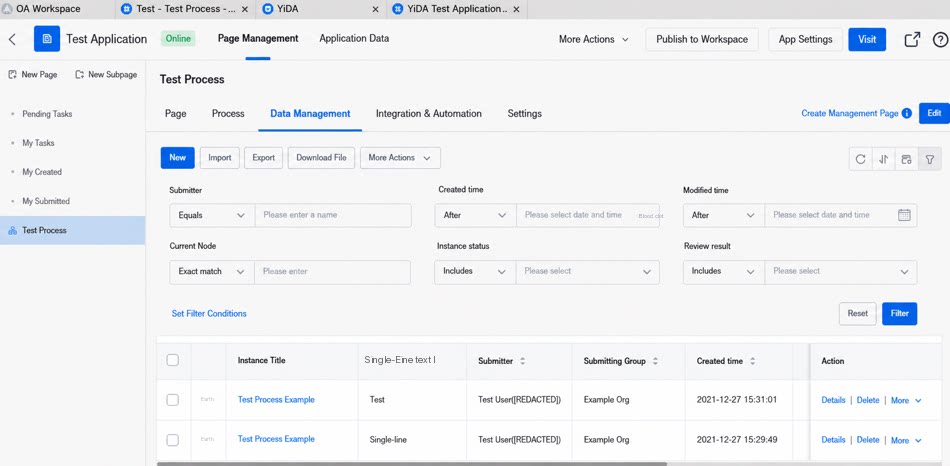 | ||
| Get workflow instance | Retrieve YiDA workflow instance information, including instance ID, created time, and initiator. | For example, call this API to retrieve details for workflow instances in an organization’s YiDA App workflow list.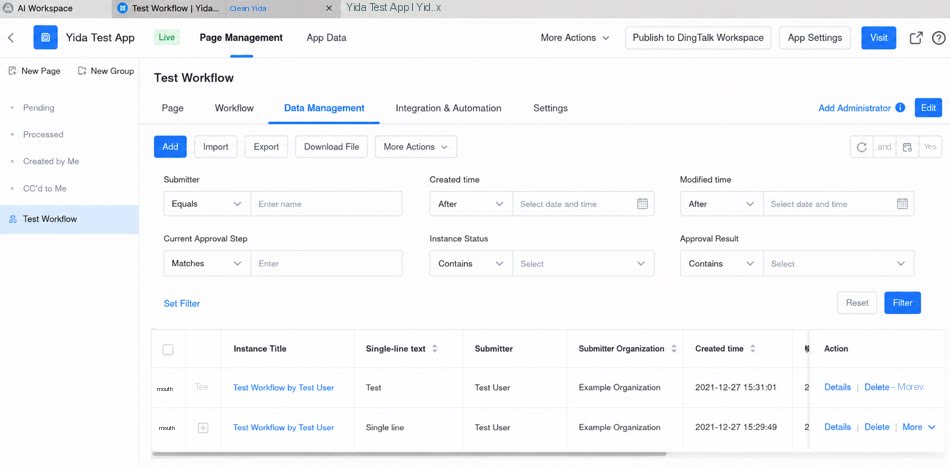 | ||
| Get subform data | Call this API to get subform Component data using the form instance ID and the subform Component’s unique identifier. | 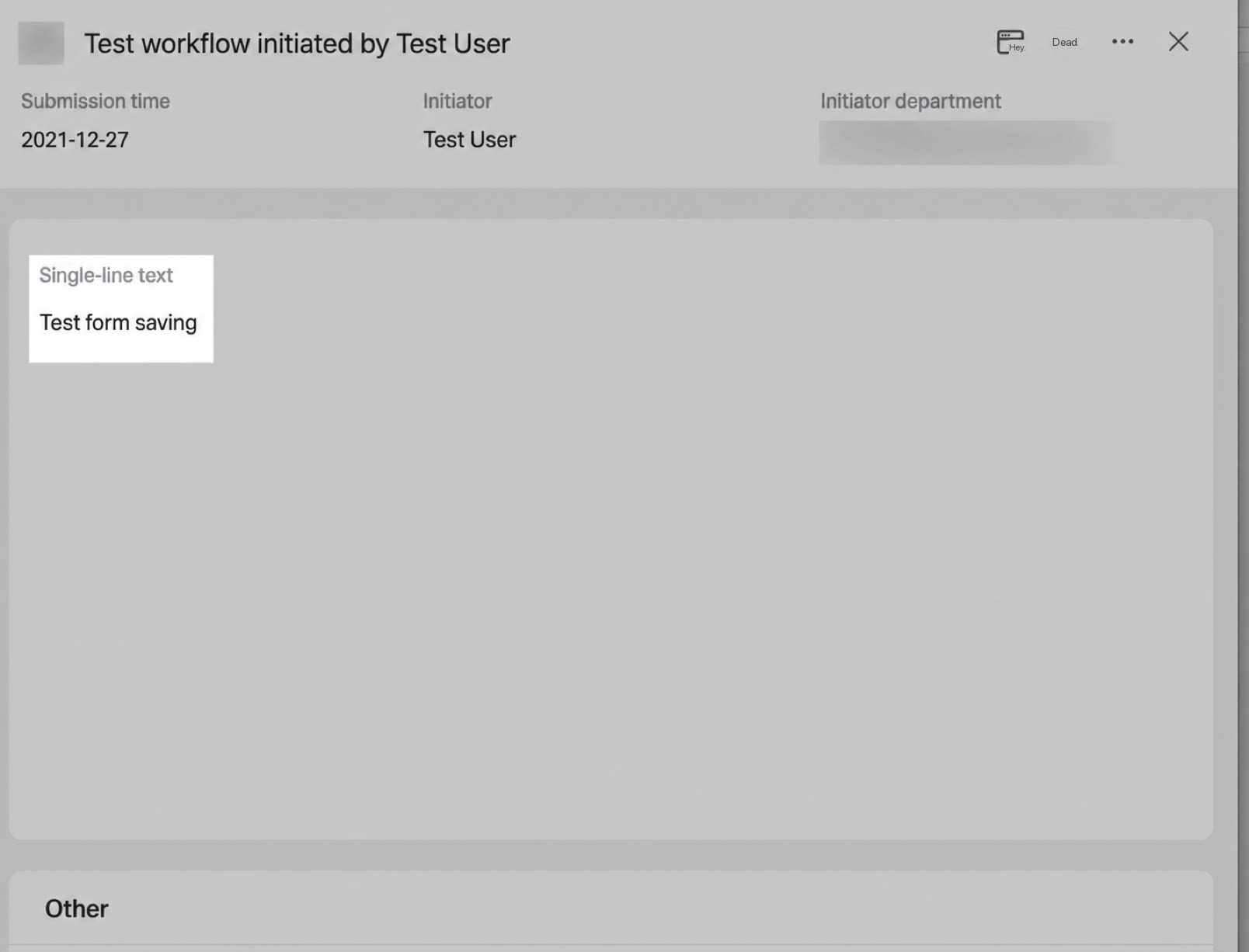 | — | |
| Get main table data | Query main table data separately. | 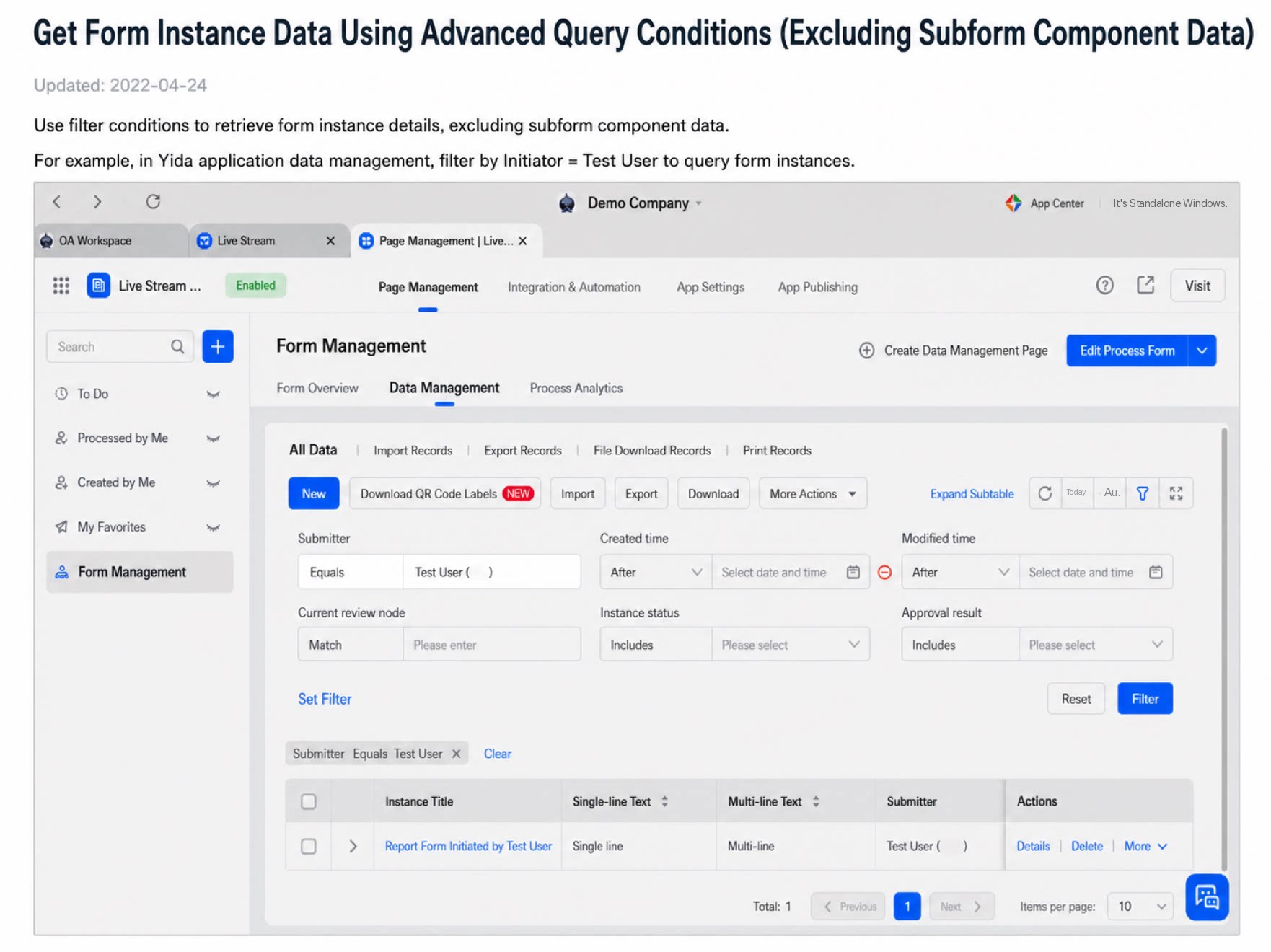 | If the form page contains a large number of subform Components (not a large number of subform instances) and the “Query form data” openAPI times out, split the operation into two steps: Step 1: Use Get main table data to query the main table. Step 2: Use Get subform data to query the required subform data. | |
| Add or update a form instance | Filter form instances by the given conditions. If matching instances are found, update them with the specified form values; otherwise, create a new instance with the specified form values. | 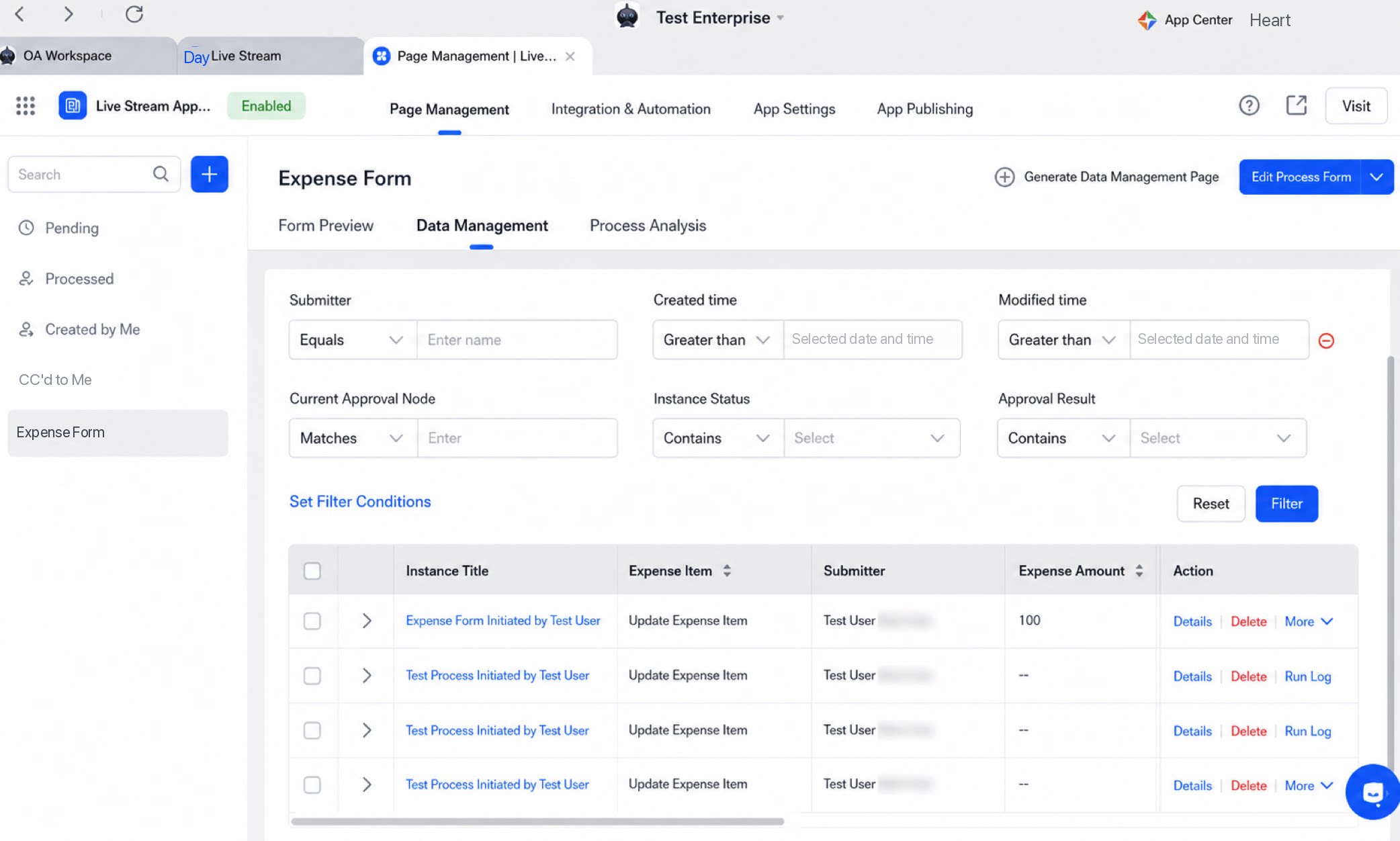 Original data Original dataData exists that meets the conditions No matching data exists, so a new record is created 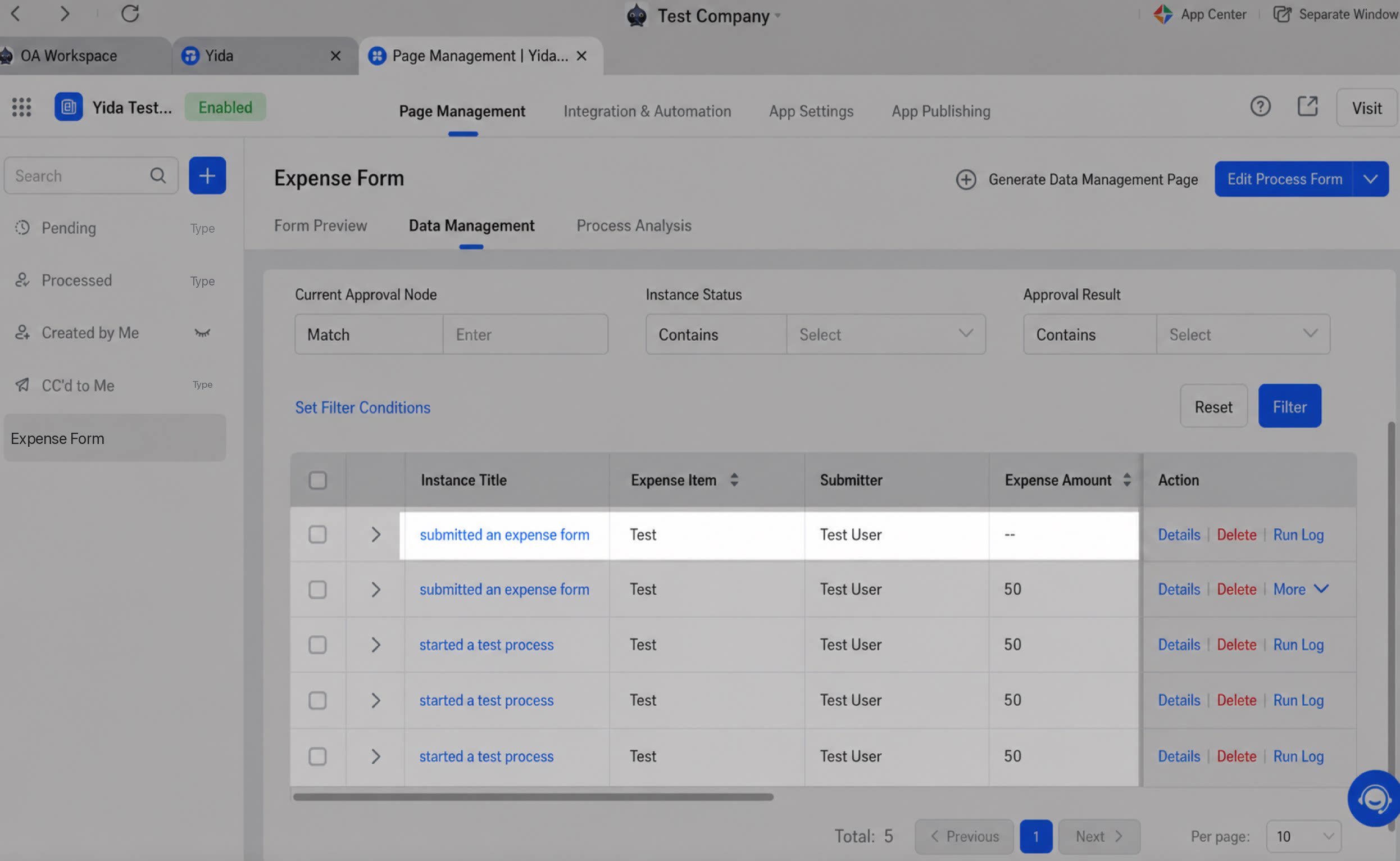 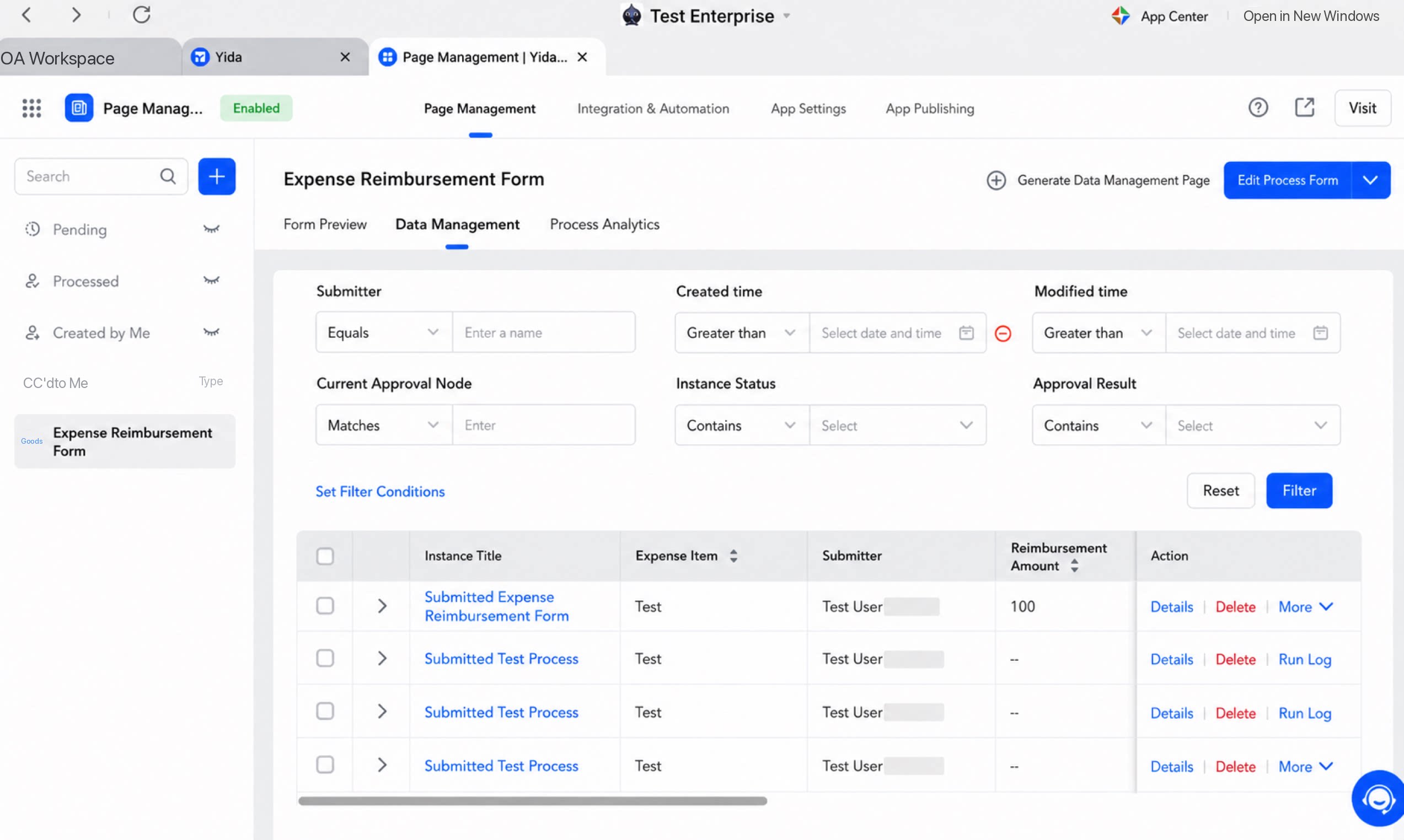 | Applies to cases where the openAPI (whether the open platform or a frontend API) must comply with business association rules, such as validating the Unique value of a record number. (Duplicates are currently hard to detect and cannot be surfaced directly. For example, before every write you must query whether the Unique Field already exists, requiring more than two API calls per record.) | |
| Batch operations | Batch create form instances | Batch create form instance data and return the IDs of the newly created instances. | For example, call this API on the YiDA instance list in the data management view of an organization’s YiDA App to add a new instance whose reimbursement item is “Batch add form instance”. Original form data Data after the call succeeded 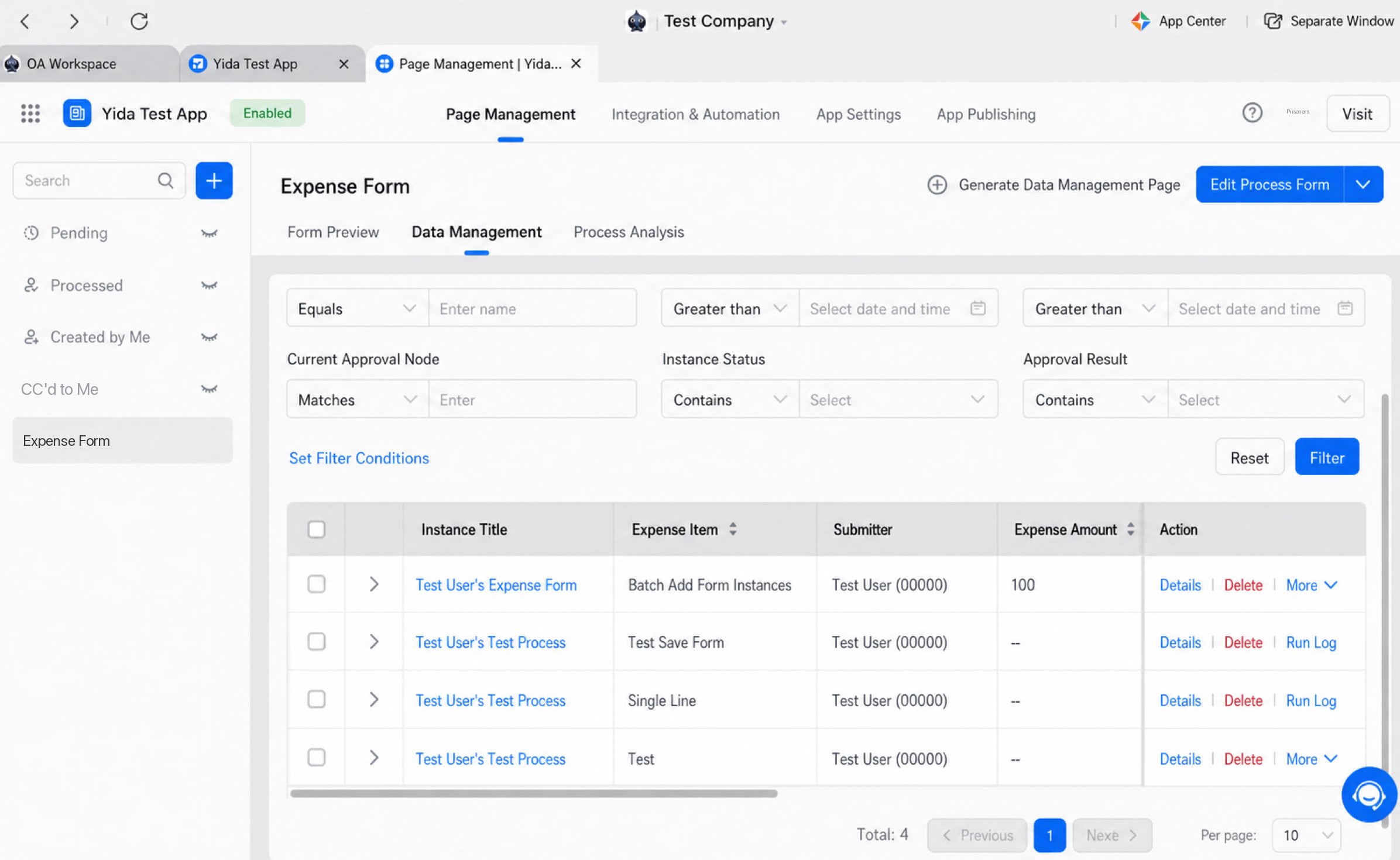 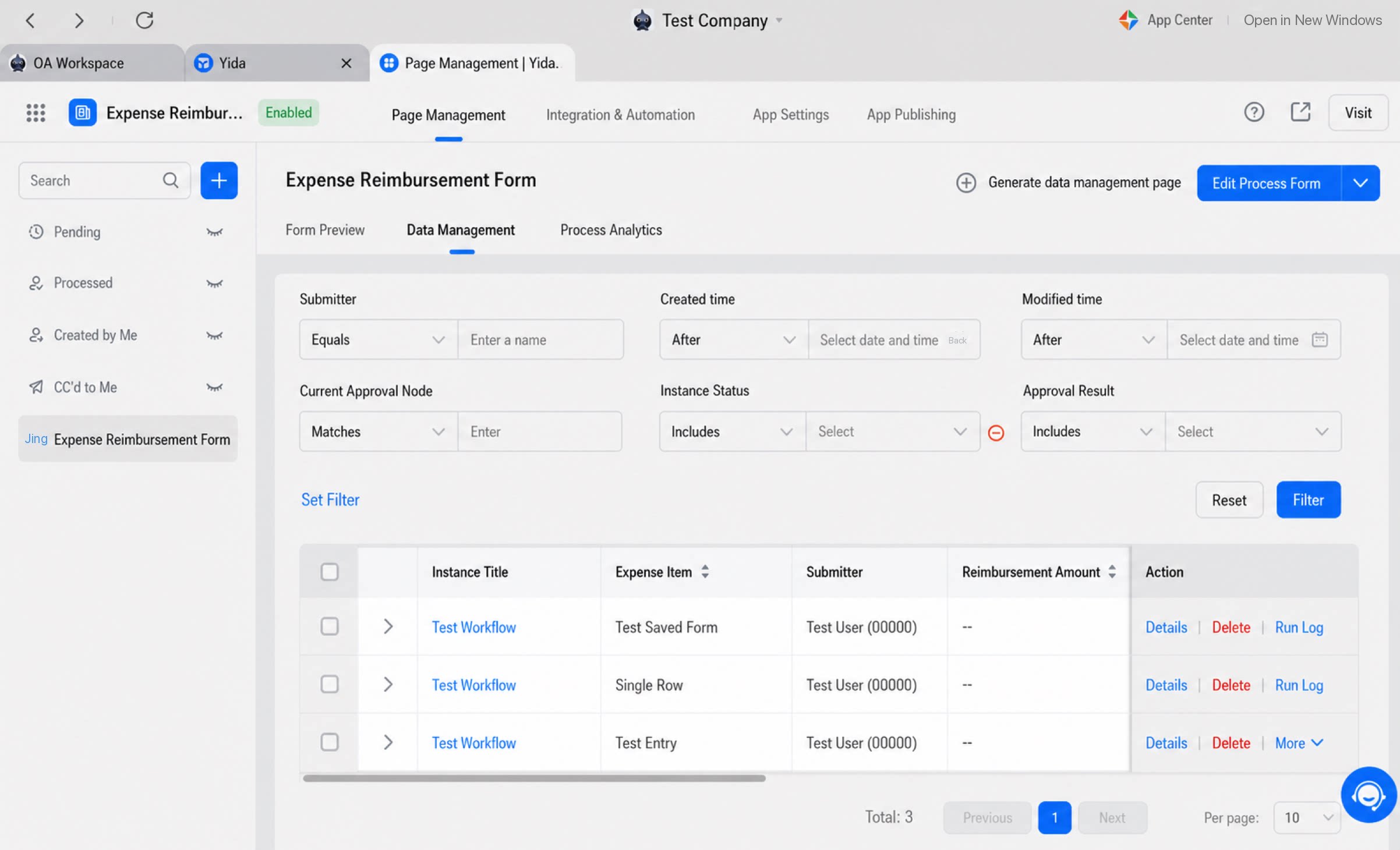 |
|
| Batch delete form instances | Batch delete form instance data and remove records from the form instance list. | For example, an organization’s YiDA App data management view contains four YiDA form instances. Call this API to delete the first YiDA instance. Original form data Form data after the call succeeded 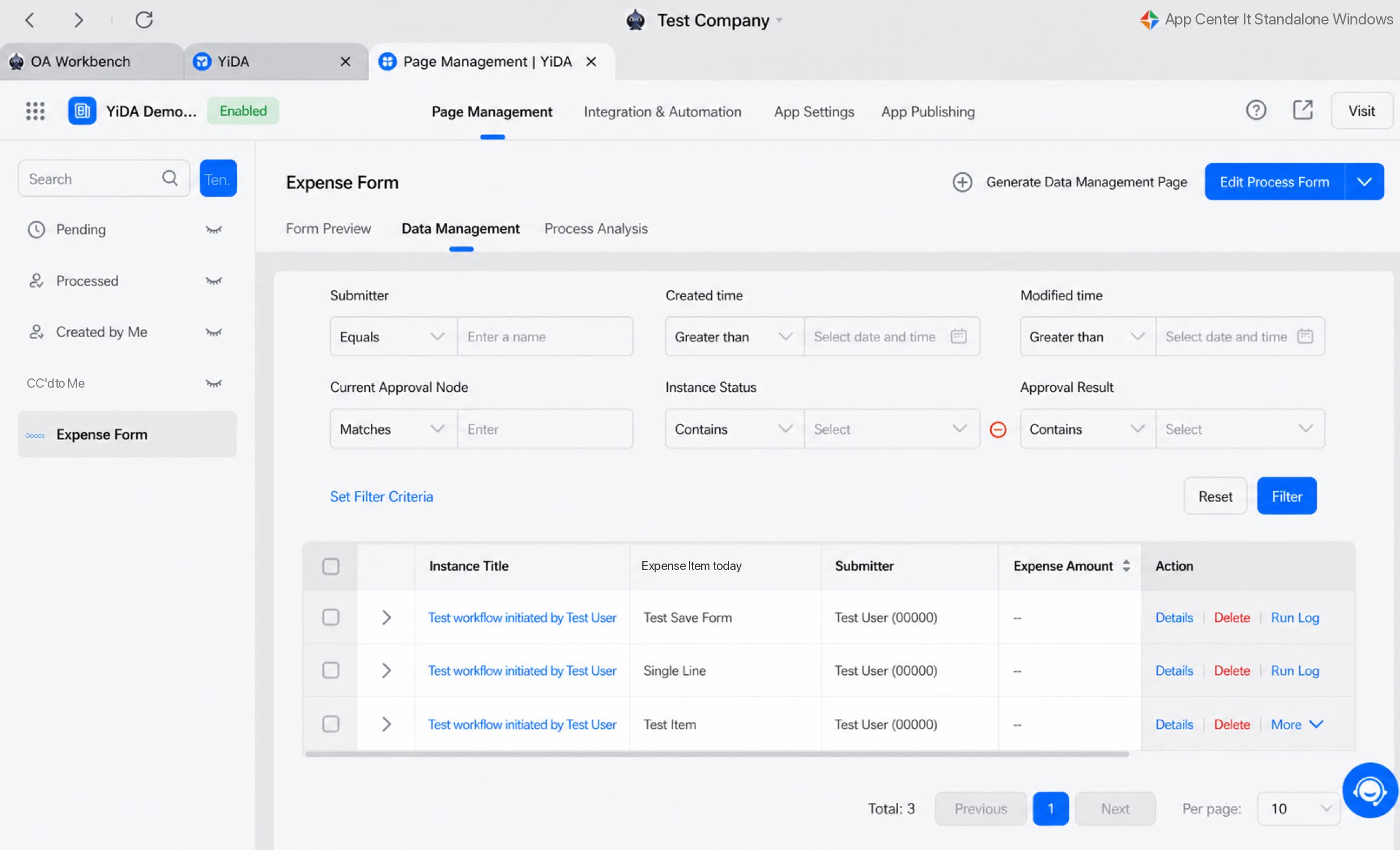 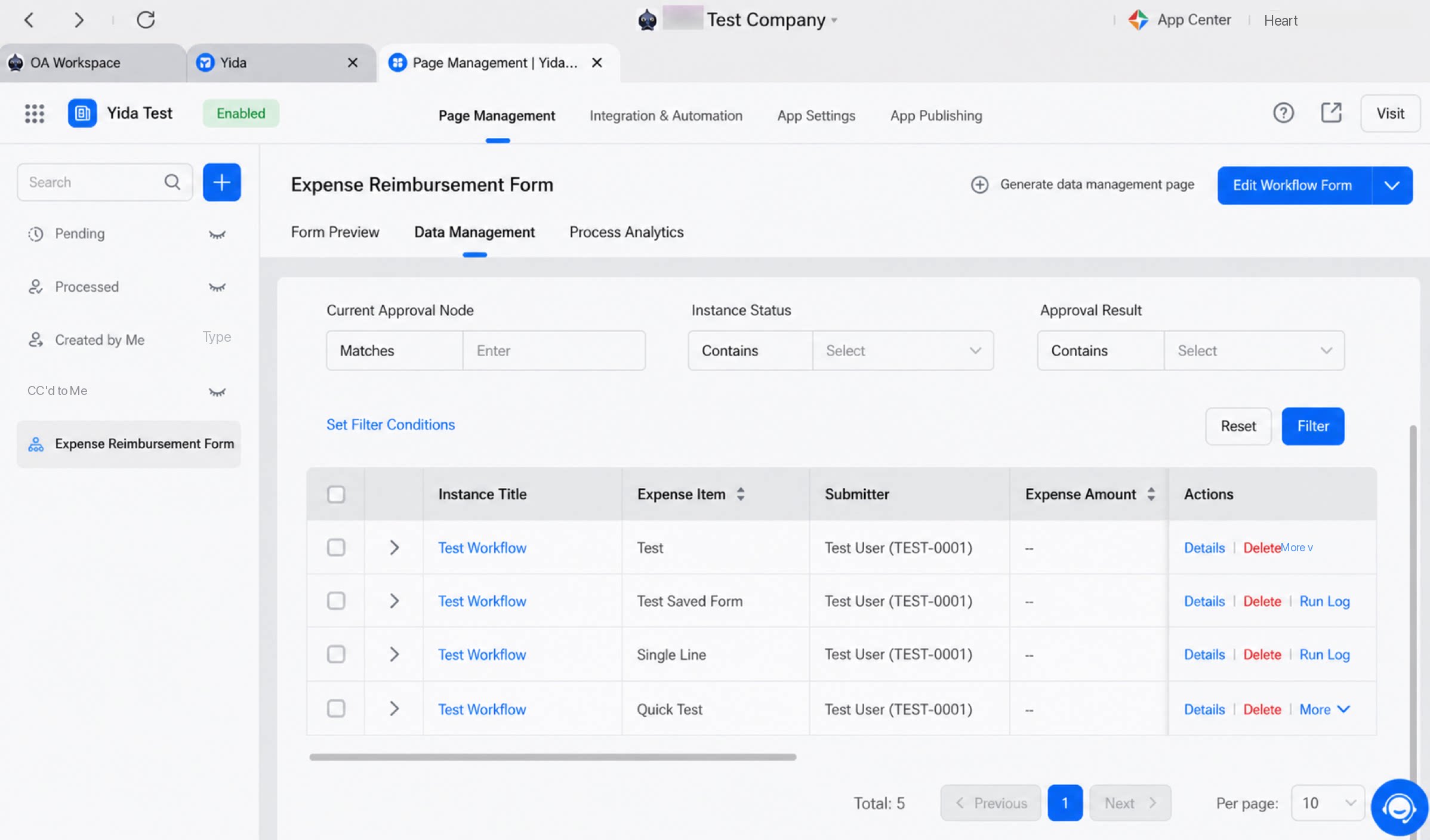 |
| |
| Batch update component values in form instances | Batch update Component values in YiDA form instances by YiDA form instance ID. | For example, call this API on the form instance list of an organization’s YiDA App to batch update the reimbursement item Component value across four forms. The reimbursement item value is changed to “Updated reimbursement item”. Original form data Form data after a successful call 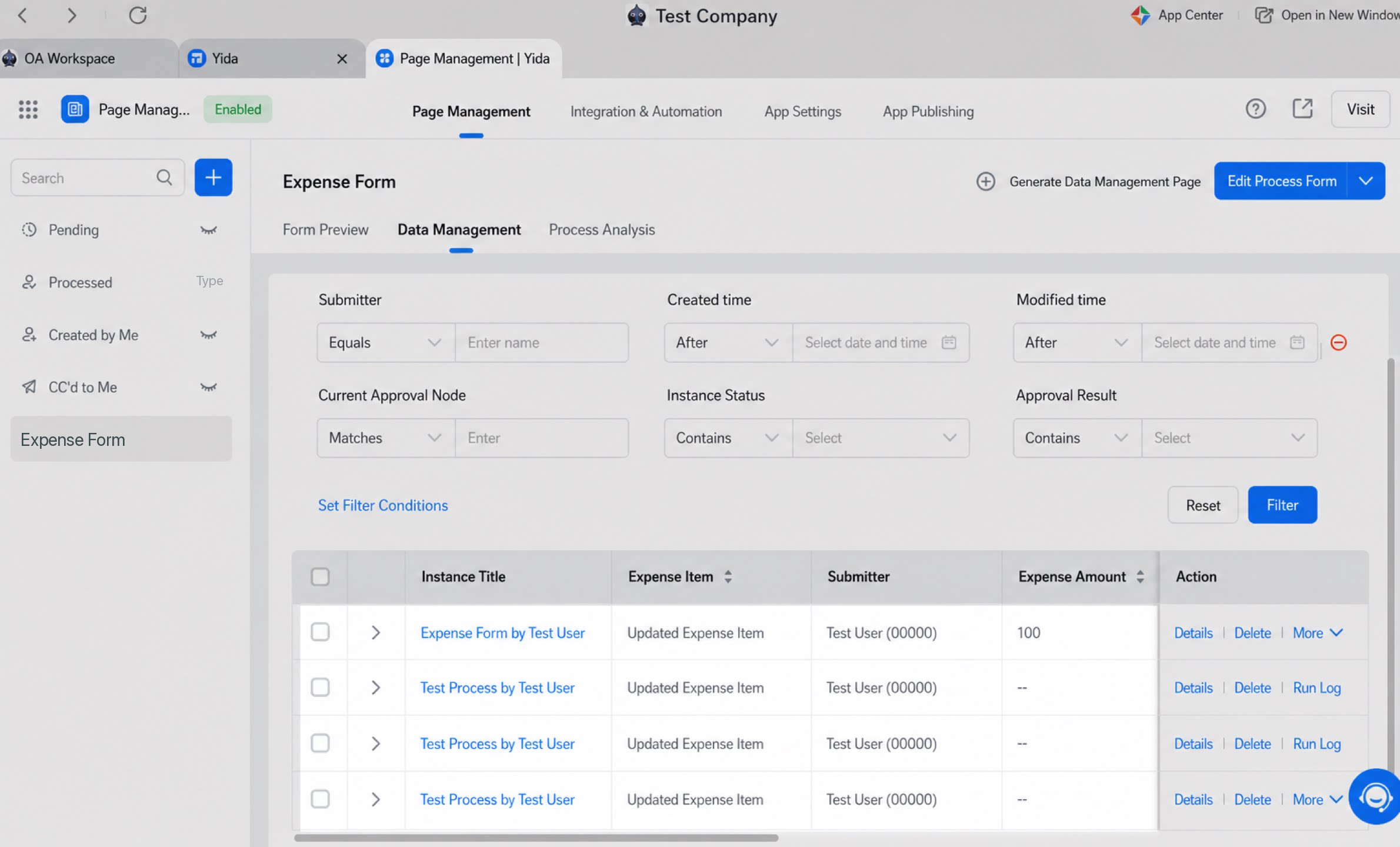 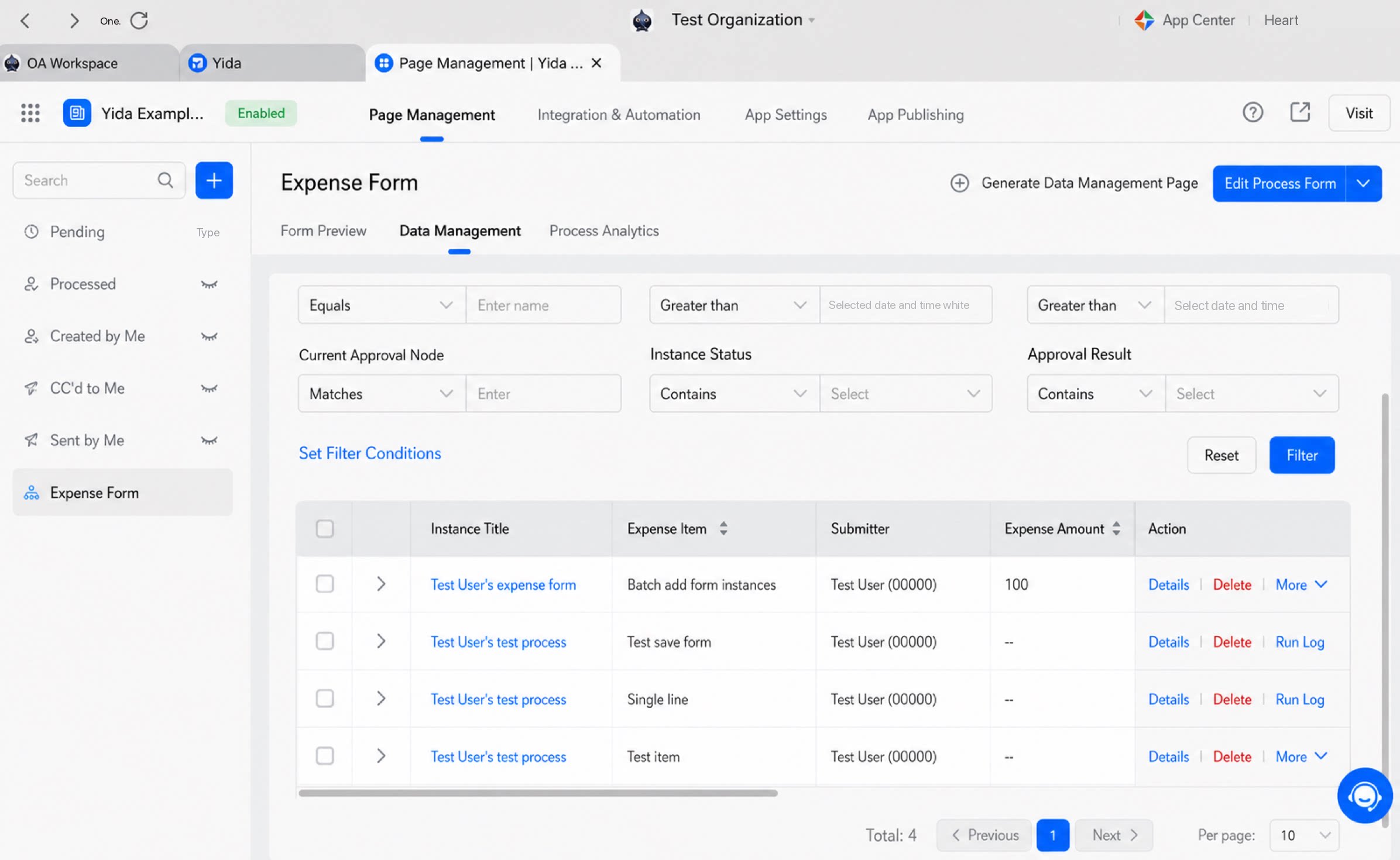 |
| |
| Batch update form instances by form instance data | Batch update form instance information based on YiDA form Component data. | For example, in an organization’s YiDA App data management list, four YiDA form instances all use the reimbursement item Component. Call this API to update the value of the reimbursement item Component and thereby update all four YiDA forms. Original form data Form data after a successful call 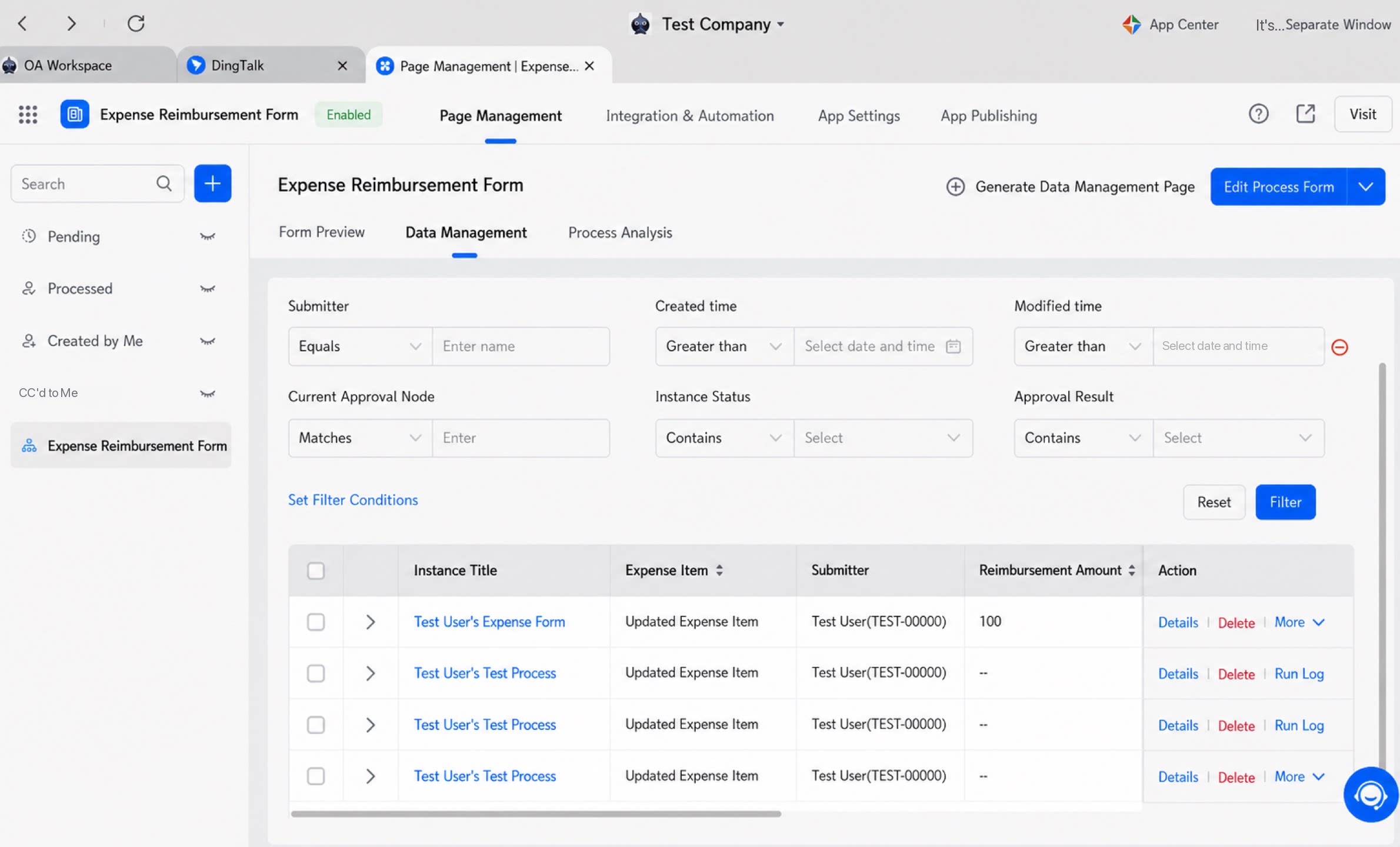 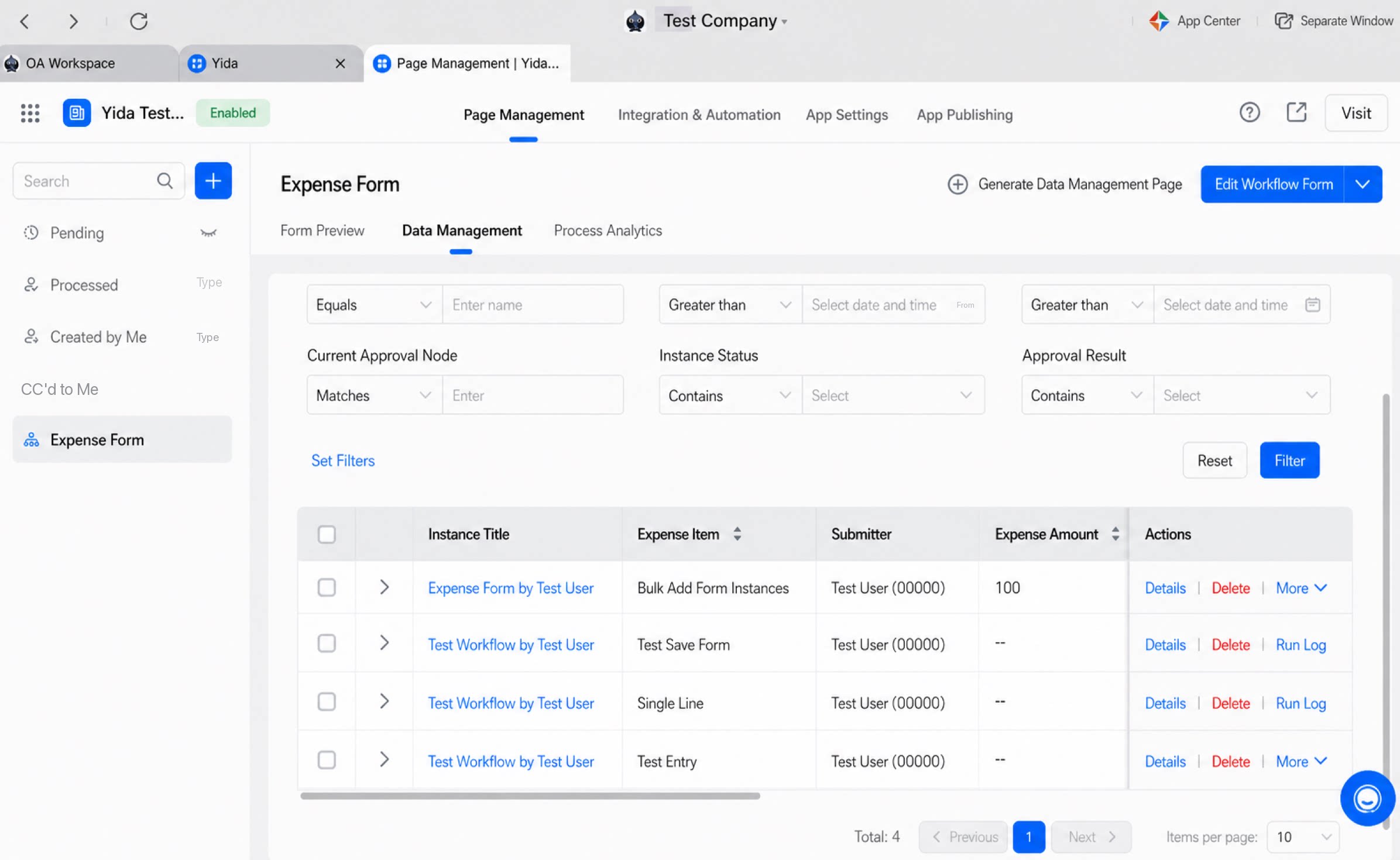 | ||
| Batch get form instance data | Batch retrieve form instance details, including instance name and submitter. | For example, call this API on the YiDA instance list in an organization’s YiDA App data management view to batch query instance details by instance ID.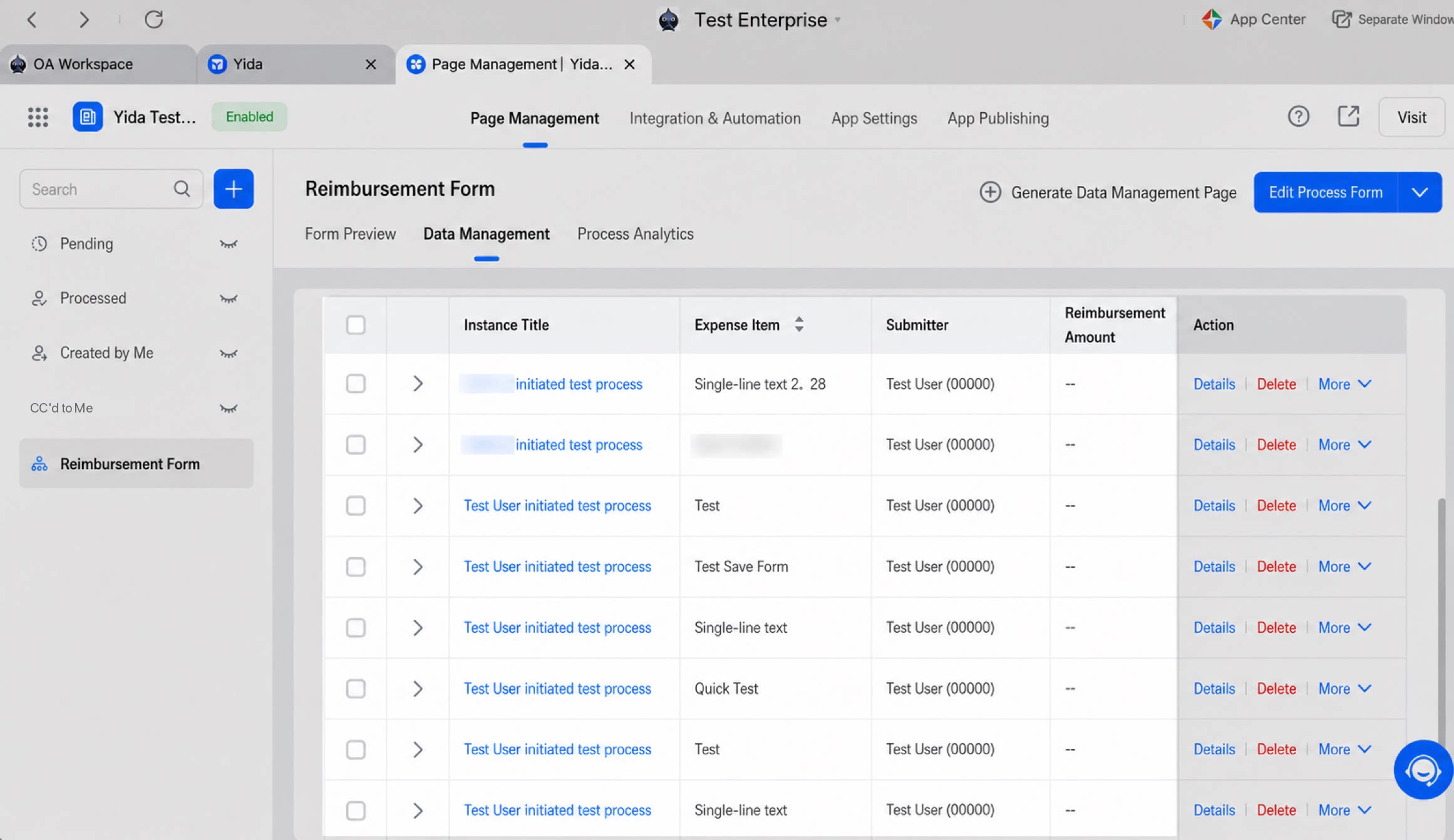 | ||
| Component | Save form data (single creation) | Call this API to create a YiDA form instance without an approval process. | 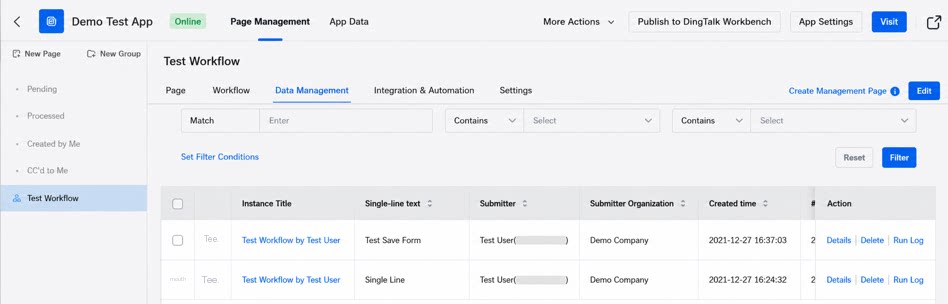 | |
| Batch creation, same as Batch create form instances | — | — | — | |
| Other | YiDA platform self-invocation APIs are unstable | Resolved: searchFieldJson.json occasionally fails to return data for extended periods, especially after a loading indicator is added (refreshing resolves the issue). | Solution: Use /dingtalk/web/APP_PR185LWG5XWYCPITZ58C/query/formProcInstData/getInstanceDatasLight.json to set the subform data size returned per query. | — |
Removed the following APIs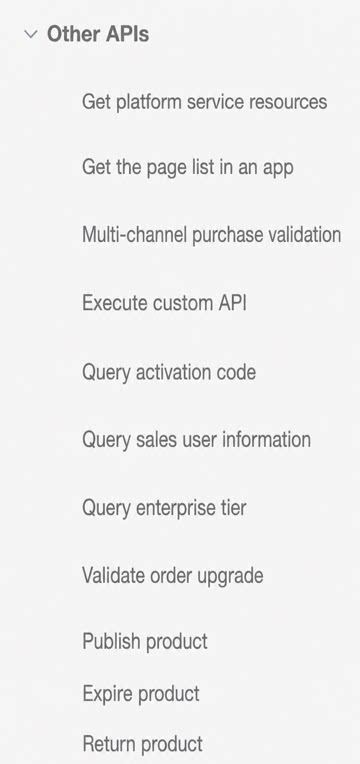 | — | — | — | |
Reorganized the API categories:
| — | — | — |