

 Chats
Chats Calendar
 Meetings
 Contacts
 Mail
Mail Docs
Docs Drive
Drive AI Table
 AI Minutes
 Attendance
 Approval
 YiDA
YiDA Admin Console
This topic introduces each governance capability available in the Dedicated edition and explains how to configure it for your organization.
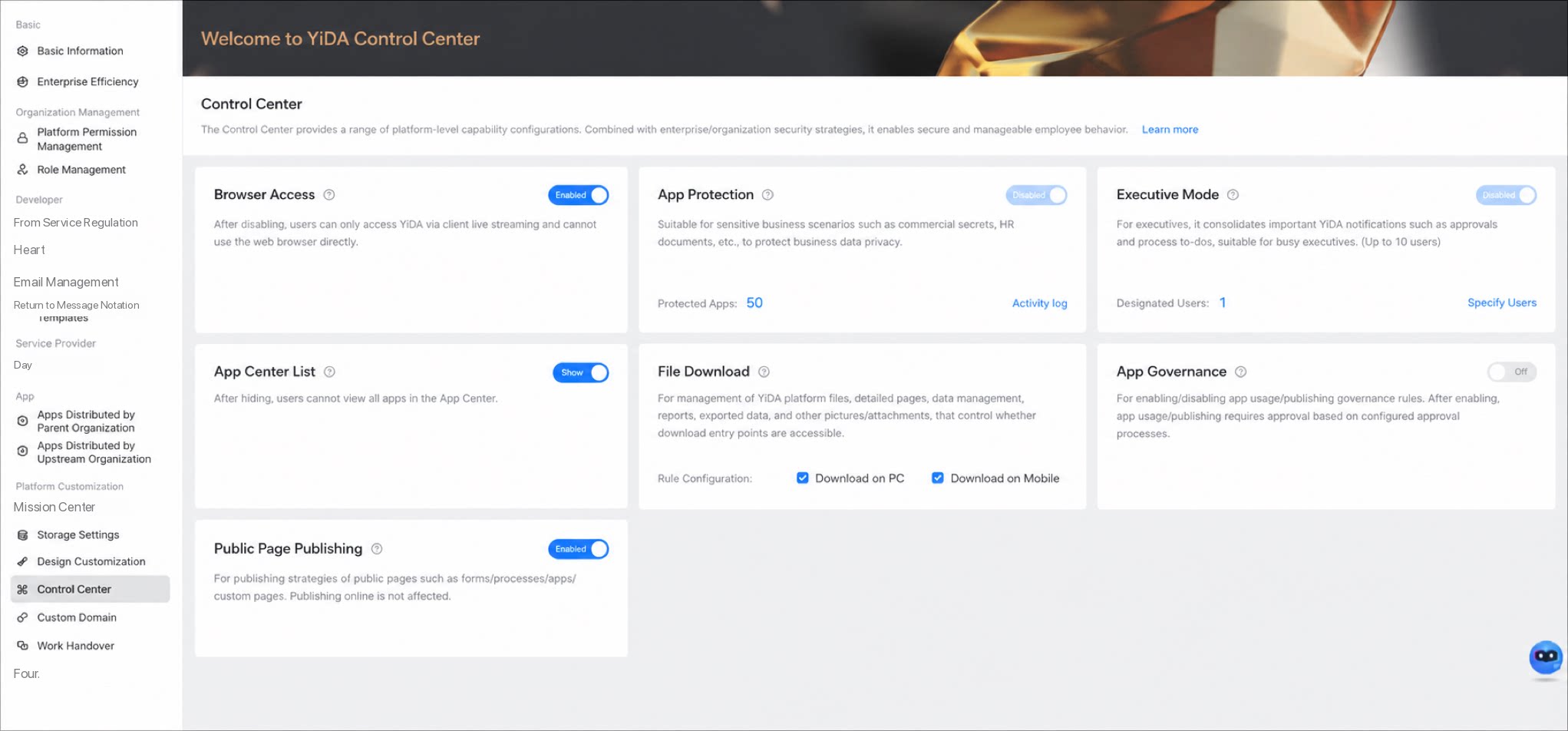
Browser Access
- By default, YiDA is accessible both inside DingTalk and in web browsers. When disabled, all members of your organization can only use YiDA inside DingTalk and cannot access YiDA on the web. Combined with DingTalk’s security controls (especially with DingTalk Dedicated), this strengthens business and data security.
On: Allow browser access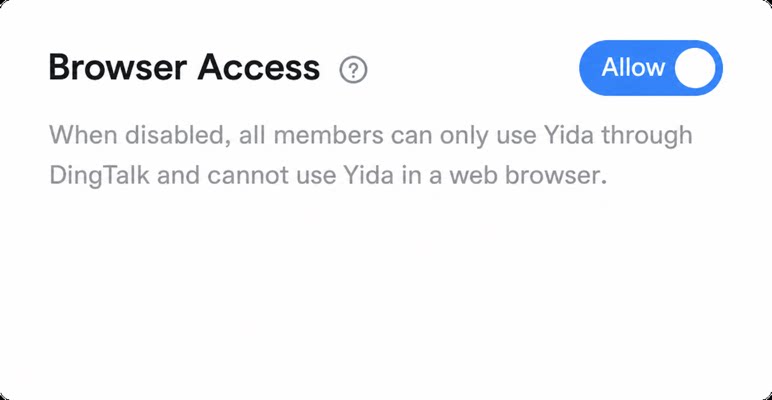 | Off: Disable browser access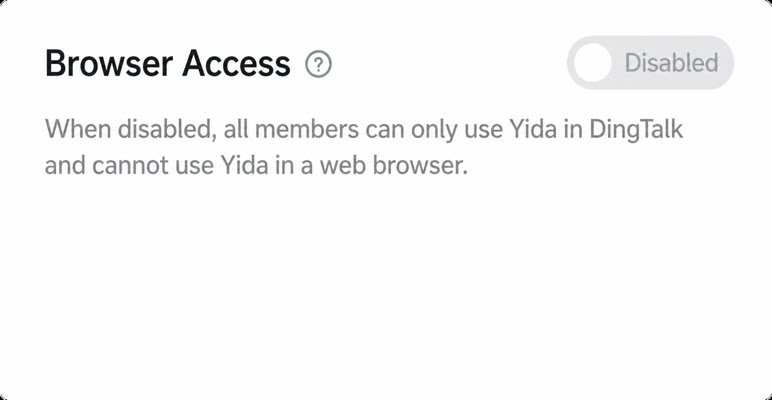 |
|---|---|
| Actual effect • YiDA can be used inside the DingTalk app • YiDA can also be used in a standalone browser (for example, Google Chrome) 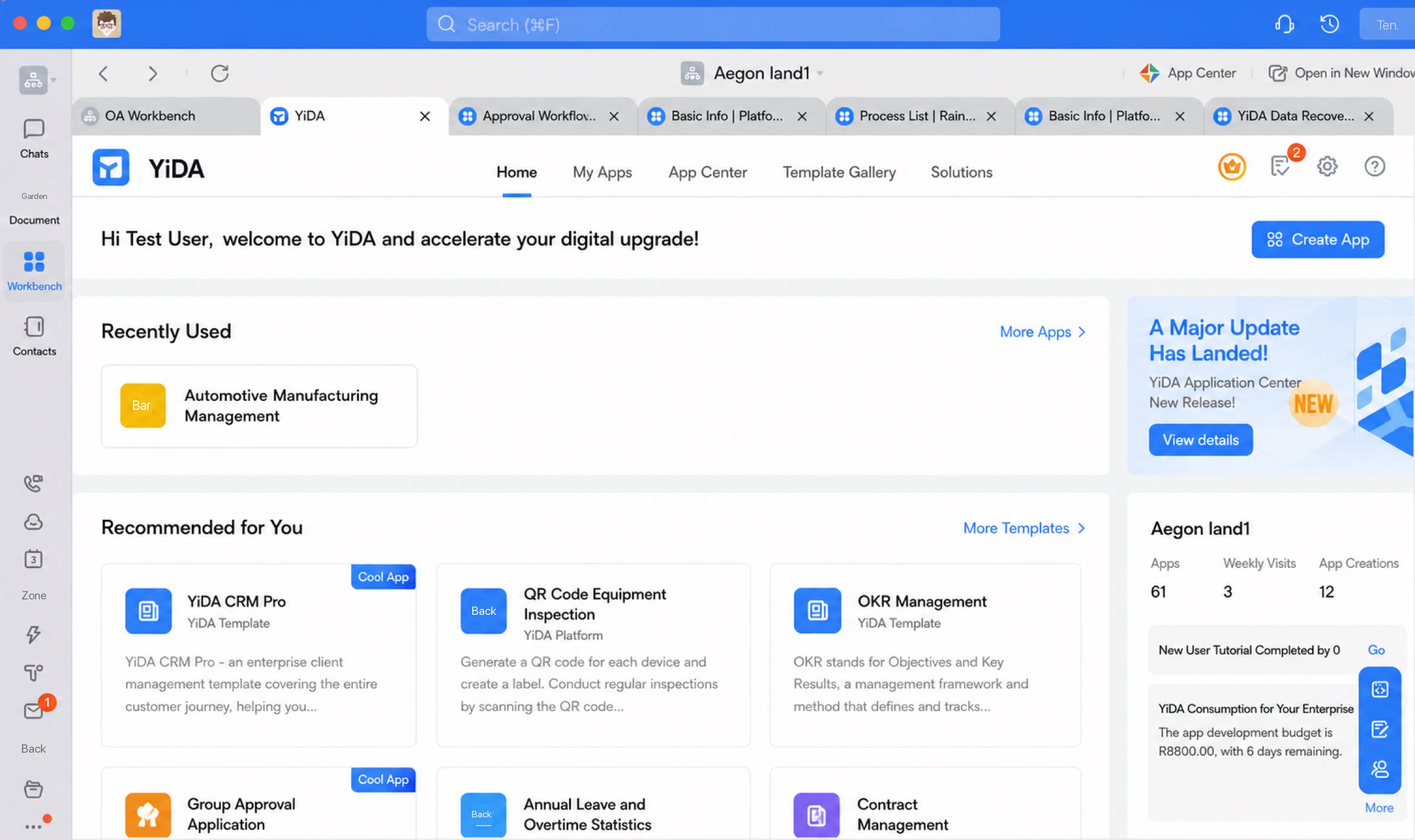 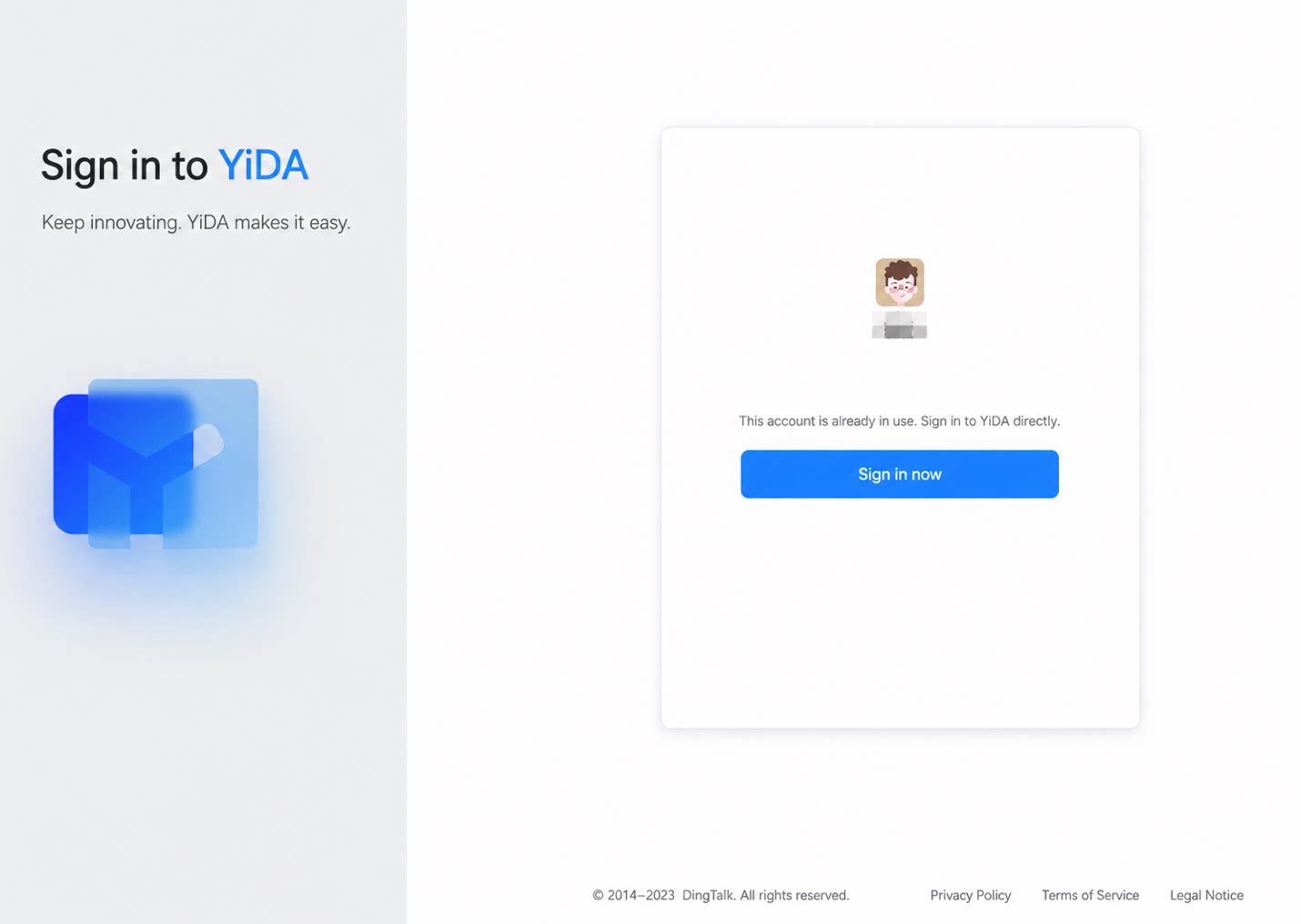 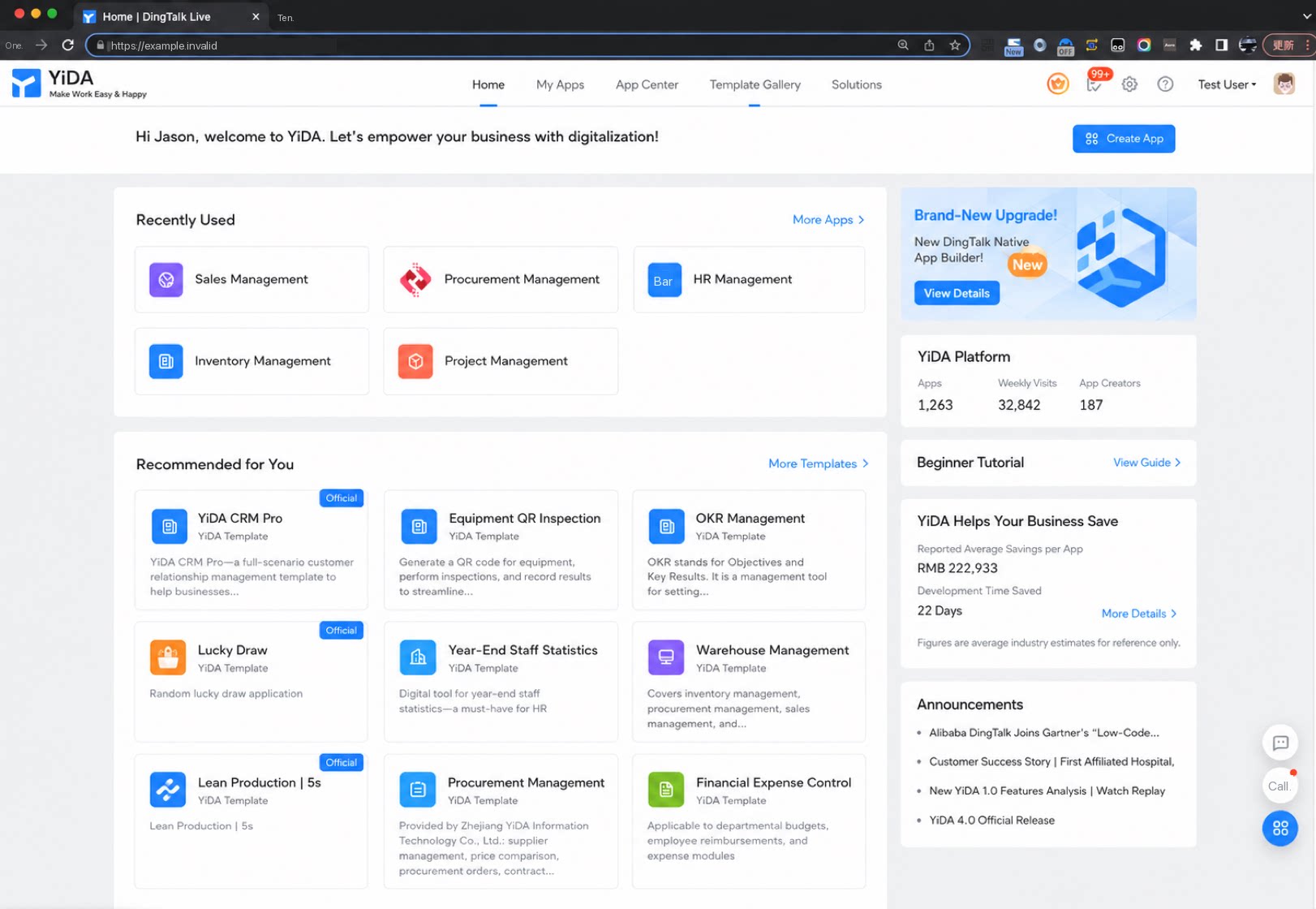 | Actual effect • YiDA can only be used inside the DingTalk app • After signing in and selecting a specific organization, access to YiDA in a standalone browser (for example, Google Chrome) is blocked, with the message: “Due to your organization’s safety policy, please access YiDA from the Workbench on the DingTalk Client-side.” 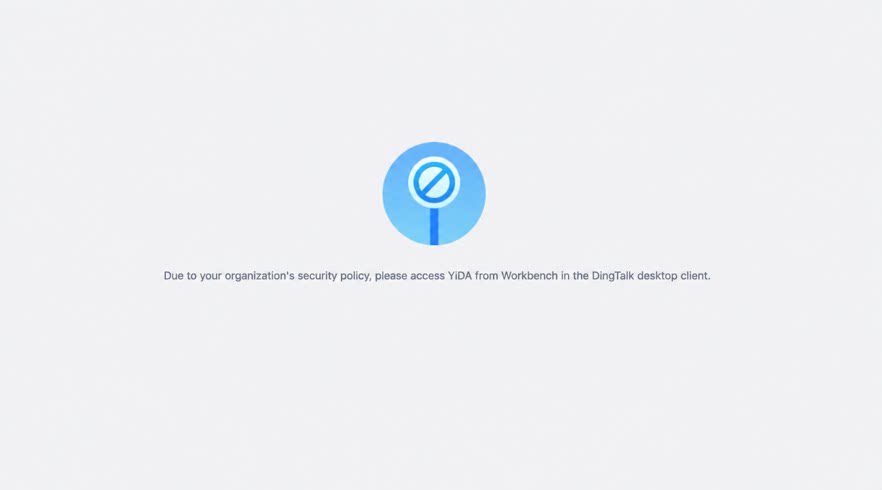 |
App Vault
- App Vault toggle: When enabled for a specific app, platform Admins can no longer directly access the app backend or view sensitive app data.
On: App Vault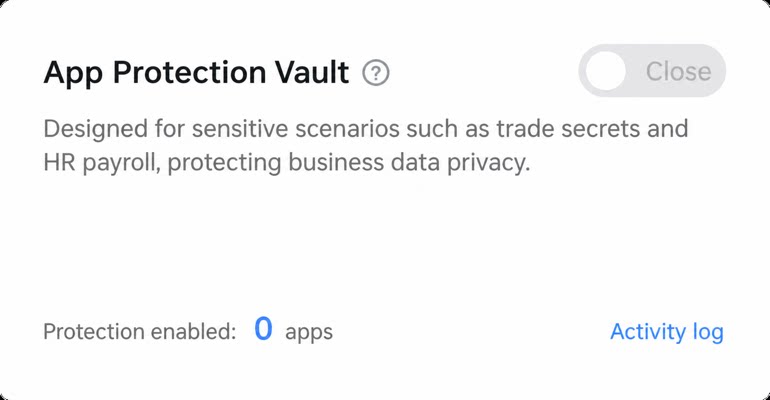 | Off: App Vault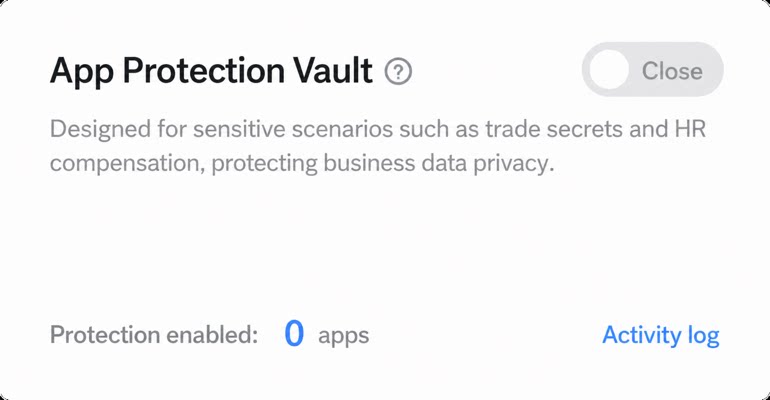 |
|---|---|
| Actual effect • In YiDA Dedicated edition, the App Vault entry is available in the app settings. When the vault is disabled: • The default state is Disabled. As the Super Admin, the YiDA platform Admin can access the backend of any app. 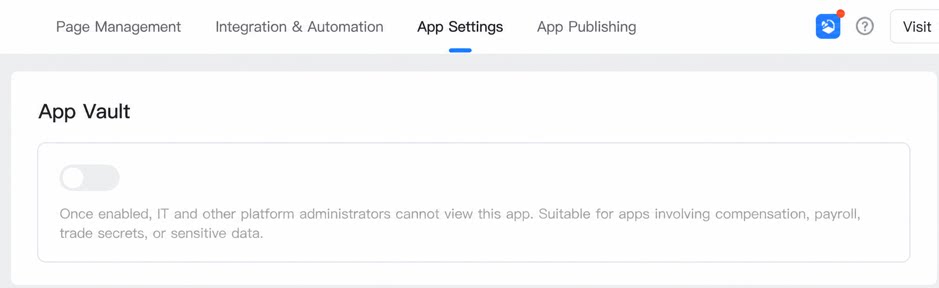 | Actual effect • In YiDA Dedicated edition, the App Vault entry is available in the app settings. When Enabled: • The highest-privilege role for the app is upgraded to the App Super Admin of that app. By default, platform Admins cannot directly access the app backend or view app business data. If needed, they must apply to become a regular App Super Admin, and can trigger the approval process with one click as prompted. 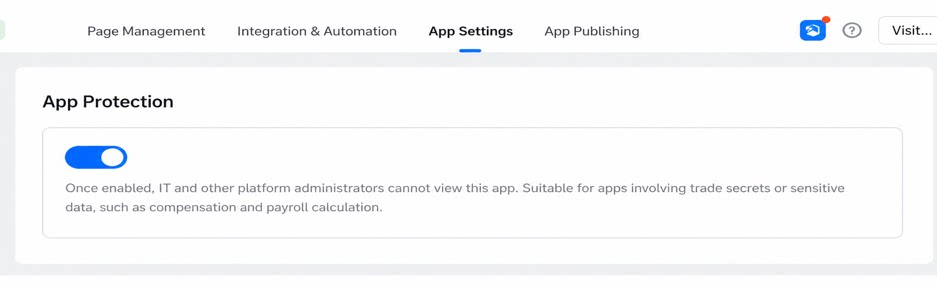 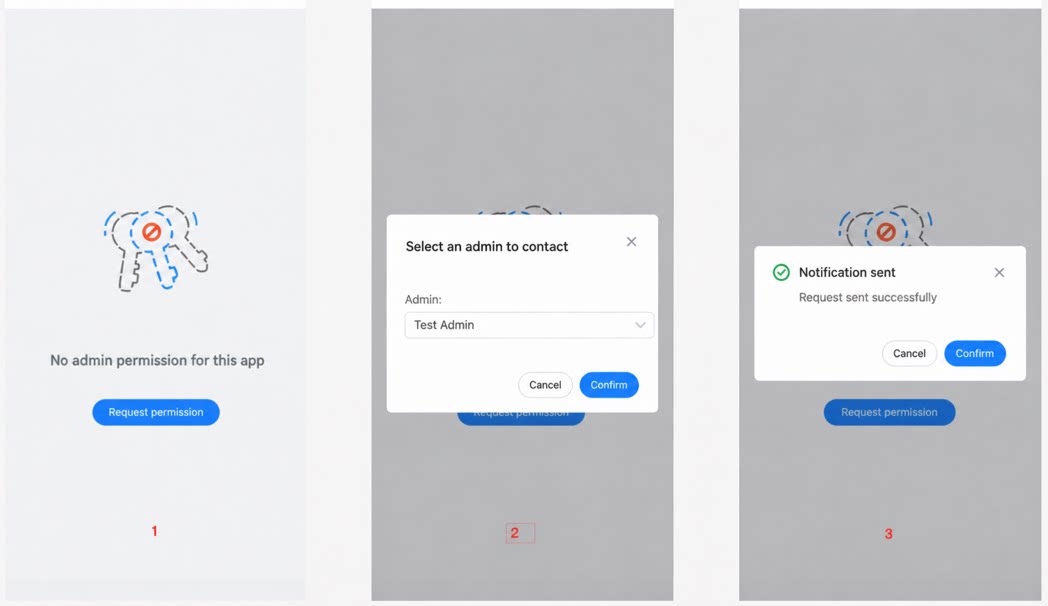 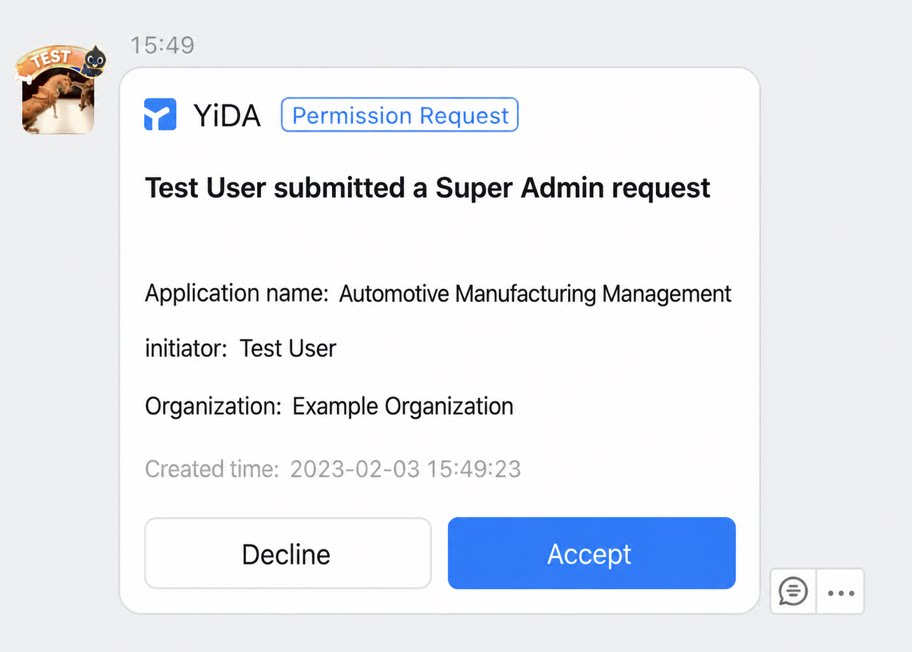 |
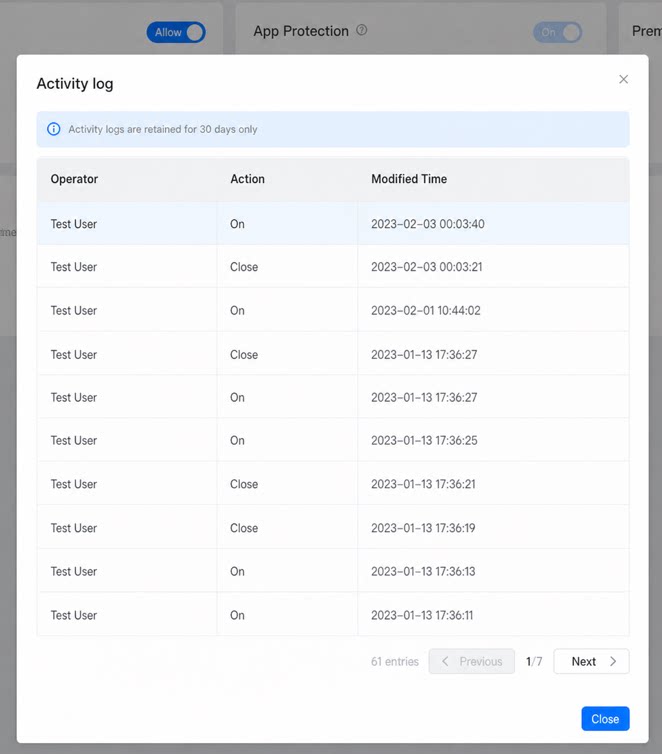
Special note:If any apps have App Vault enabled, you must first disable it on those apps before turning off the master toggle.
Executive Mode
For designated users, approval task nodes in the organization’s office approval processes are automatically bypassed, and they will no longer receive YiDA approval tasks (including approval, CC, and execution node tasks). This is designed for Do Not Disturb task handling for senior executives, supporting up to 10 users.App Center List
Different organizations have different management needs for the visibility of the app list in the App Center. YiDA Dedicated edition provides flexible toggles that let each organization decide independently whether content is shown or hidden.Organizations that encourage individual innovation, where everyone is a developer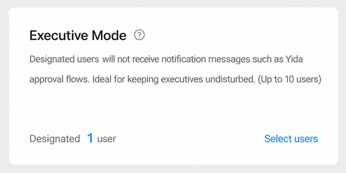 | Organizations that emphasize data security and process control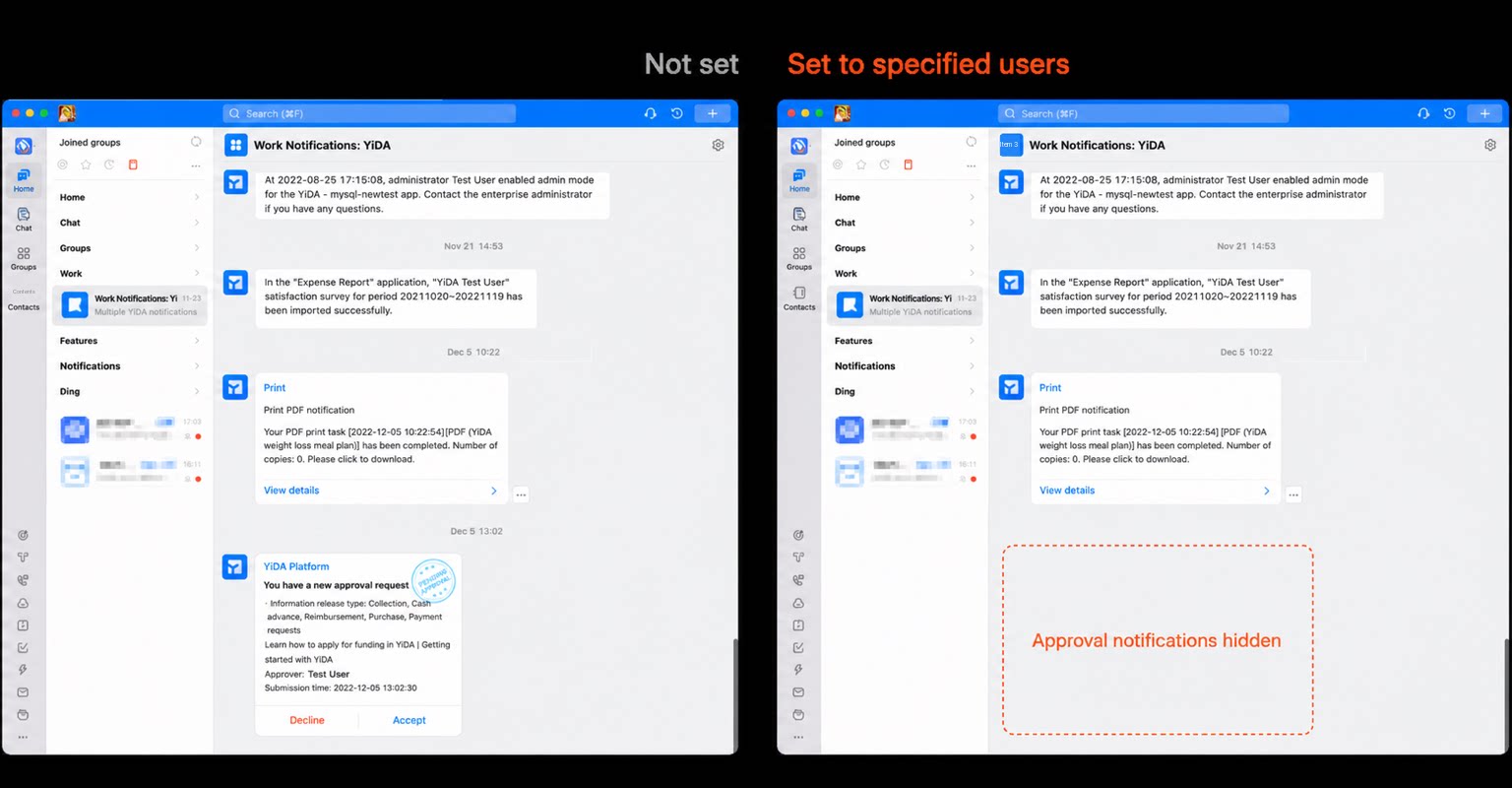 |
|---|---|
| Outstanding apps can be published to the App Center for mutual learning within your organization | For special industries or organizations with strict business governance, apps are not made visible to all members by default |
File Download
- For attachment download scenarios in YiDA, including the data management page, form detail pages, and report data, you can manage whether the file attachment download entry is exposed in data export scenarios.
- A common scenario: office computers in an organization have security management software installed and do not allow attachments to be downloaded locally or to external USB drives. Combined with this data export control, this effectively strengthens the organization’s data security, ensuring data belongs to the organization, is stored within the organization, and does not leave the organization.
- In addition to disabling entry points, if you want to enforce further controls (such as preventing screenshots and screen recording), you can combine YiDA’s browser access restriction with DingTalk Dedicated’s security measures. For details, refer to the DingTalk Dedicated product manual.
App Governance
- As organizations increasingly encourage individuals to develop innovative apps, some degree of platform and app governance is required.
- App development, management, and publishing can be governed in YiDA Dedicated according to your organization’s customized governance principles.
Before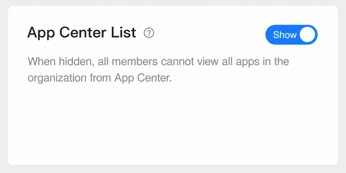 | Now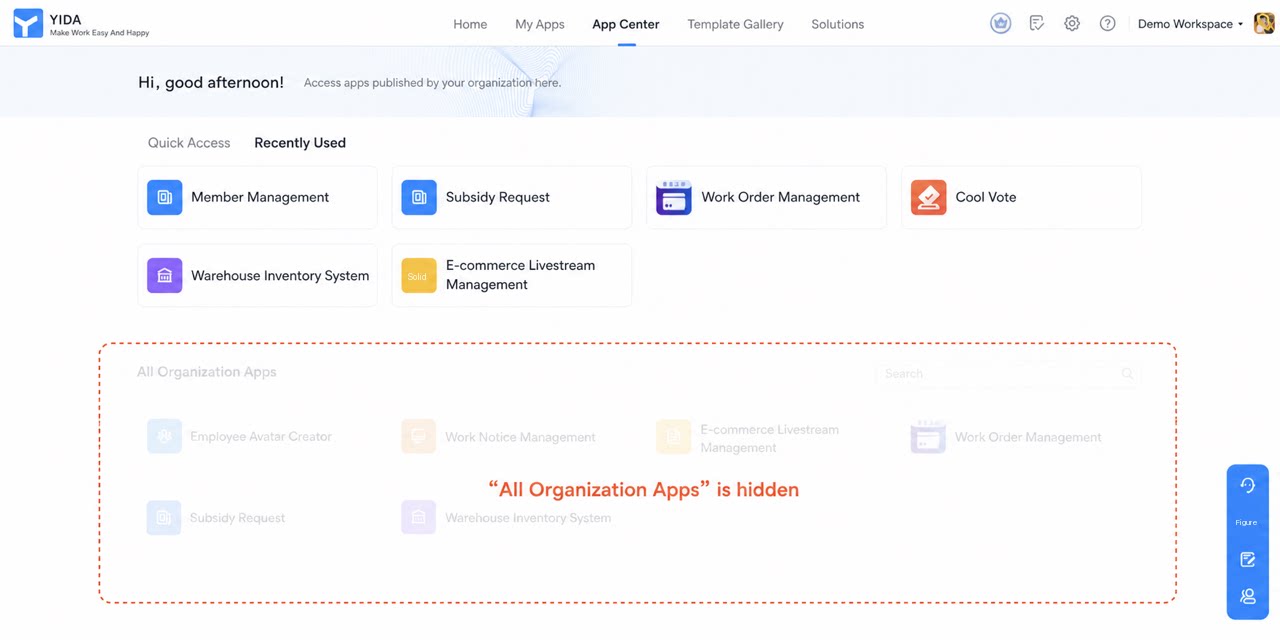 |
|---|---|
| After the App Admin built an app, the app was in the “Enabled” state by default, and the Admin could freely enable or disable apps. Once the App Admin enabled the app, they could freely publish it to the YiDA App Center and Cool App Center. | Platform Admins configure governance rules: 1. Turn on Enable governance and select the publishing channels to be governed. 2. Set the governance scope. 1. Set the governance approval process. Admins can customize the governance process. Click “Edit” to modify the platform’s preset approval process (the application form cannot be modified for now). |
| 1. Enable request and approval (1) Submit an Enable request: The App Admin fills out the form and submits the request. The approval process follows the rules set by the platform Admin. (2) Enable request under review: (3) Once approved, the app can be Enabled: 1. Publish request and approval When an App Admin publishes an app (to the DingTalk Workbench, YiDA App Center, or Cool App Center), they must first submit an “Enable request”. The app can only be published after the request is approved. |
Public Page Publishing
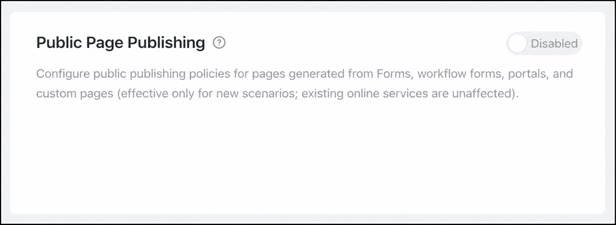
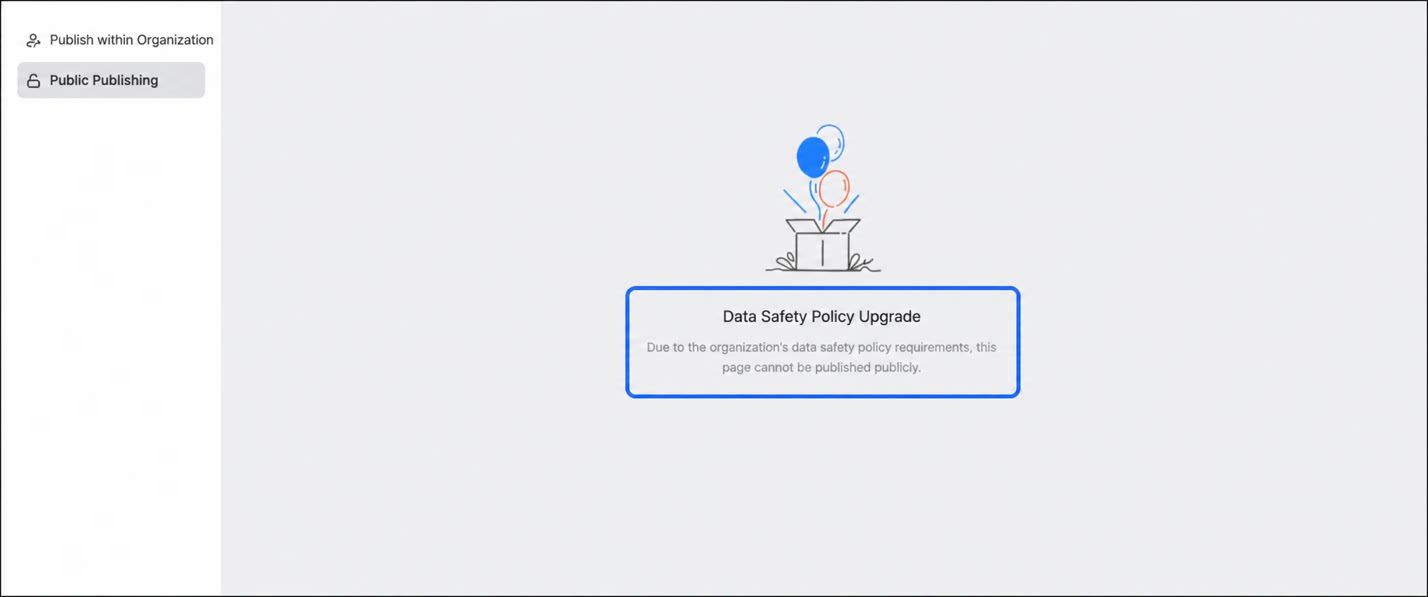
The public publishing policy for output pages only applies to newly created scenarios. Existing live business is not affected.