Chats
Chats Calendar
 Meetings
 Contacts
 Mail
Mail Docs
Docs Drive
Drive AI Table
 AI Minutes
 Attendance
 Approval
 YiDA
YiDA Admin Console
Steps
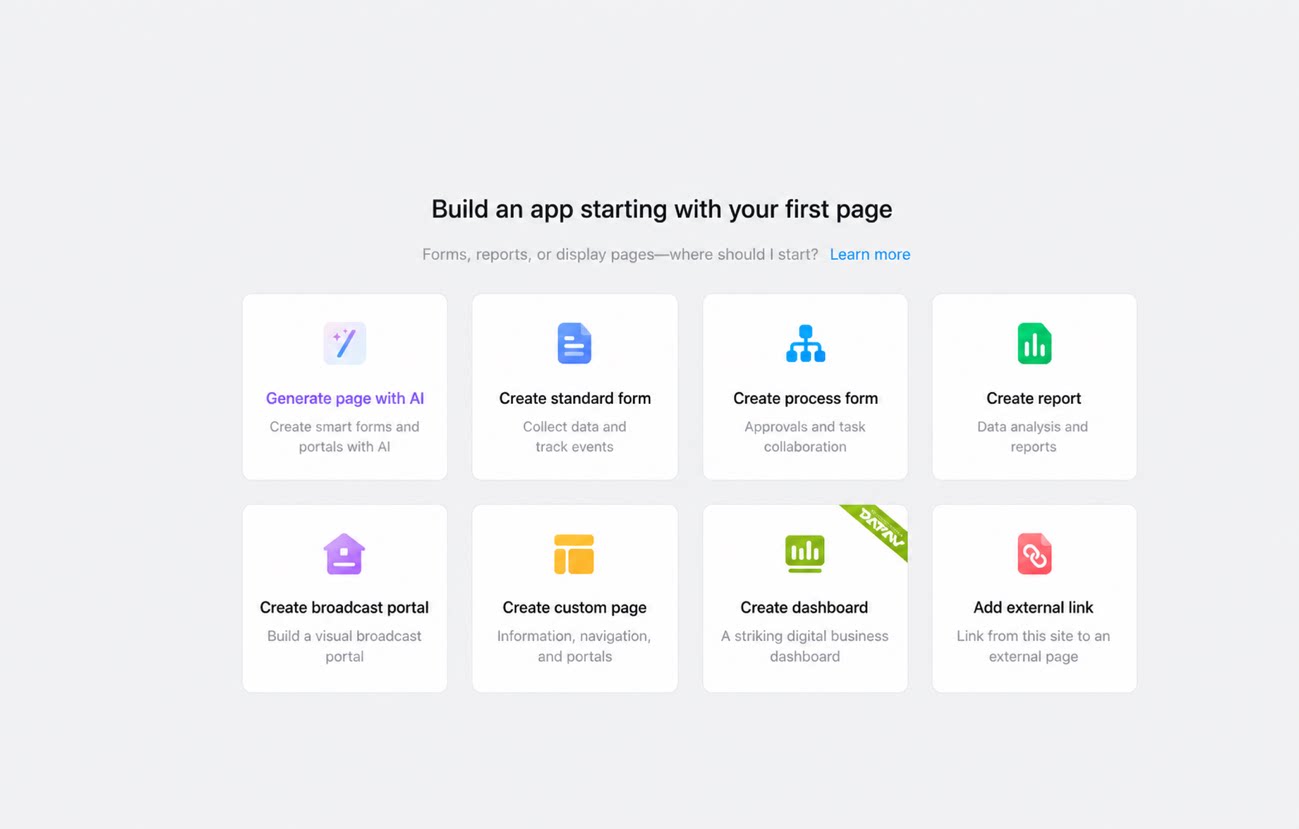
Follow these steps to create a blank app.- Sign in to the YiDA workbench.
- In the upper-right corner, click Create app.
- On the Create app page, click Create blank app.
- In the upper-left corner of the page, rename the app.
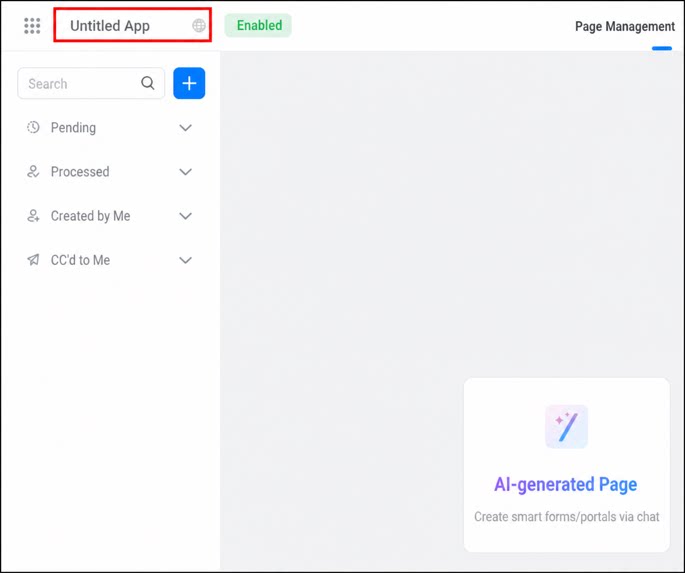
- The default app name is Untitled app.
- The app name is saved automatically when the input box loses focus.