

 Chats
Chats Calendar
 Meetings
 Contacts
 Mail
Mail Docs
Docs Drive
Drive AI Table
 AI Minutes
 Attendance
 Approval
 YiDA
YiDA Admin Console
1. Introduction and Configuration Path
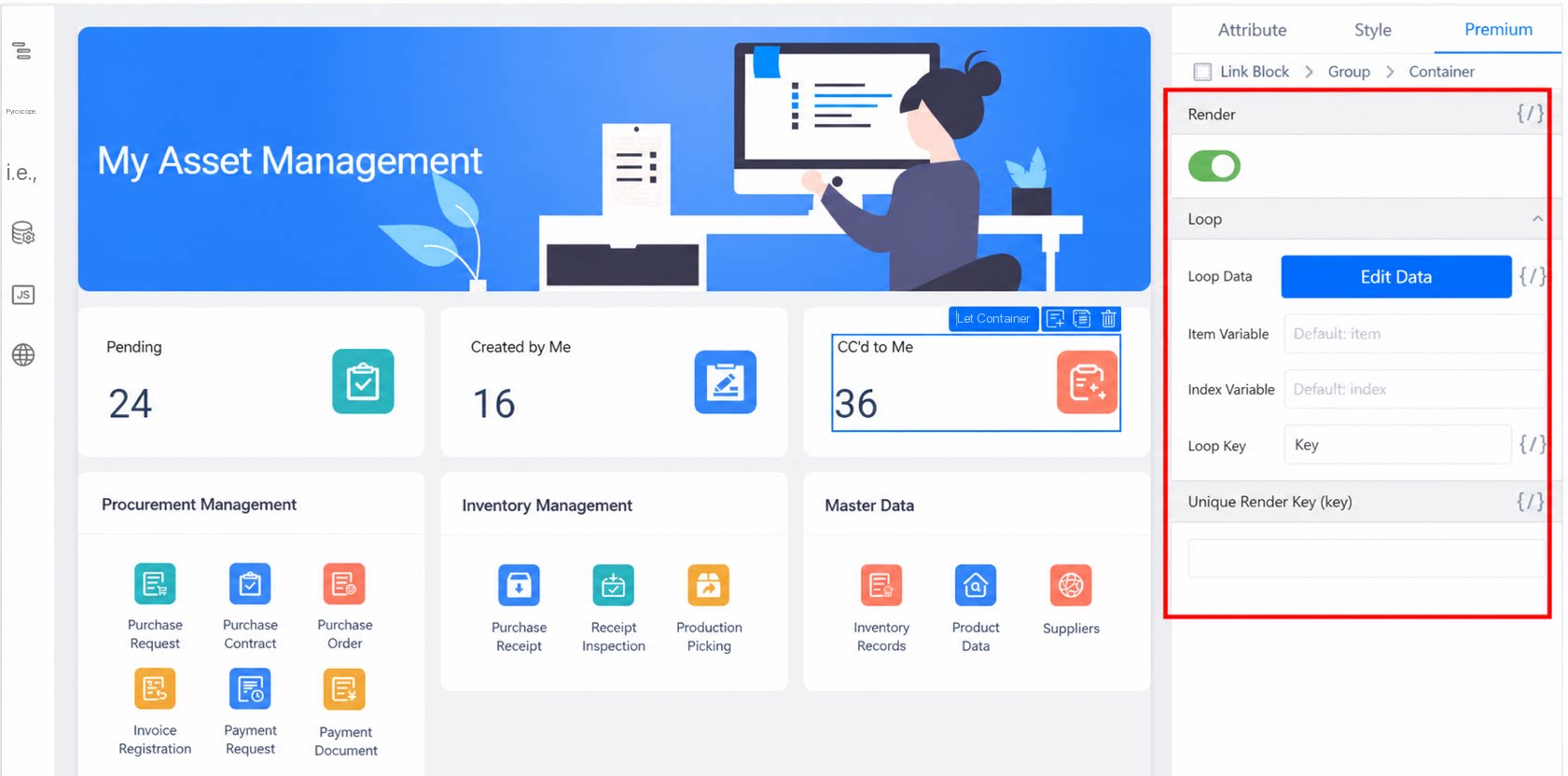
The render unique identifier (key) works on the same principle as thekey attribute of a component in React. Both uniquely identify a component during rendering or when components are switched.
Path: On a custom page, click any component >> Premium on the right >> Whether to render >> Render unique identifier.
This configuration is typically used together with the Whether to render and Loop features.
2. Use Cases
2.1 Switching Between Components of the Same Type
In the following scenario, when Hobby is set to Games, Favorite game is displayed; when Hobby is set to Sports, Favorite sport is displayed.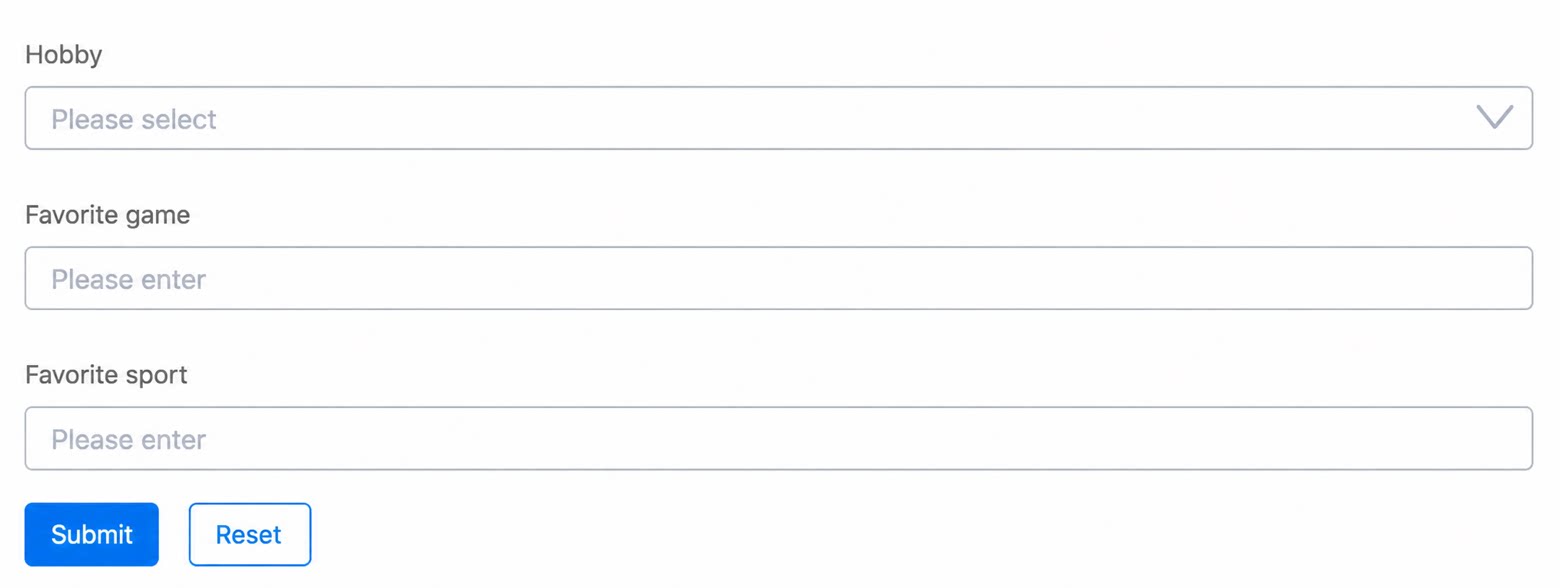
- Add a variable data source:
hobby. - Set the form identifier of Favorite game to
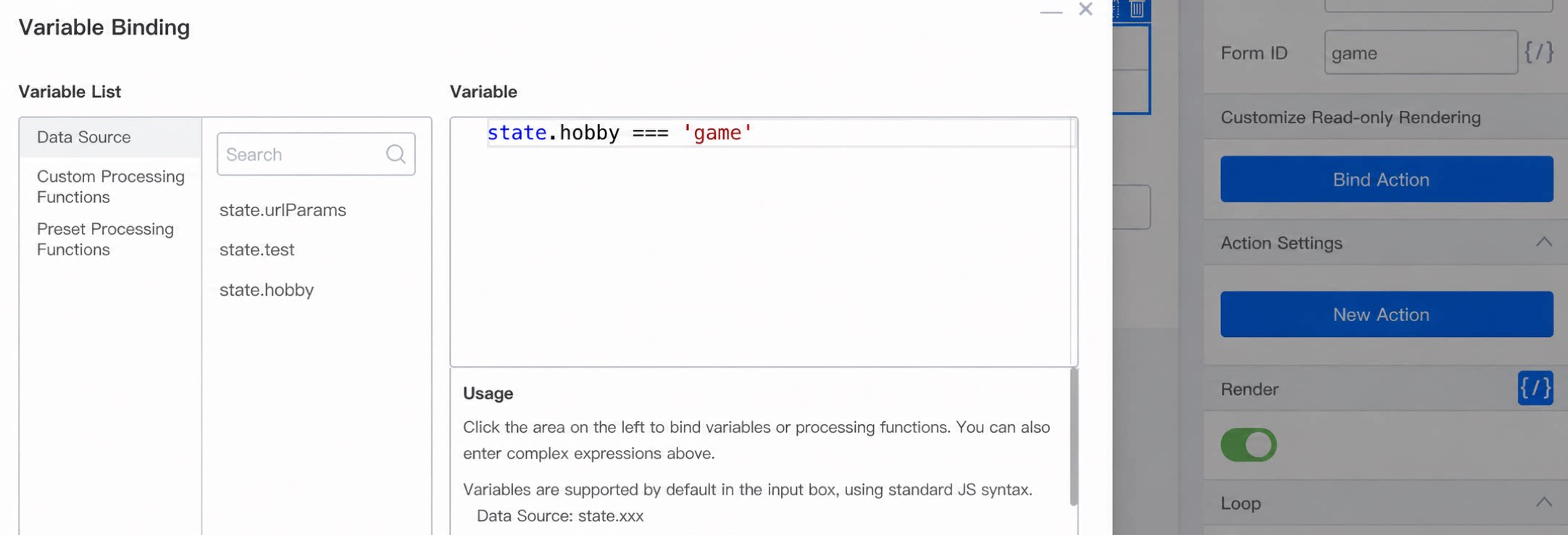
game, and bind Whether to render to the variablestate.hobby === 'Games'.
- Set the form identifier of Favorite sport to
sport, and bind Whether to render to the variablestate.hobby === 'Sports'. - Configure the
onChangeaction for Hobby.
- Bind the
onClickaction to the Submit button.
sport field still contains the value from Favorite game even if Sports is selected.
Reason: When switching between Text Box components without a key set, the underlying framework “reuses” the component from before the switch.
To fix this, configure a Render unique identifier for both components.