Chats
Chats Calendar
 Meetings
 Contacts
 Mail
Mail Docs
Docs Drive
Drive AI Table
 AI Minutes
 Attendance
 Approval
 YiDA
YiDA Admin Console
Basic Attribute Settings
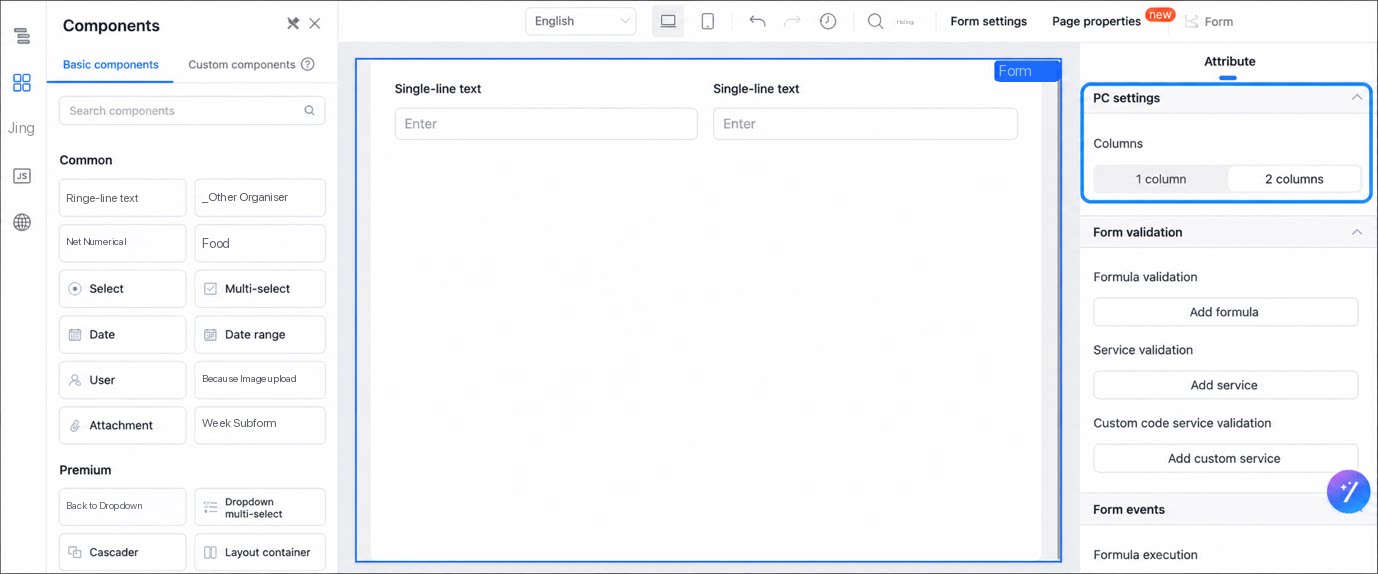
- PC display settings: The column count controls whether components on the form display in 1 or 2 columns.
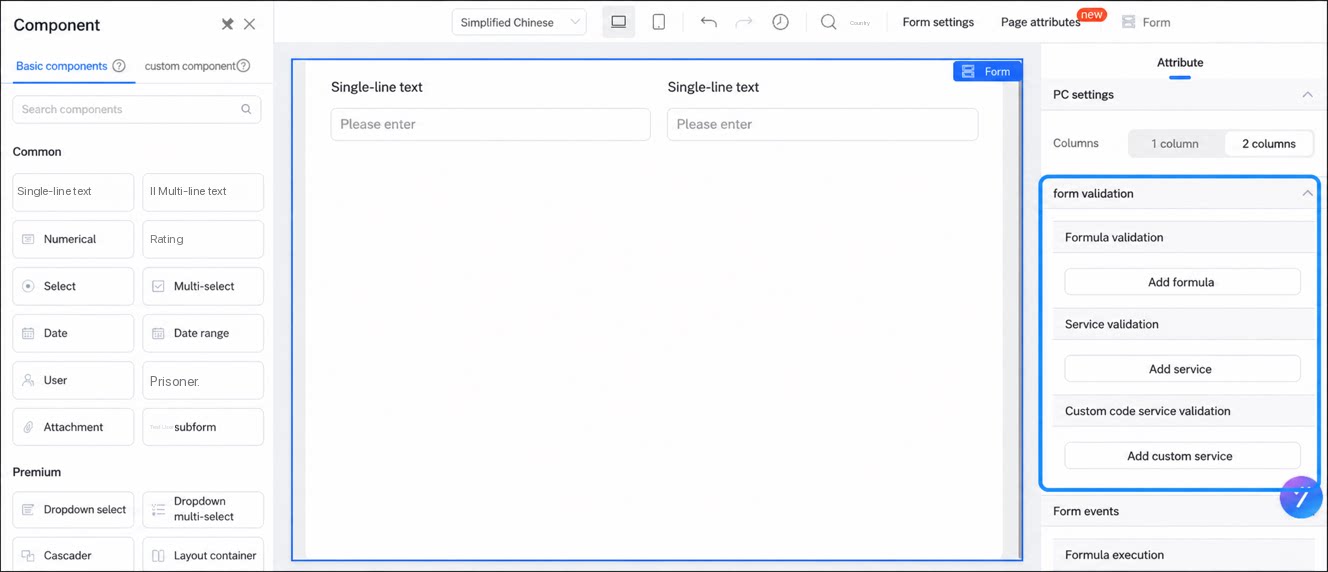
- Form validation: Includes Formula validation, Service validation, and Custom code service validation. For details, see Form validation.
- Form events: For details, see Form business rules.
Premium Attribute Settings
Submit Button
Modify the display text of the Submit button. Internationalization and variable binding are supported.Before Form Submit
By default, once form data passes validation and the Settings are complete, the data is submitted to the YiDA backend API and saved.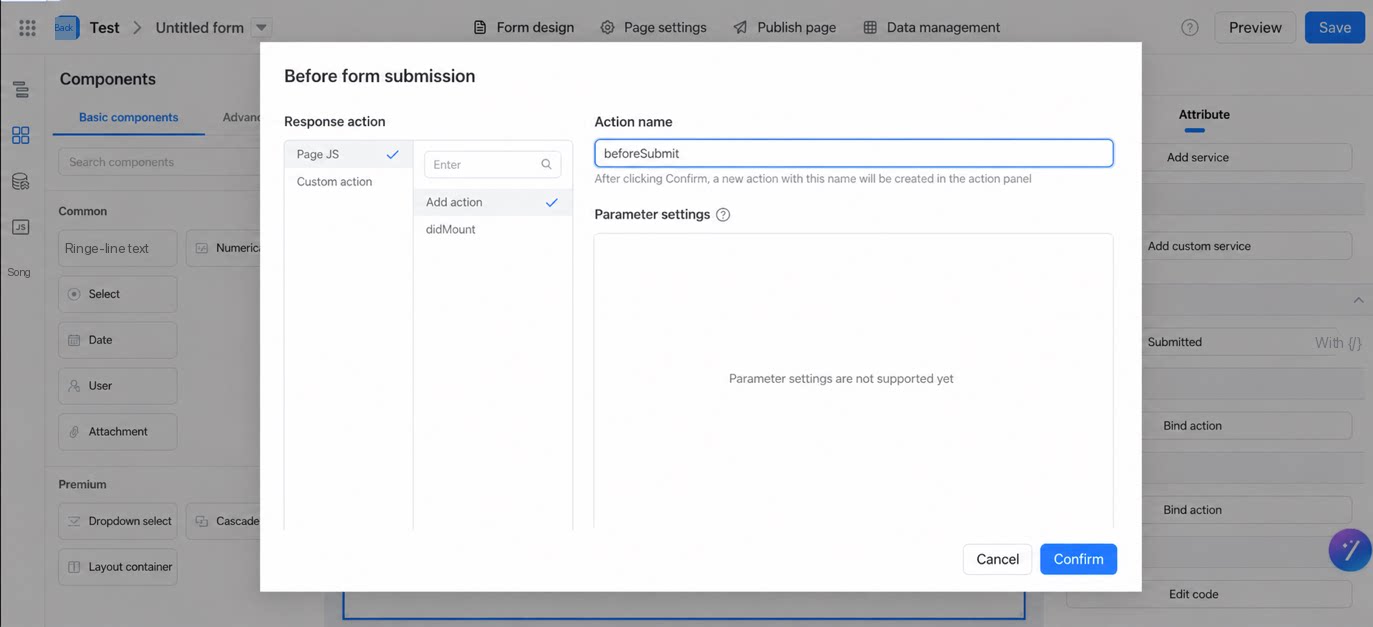
false inside the action to stop submission and customize subsequent behavior.
Promise to run asynchronous checks:
Promise is returned, the button remains in the loading state until the Promise resolves.
Modifying submitted data here is not supported.
After Form Submit
By default, a YiDA form redirects after submission. The redirect target may be the success prompt page (PC), the details page (mobile), or a page specified by the user (Form settings).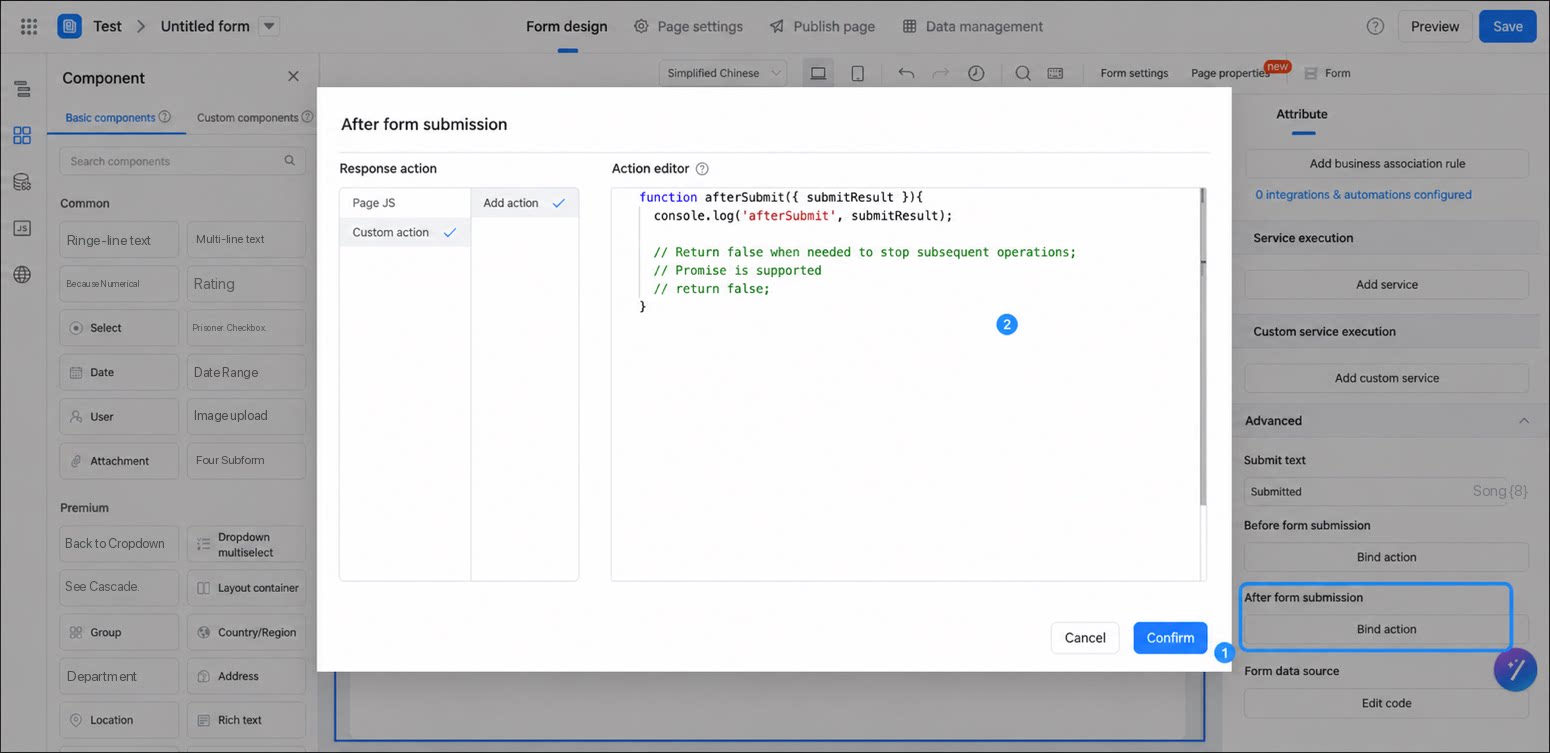
false inside the action to stop the redirect and customize subsequent behavior.
Promise to run asynchronous checks:
Promise is returned, the button remains in the loading state until the Promise resolves.
Form Data Source
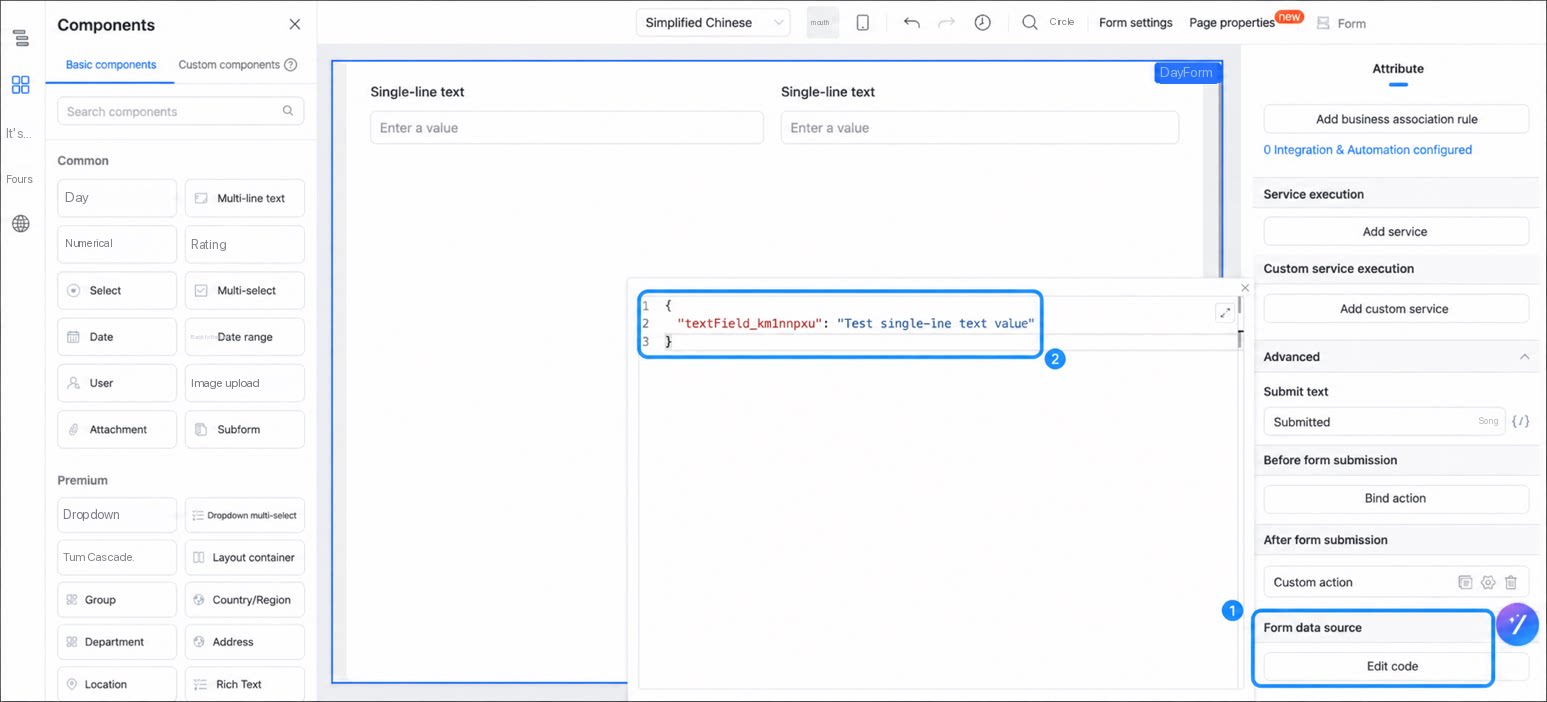
The Form Data Source provides a unified way to control form values. It currently serves two purposes:- Provide initial values, that is, the default value of each field on the form.
- When the Form Data Source changes, the corresponding form field values update accordingly.