Chats
Chats Calendar
 Meetings
 Contacts
 Mail
Mail Docs
Docs Drive
Drive AI Table
 AI Minutes
 Attendance
 Approval
 YiDA
YiDA Admin Console
How to Purchase a SaaS App
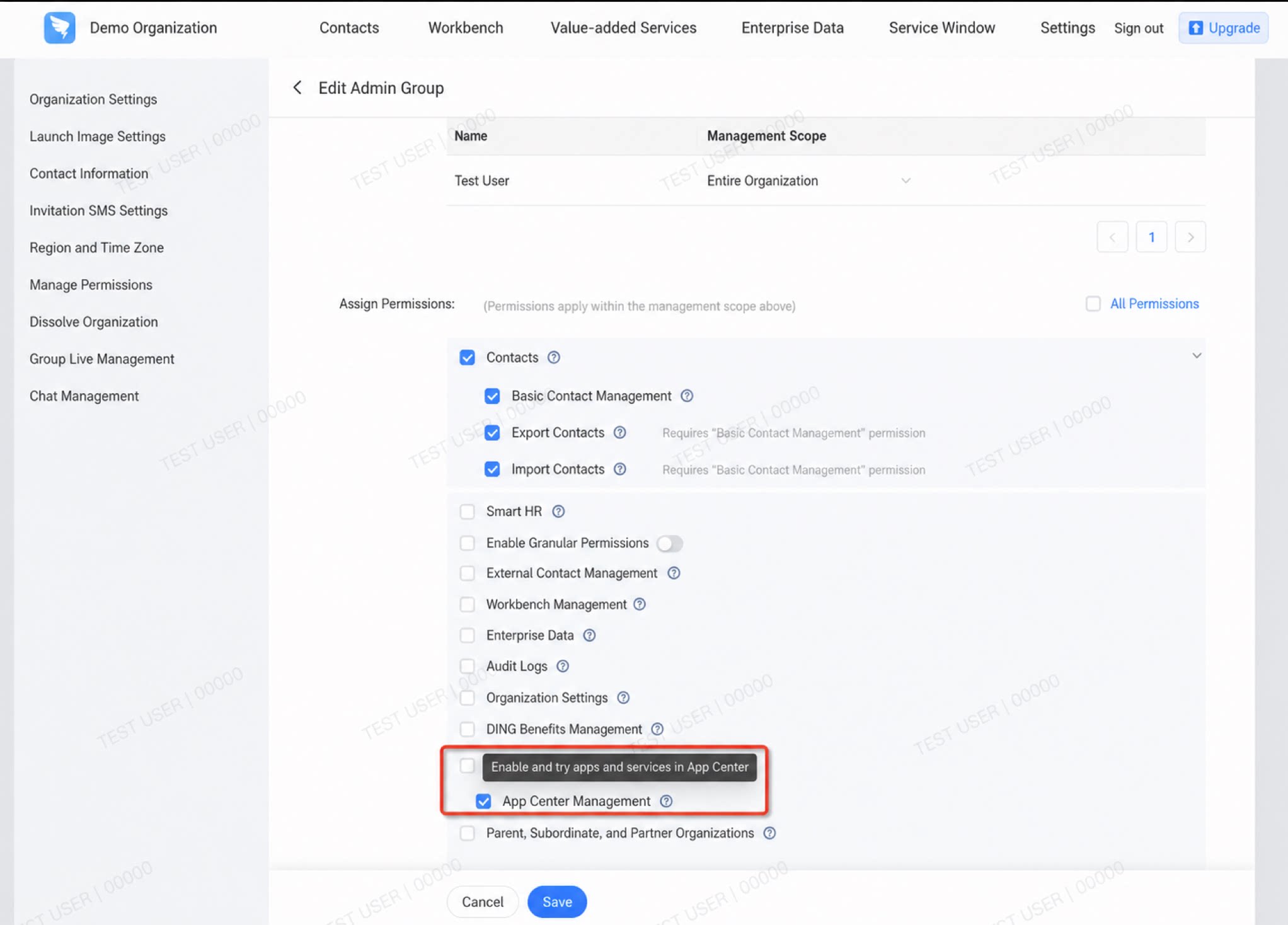
Organization admins can purchase listed SaaS apps through a proprietary channel QR Code or from the DingTalk App Marketplace. The following example uses “proprietary channel promotion”: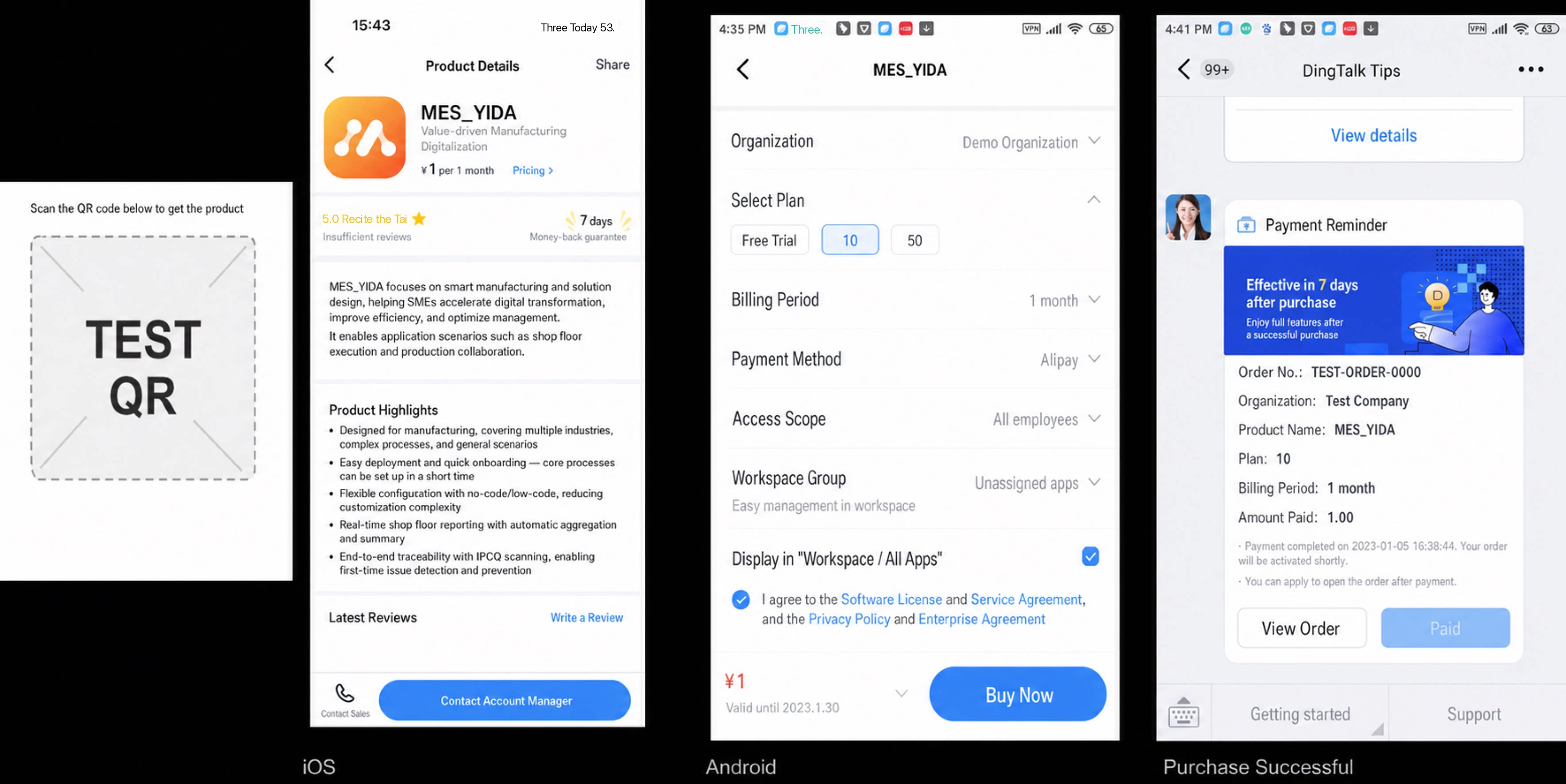
Special note: During the grayscale co-creation period, if a customer needs to place an order, contact the YiDA official team after the order is placed.
How to Use the SaaS Main App
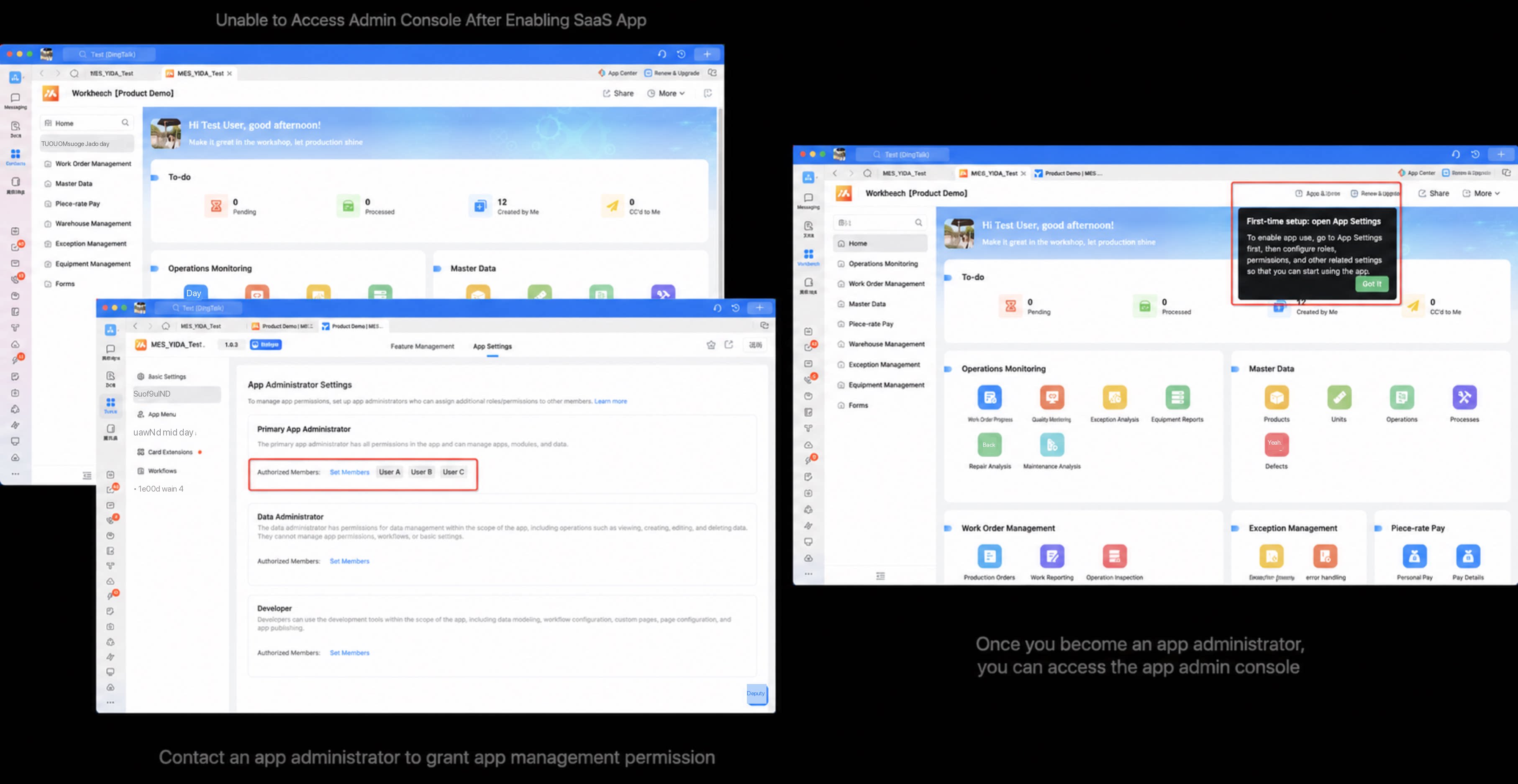
1
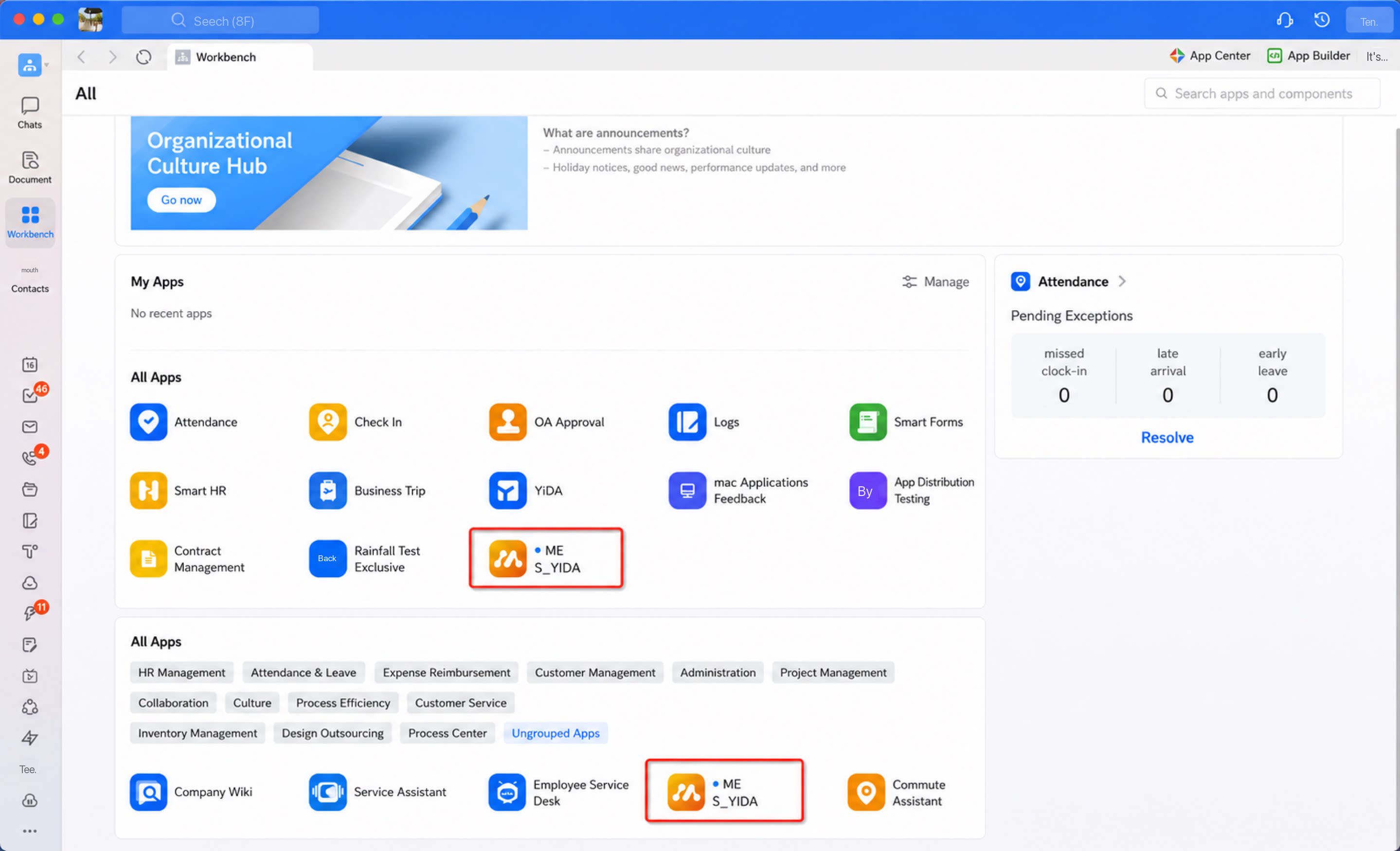
After the Organization successfully purchases the app, access it from the Workbench
2
The purchaser becomes the App Admin by default and can enter the app backend to configure business modules as needed
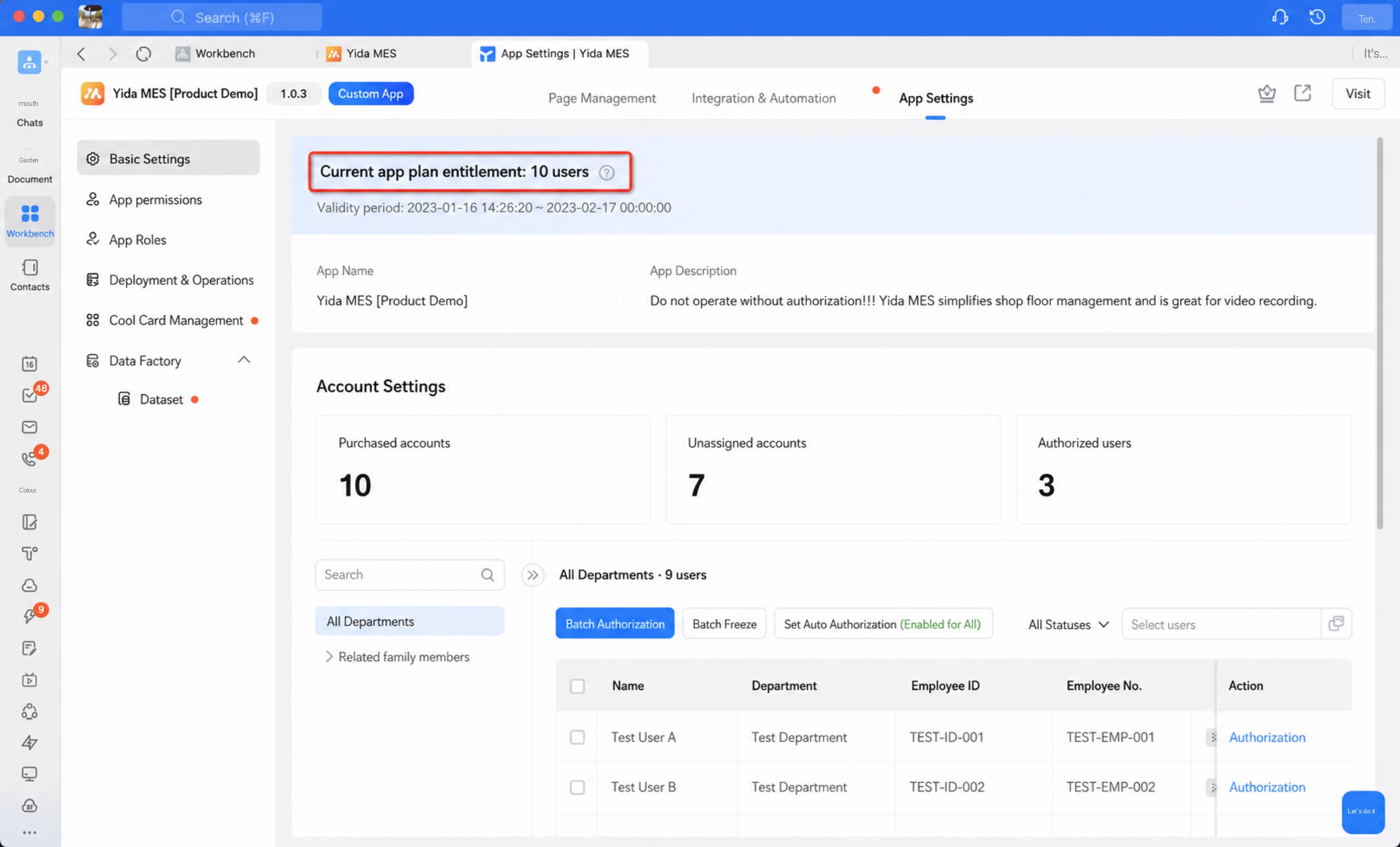
1
Under App Layer > Basic Settings, review the purchased product specifications and expiration date of the current app, and manage account authorization as needed
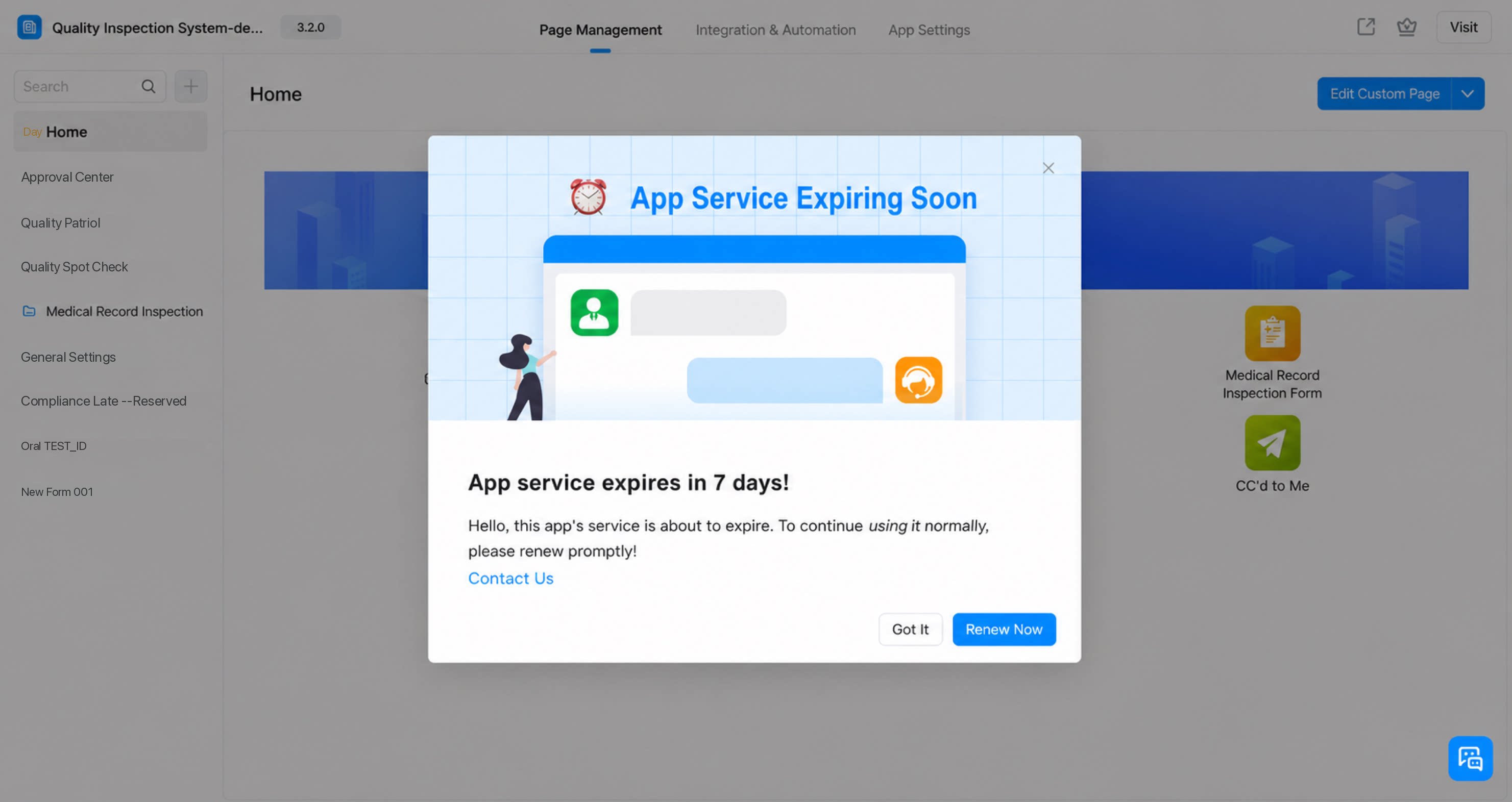
2
Expiration reminders are sent 30, 15, 7, 3, 2, and 1 day(s) before the SaaS app expires
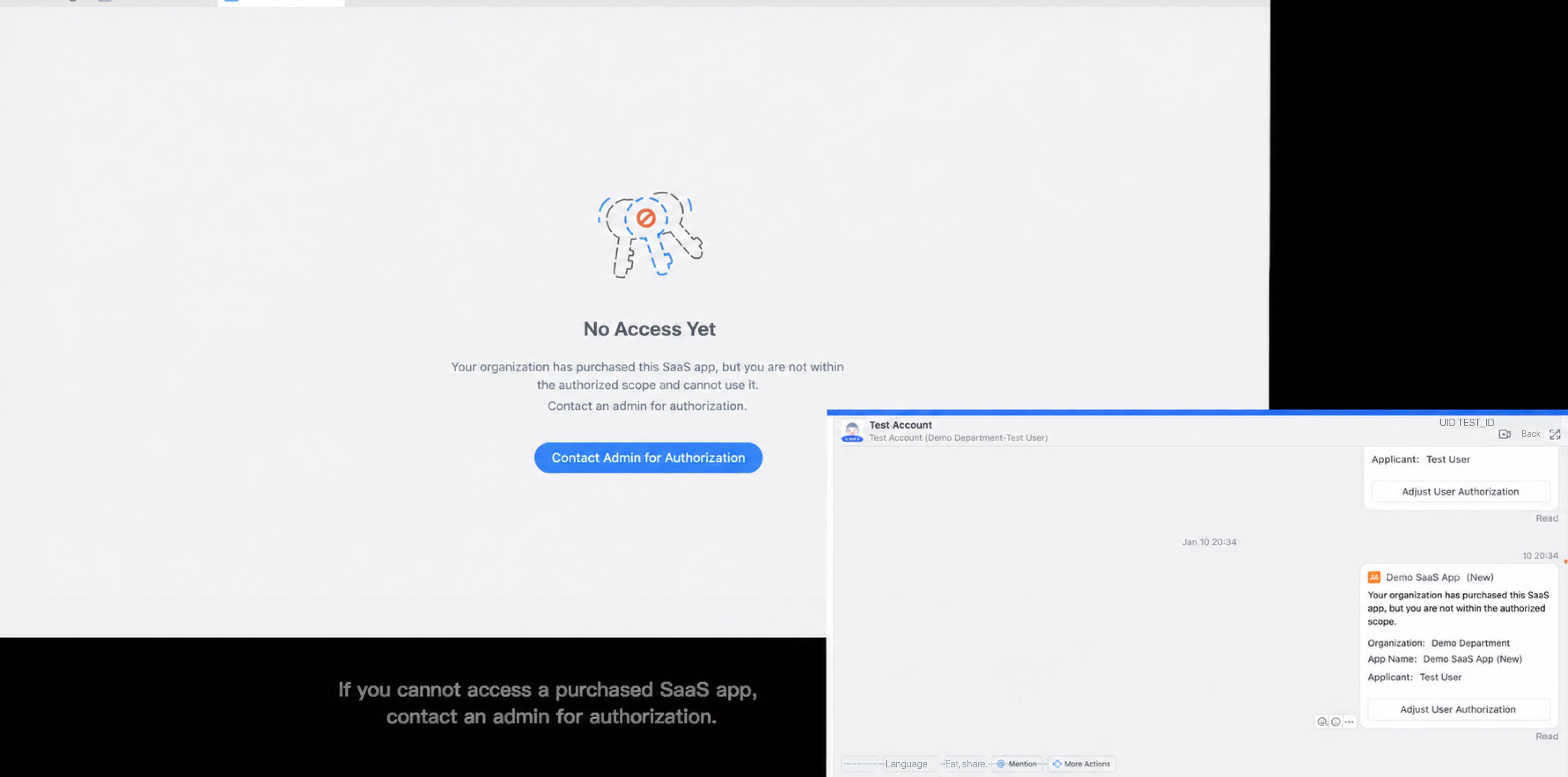
How to Use a SaaS Cool App
Once a SaaS app is successfully listed, open a Group Chat (such as an Internal Group), click “Cool App Marketplace” in the Chat Quick actions, locate the current SaaS app, and authorize it to enable directly.SaaS App Product Boundaries
1. Data module
2. Integration & automation
3. Platform basics
| Module (within the same app) | Specification |
| Usage period | Limited by product specifications |
| Number of users | Limited by product specifications |
| App instance data volume | 100,000 |
| Number of organization apps | Unlimited |
| Total pages per app (newly created pages) | 100 |
| Subform component limits | Up to 5 subform components per form |
| Up to 20 columns of components per subform in a single form | |
| Up to 50 rows per subform component in a single form | |
| Data management page list view | Supports searching up to 30,000 records (with new storage) |
| Data import on the data management page list view | Regular form: file size up to 10 MB; up to 5,000 rows per sheet |
| Workflow form: file size up to 20 MB; up to 1,000 rows per sheet |
FAQ
Q1: How can users upgrade after purchasing a SaaS app?
Q1: How can users upgrade after purchasing a SaaS app?
Upgrades are not currently supported after a customer subscribes to the current version of an app. YiDA currently offers standard SaaS capabilities. Version iteration upgrades for subscribed apps, along with ISV remote maintenance, will be released in the next phase.
Q2: Are plan upgrades and downgrades supported after purchase?
Q2: Are plan upgrades and downgrades supported after purchase?
Upgrades to purchased SaaS apps are currently supported. Downgrades are not.