Chats
Chats Calendar
 Meetings
 Contacts
 Mail
Mail Docs
Docs Drive
Drive AI Table
 AI Minutes
 Attendance
 Approval
 YiDA
YiDA Admin Console
Basics
Add Filters
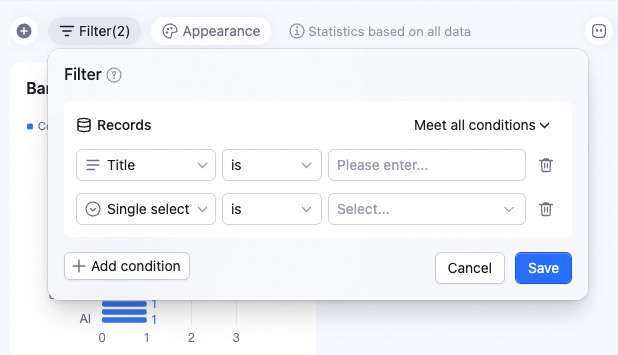
Click Filter in the upper-left of the dashboard. In the popup, click + Add condition to add one or more filters. Click Save to apply. All collaborators see the filtered result.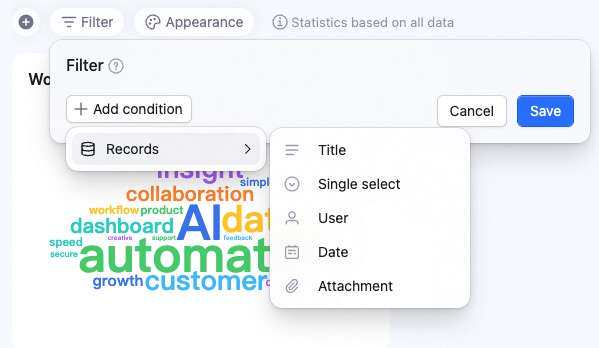
Delete a Filter
In the filter panel, click the icon to delete a filter. Click Save to apply.