

 Chats
Chats Calendar
 Meetings
 Contacts
 Mail
Mail Docs
Docs Drive
Drive AI Table
 AI Minutes
 Attendance
 Approval
 YiDA
YiDA Admin Console
Edition Limits
For details, see all rights. Click Upgrade or Book a consult.
What It Does
An automation workflow is a rule you preset for an AI Table — and it runs automatically. Set a trigger and an action and AI Table fires the next steps when data changes.How to Use
Create a Workflow
- Start blank: click Automation at the top-right of the AI Table → Start blank.
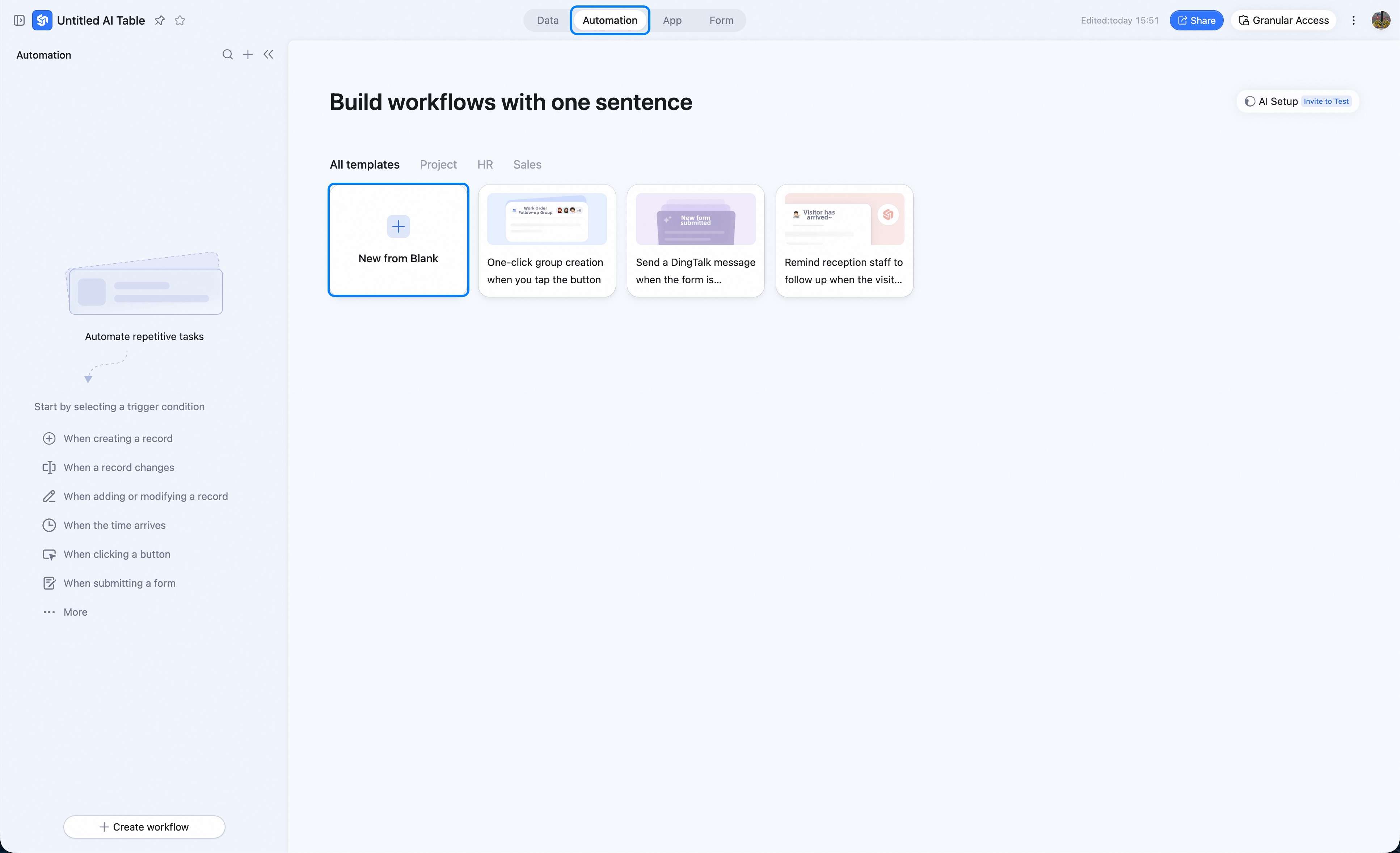
- From a template: click Automation at the top-right → pick a template. (Good for new users — templates ship with preset triggers and actions; you can edit on top.)
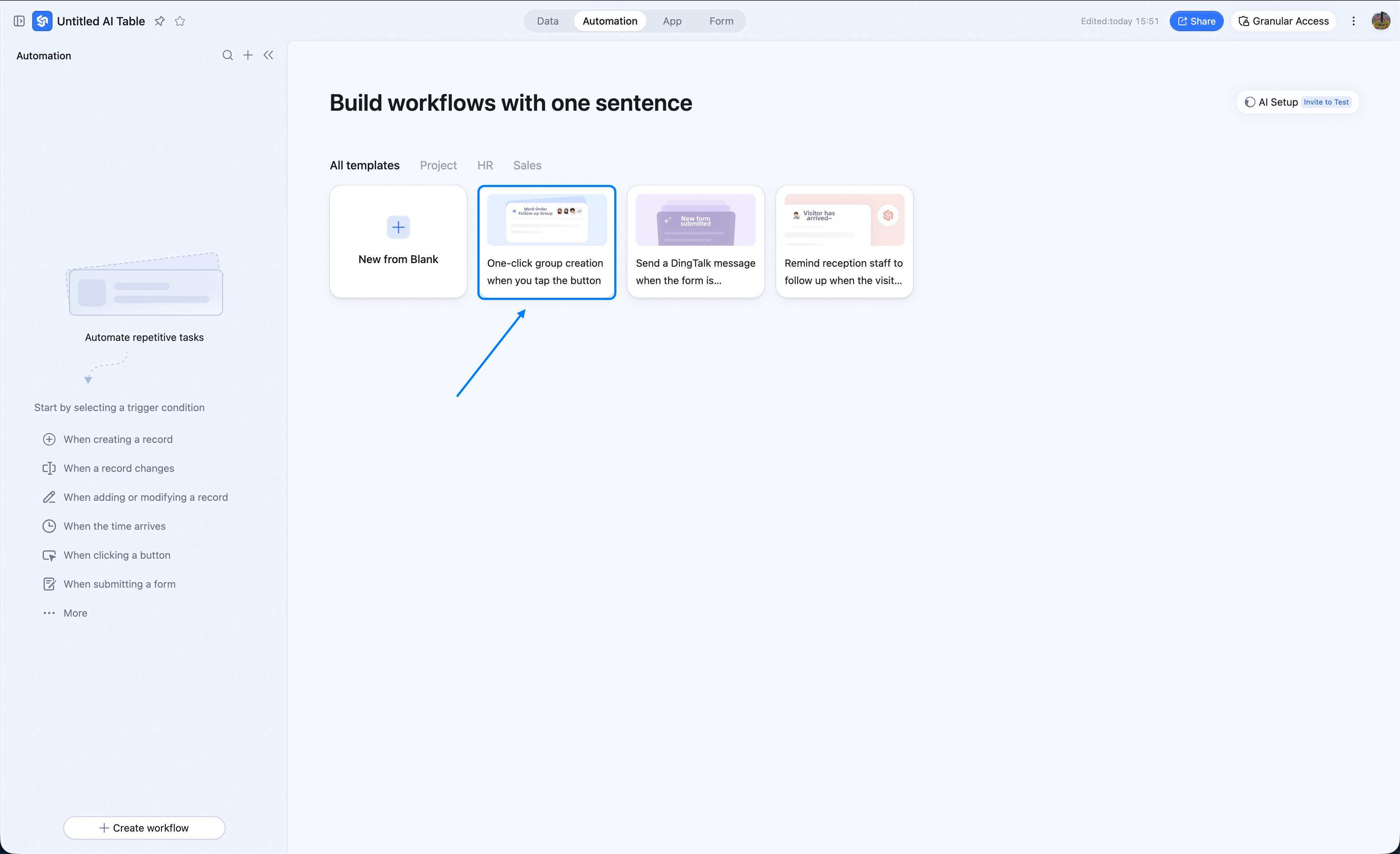
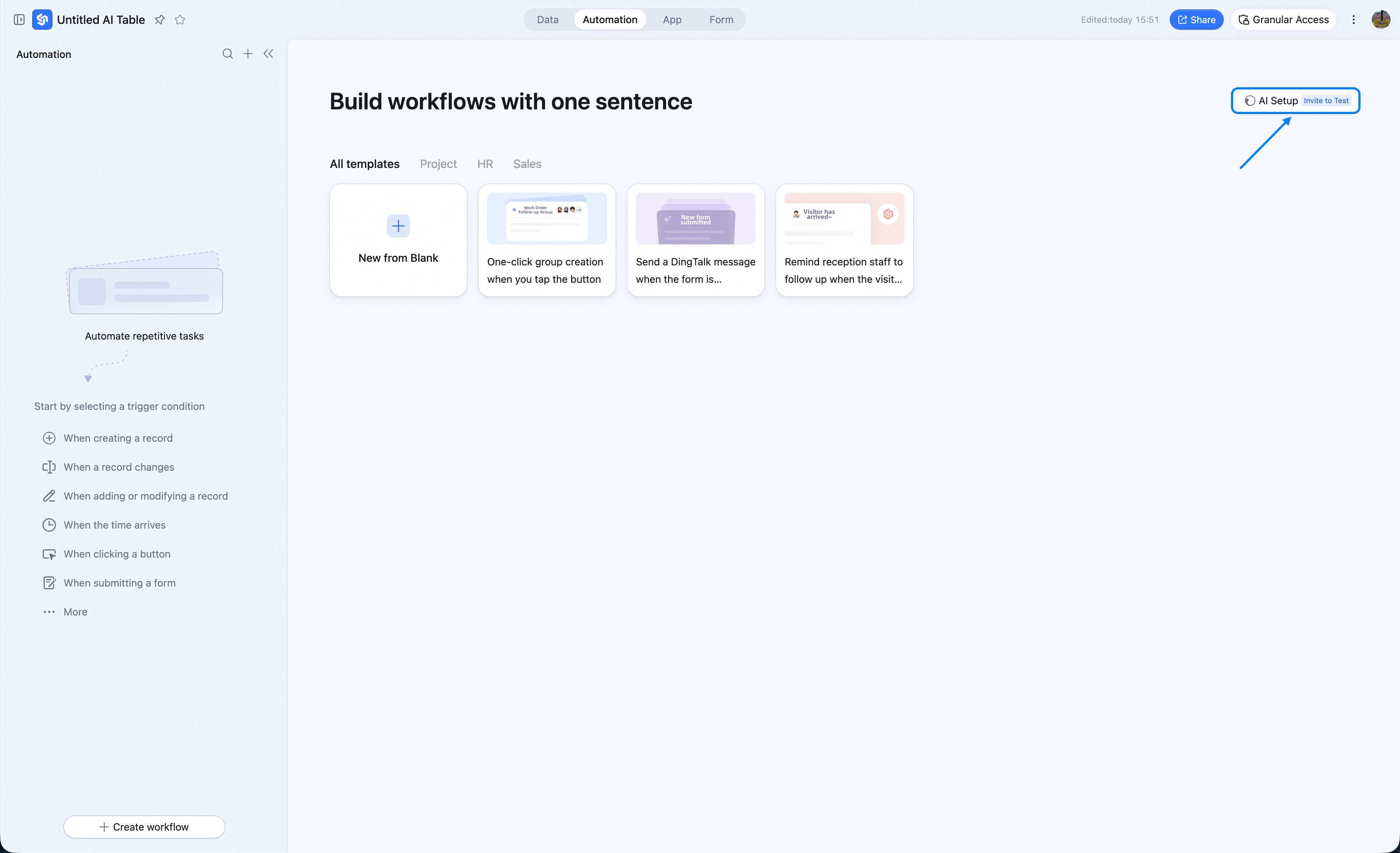
- AI one-sentence creation This feature is in closed beta — submit the form to apply: Apply
Configure the Workflow
- Configure the trigger and the action.
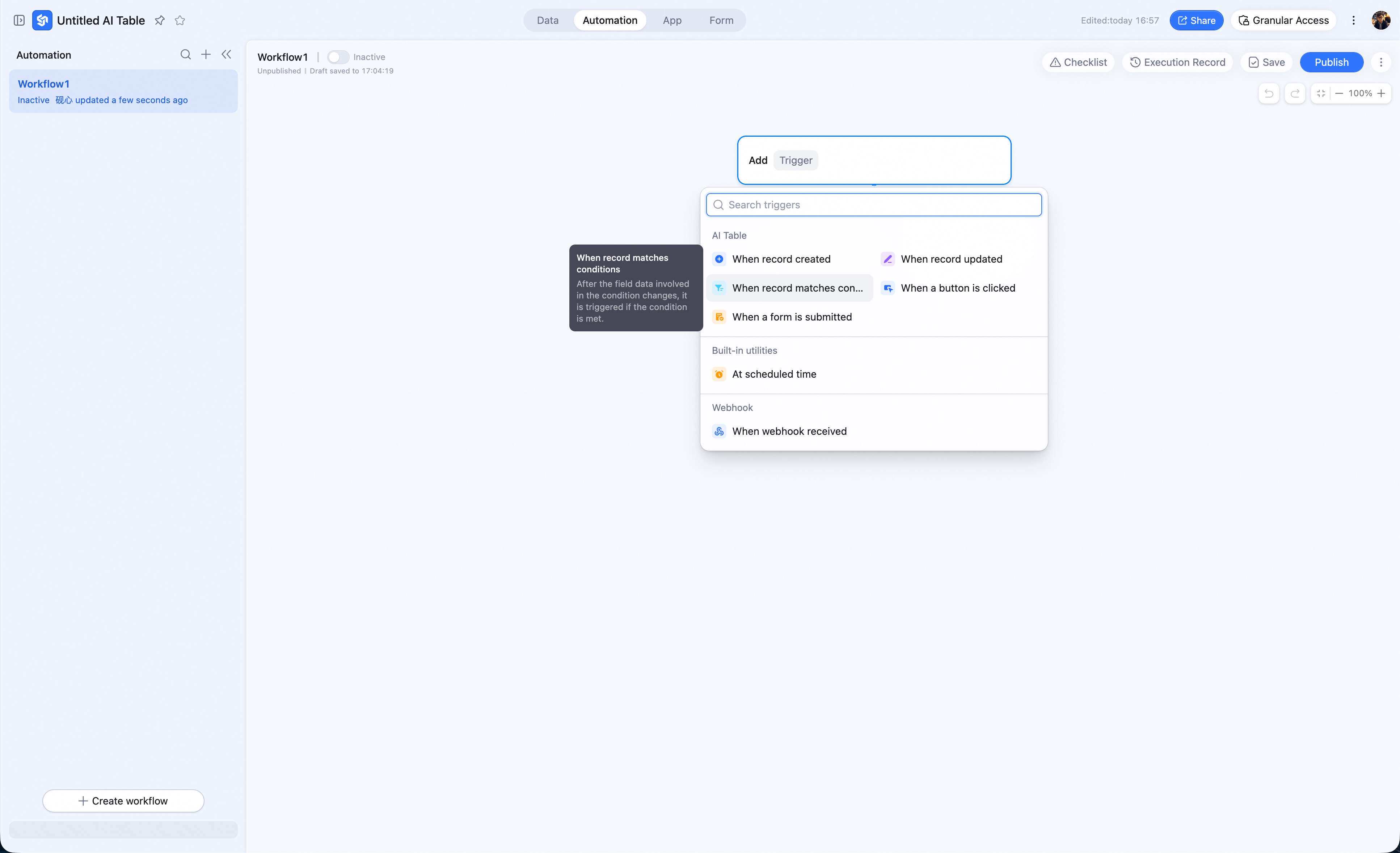
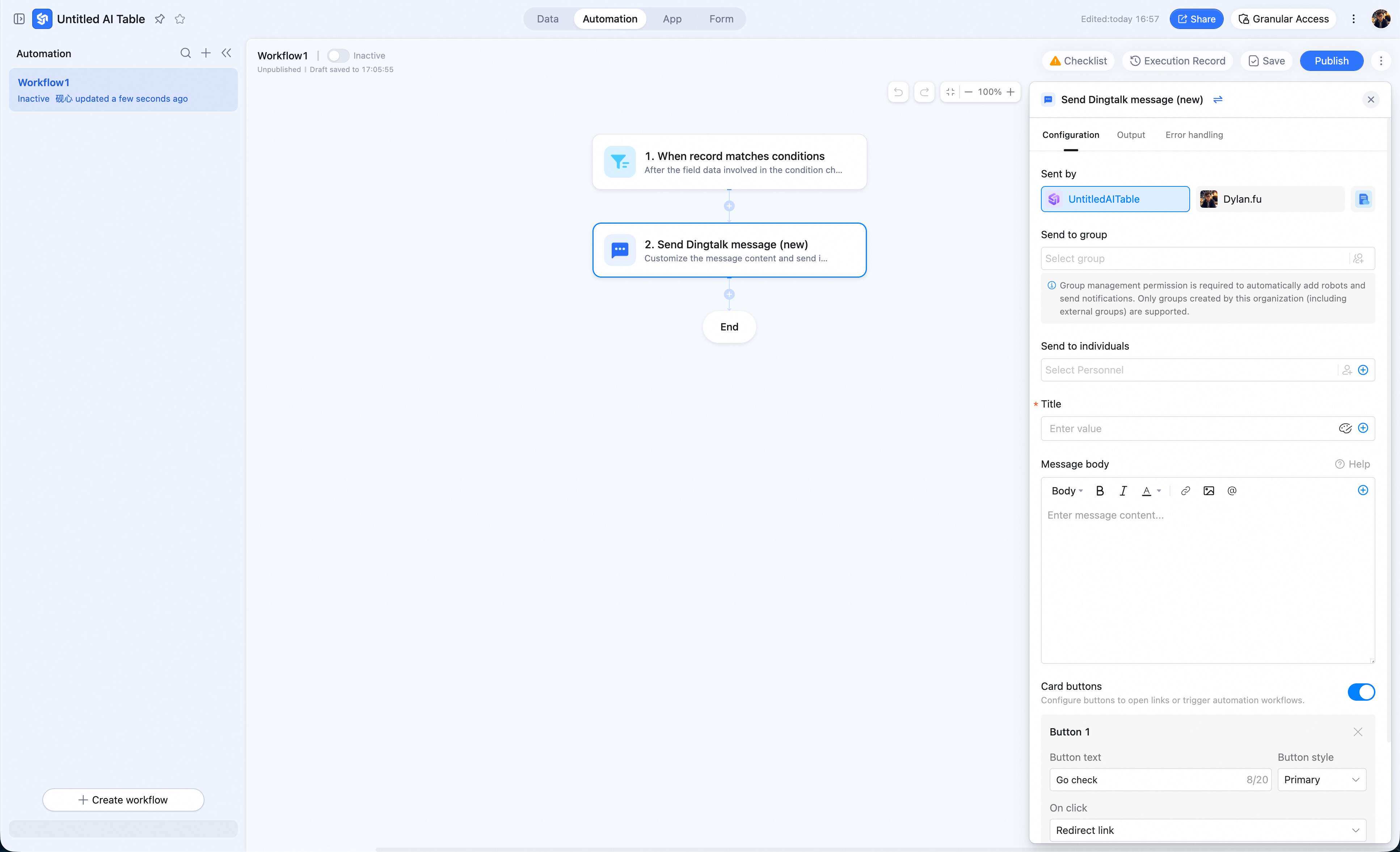
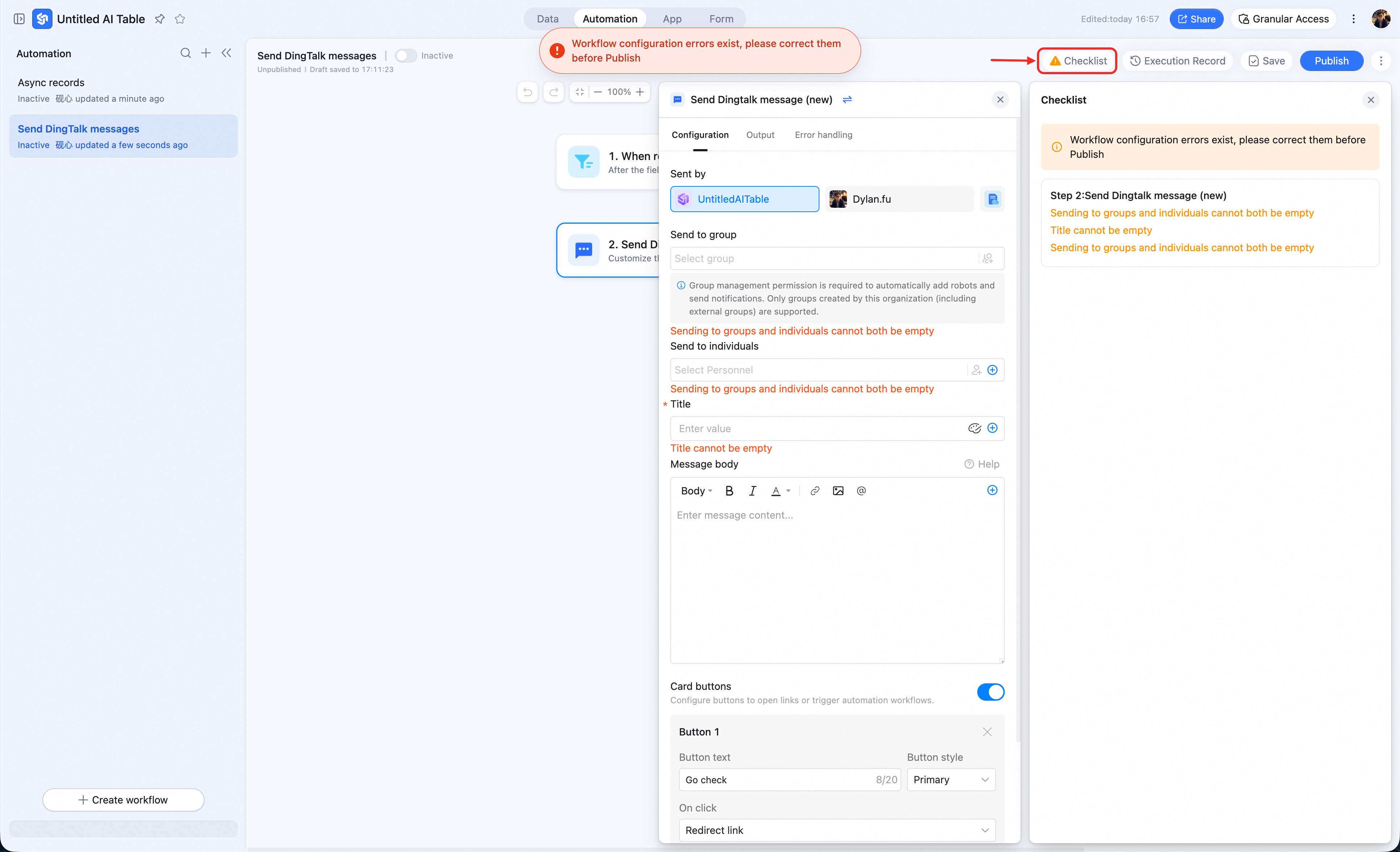
- All nodes must be configured for the workflow to run. When the red warning indicator in the top-right turns gray, the configuration is complete.
Manage Automations
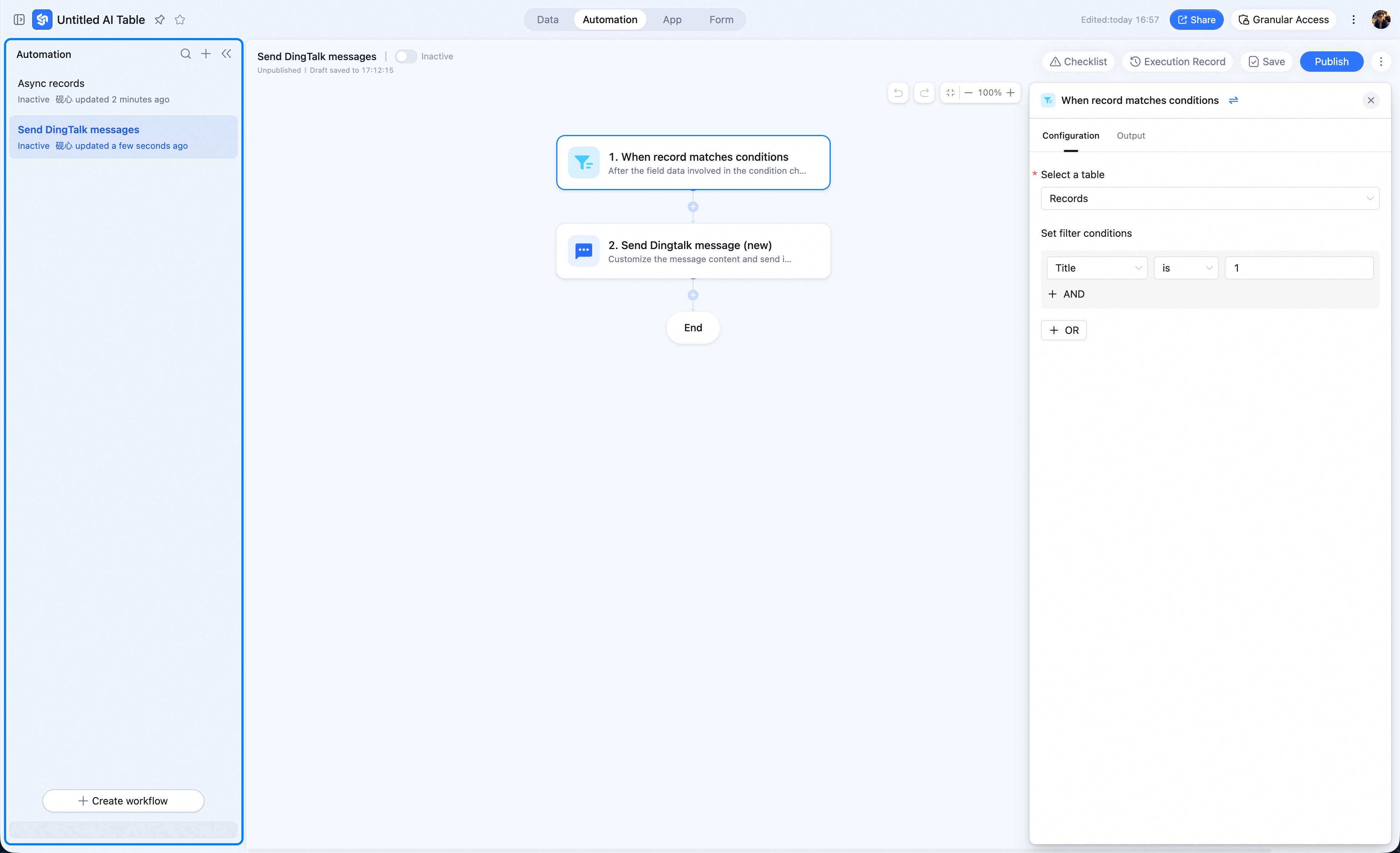
In an AI Table you can create, modify, and look up workflows.- Global management Click Automation — the left sidebar lists all workflows configured for this AI Table.
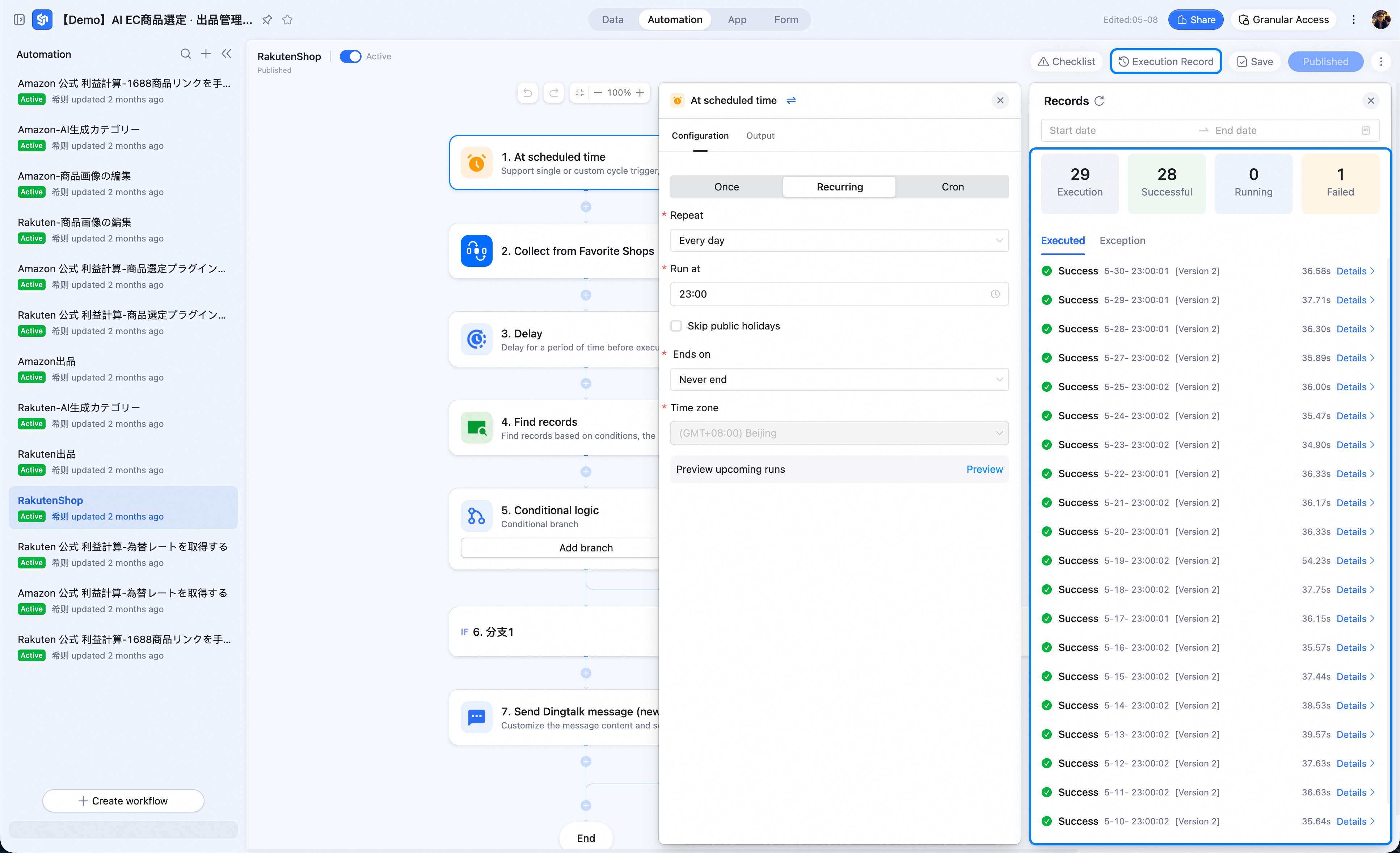
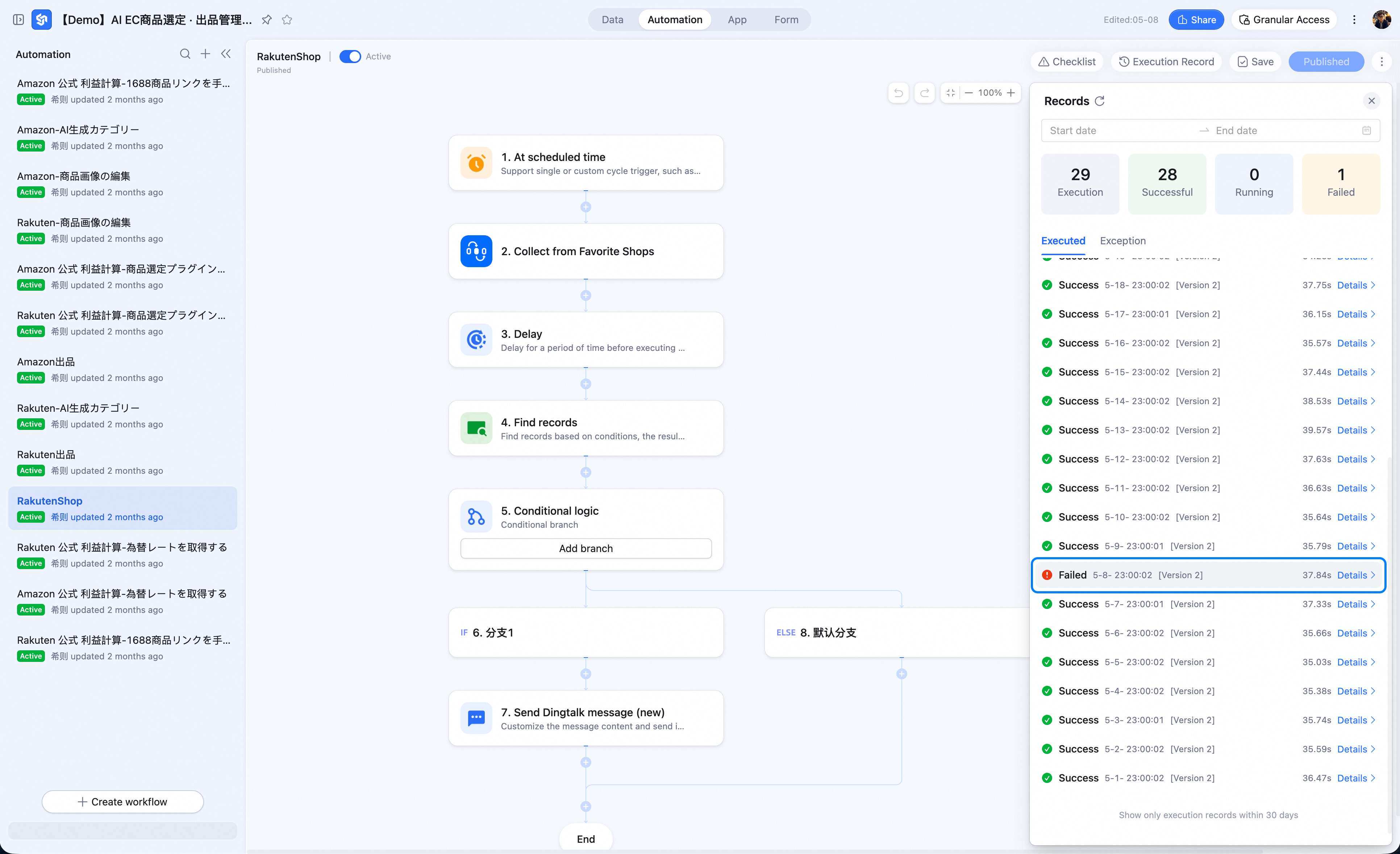
- Execution log On the workflow editor, click Execution log in the top-right — see total runs, successes, and failures.
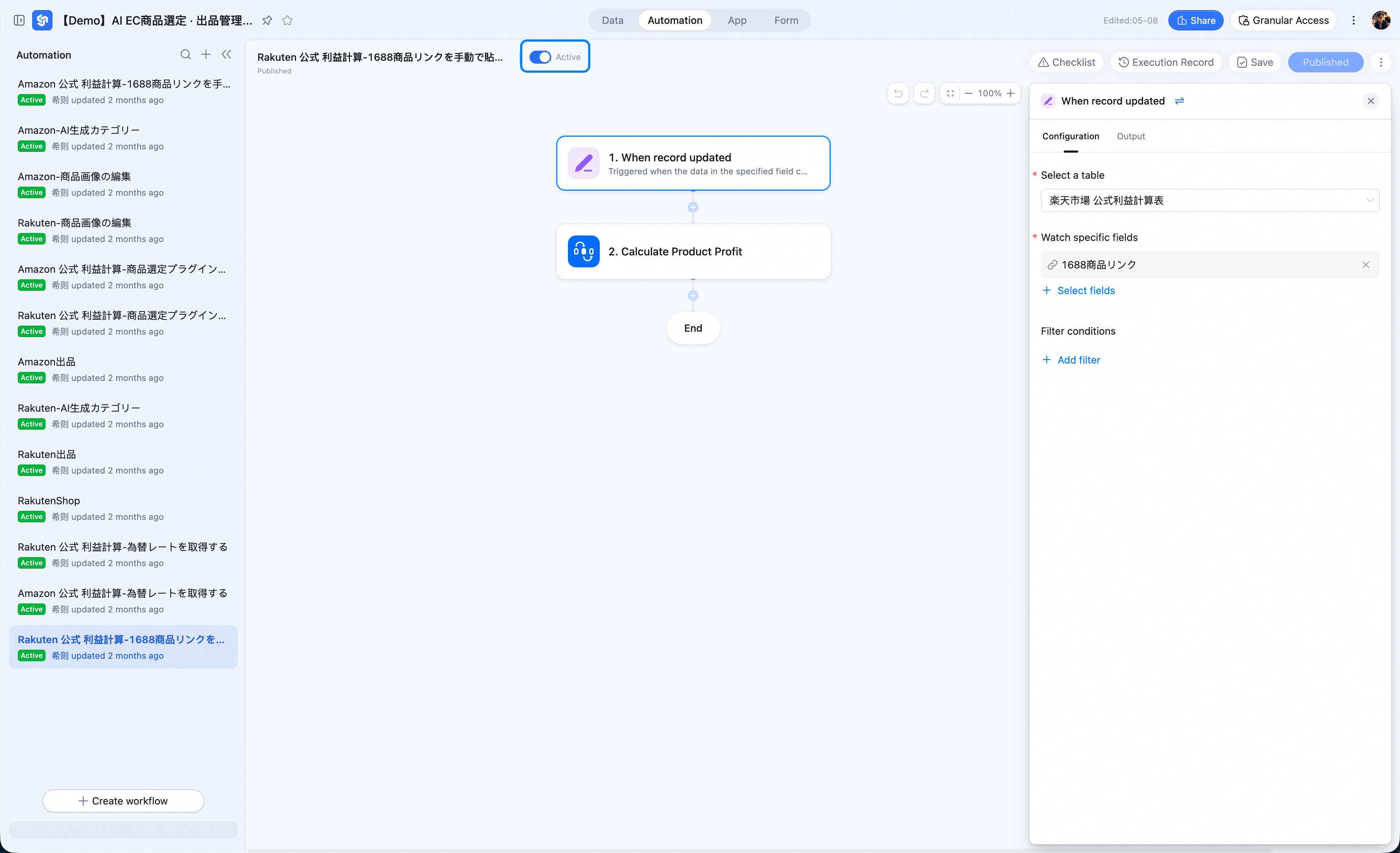
- Enable / disable a workflow In the workflow list, the toggle switches state — on = running, off = disabled.
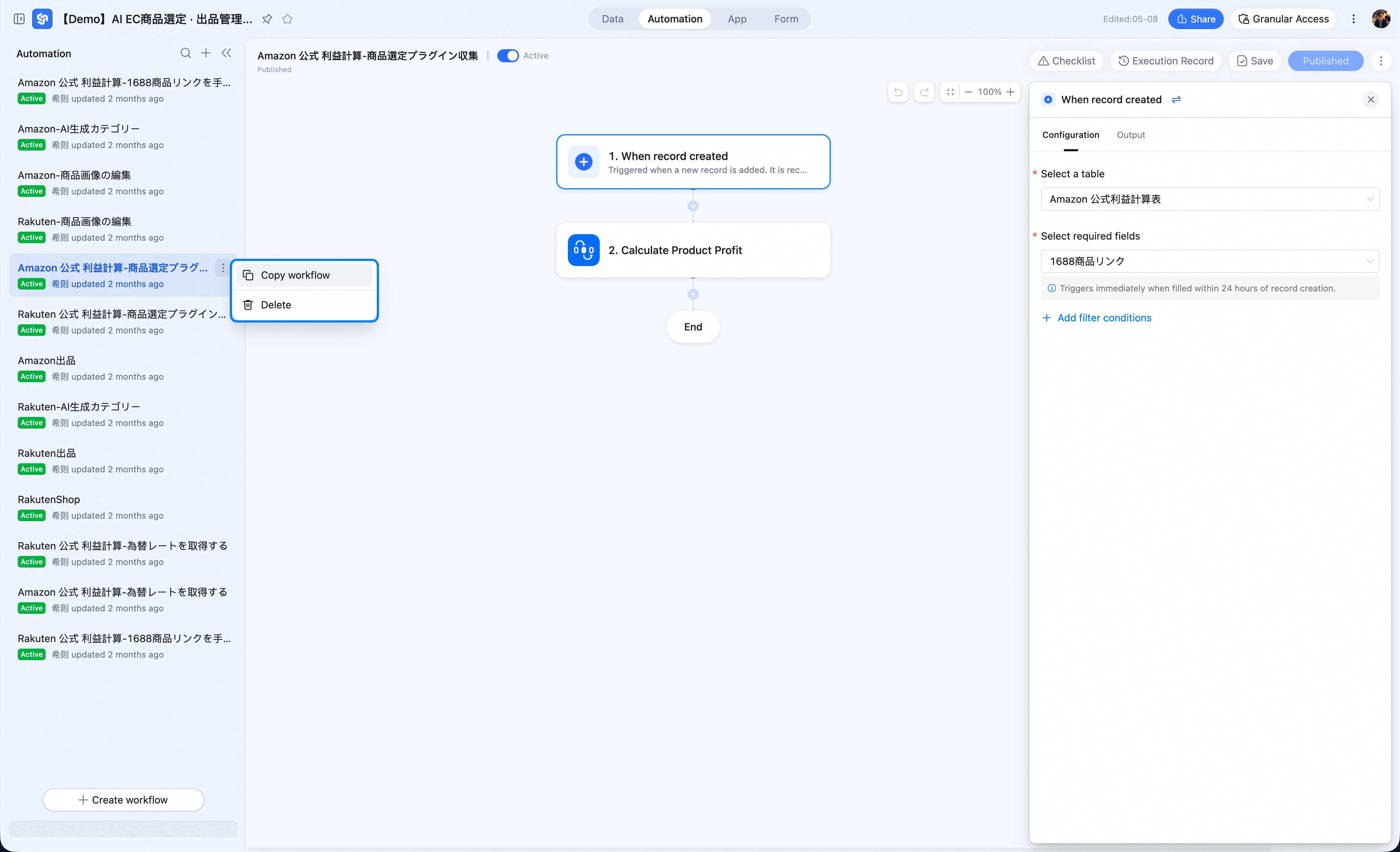
- Edit / Copy / Delete a workflow Pick a workflow → click More → edit / copy / delete.
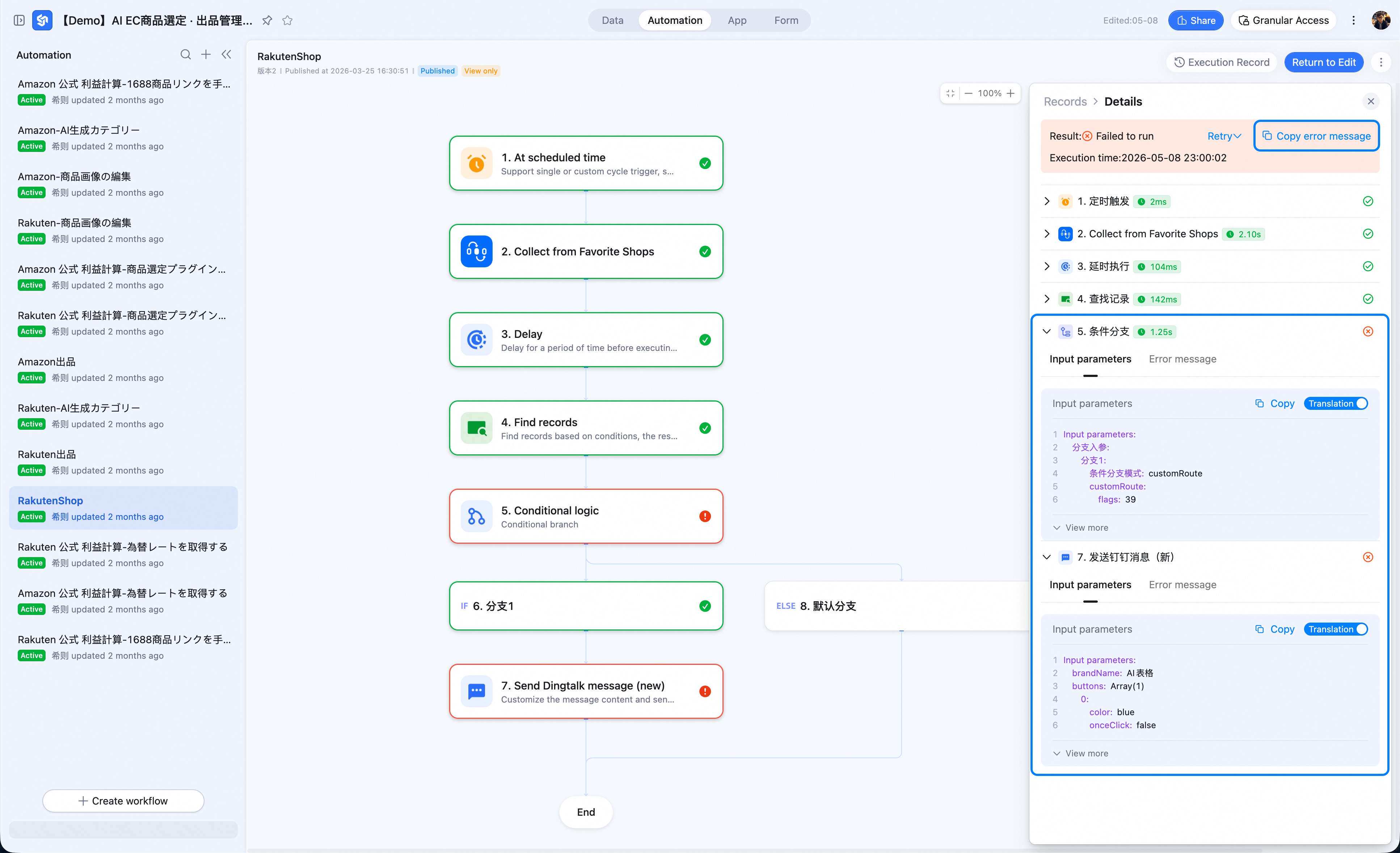
- Troubleshoot errors
Run-Count Metering
Automation runs on the DingTalk Connector Platform — every workflow node consumes connection-flow node executions.What Is a Node-Execution Count?
Connection-flow node executions (or “node executions”) is the commercial billing metric of the DingTalk Connector Platform. It tallies node runs across AI Table, bots, OA approvals, and the connector platform for the current org. Users with developer access can view details on the DingTalk Connector Platform.How to View This Month’s Count
Go to Workflow management to see the org’s accumulated runs for the month.Counting Rules
Counted
- Successful action node — 1.
- Delay node call — 1.
- HTTP request node call — 1.
- Branch node — 1 per evaluation.
- A Loop node counts as 1 per workflow run, regardless of how many iterations. Set Max iterations carefully.
- When an action returns nothing, it still counts as a successful run (e.g. directory queries with no matches still count as 1).
Not Counted
- Trigger event execution.
- Skipped nodes; failed nodes.
- Debug runs.