

 Chats
Chats Calendar
 Meetings
 Contacts
 Mail
Mail Docs
Docs Drive
Drive AI Table
 AI Minutes
 Attendance
 Approval
 YiDA
YiDA Admin Console
View Whole-Table History
In the AI Table, click the save-state label at the top-right.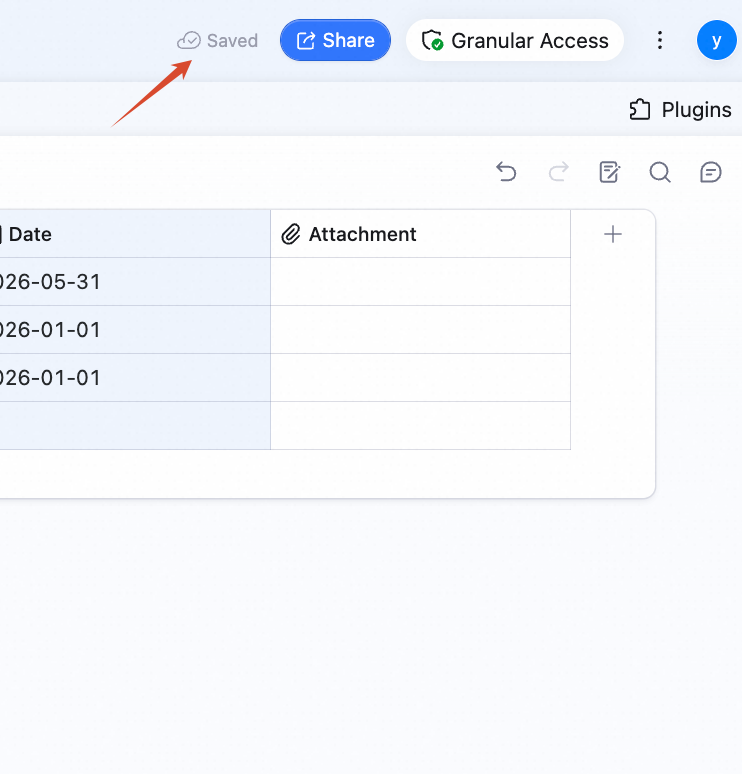
Restore from History
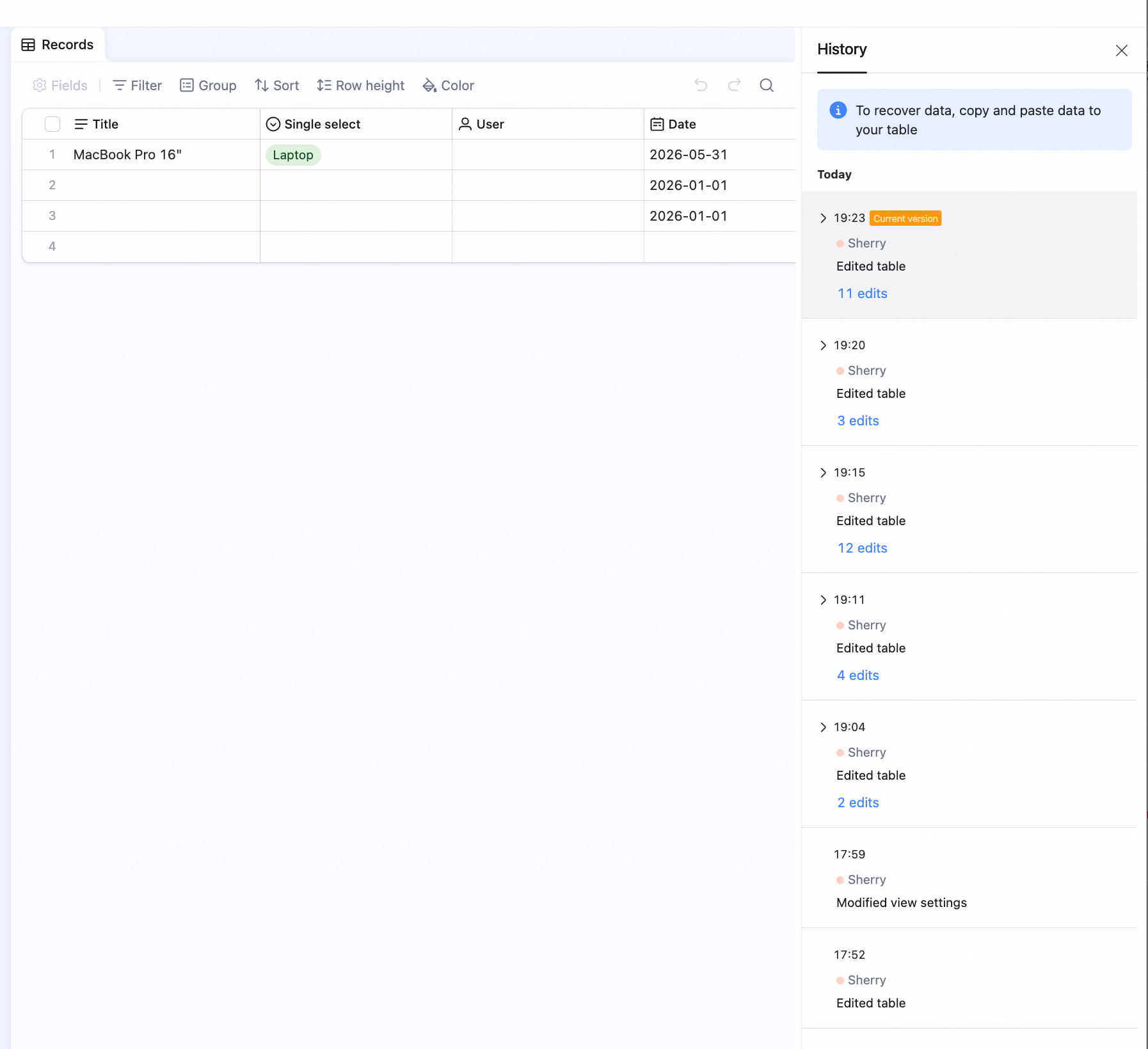
Right now, AI Table only supports manual copy-paste to restore.- Pick the version you want from the right panel.
-
Select the rows to restore, right-click and pick Copy — or use
cmd/ctrl + c. -
Back in the editor, paste with
cmd/ctrl + v.
View the History of a Single Record
Method 1:- Right-click any cell in the row.
- Pick View record history.
- Click View in the first cell to open the record detail.
- In the top-right of the detail, click the icon and pick Field / column history.