

 Chats
Chats Calendar
 Meetings
 Contacts
 Mail
Mail Docs
Docs Drive
Drive AI Table
 AI Minutes
 Attendance
 Approval
 YiDA
YiDA Admin Console
How
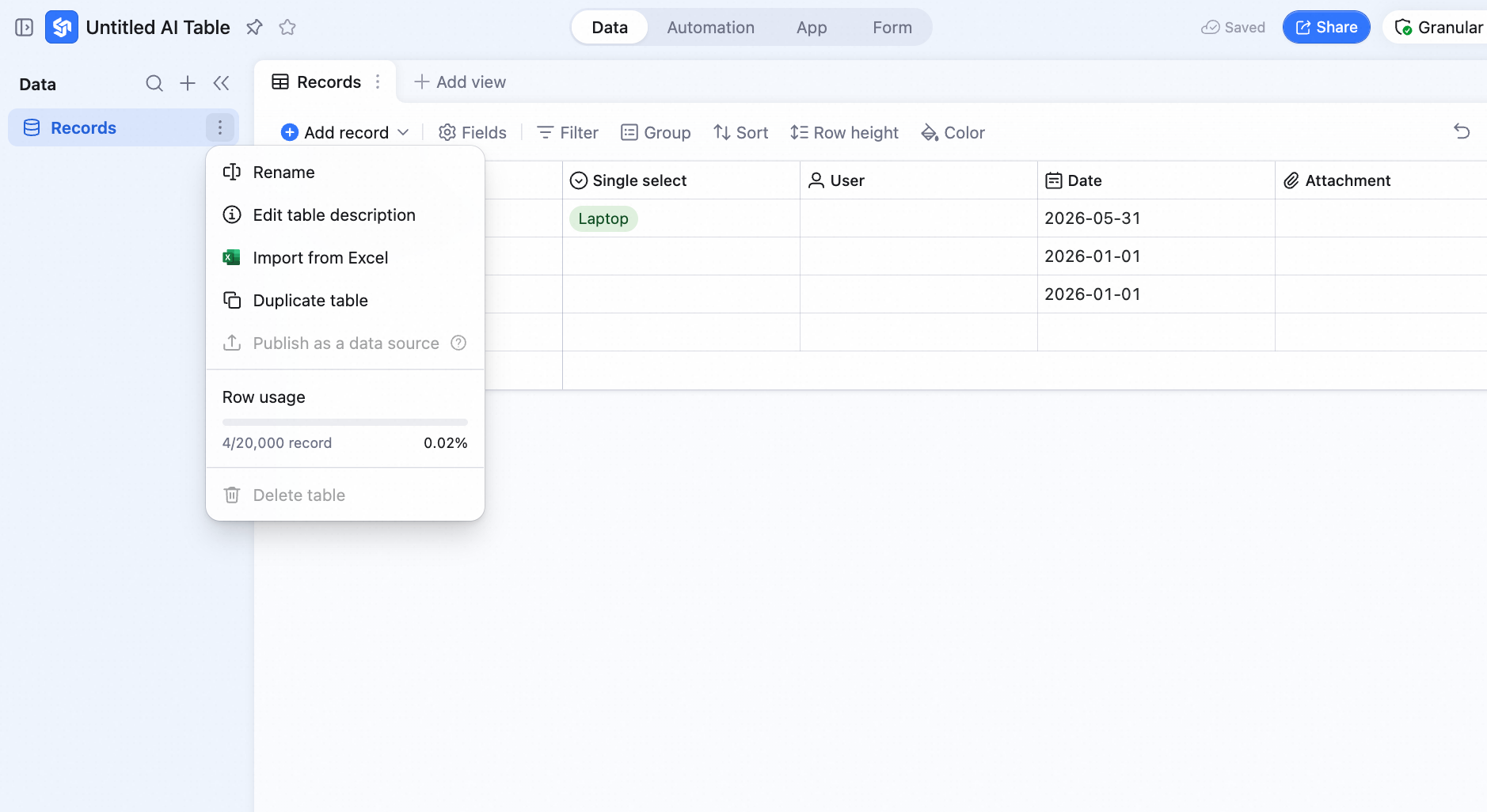
- In the left sidebar, click the icon to the right of the table and pick Rename.
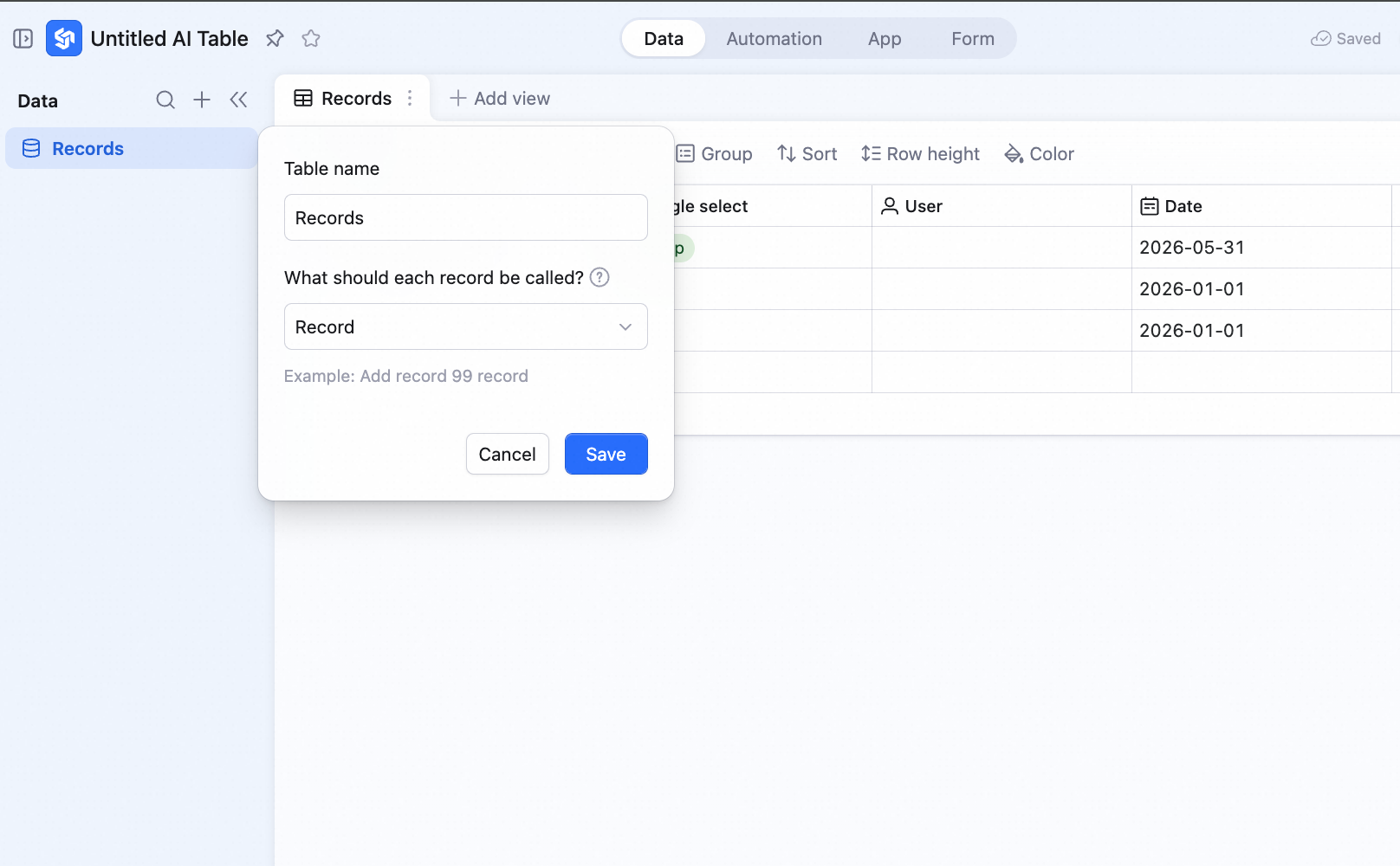
- In the dialog, enter the record name you want.
What Changes
Take a CRM table — rename records to Customer: Add record becomes Add customer.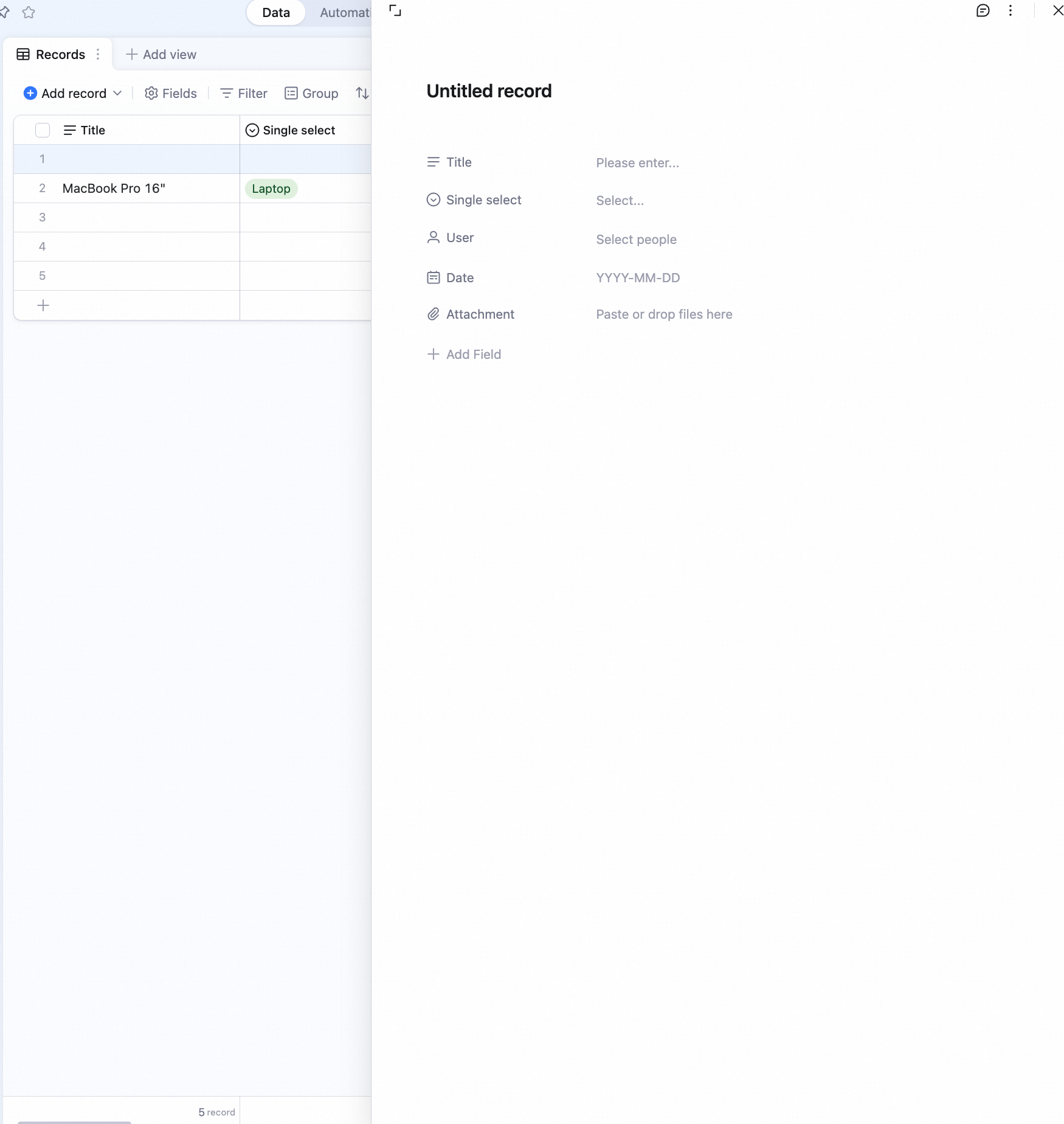 The bottom stats 4 records become 4 customers.