

 Chats
Chats Calendar
 Meetings
 Contacts
 Mail
Mail Docs
Docs Drive
Drive AI Table
 AI Minutes
 Attendance
 Approval
 YiDA
YiDA Admin Console
Gallery Config
Click Gallery config, pick an attachment field as the cover. Cover defaults to Crop; you can switch to Fit.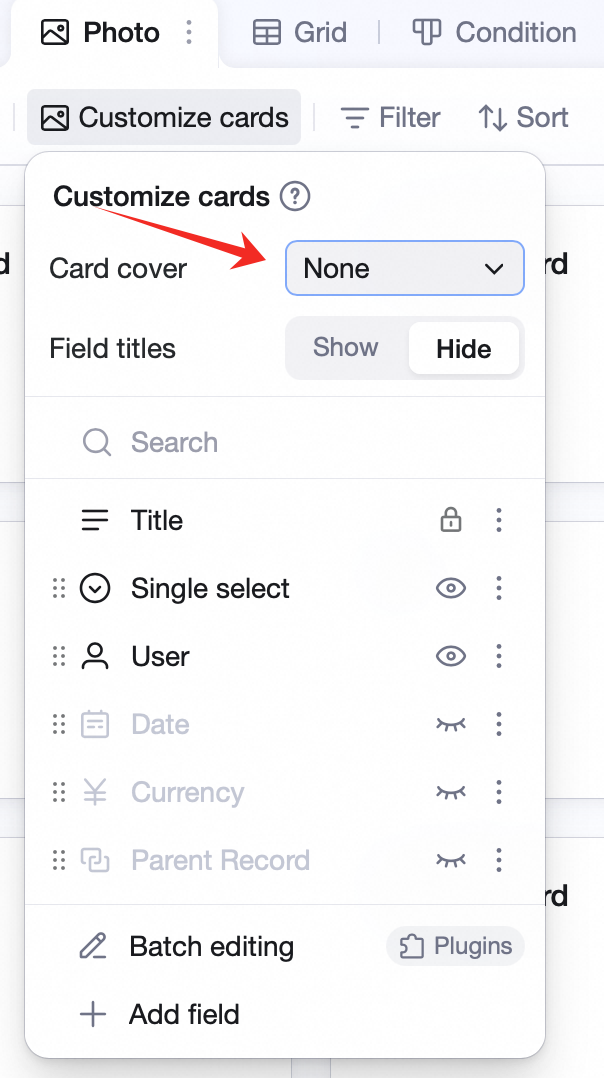
Gallery view visualizes attachment fields — images, PDFs, and files at a glance. Use it for product showcase, storefronts, personal albums, travel logs, and photo journals.