Chats
Chats Calendar
 Meetings
 Contacts
 Mail
Mail Docs
Docs Drive
Drive AI Table
 AI Minutes
 Attendance
 Approval
 YiDA
YiDA Admin Console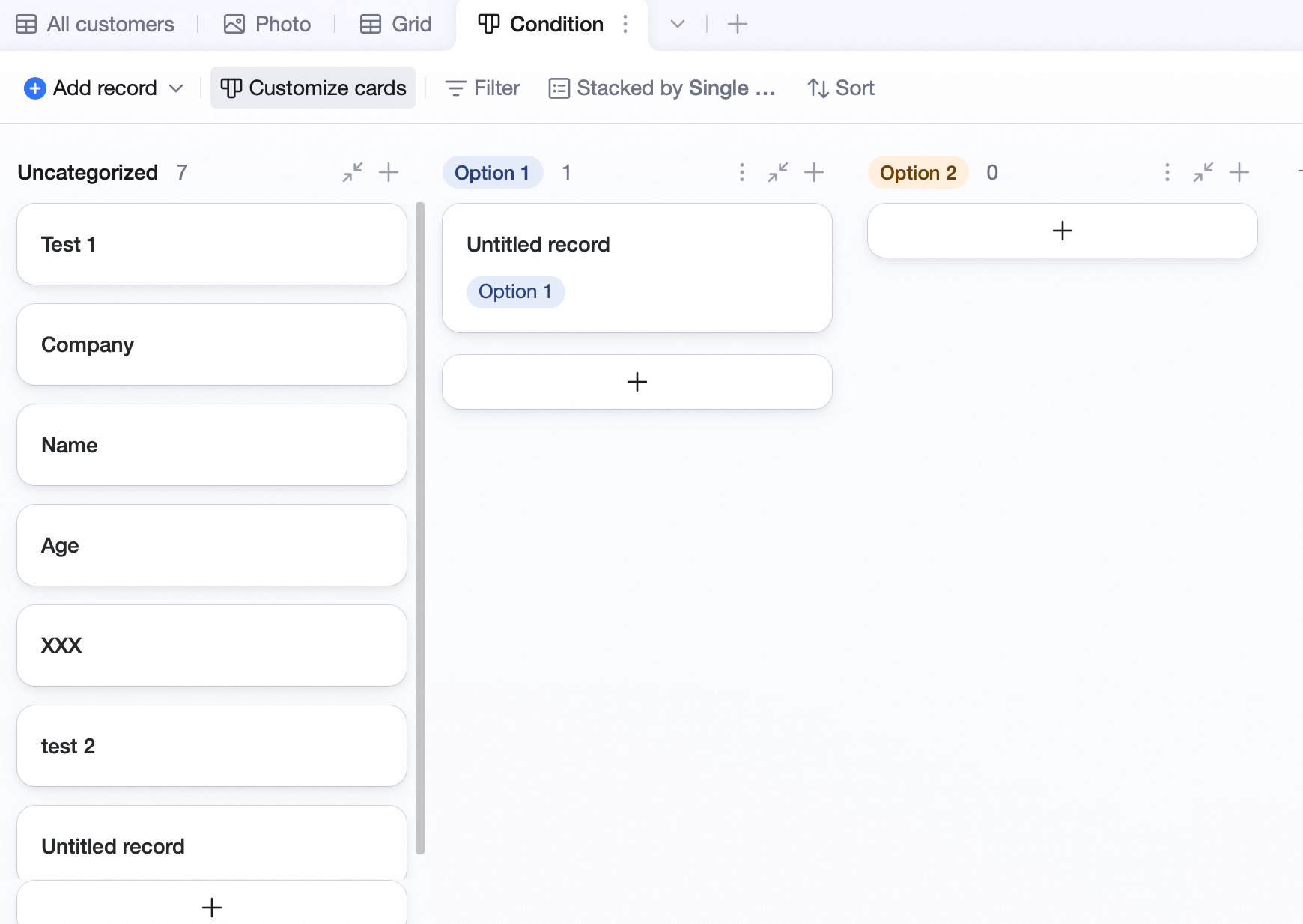
Customize Cards
- Click Customize cards.
- Pick an attachment field for the cover.
- Show or hide the field title.
- With lots of fields, click the icon to hide some.

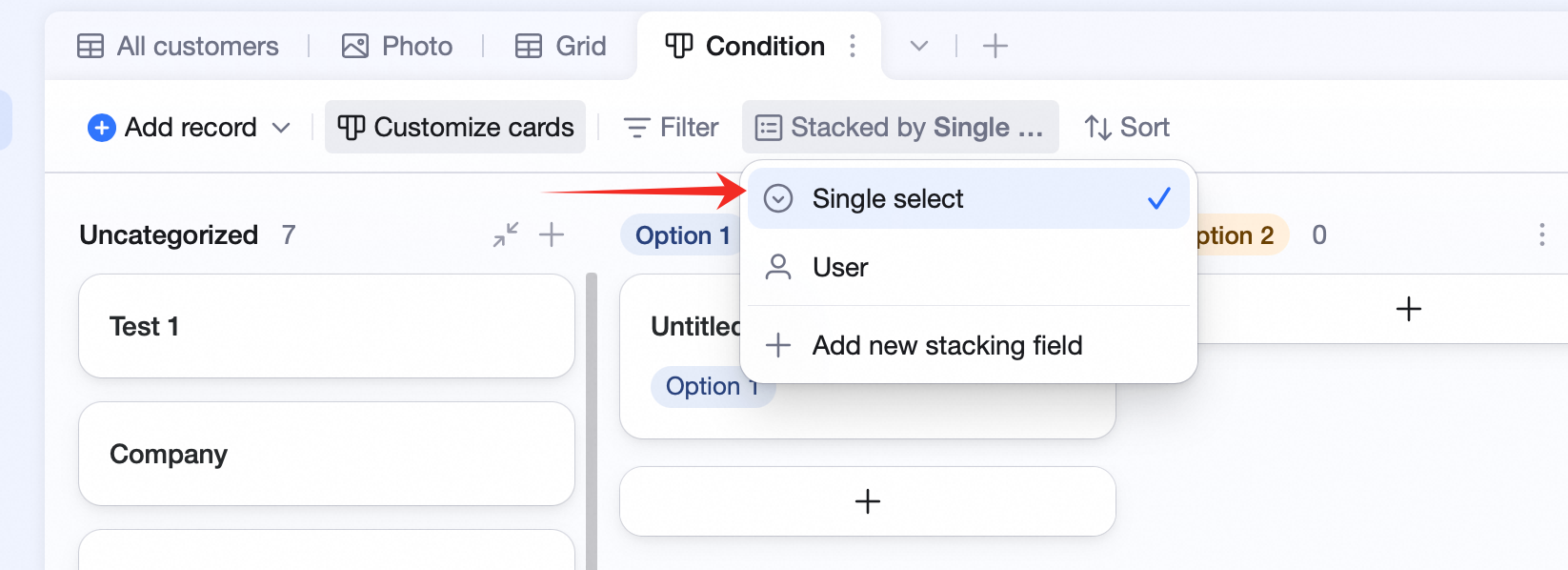
Stack-By Fields
Eligible stack-by fields: Member (excluding “Created by” / “Modified by”), Single select, Multi-select, Checkbox, Flow, Rating, One-way link, Two-way link.