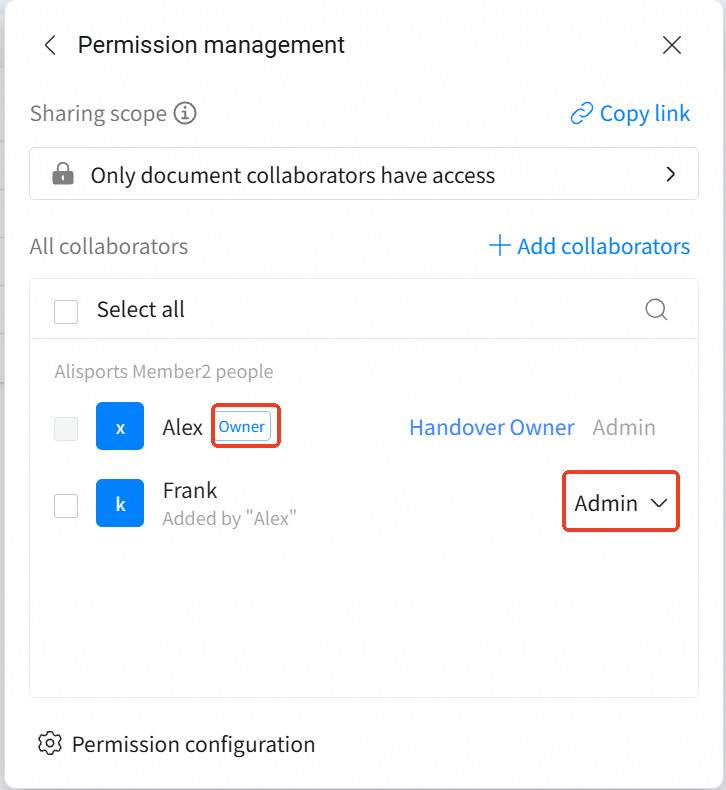
Owner’s My documents or Knowledge base recycle bin
My documents
Admin
Owner
Owner’s My documents recycle bin
Knowledge base
Owner
Owner
Owner’s Knowledge base recycle bin
Knowledge base
Admin
Owner or the person who deleted it
The recycle bin of the knowledge base where the deleted AI Table lived. Note: if the person who deleted it is doing the restore, they need access to that knowledge base.
Q: I just realized I deleted an AI Table by accident — what should I do?A: Follow one of the paths above and act fast. Items in the recycle bin are kept for 30 days only — after that, recovery is no longer possible.Q: Where does the AI Table show up after restore?A: It returns to the location it was in when it was deleted.Q: What if the owner has left the organization — how can I recover the deleted table?A: In that case, the only option is the enterprise recycle bin in the admin console of the Office management suite.


 Chats
Chats Calendar
 Meetings
 Contacts
 Mail
Mail Docs
Docs Drive
Drive AI Table
 AI Minutes
 Attendance
 Approval
 YiDA
YiDA Admin Console