

 Chats
Chats Calendar
 Meetings
 Contacts
 Mail
Mail Docs
Docs Drive
Drive AI Table
 AI Minutes
 Attendance
 Approval
 YiDA
YiDA Admin Console
Overview
Side-panel plugins are an open capability AI Table exposes. Developers can extend AI Table by building their own custom plugins. Plugins run in the right side panel of AI Table and can interact with table data to implement complex business logic. Plugins use a two-page architecture:- Script Service: runs in a Web Worker; talks to the AI Table data model.
- Sidebar UI: runs in the side-panel iframe; renders the user interface and handles interaction.
Building a Custom Plugin
Create a Custom Plugin
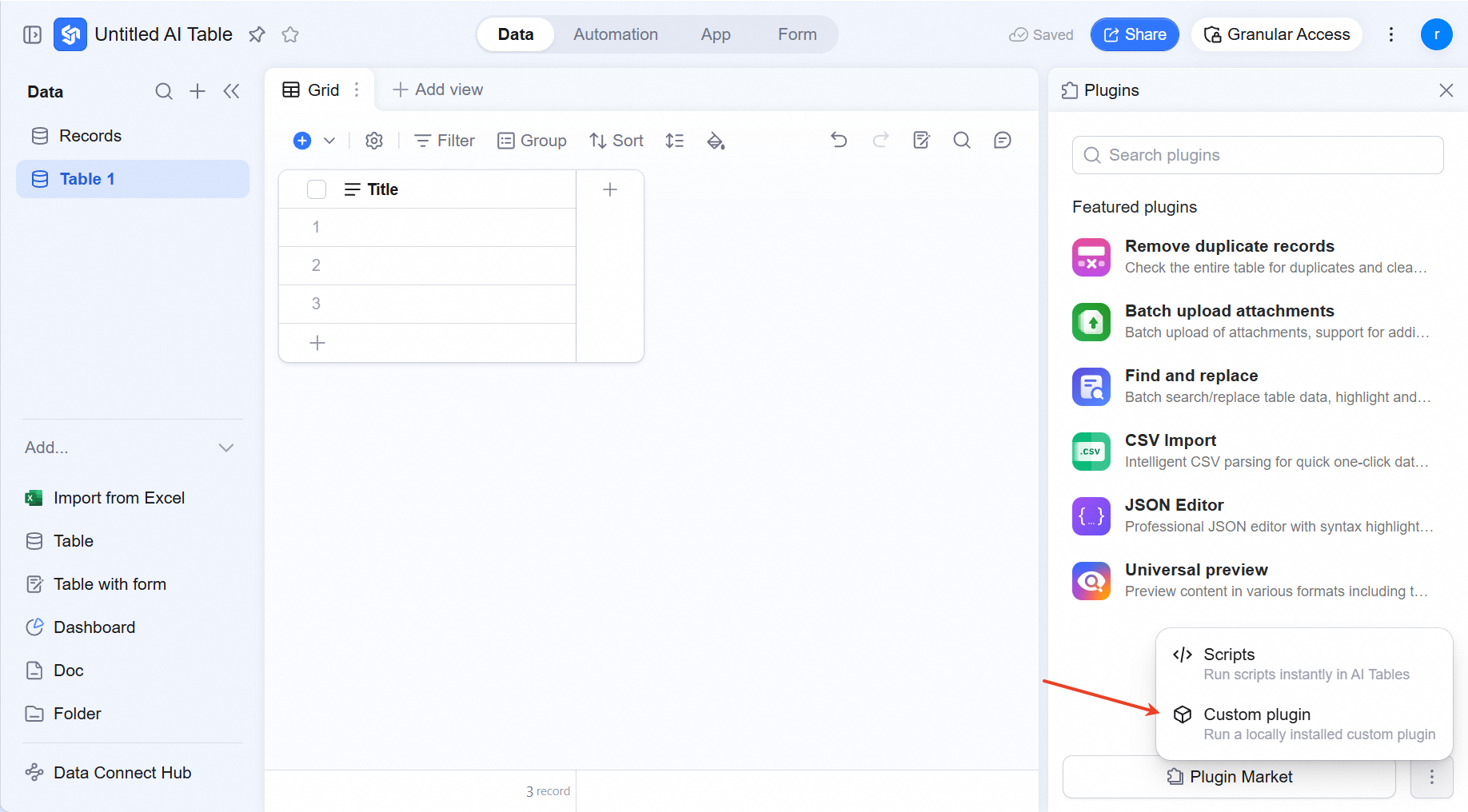 Click the help guide below to try a sample custom-plugin demo and start exploring your own.
Developer guide & quickstart: https://docs.dingtalk.io/i/nodes/R4GpnMqJzOP0oLp6sXPBmZxx8Ke0xjE3
Core concepts: https://docs.dingtalk.io/i/nodes/R4GpnMqJzOP0oLp6sXPBmZxx8Ke0xjE3
JSAPI reference: https://docs.dingtalk.io/i/nodes/R4GpnMqJzOP0oLp6sXPBmZxx8Ke0xjE3
Click the help guide below to try a sample custom-plugin demo and start exploring your own.
Developer guide & quickstart: https://docs.dingtalk.io/i/nodes/R4GpnMqJzOP0oLp6sXPBmZxx8Ke0xjE3
Core concepts: https://docs.dingtalk.io/i/nodes/R4GpnMqJzOP0oLp6sXPBmZxx8Ke0xjE3
JSAPI reference: https://docs.dingtalk.io/i/nodes/R4GpnMqJzOP0oLp6sXPBmZxx8Ke0xjE3
Plugin Permissions
Once you publish your custom plugin, the following AI Table users can see and use it:- With Advanced Permissions off: users with Edit or Manage can use the plugin.
- With Advanced Permissions on: only users with table-level Manage can use the plugin.