Chats
Chats Calendar
 Meetings
 Contacts
 Mail
Mail Docs
Docs Drive
Drive AI Table
 AI Minutes
 Attendance
 Approval
 YiDA
YiDA Admin Console
1 Glossary
When you click the + button in an AI Table automation to reference content, you’ll meet specific terms. This page explains the variables and fields you can reference.1.1 AI Table Variables
Click + in the right panel to add field variables from this AI Table — handy for sending a list of field values to someone or for writing a created group’s ID back to a record.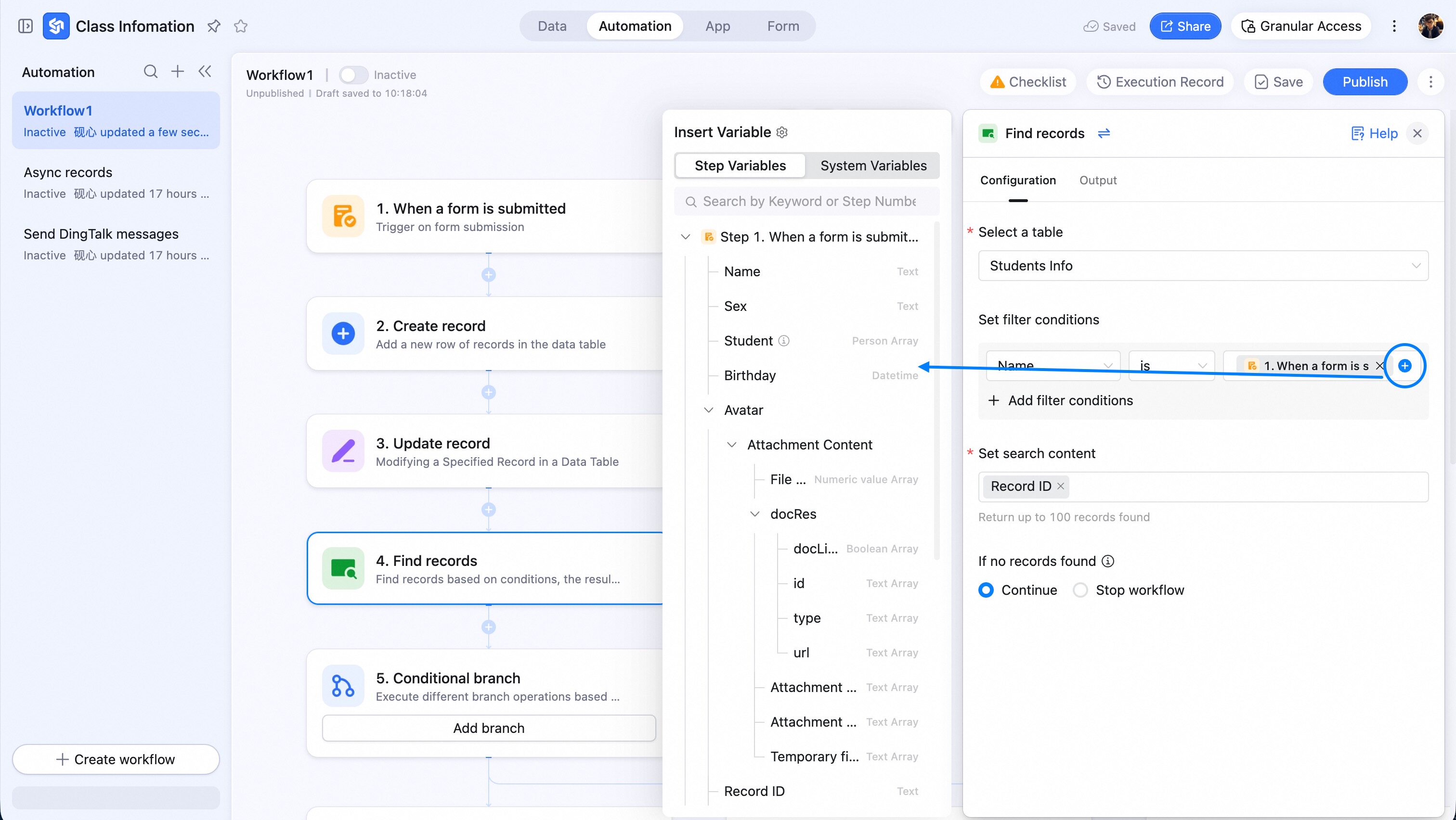
1.1.1 View URL
The URL of an AI Table view. Open the URL to land directly on that view.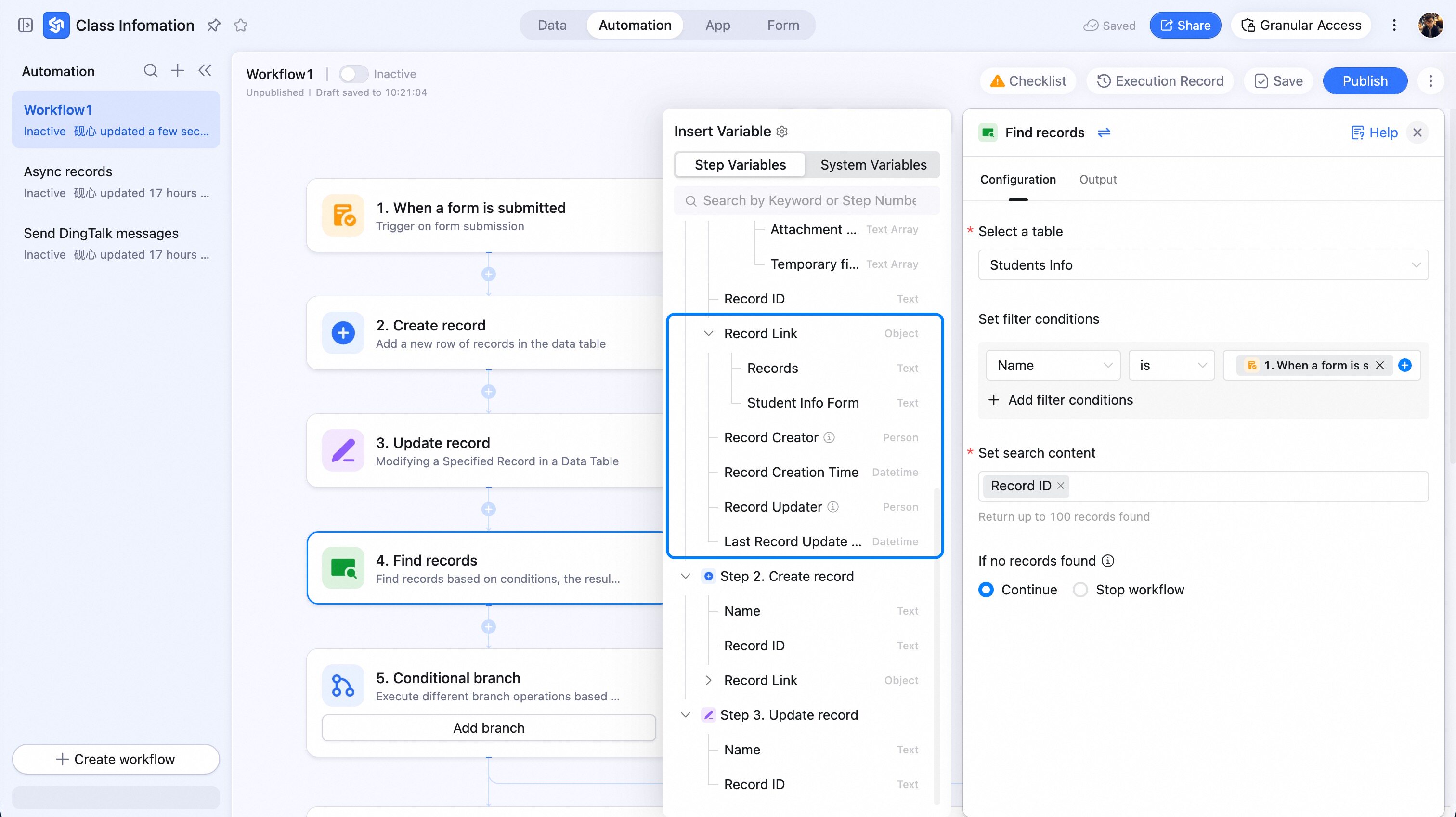
1.2 Record Variables
Usually surface when an earlier step contains a specific record and a later step references it.1.2.1 Record ID
The unique identifier of a row. Unique within a single table — but may collide across tables in the same database.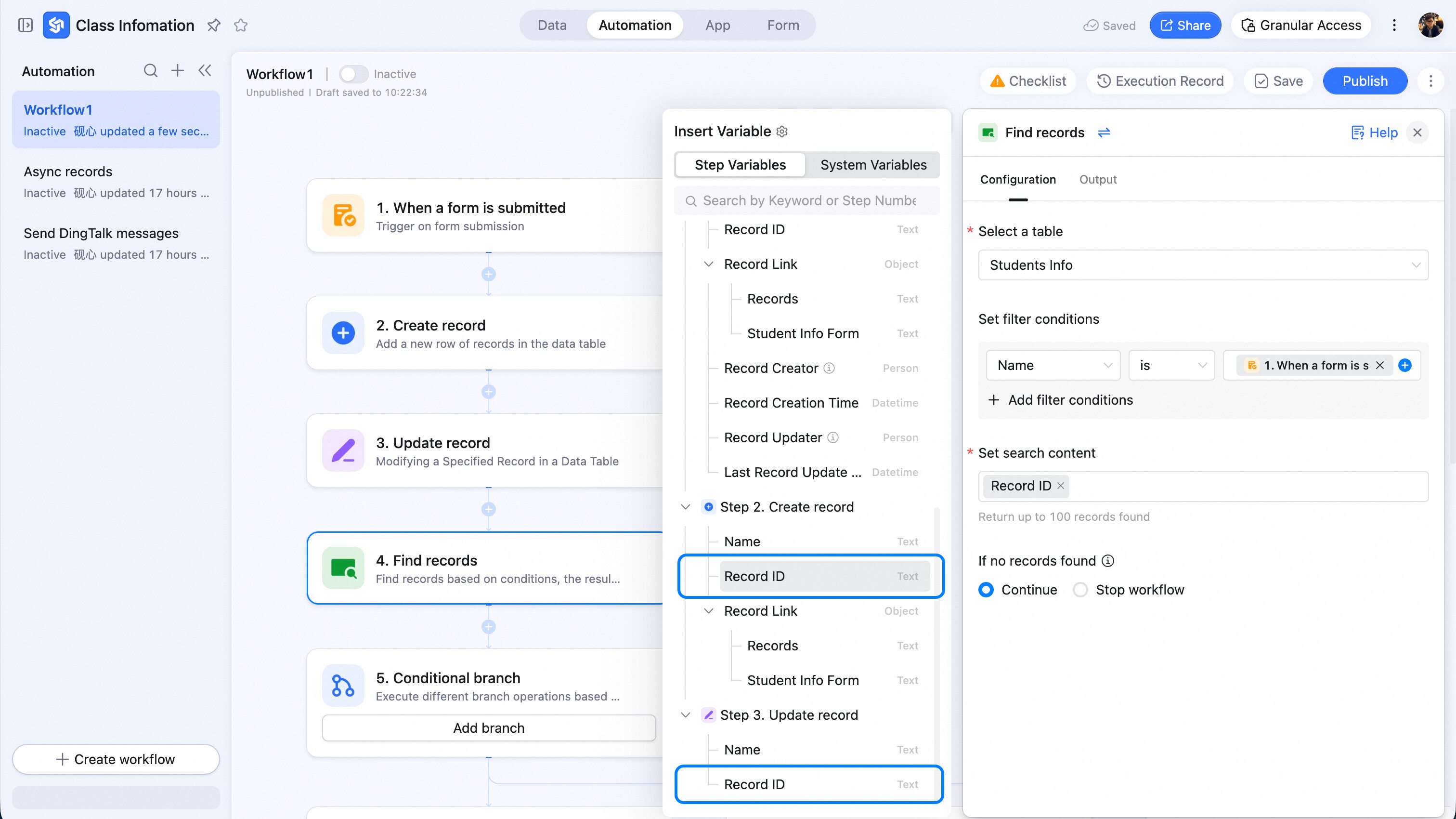
1.2.2 Workflow Author
The person who configured this automation.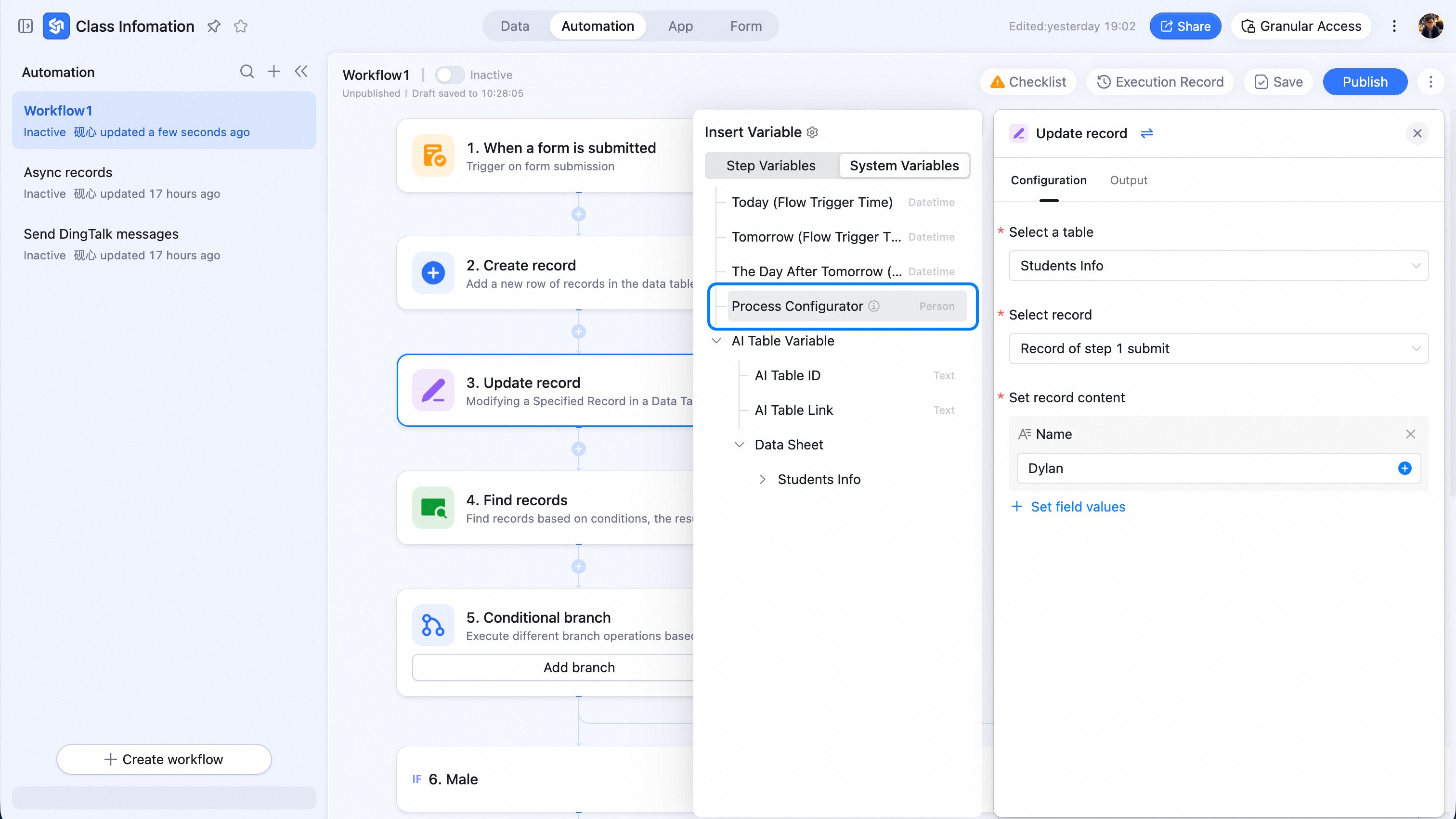
1.2.3 Workflow Trigger Time
Includes today (the trigger time), tomorrow (trigger time + 1 day), and day-after-tomorrow (trigger time + 2 days).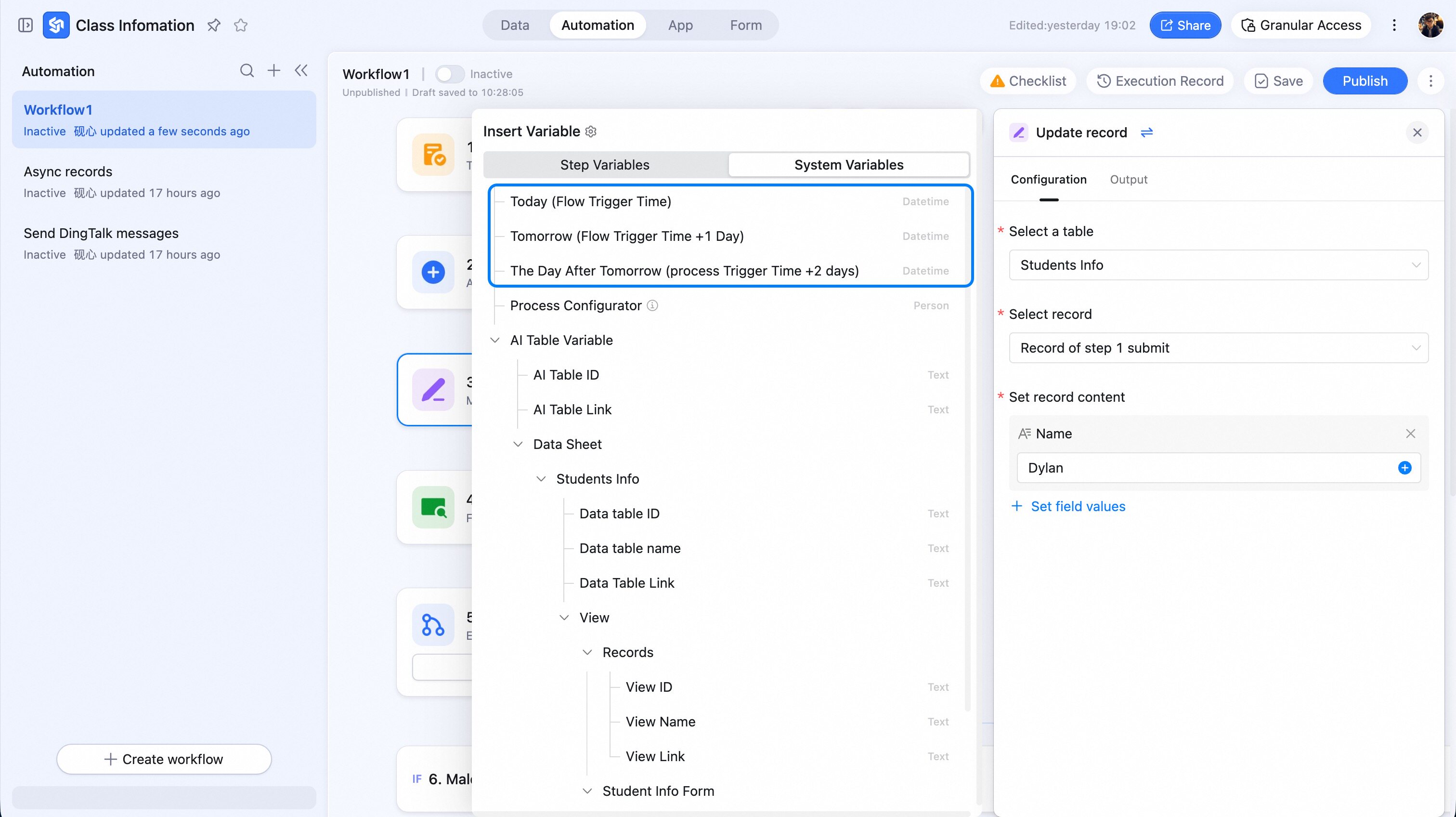
1.3 Attachment Fields
Includes attachment size, name, type, and a temporary URL (expires 2 hours after generation).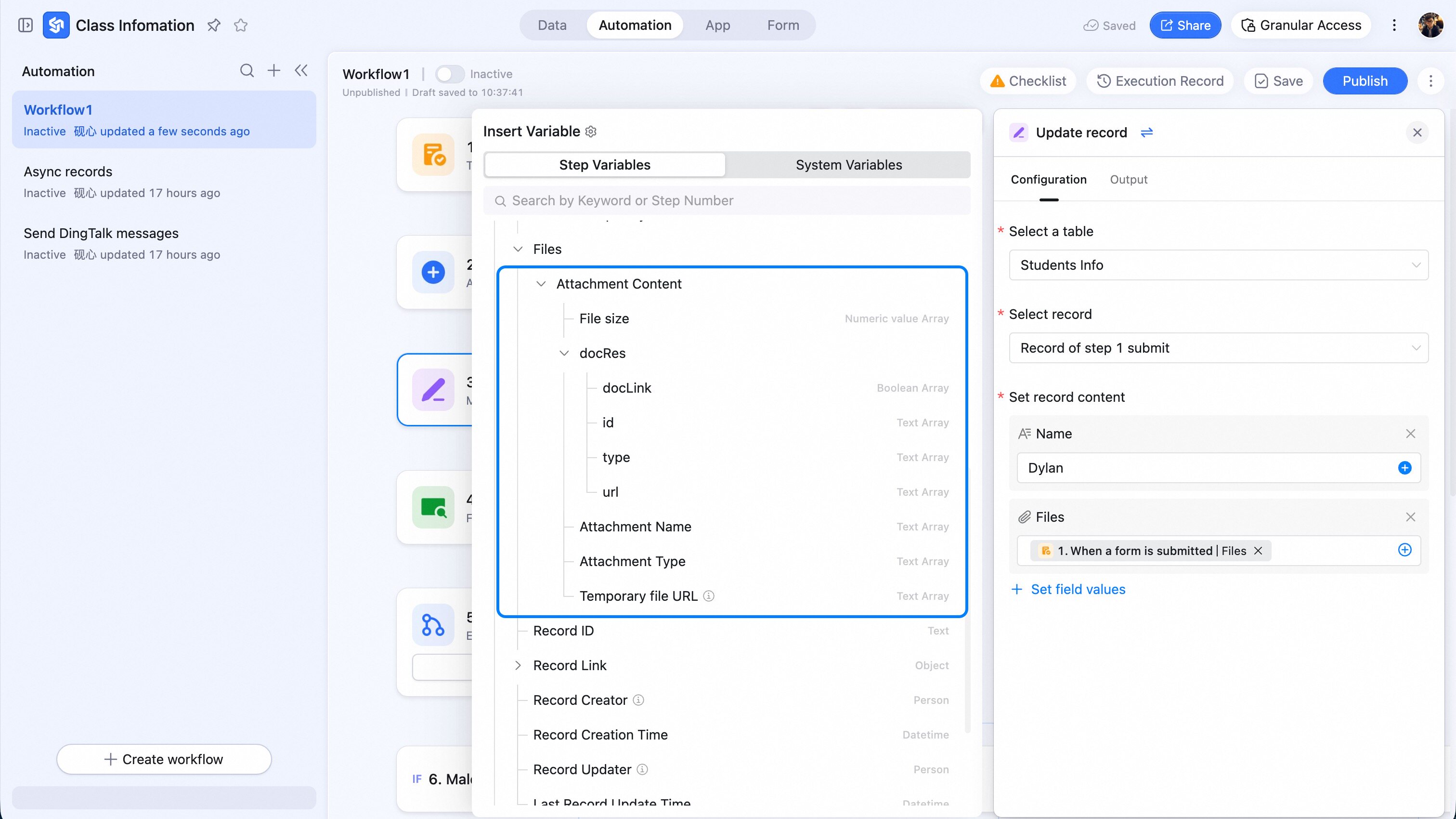
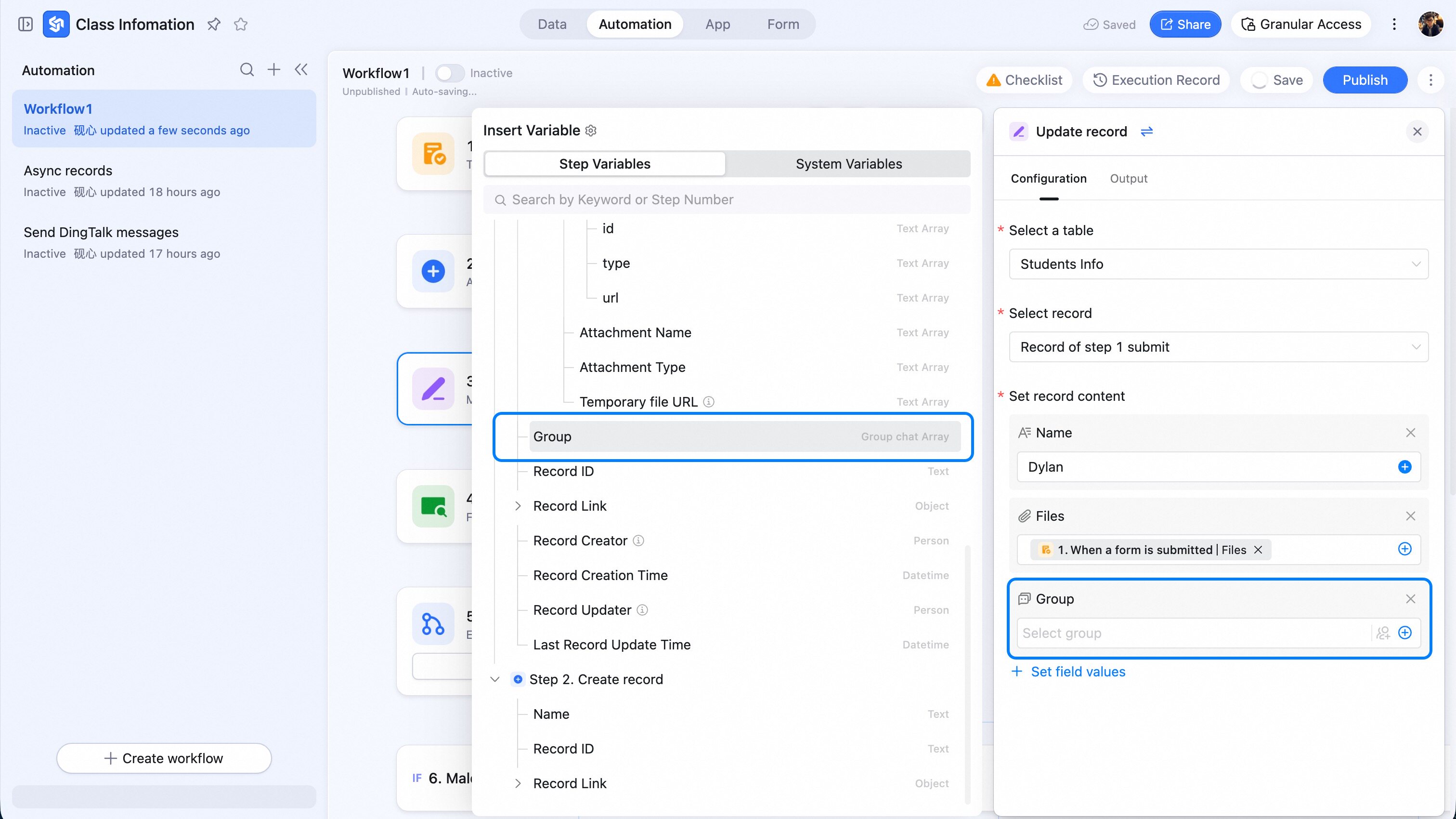
1.4 Group Fields
Use a group ID to send messages to that group; or write the group ID into a Group field — it’ll render as a “Group card link”.