Chats
Chats Calendar
 Meetings
 Contacts
 Mail
Mail Docs
Docs Drive
Drive AI Table
 AI Minutes
 Attendance
 Approval
 YiDA
YiDA Admin Console
Add a Sort Rule
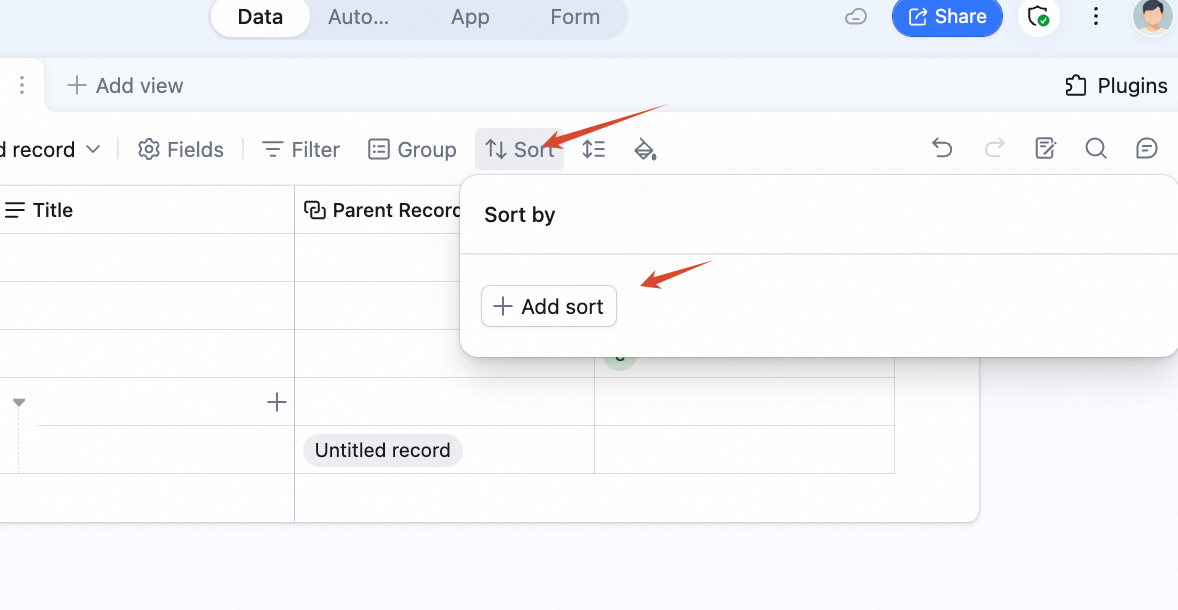
- Click Sort in the view’s top toolbar.
- Click Add sort rule.
 A sort rule has two parts: the field to sort by, and the direction.
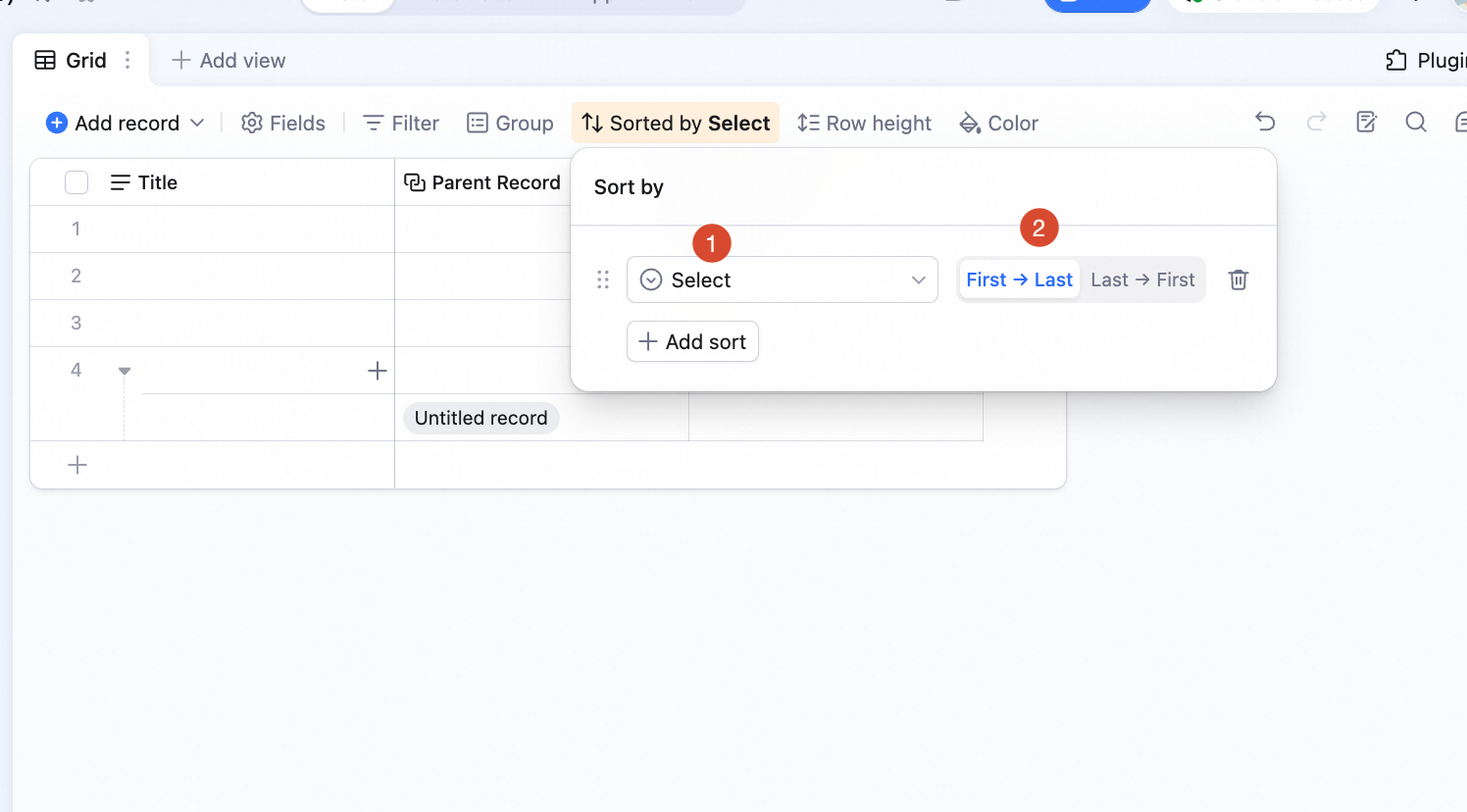
Sort Directions
- A → Z / Z → A: for text fields, sort alphabetically forward or reverse.
- Option order / Reverse option order: for single / multi-select, sort by the field’s option order, forward or reverse.
- 0 → 9 / 9 → 0: for number fields, sort ascending or descending.
- Earliest → Latest / Latest → Earliest: for date fields, sort by date.
Multi-Rule Sorting
Add multiple sort rules. Data sorts layer by layer in the order rules appear.Remove a Sort Rule
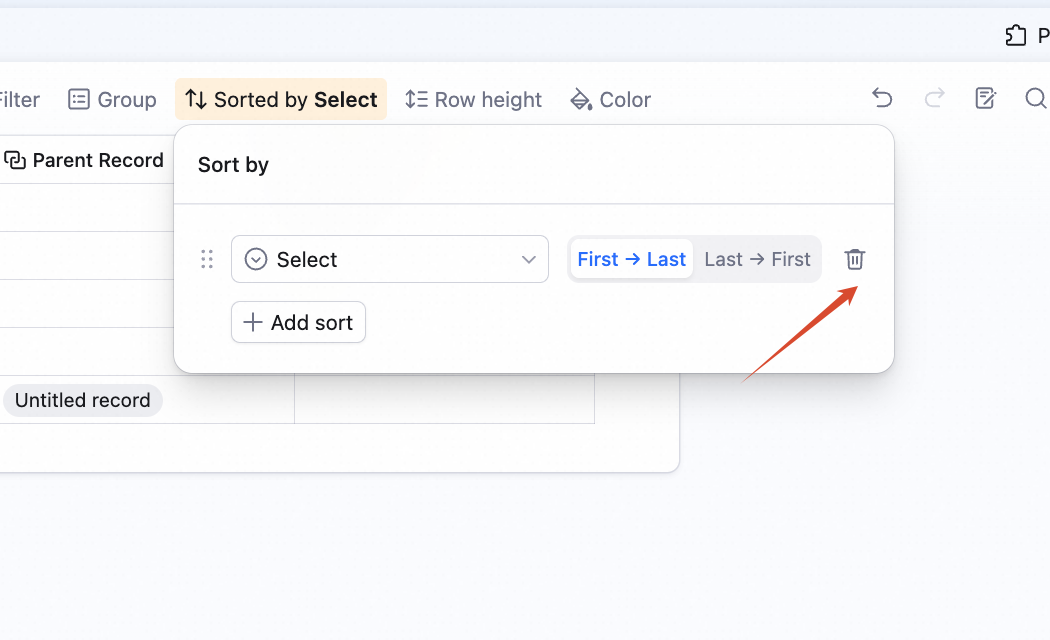
Click the icon to the right of the rule.