

 Chats
Chats Calendar
 Meetings
 Contacts
 Mail
Mail Docs
Docs Drive
Drive AI Table
 AI Minutes
 Attendance
 Approval
 YiDA
YiDA Admin Console
This document is currently visible only to Knowledge Group members. Do not modify it — it will be published after review.
| Attribute type | Setter name | Description | Illustration |
| Text | TextSetter | Text setter: the standard style for Text-type components. Supports regular text input. | 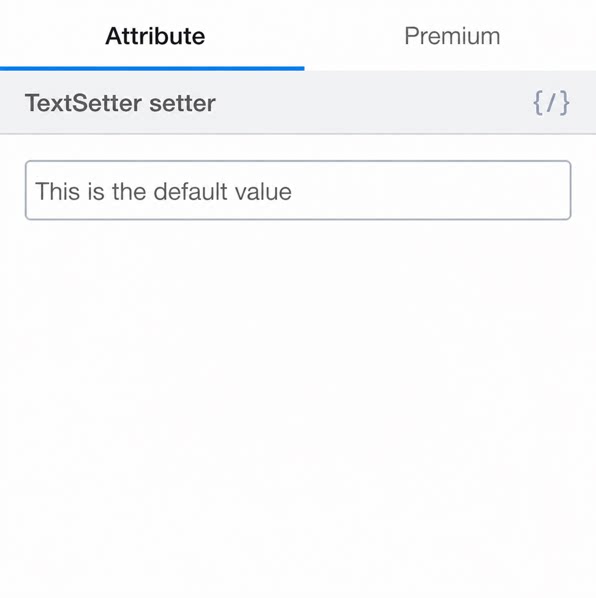 |
| I18nSetter | Internationalization is disabled by default for newly added components. To enable it, click the internationalization Button above the attribute Settings panel. This opens the editor, where you can Create a new i18n entry or Search existing entries to bind. For entries that are already bound, click the internationalization Button to Edit the translated text in each Language directly. | 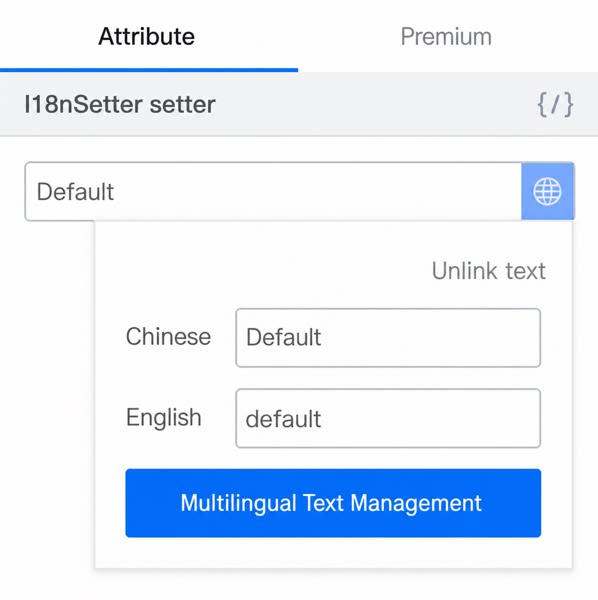 | |
| DateSetter | Provides a Date picker and displays the selected time on the Page as a timestamp. | 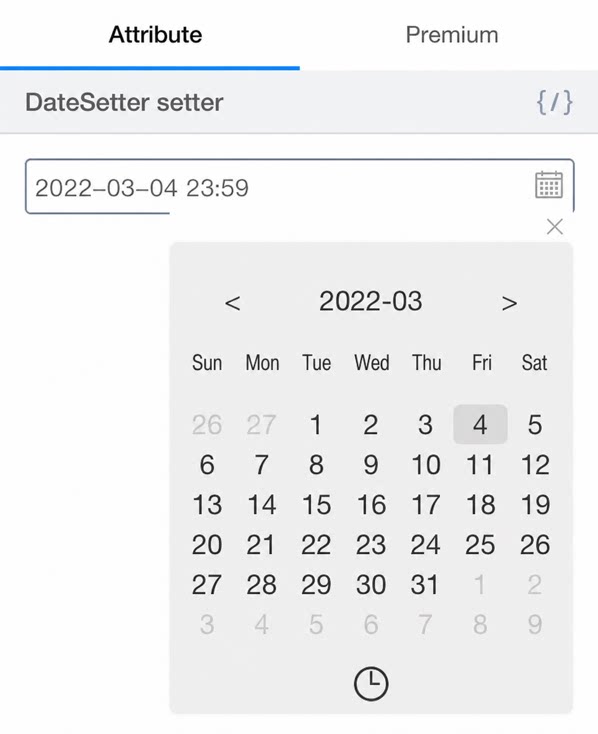 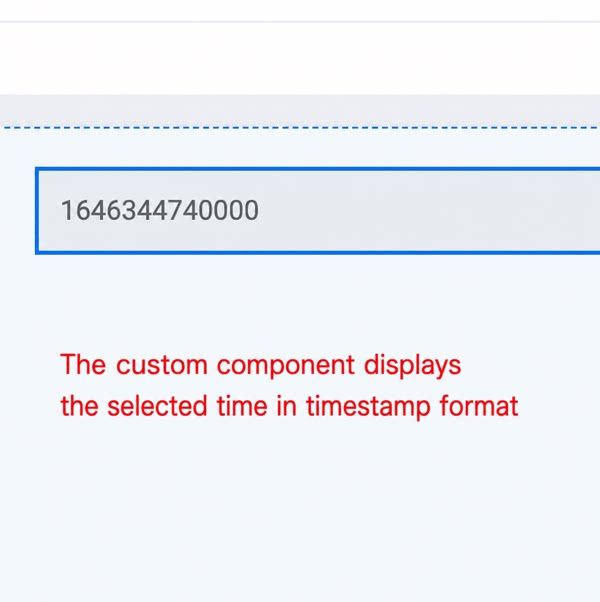 | |
| ChoiceSetter | Custom Component attributes appear as options in the attribute panel. Selecting a different option updates the Component Content on the Page to the corresponding preset value. | 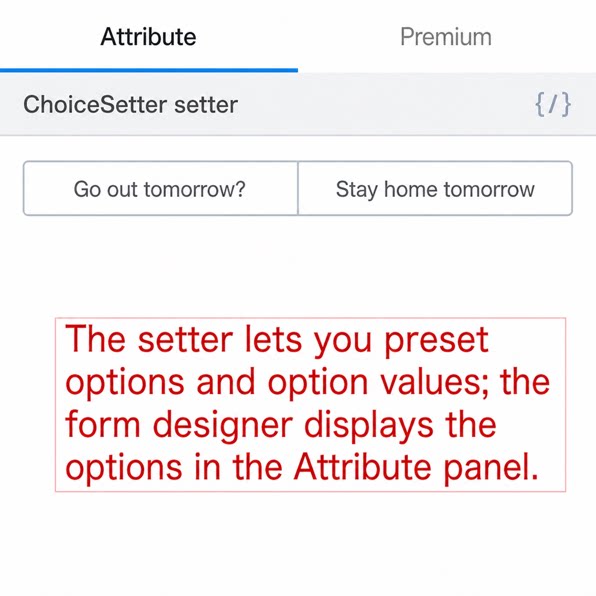 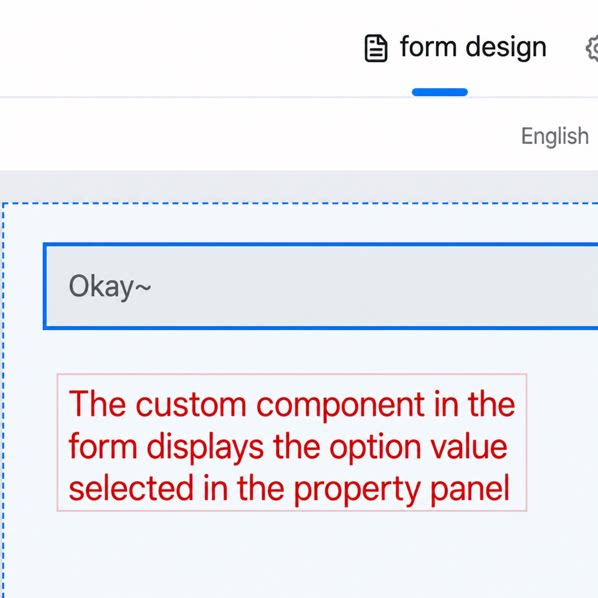 | |
| ImageSetter | 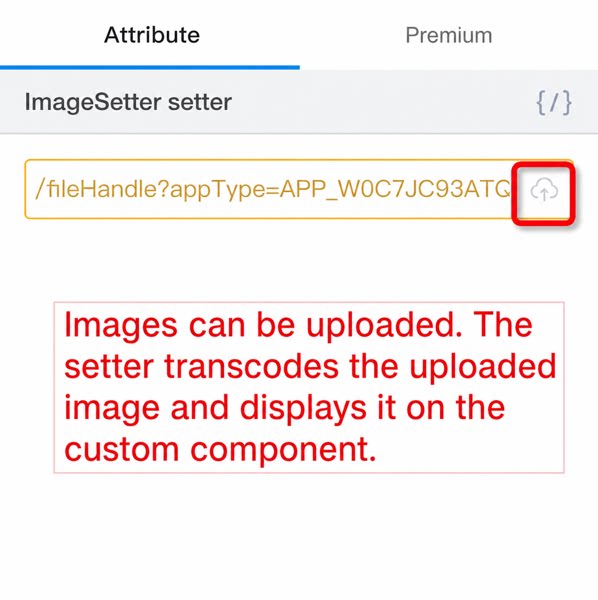 | ||
| boolean | BoolSetter | Custom Component attributes appear as a toggle in the attribute panel of the Form design Page. When set to On, the Component Content displays true; when set to Close, it displays false. | 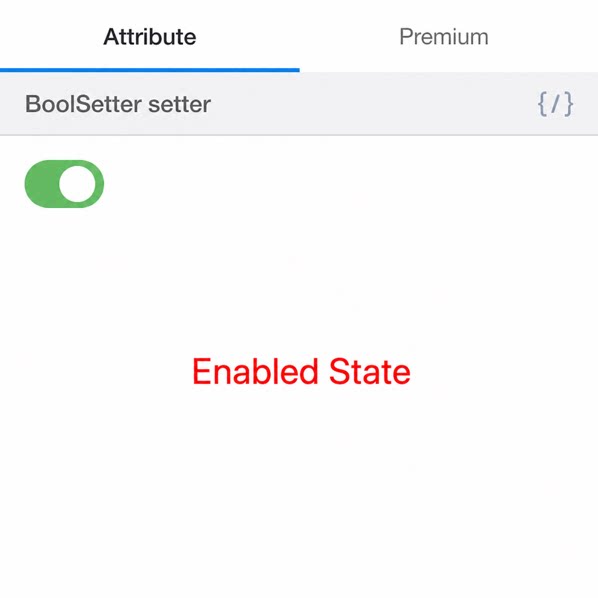 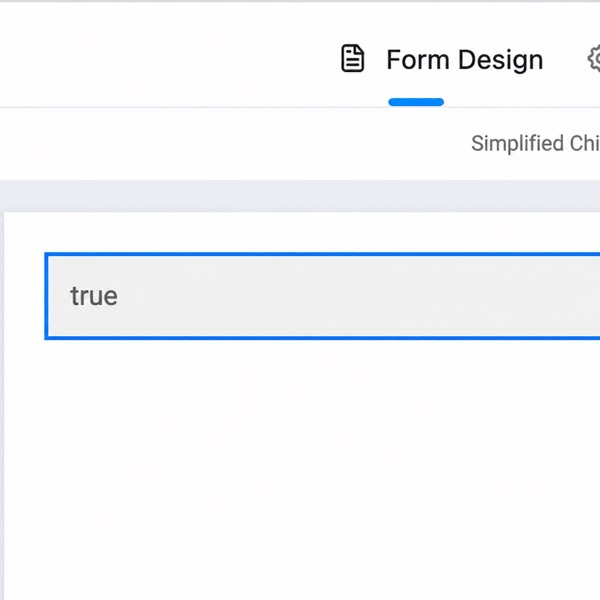 |
| Number | NumberSetter | Turns the Custom Form into a component similar to the YiDA Numerical Component. Only numeric input is allowed, and the value entered in the attribute panel is displayed in the Component Content. | 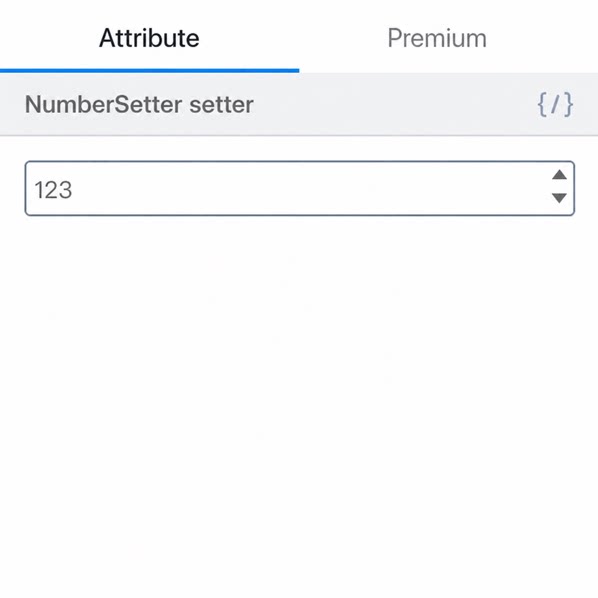 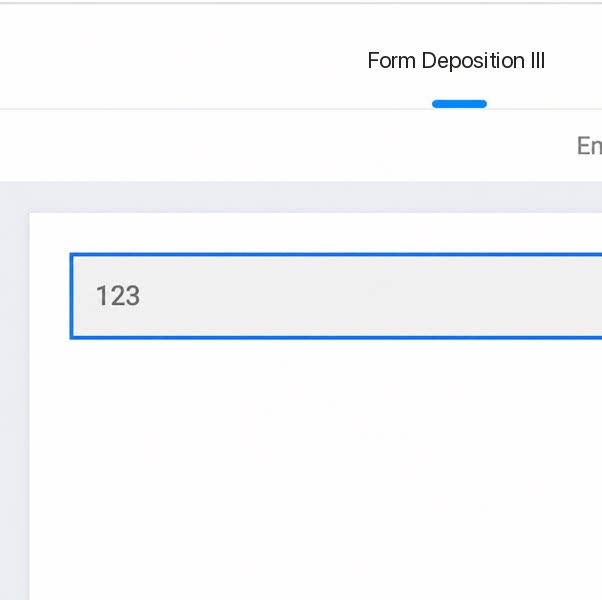 |
| object | JsonSetter | Allows the Component attribute value to be entered as object-format code. The Component Content is displayed as [object Object]. | 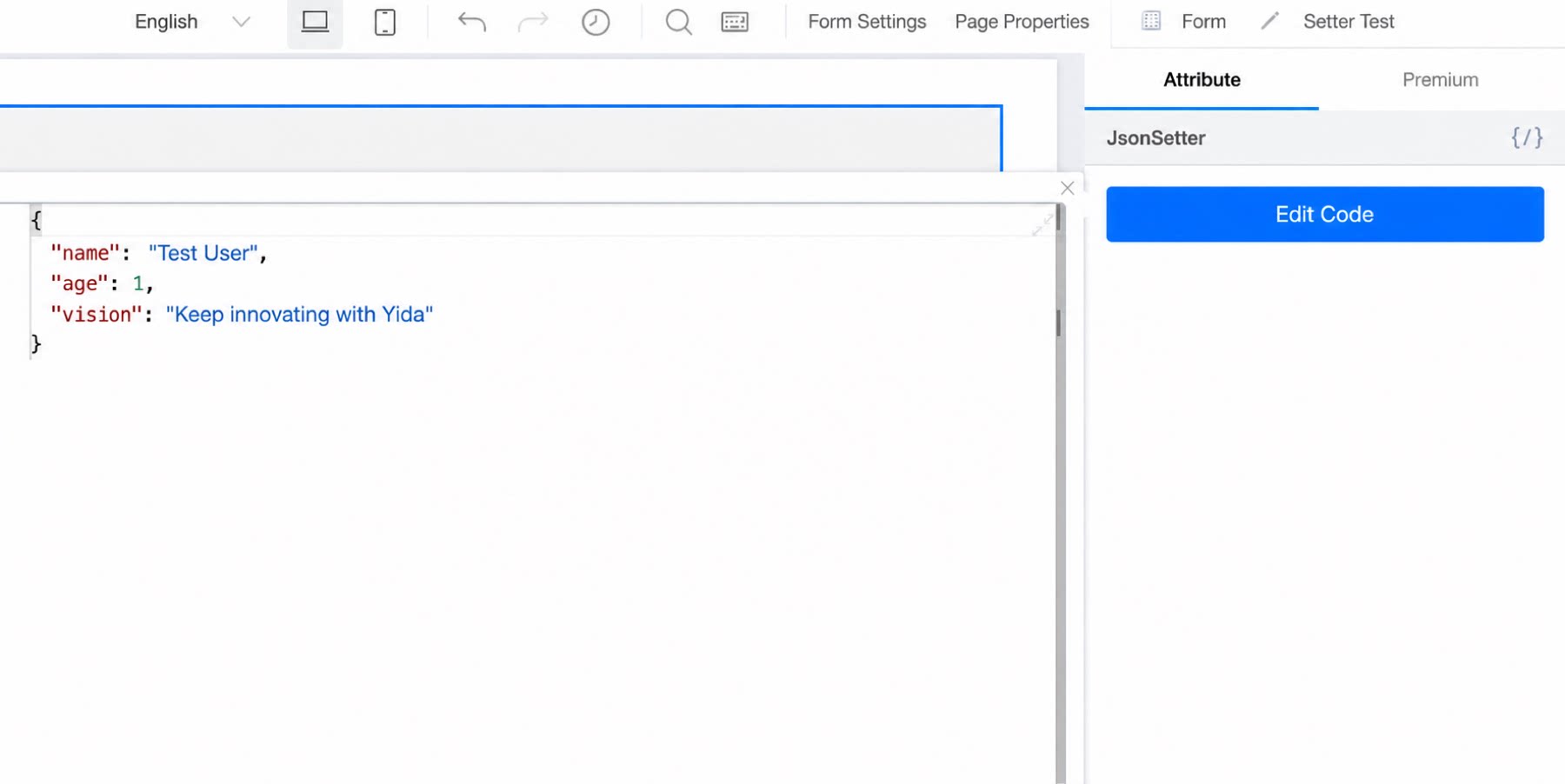 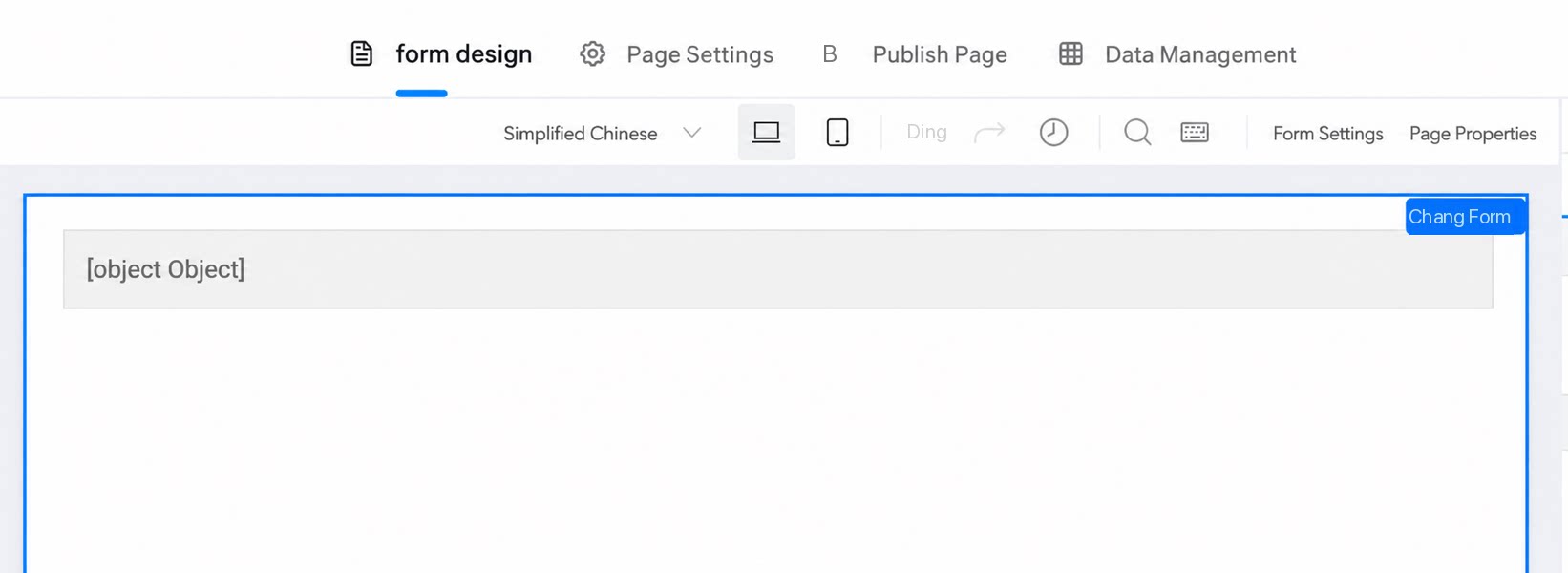 |
| array | OptionsSetter | Used to produce simple array objects. Typically used for option configuration in dropdown selectors. | 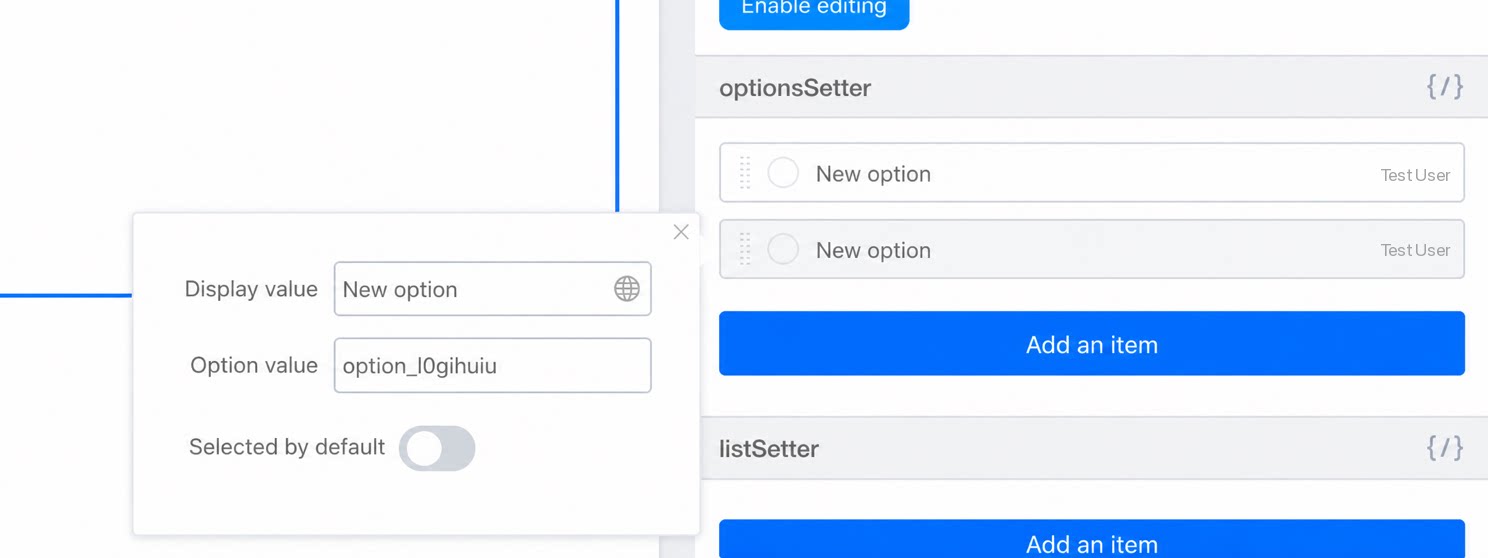 |
| ListSetter | Used to produce complex object components. Configuration is relatively complex.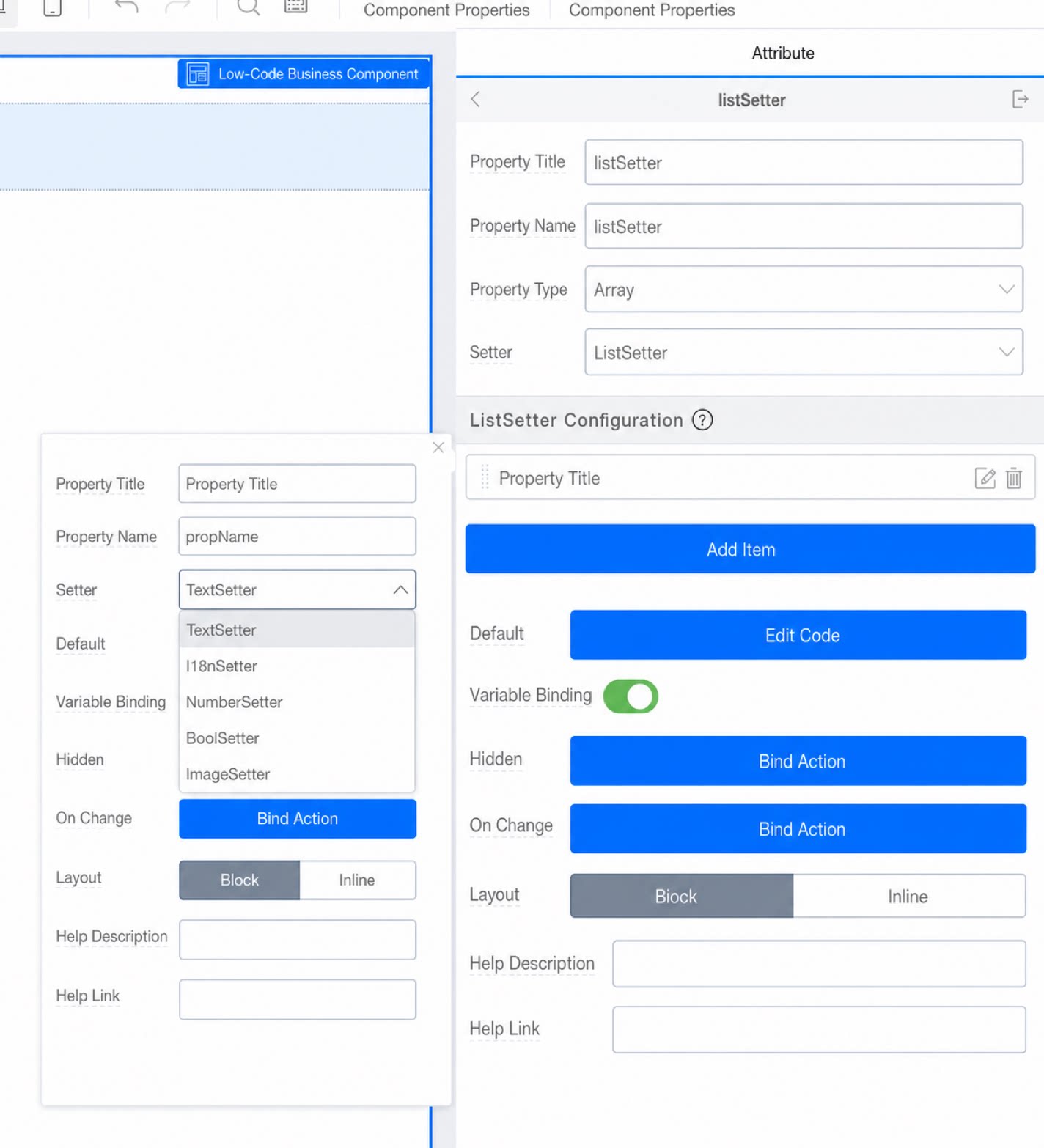 | 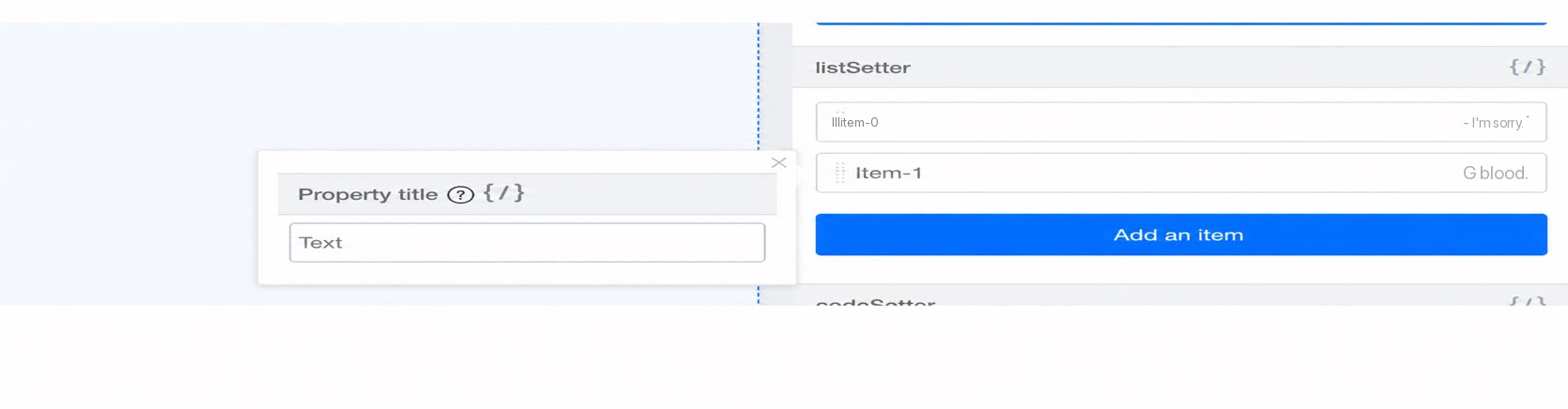 | |
| JsonSetter | Same as the object setter JsonSetter. | Behaves the same as the object setter JsonSetter. | |
| Function | ActionSetter | Used to Configure callback functions. When ActionSetter is selected, the attribute appears as an action setting under Premium at runtime. ActionSetter must be bound before use. To bind an event callback by default, use CodeSetter instead. | 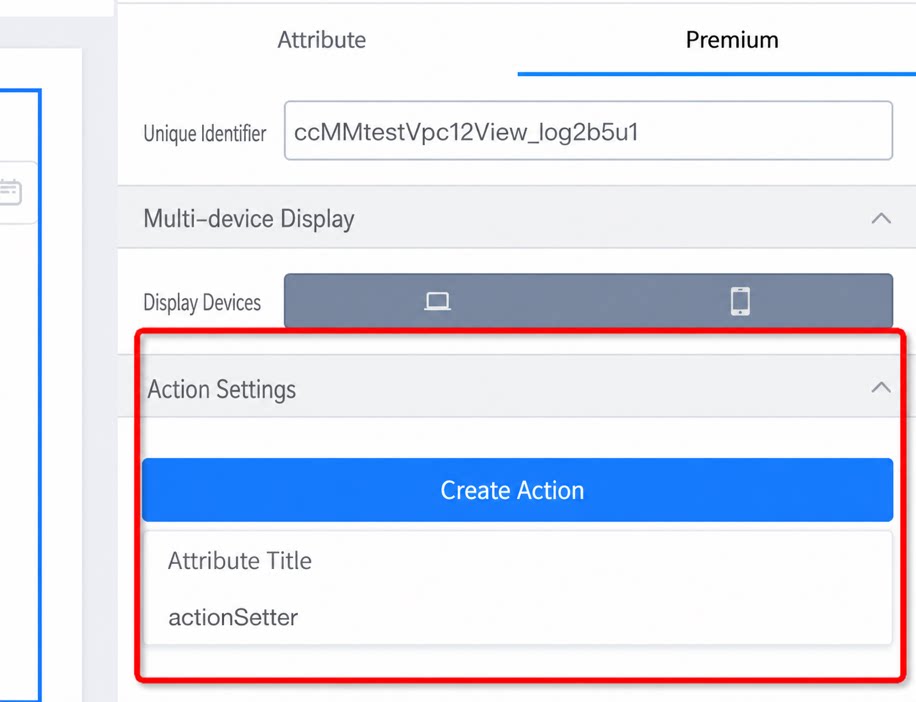 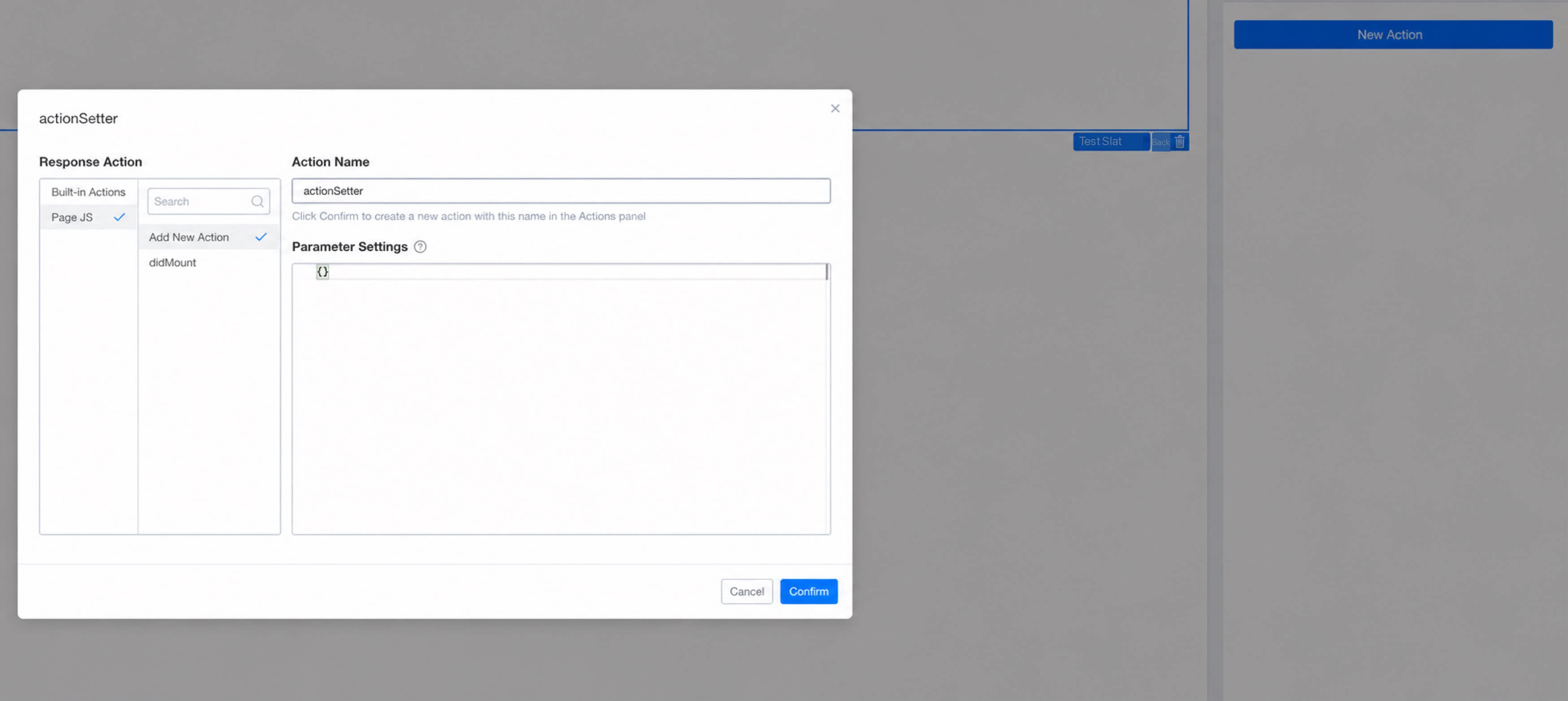 |
| CodeSetter | Used to Configure callback functions. Unlike ActionSetter, it generates a code box directly at runtime. | 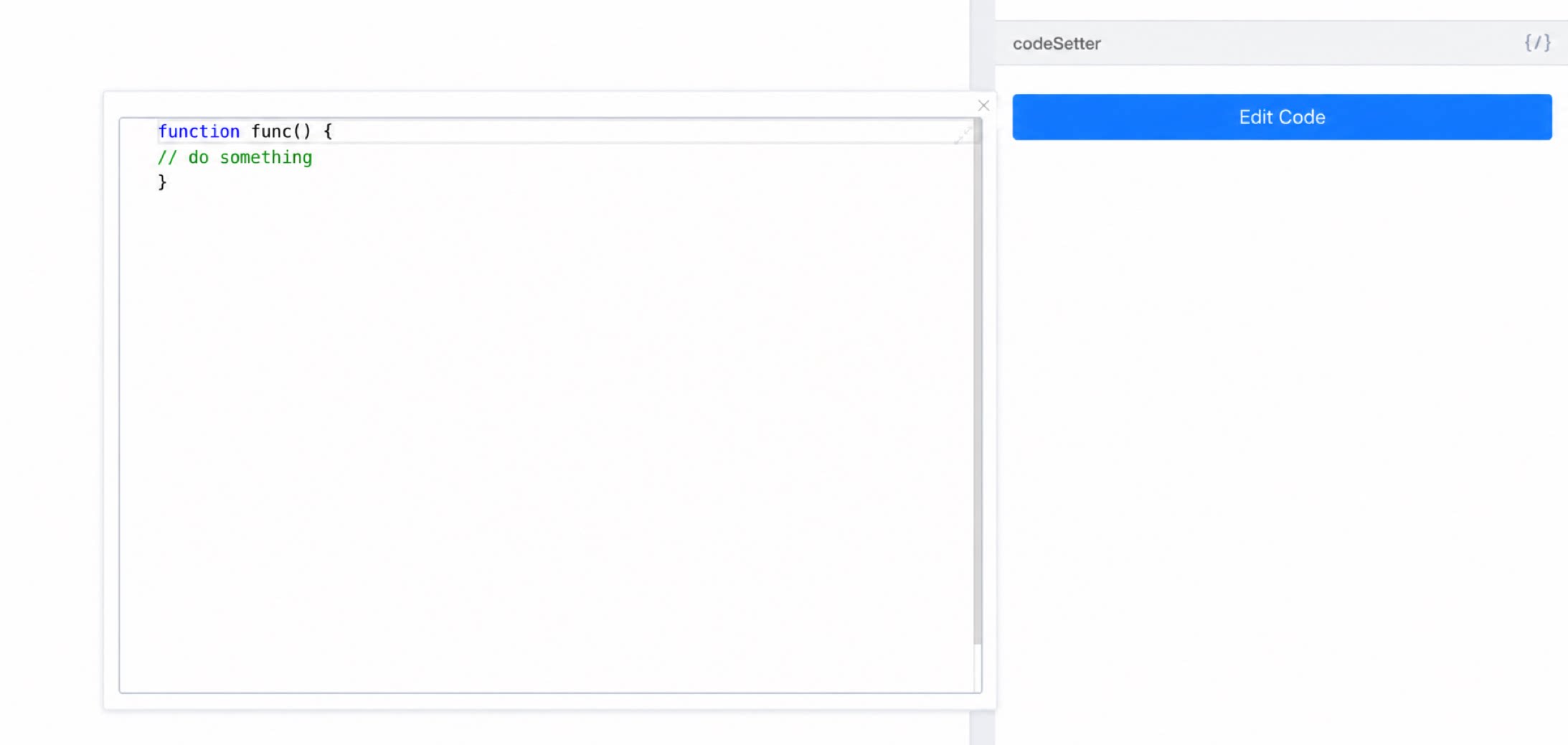 | |
| Element | SlotSetter | Used to build container-type components that accept other components. To use it, first declare an attribute and Select SlotSetter, then drag in the “Slot placeholder” Component and bind it to the declared attribute. |