Chats
Chats Calendar
 Meetings
 Contacts
 Mail
Mail Docs
Docs Drive
Drive AI Table
 AI Minutes
 Attendance
 Approval
 YiDA
YiDA Admin Console
Prerequisites
Complete the following before you start:- Enable upper and lower-level organizations. For details, see Introduction to Upper and Lower-Level Organizations.
- Prepare a developed app. For details, see Create an App.
Step 1: Build an App in the Upper-Level Organization That Supports Upper and Lower-Level Organizations
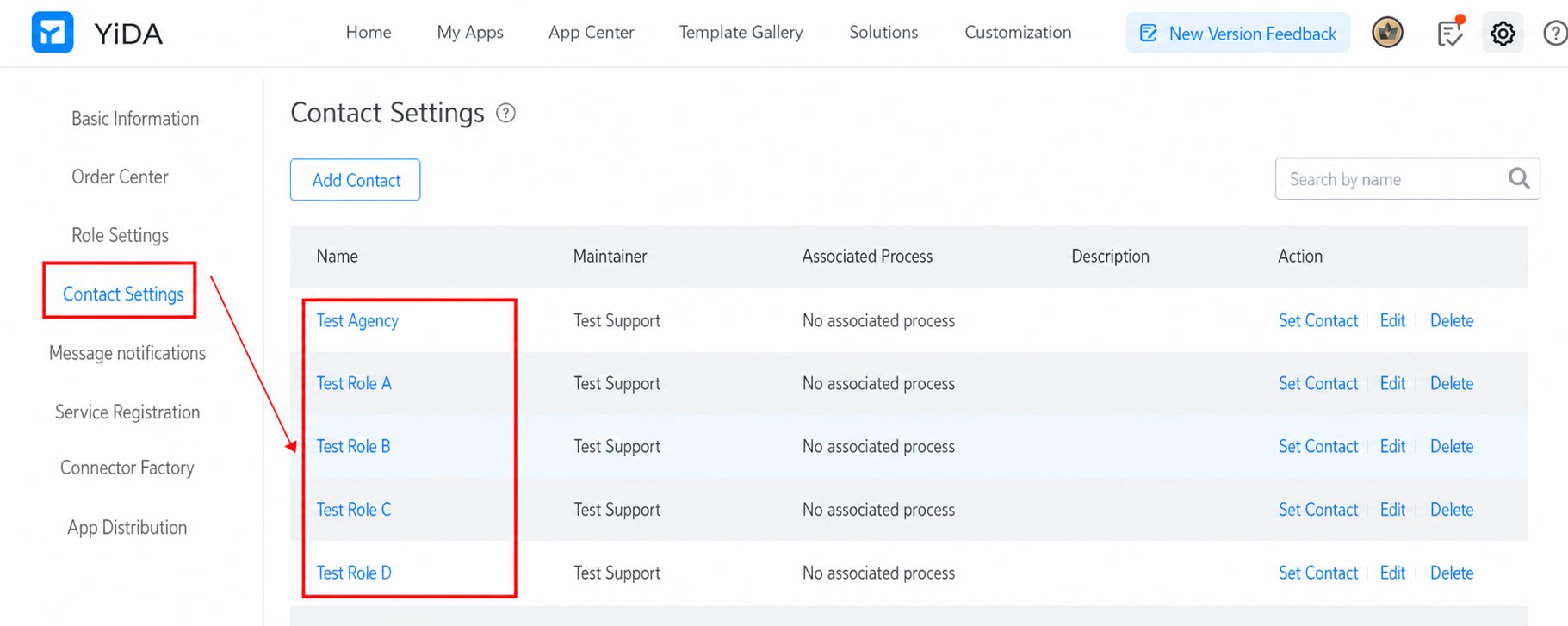
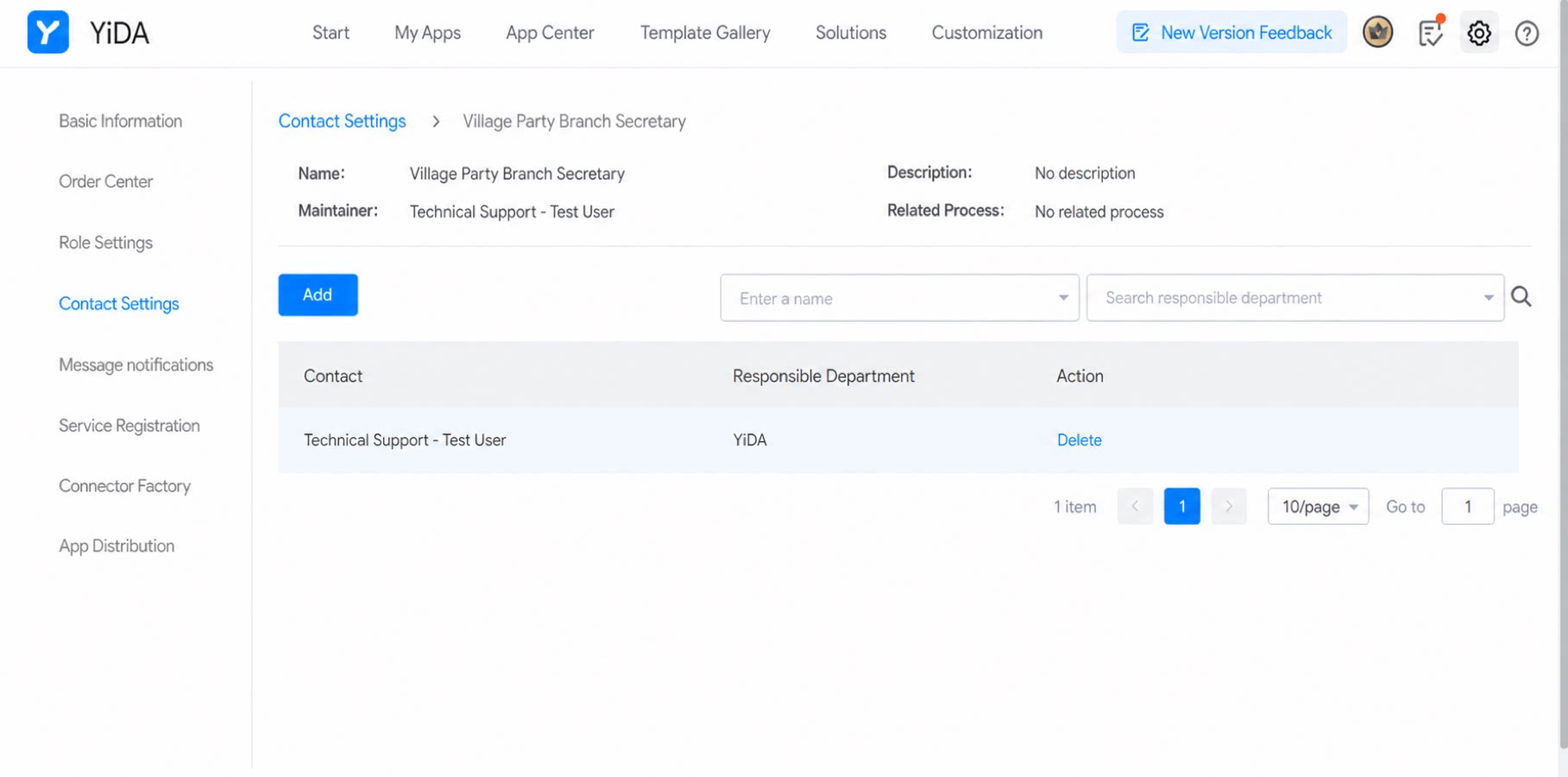
- In the app’s contact settings, add a contact configuration.
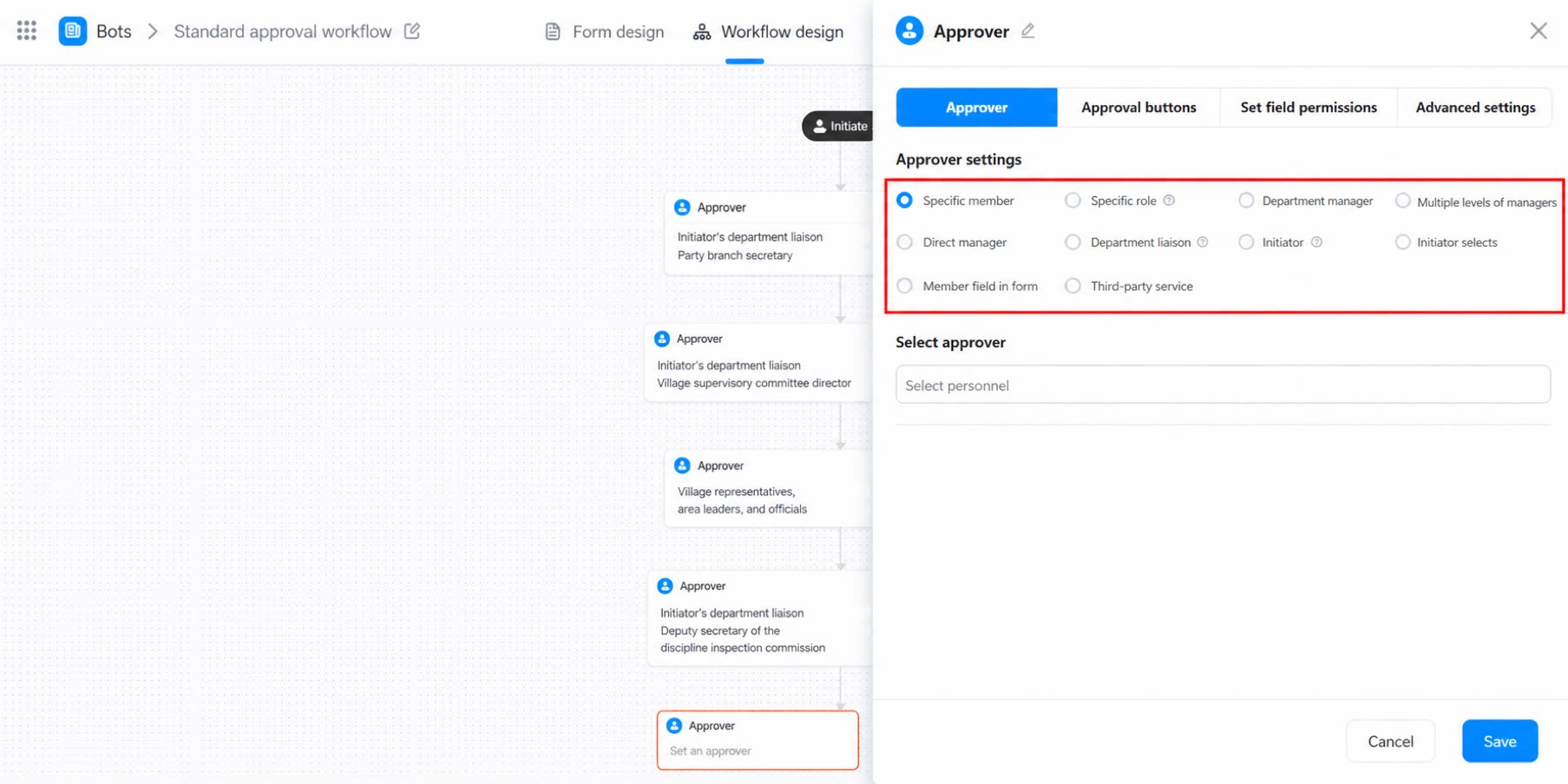
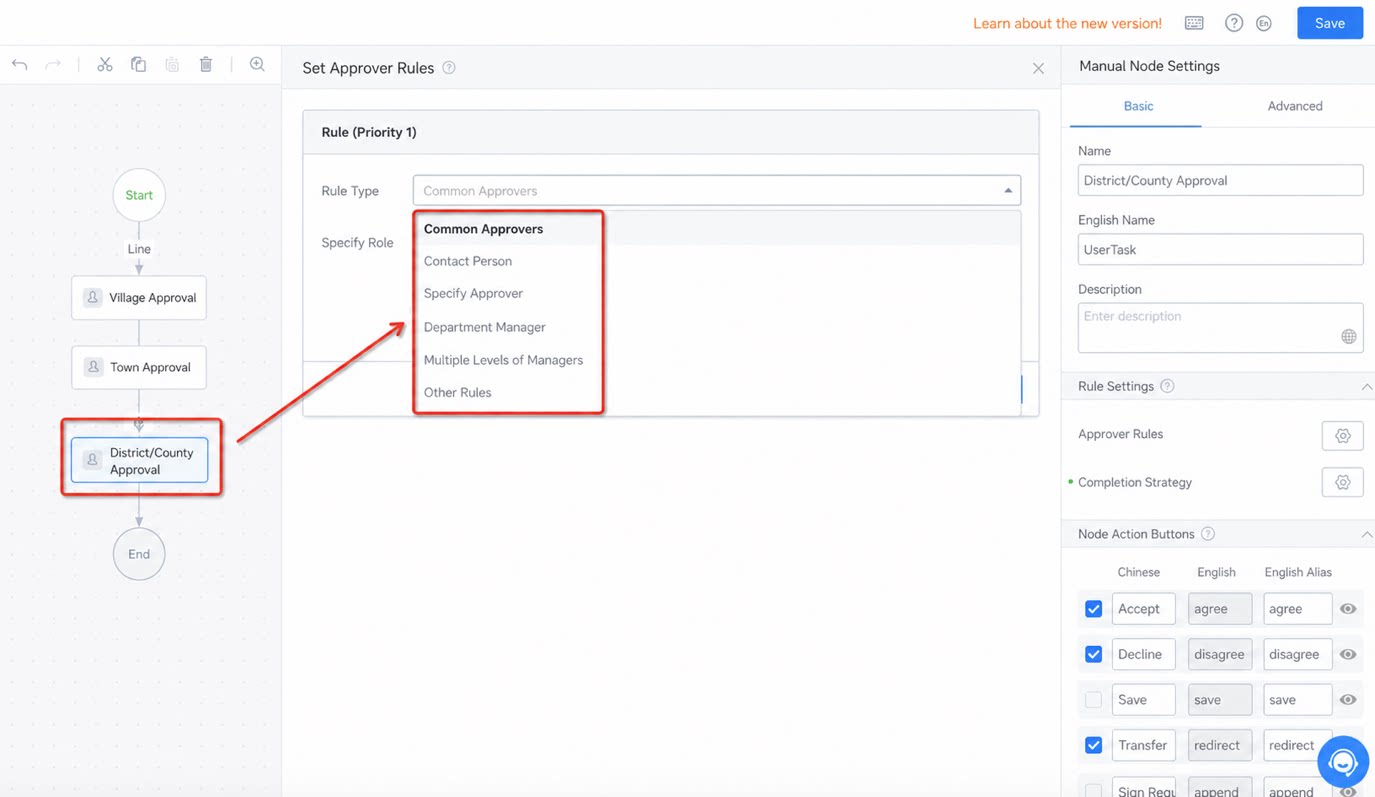
- On the app’s workflow design page, set the approver for the county approval step.
Step 2: Decide Whether to Allow Industry Contacts to Access the App
Two groups of users can access the app: (1) Users in the upper and lower-level organizations (2) Industry contacts (for example, villagers in a county industry, or students and parents in the education industry) Under App settings > App member settings, use the toggle to control whether industry contacts can access the app.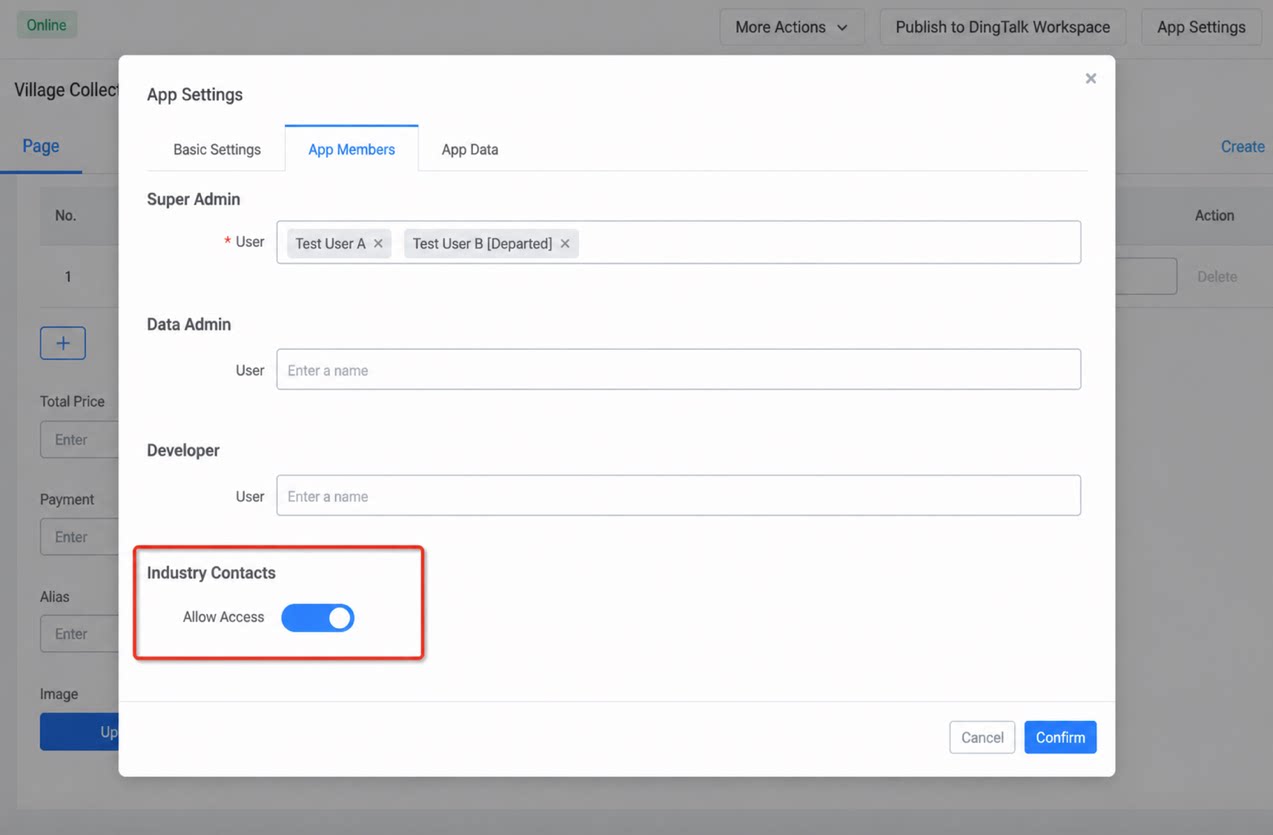
Step 3: Install the App to Lower-Level Organizations
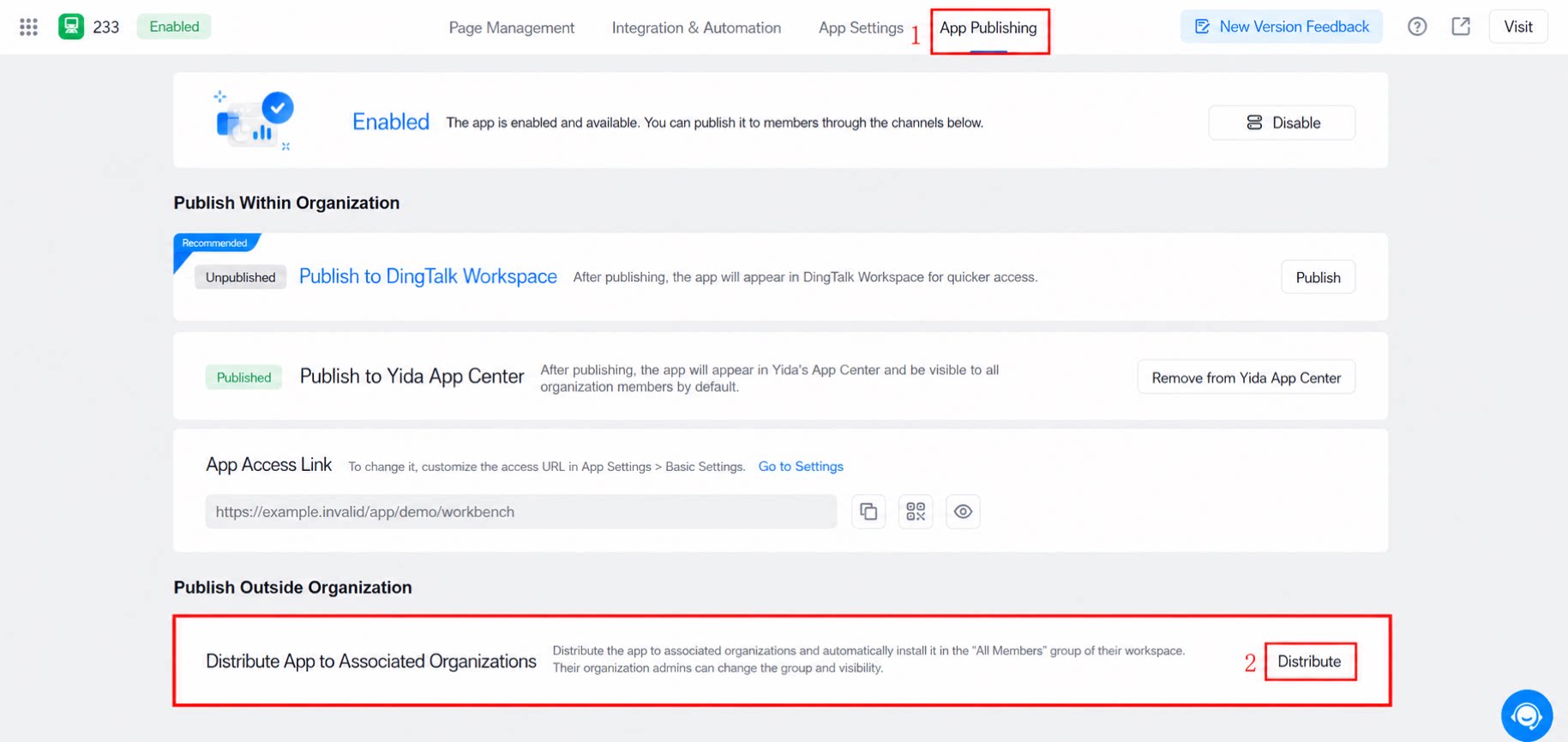
- The upper-level organization distributes the app to the workbench of lower-level organizations
- Automatically install to the workbench of upper and lower-level organizations
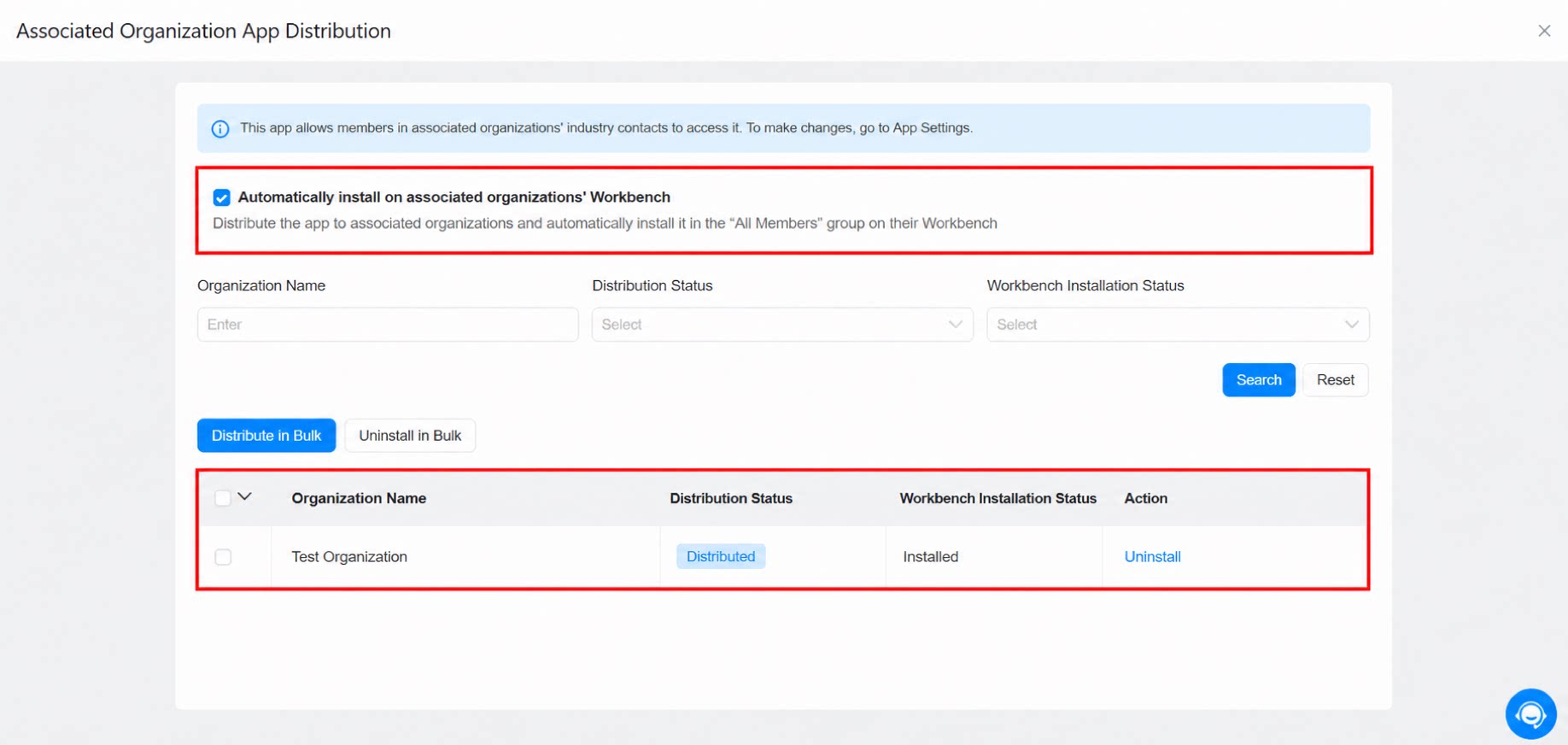
When calling a connector in upper and lower-level organizations, the development team must add it to the allowlist manually.
Step 4: Users in Upper and Lower-Level Organizations Access the App
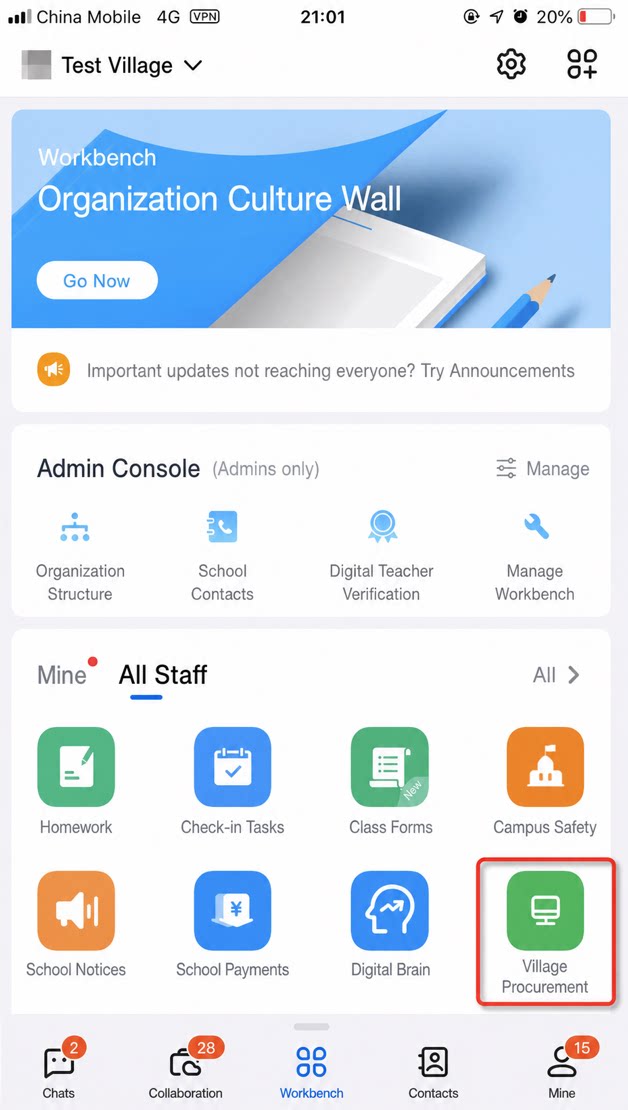
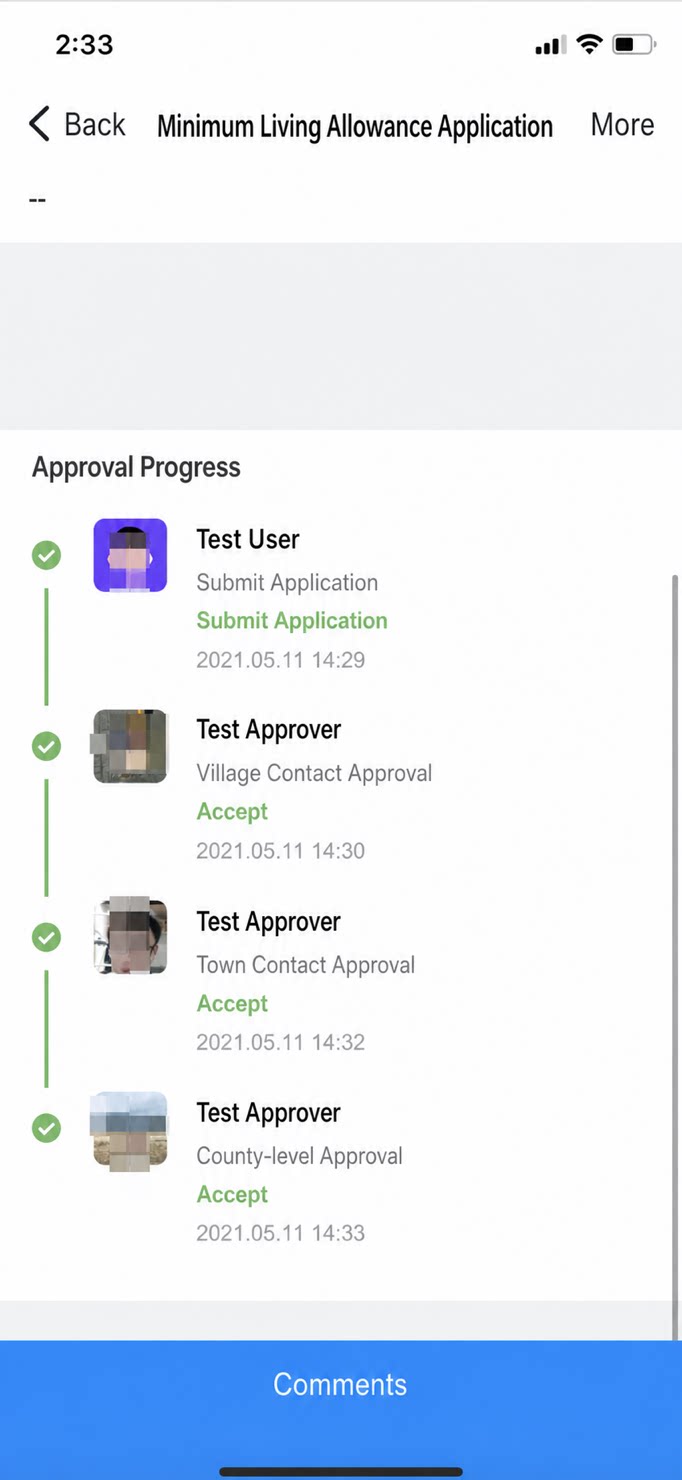
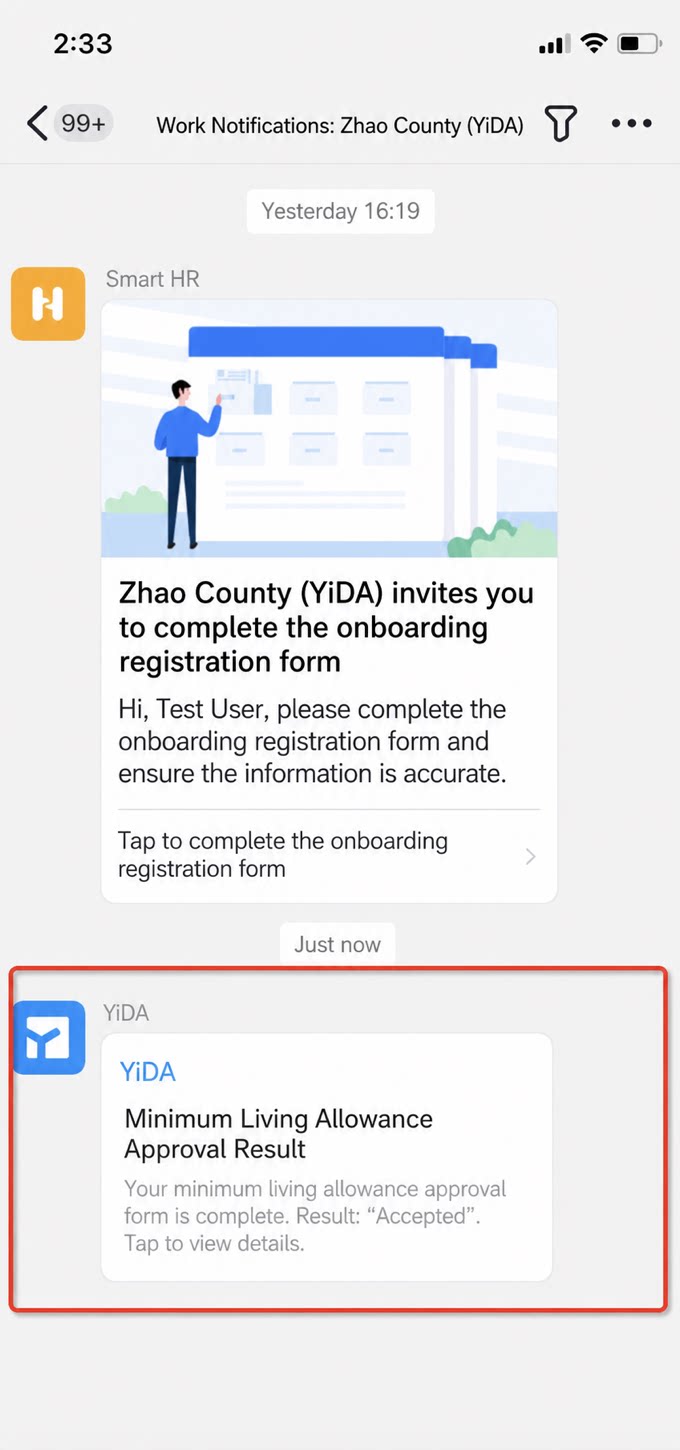
The app appears on the DingTalk mobile workbench of the lower-level organization. Users in the upper and lower-level organizations, along with industry contacts, can open the form and submit requests.