Chats
Chats Calendar
 Meetings
 Contacts
 Mail
Mail Docs
Docs Drive
Drive AI Table
 AI Minutes
 Attendance
 Approval
 YiDA
YiDA Admin Console
About the Process Task Center
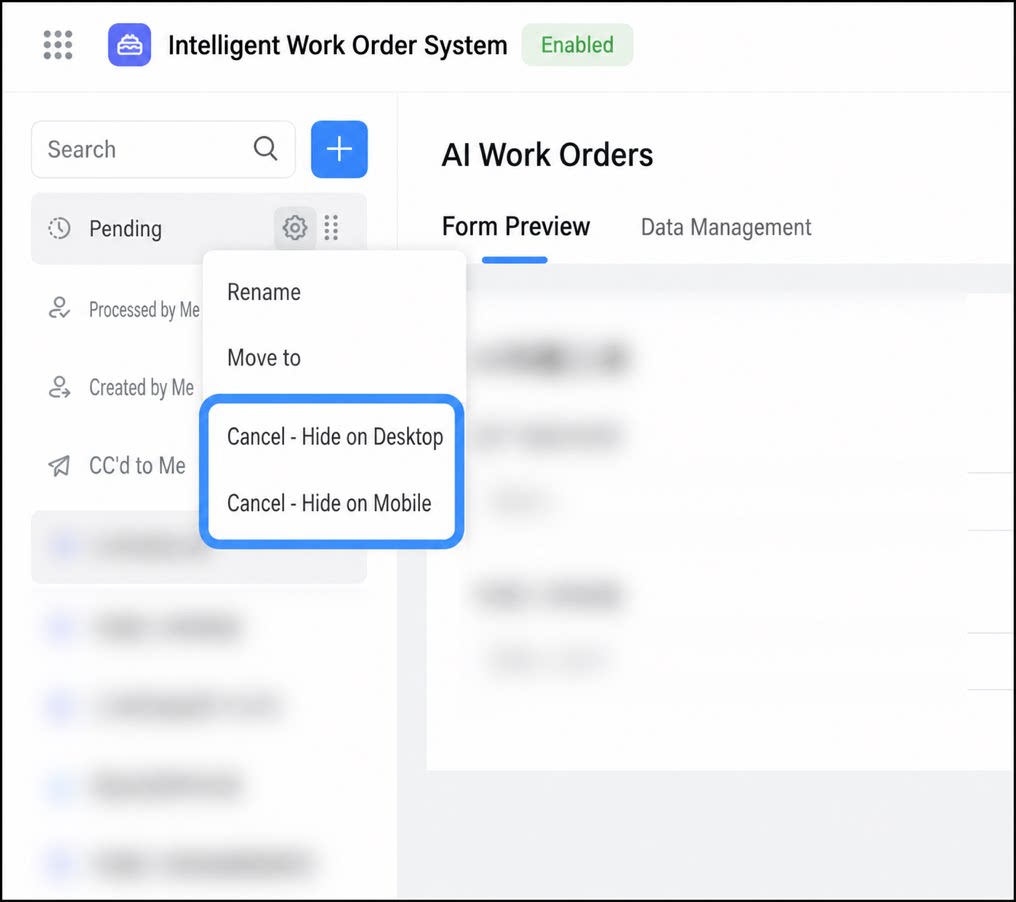
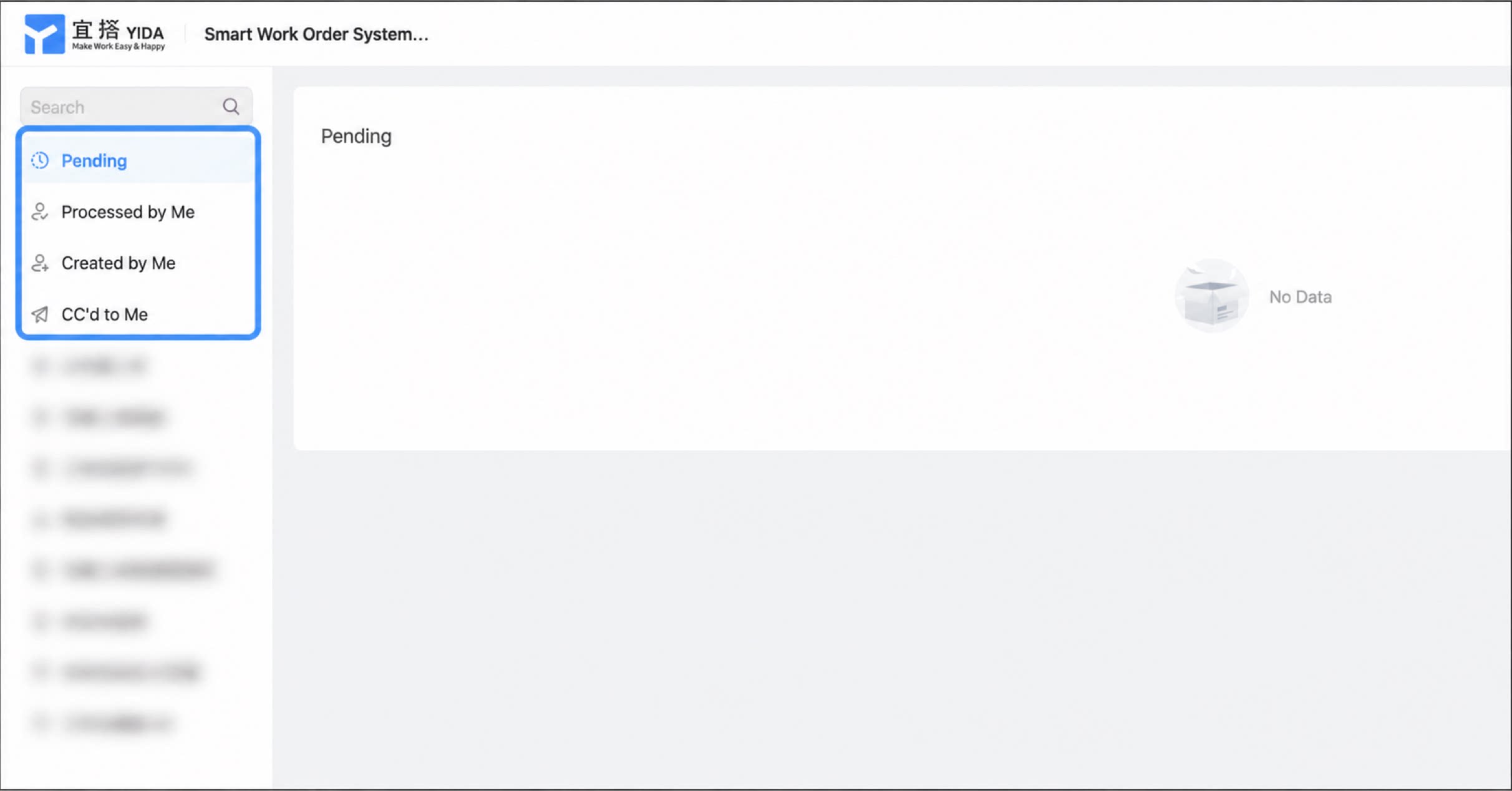
After you create an app and open it, the process task center appears on the left. The process task center on the left includes the following categories:- To-Do: Processes awaiting action by the current signed-in user.
- Done: Approval tasks completed by the current signed-in user.
- Created by me: Approval tasks created by the current signed-in user.
- CC to me: Approval processes CC’d to the current signed-in user.