Chats
Chats Calendar
 Meetings
 Contacts
 Mail
Mail Docs
Docs Drive
Drive AI Table
 AI Minutes
 Attendance
 Approval
 YiDA
YiDA Admin Console
Procedure
1
Sign in to the YiDA workbench
You can also perform this action in the DingTalk client using the AI Assistant.
2
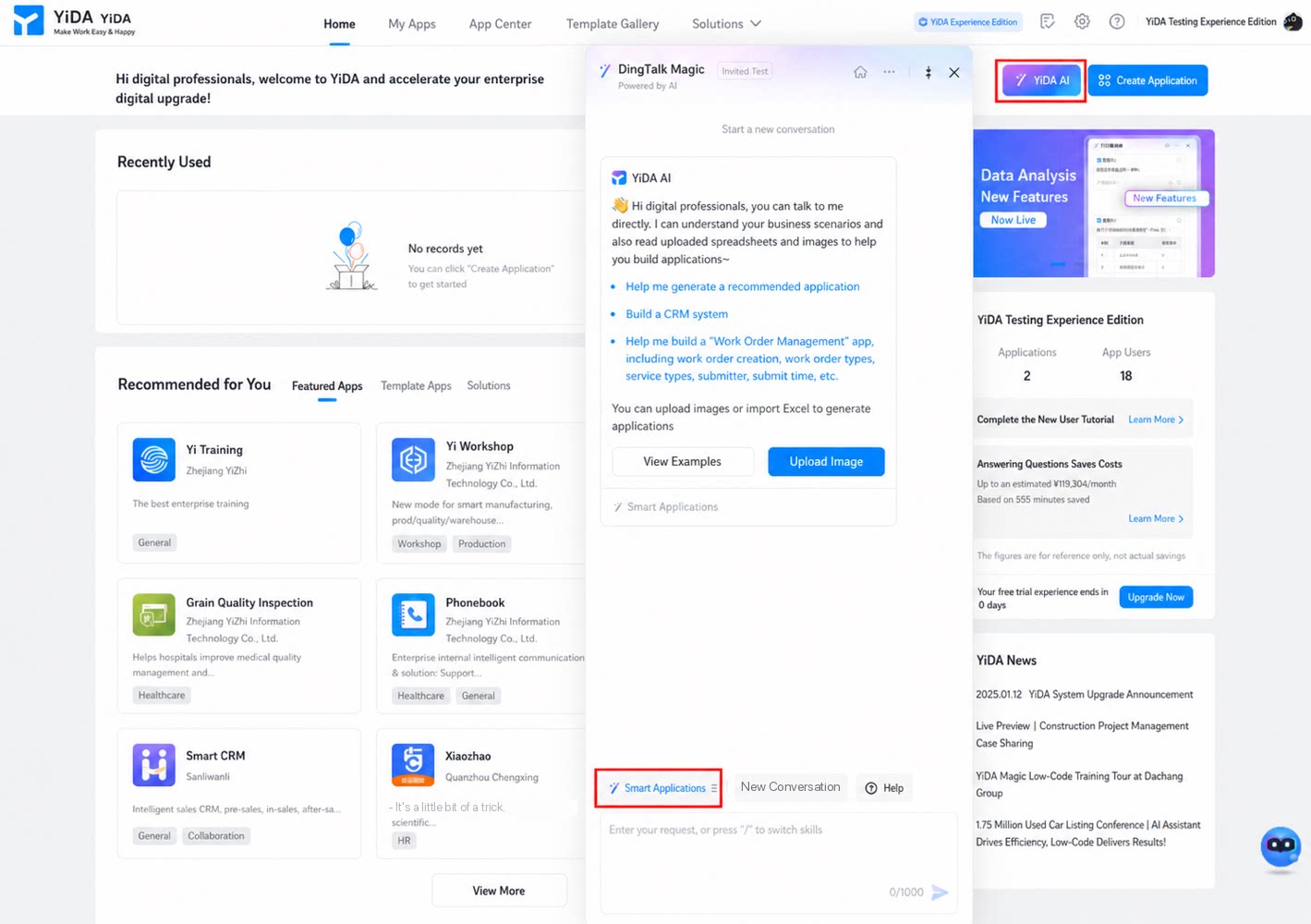
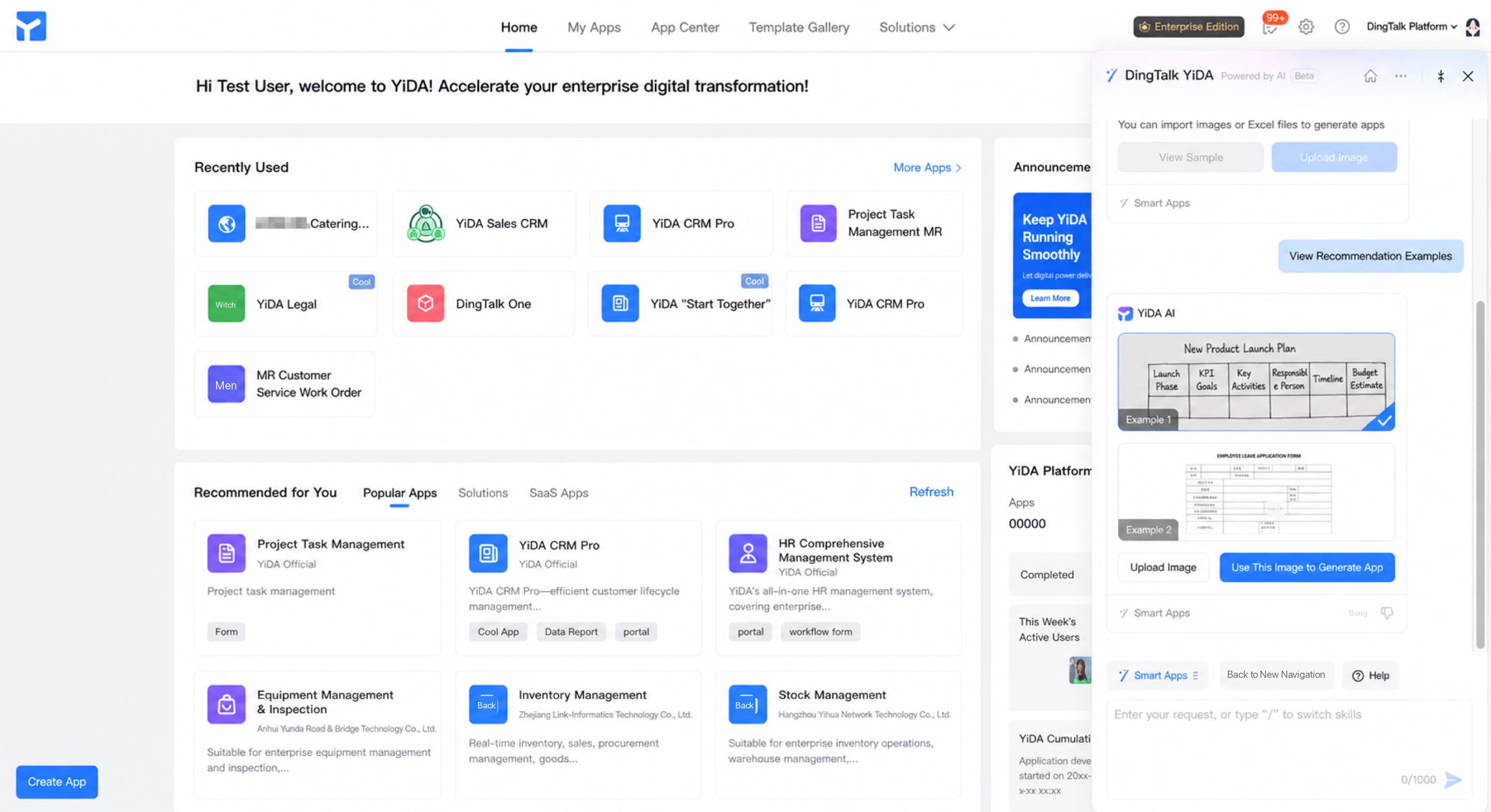
Click YiDA AI in the upper-right corner to open the YiDA AI dialog box
3
(Optional) Enter the app type and field information directly in the dialog box to create an app
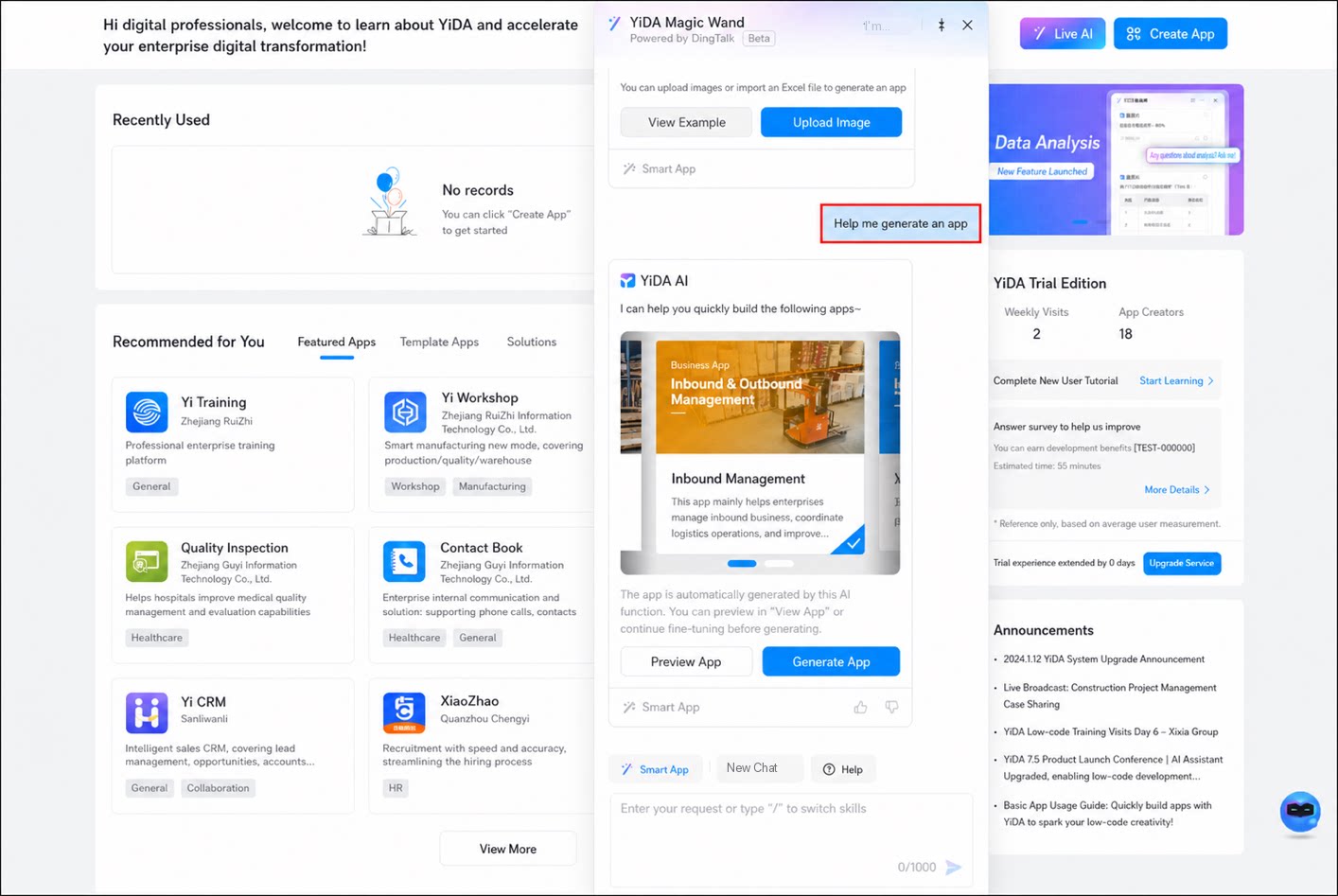
- (Optional) Generate an app from a photo.
Handwritten table example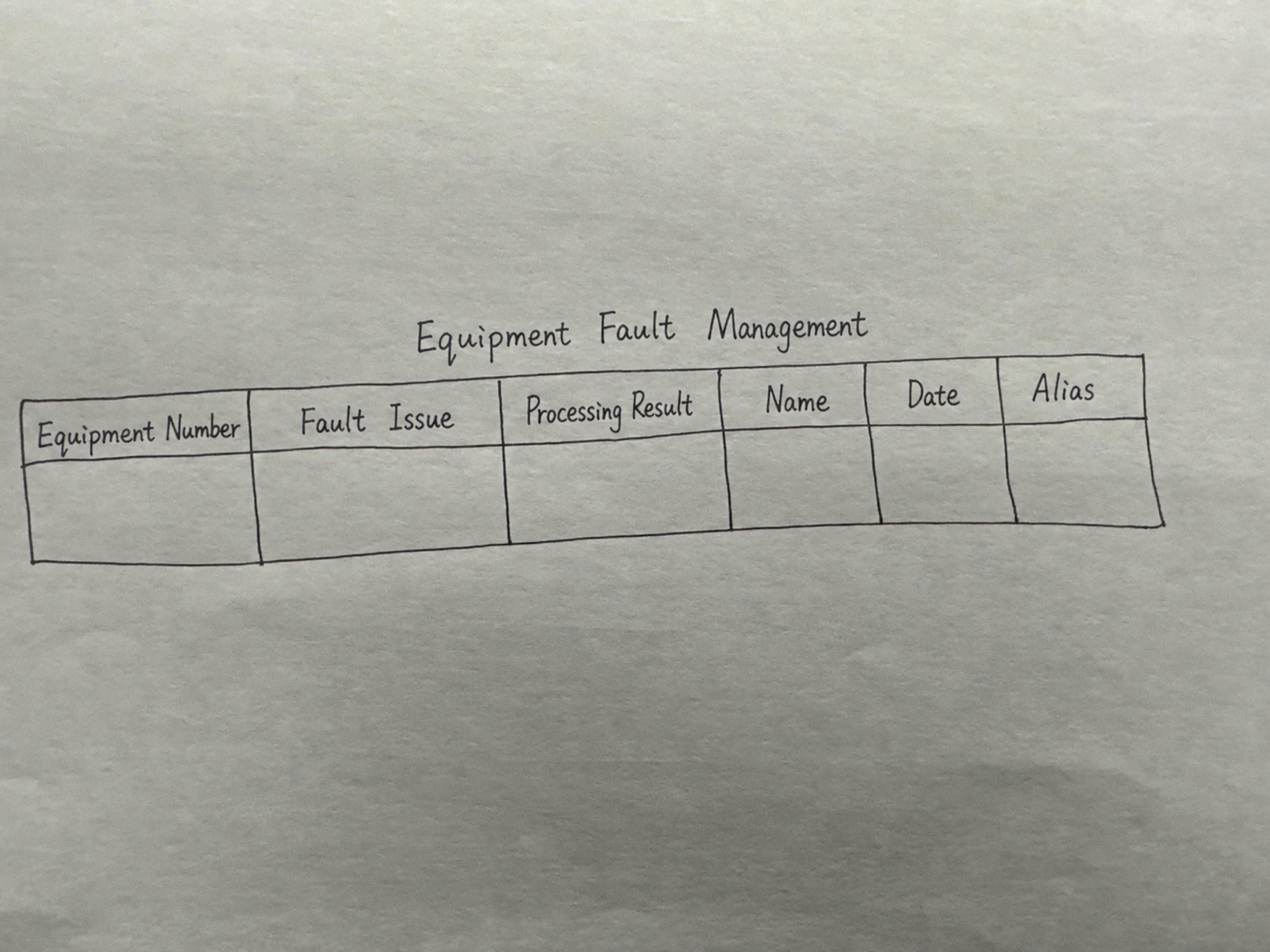 | Electronic spreadsheet example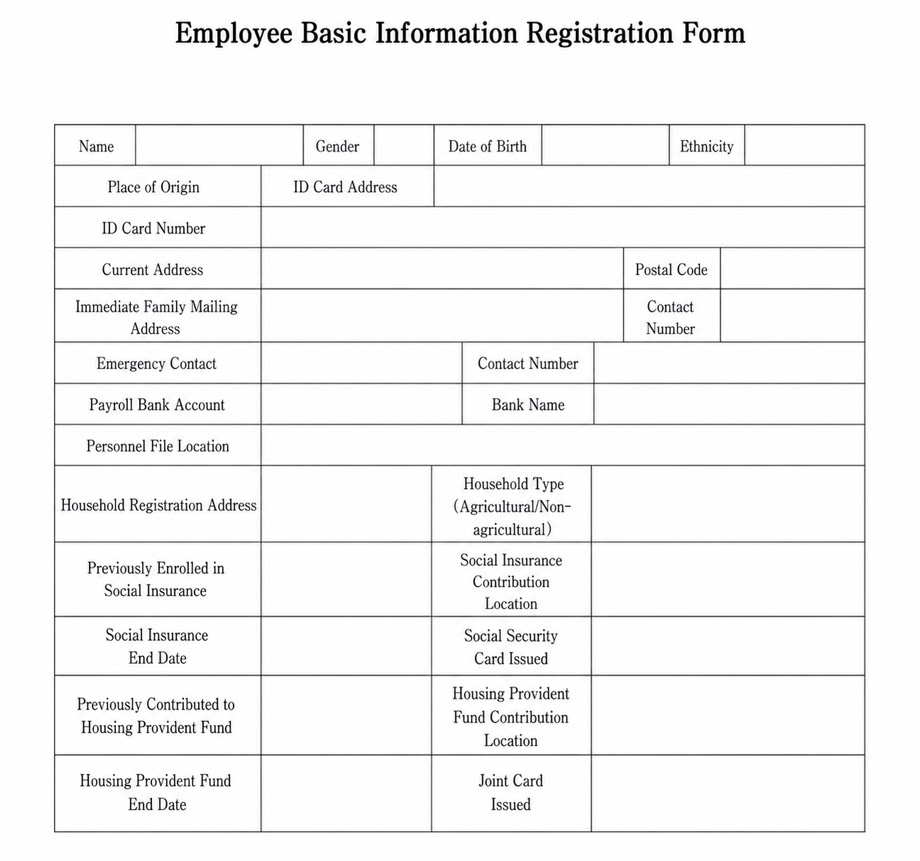 |
|---|
Quickly Access the App
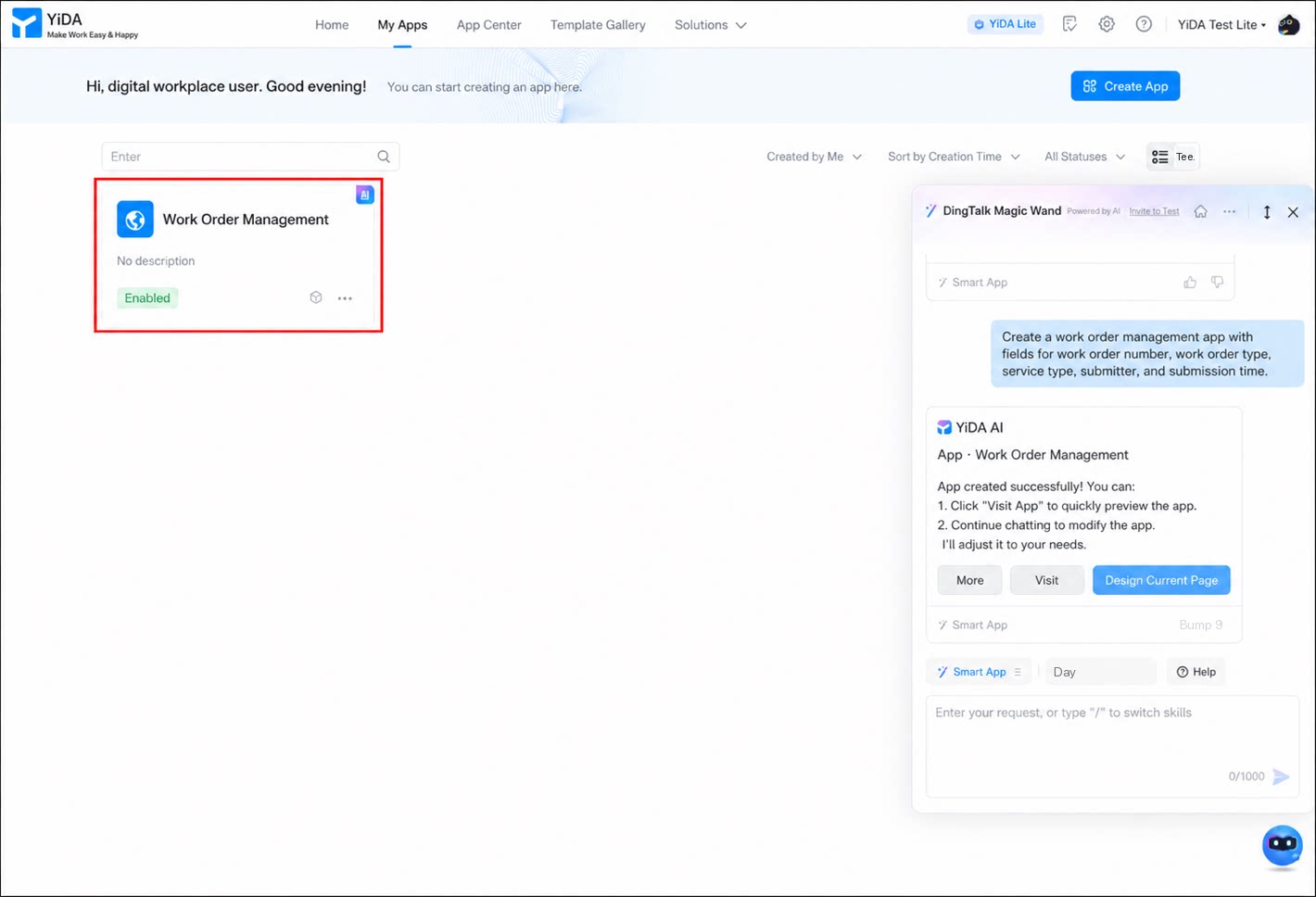
After generating an app using the methods above, click Access to preview it. To modify the app or page details, adjust them as needed.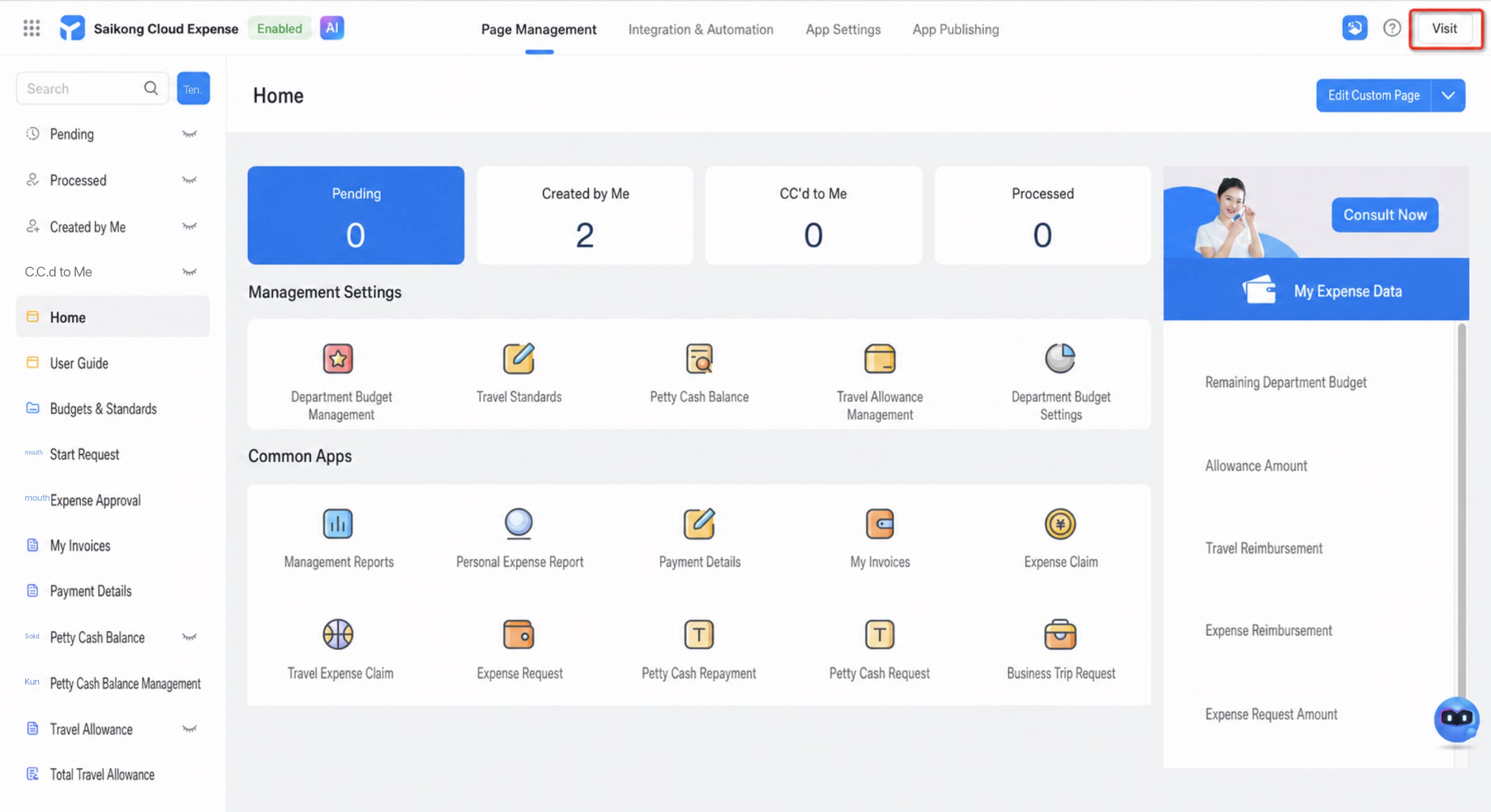
Entitlements
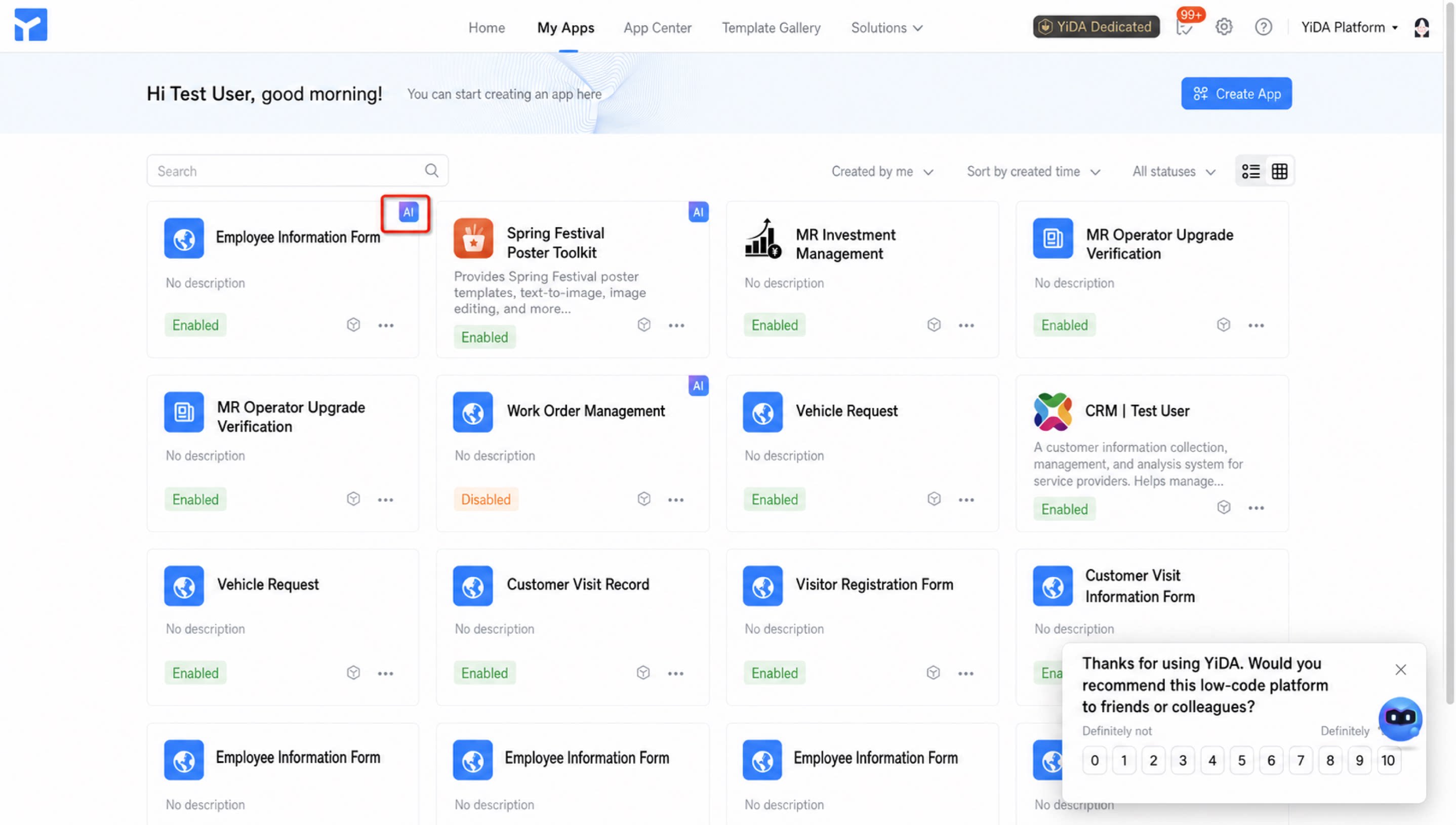
To help developers get started, intelligent apps created through the AI channel are currently exempt from the 10-user license cap of the Free plan. (However, under the standard 10-user entitlement of a Free plan organization, users beyond the cap can only update and modify the current intelligent app, and still cannot view or change other apps within the organization.) A “智” (AI) badge appears on apps after they are successfully created.