Chats
Chats Calendar
 Meetings
 Contacts
 Mail
Mail Docs
Docs Drive
Drive AI Table
 AI Minutes
 Attendance
 Approval
 YiDA
YiDA Admin Console
1. Use Case
Each semester, universities, middle schools, and other campuses host a range of knowledge competitions, art contests, and sports events. These events require collecting student information from each campus in advance, drawing on data from the school Organization. The following example uses a middle school knowledge competition registration.2. Form Description
Math Olympiad registration form (regular form): To register for the competition, collect each participating student’s school, Name, gender, grade, and class. You can also add other Fields to suit your needs.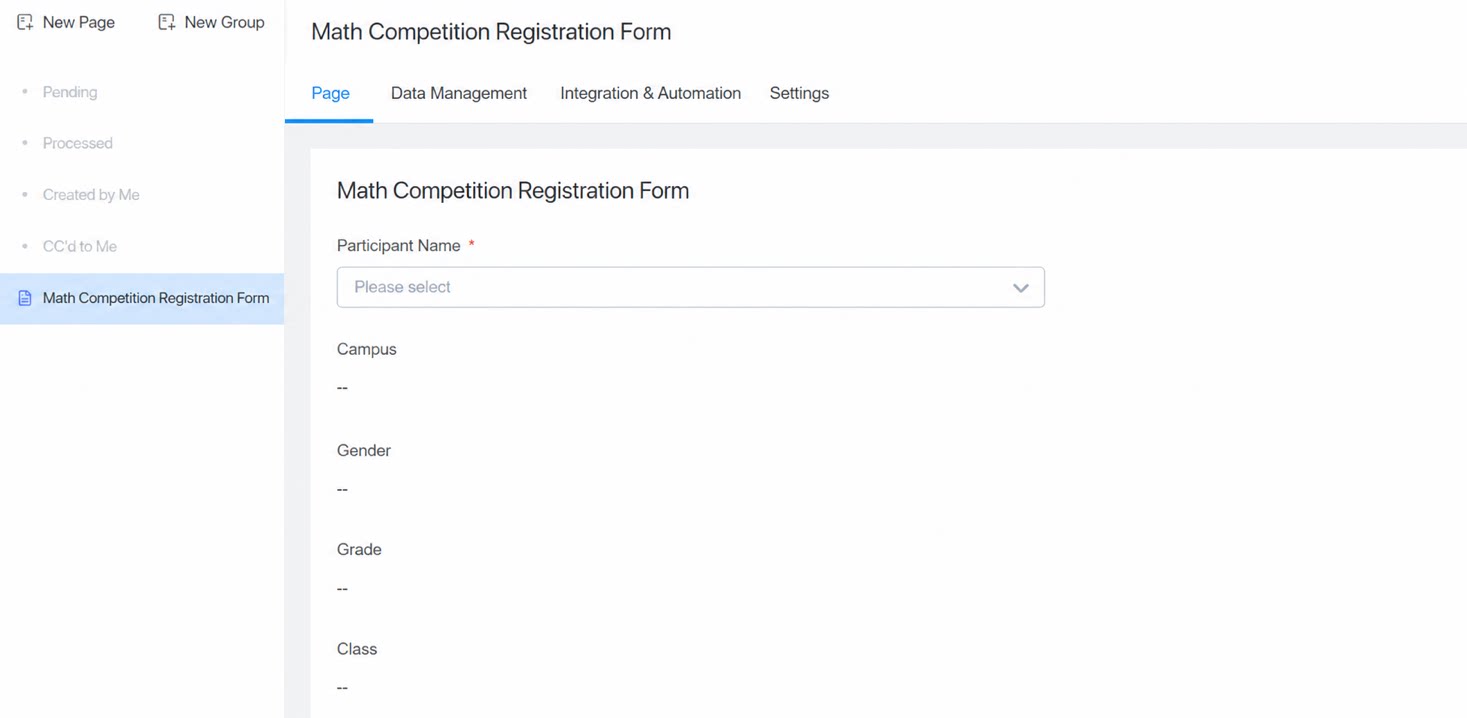
3. Configuration Steps
- On the Form Edit Page, select the [Student] Component.
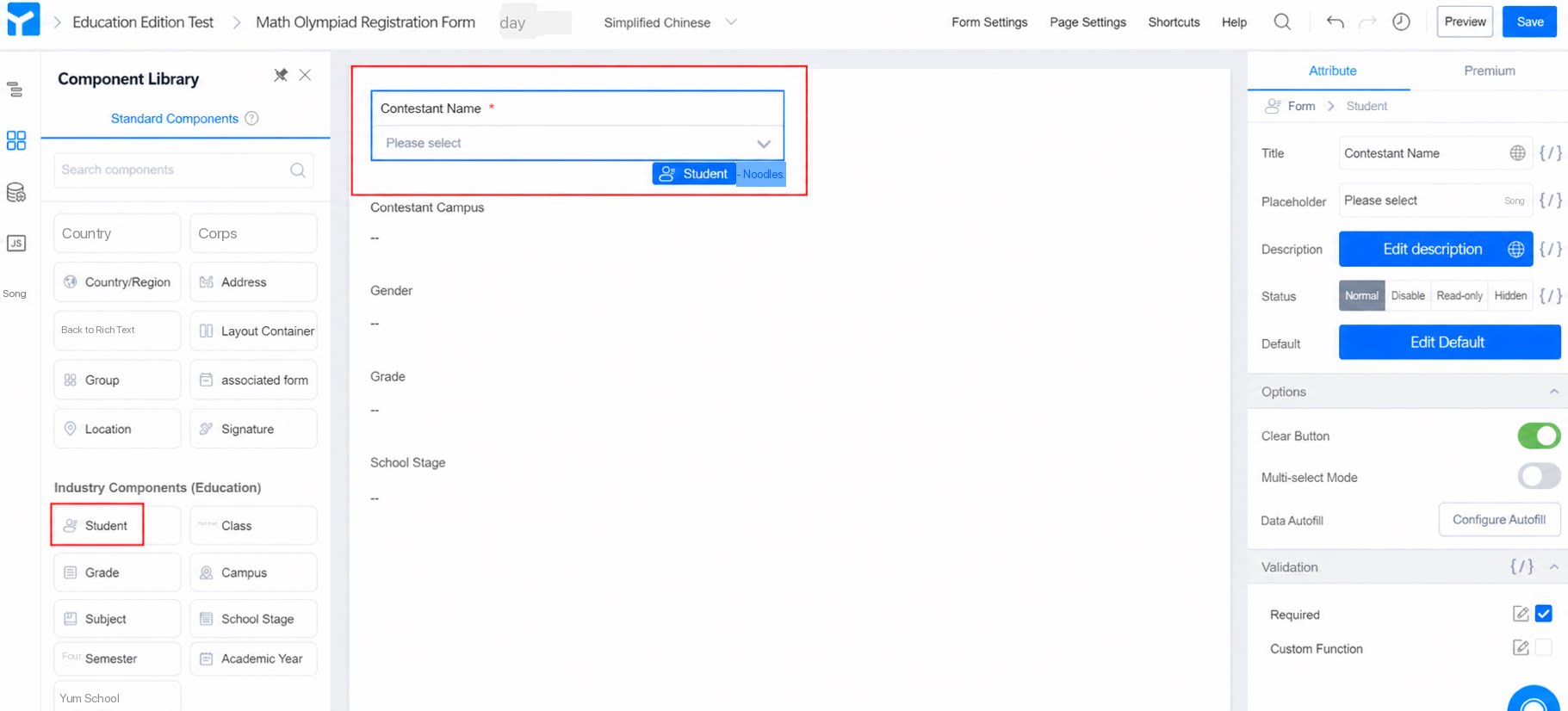
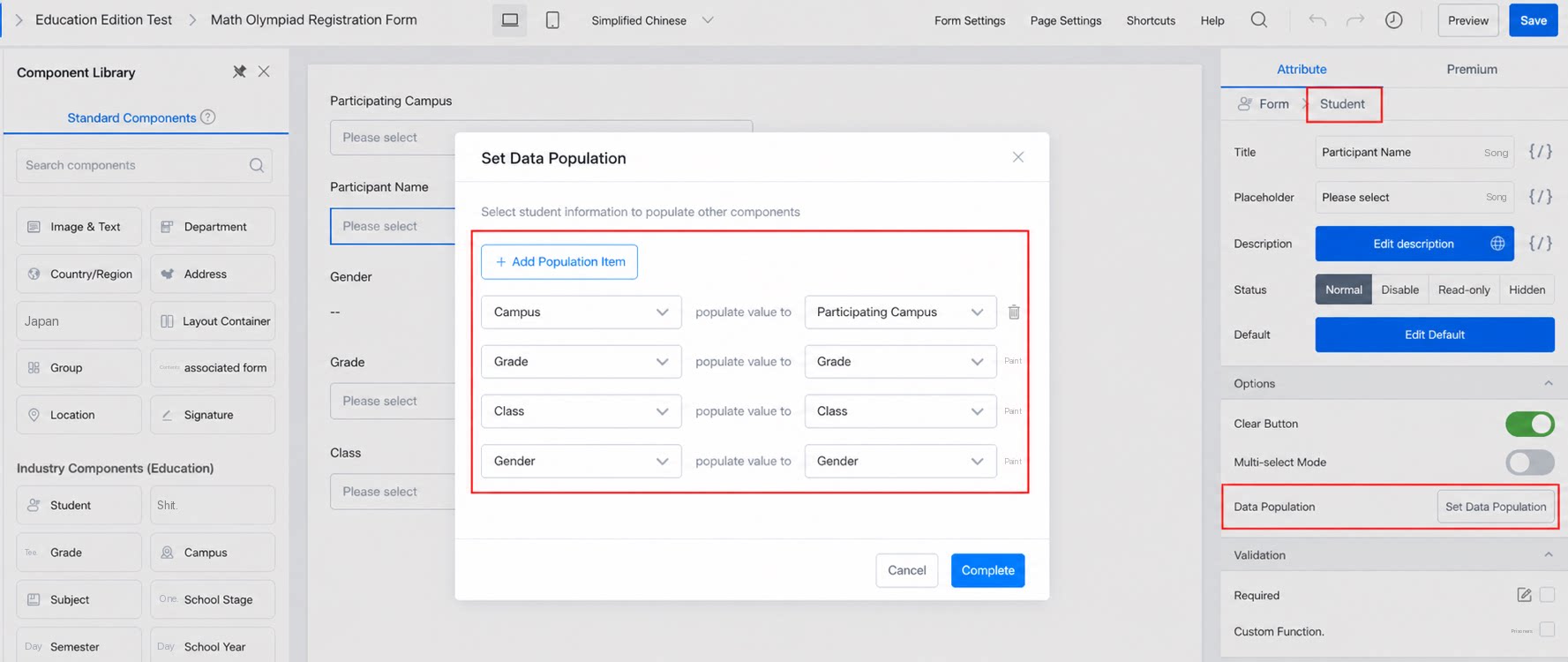
- Click the selected Student Component >> Attribute >> Data population, then Configure the student information to populate, such as campus, gender, and class.
- Data population automatically fills in the corresponding grade, class, and other details once a student is selected. Set the populated Fields as Read-only to prevent students from entering incorrect information.