

 Chats
Chats Calendar
 Meetings
 Contacts
 Mail
Mail Docs
Docs Drive
Drive AI Table
 AI Minutes
 Attendance
 Approval
 YiDA
YiDA Admin Console
Component List
To ensure optimal data loading and performance, we recommend no more than 20 total components per portal, with no more than 5 data cards.
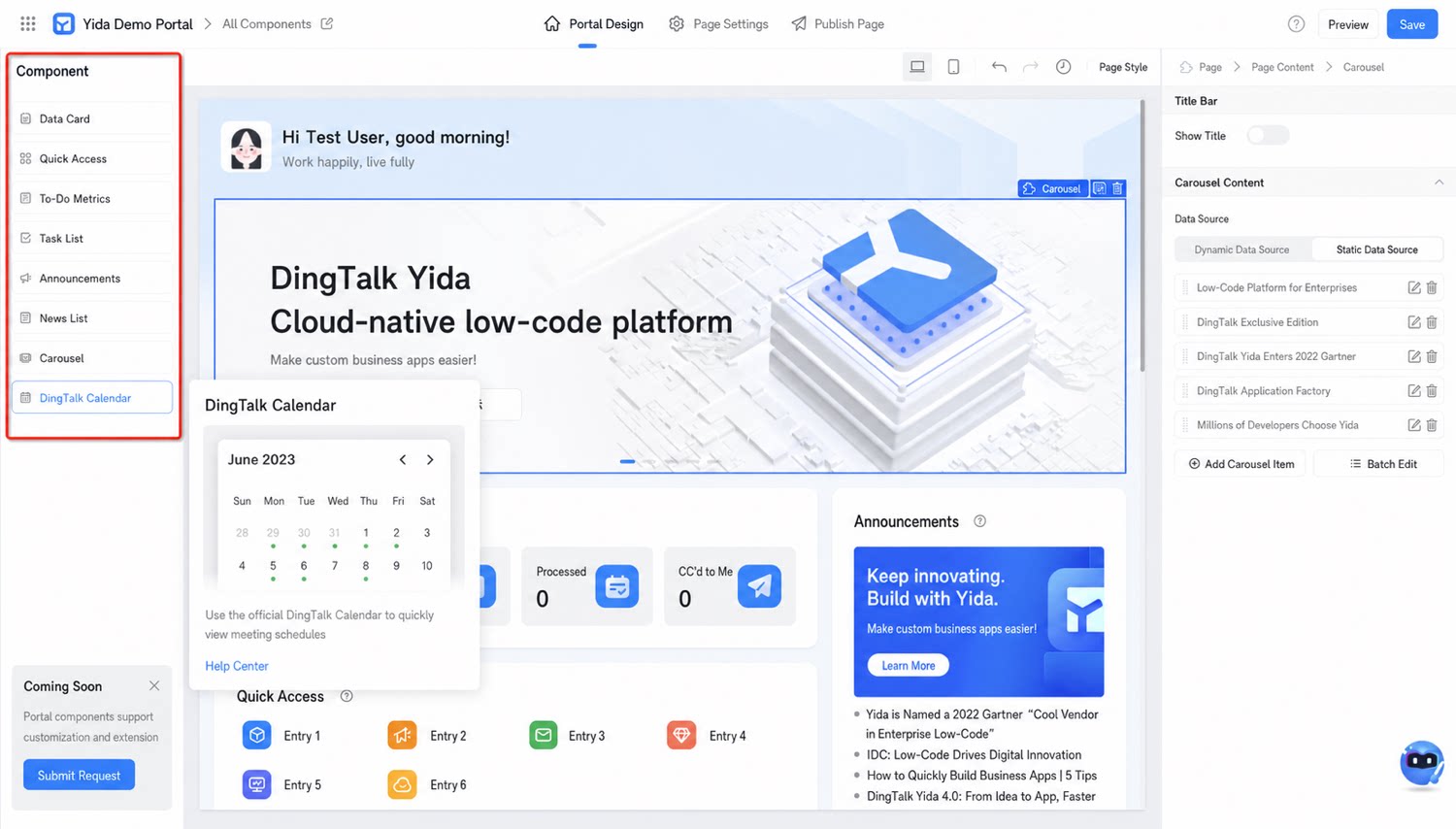
YiDA broadcastable portals offer 8 components, including data cards and quick entries, each with specific functions. We recommend no more than 20 components per portal, with no more than 5 data cards.
To ensure optimal data loading and performance, we recommend no more than 20 total components per portal, with no more than 5 data cards.