

 Chats
Chats Calendar
 Meetings
 Contacts
 Mail
Mail Docs
Docs Drive
Drive AI Table
 AI Minutes
 Attendance
 Approval
 YiDA
YiDA Admin Console
1. Introduction
Spreadsheet sorting follows the order of fields, so you can select a reference field for each field.2. Procedure
Path: Report page >> Select a field column >> Edit button next to the field >> Data settings panel >> Sort3. Reference Field
Choose ascending or descending order to set the reference field. As shown below, although the product name is the first field, you can sort by created time so that created time takes the highest sort priority.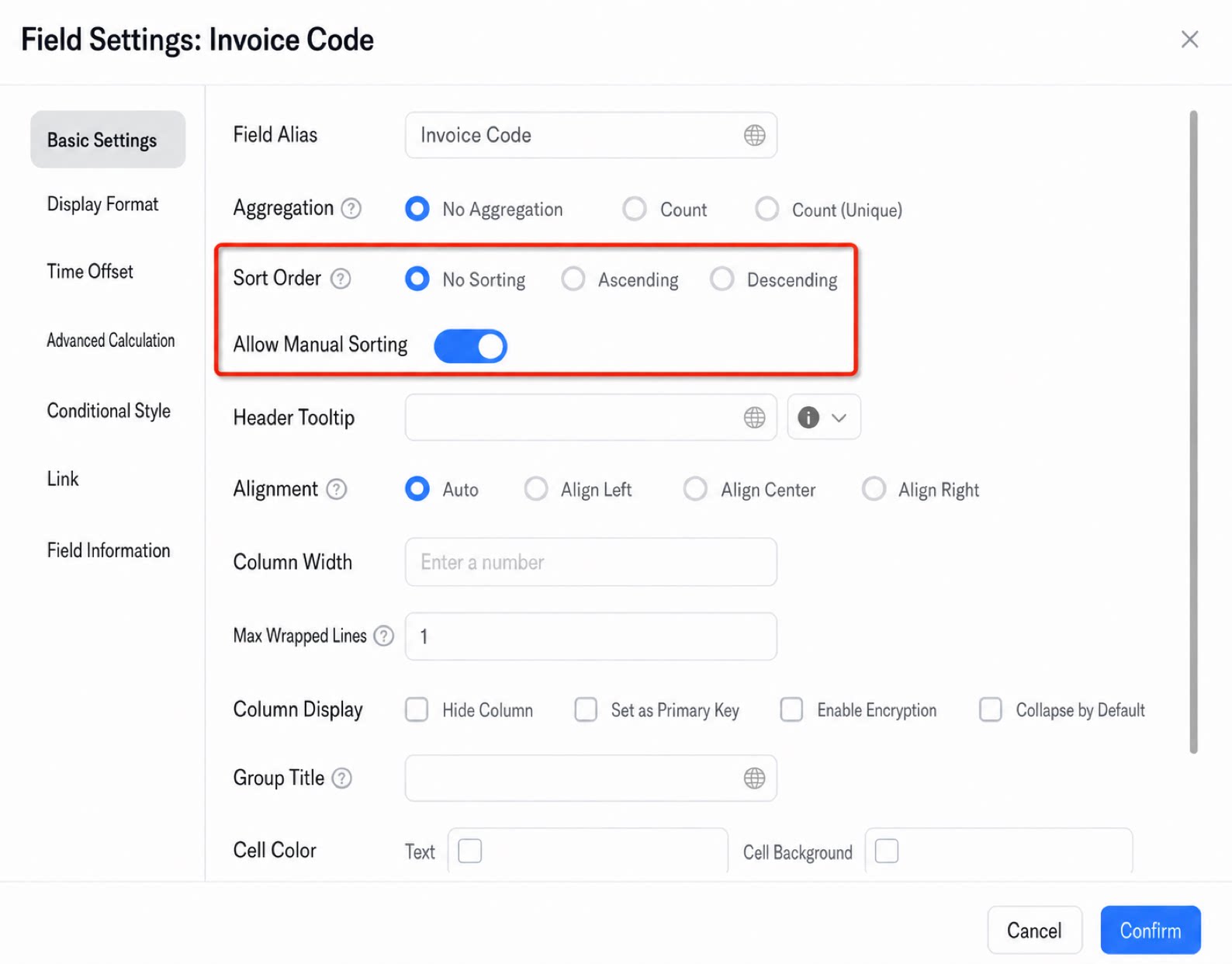
- Average values are not recommended for sorting.
- The reference field for sorting cannot be a formula field or a sum field.