

 Chats
Chats Calendar
 Meetings
 Contacts
 Mail
Mail Docs
Docs Drive
Drive AI Table
 AI Minutes
 Attendance
 Approval
 YiDA
YiDA Admin Console
data is the returned data. Write JavaScript to process data and return the result.
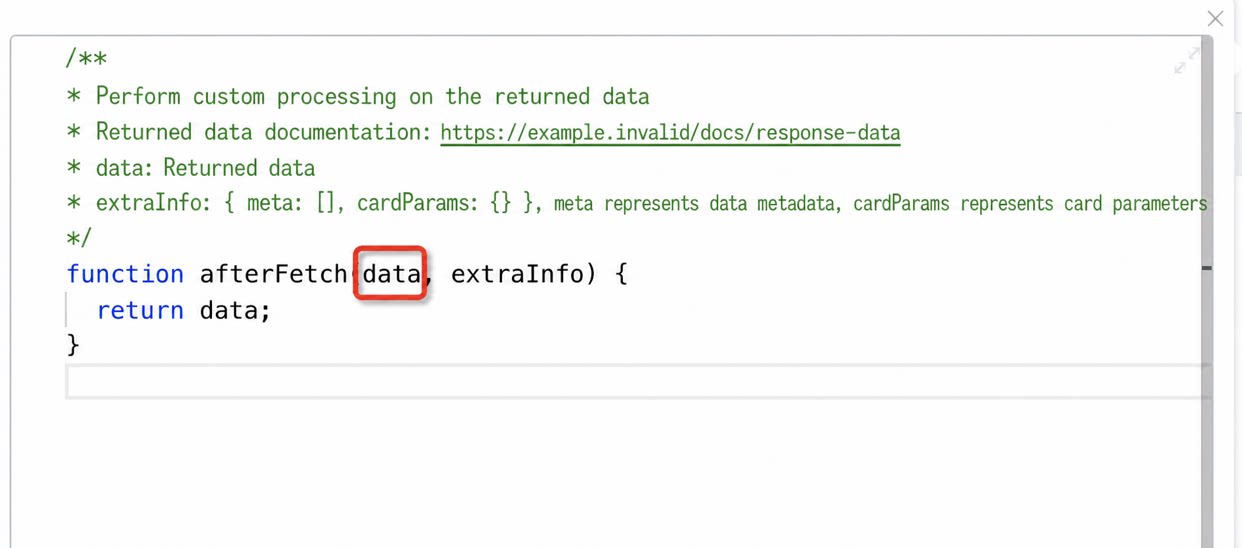
data is an array. The example below contains 4 items, corresponding to 4 records in the Spreadsheet. Each item contains 2 data values, corresponding to the 2 data values in each record. Next, determine which of the 2 values corresponds to the Numerical field. In this example, since the data formats of the Numerical field and the Modified time field are clearly different, you can tell at a glance that field_kr1zcs45 corresponds to the Numerical field, and field_kr1zcs49 corresponds to the day_Modified time. If the dataset is large and hard to identify at a glance, analyze it using the meta field. Locate the item whose aliasName contains “Numerical”; its fieldId is field_kr1zcs45.
Finally, process the data.