Chats
Chats Calendar
 Meetings
 Contacts
 Mail
Mail Docs
Docs Drive
Drive AI Table
 AI Minutes
 Attendance
 Approval
 YiDA
YiDA Admin Console
Prerequisites: Maintain a Permission Matrix and Upgrade to the New Data View
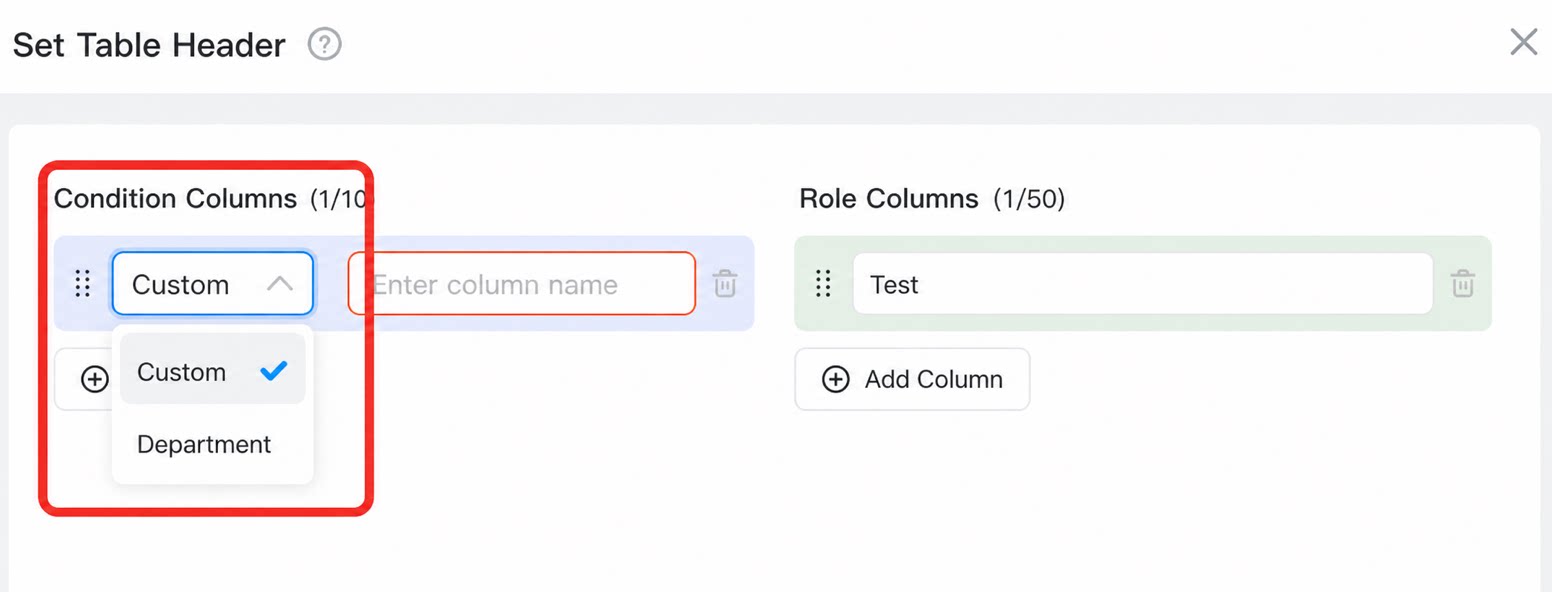
- Maintain a permission matrix
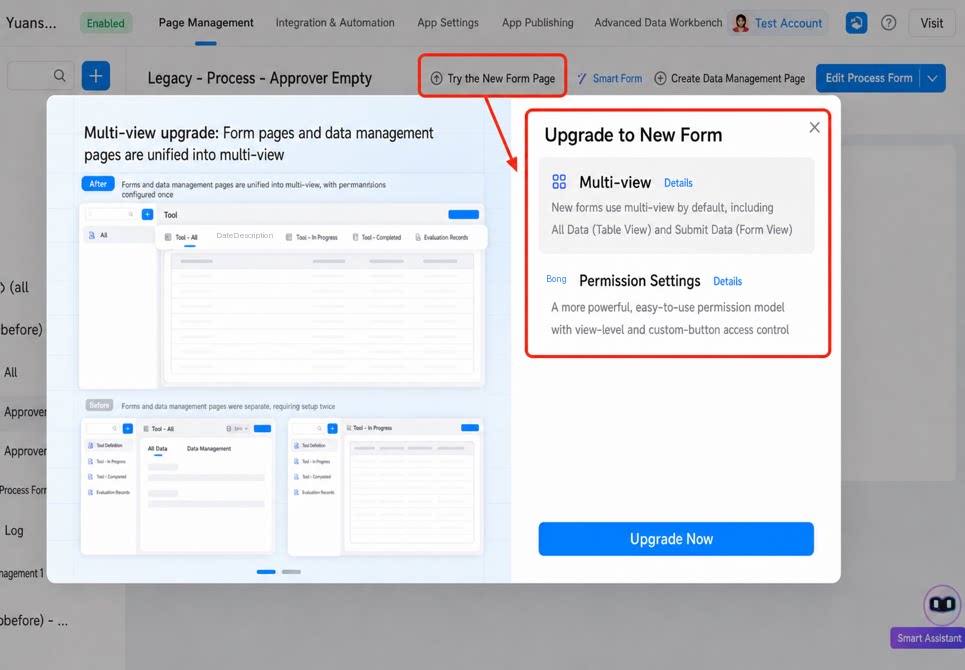
- Use the new data view (This feature is currently in gray release. To enable it, contact YiDA support.)
Reference a Permission Matrix in Form Data View Permissions
When configuring a permission group:- For permission users, select “From permission matrix”: choose the target matrix and the role column that represents the users in the current permission group.
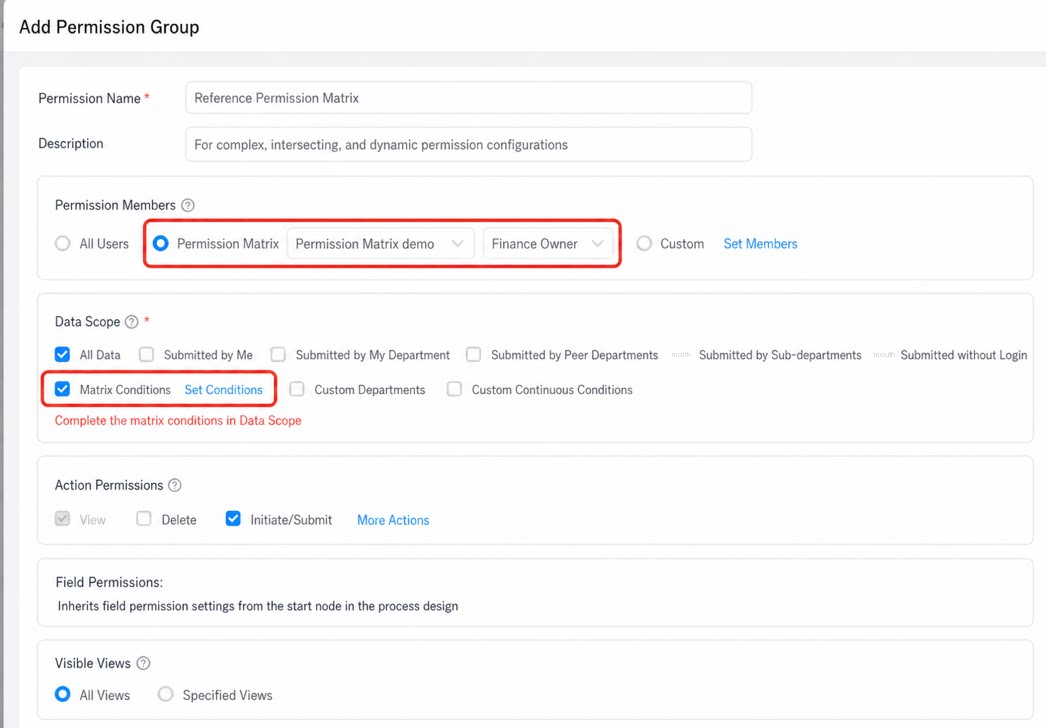
- For the data range, select “By matrix condition”: use the condition matching rules between form fields and matrix fields to determine the data range visible to each user.