

 Chats
Chats Calendar
 Meetings
 Contacts
 Mail
Mail Docs
Docs Drive
Drive AI Table
 AI Minutes
 Attendance
 Approval
 YiDA
YiDA Admin Console
Supported Product Scenarios
The SUM function is supported in the following YiDA scenarios:- Form (main form fields)
- Form (business association rules)
- Form (validation)
- Workflow design (validation rules)
- Workflow design (association actions)
- Integration & automation
- Workflow node
- Connector
Format
Attributes
Return Value
Examples
-
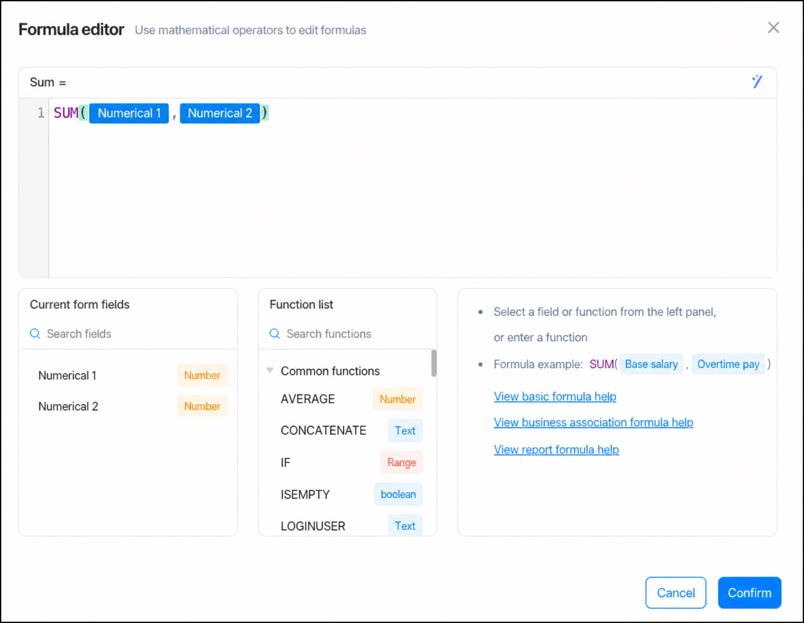
Sum multiple Number components.
As shown below, use
SUM()to calculate the sum ofNumber 1andNumber 2.
-
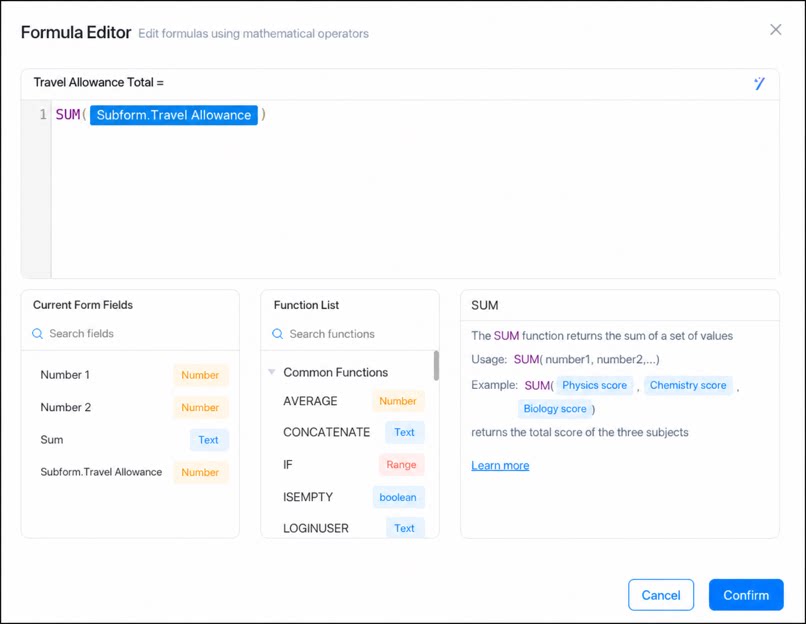
Sum a column of subform data.
As shown below, use
SUM()to calculate the total travel allowance.
Try It Out
Sum multiple Number components, or sum a Number component across multiple subform rows.Tip
Since no built-insumif function is available, you can achieve a similar effect as shown below.