Chats
Chats Calendar
 Meetings
 Contacts
 Mail
Mail Docs
Docs Drive
Drive AI Table
 AI Minutes
 Attendance
 Approval
 YiDA
YiDA Admin Console
Prepare a Message Template
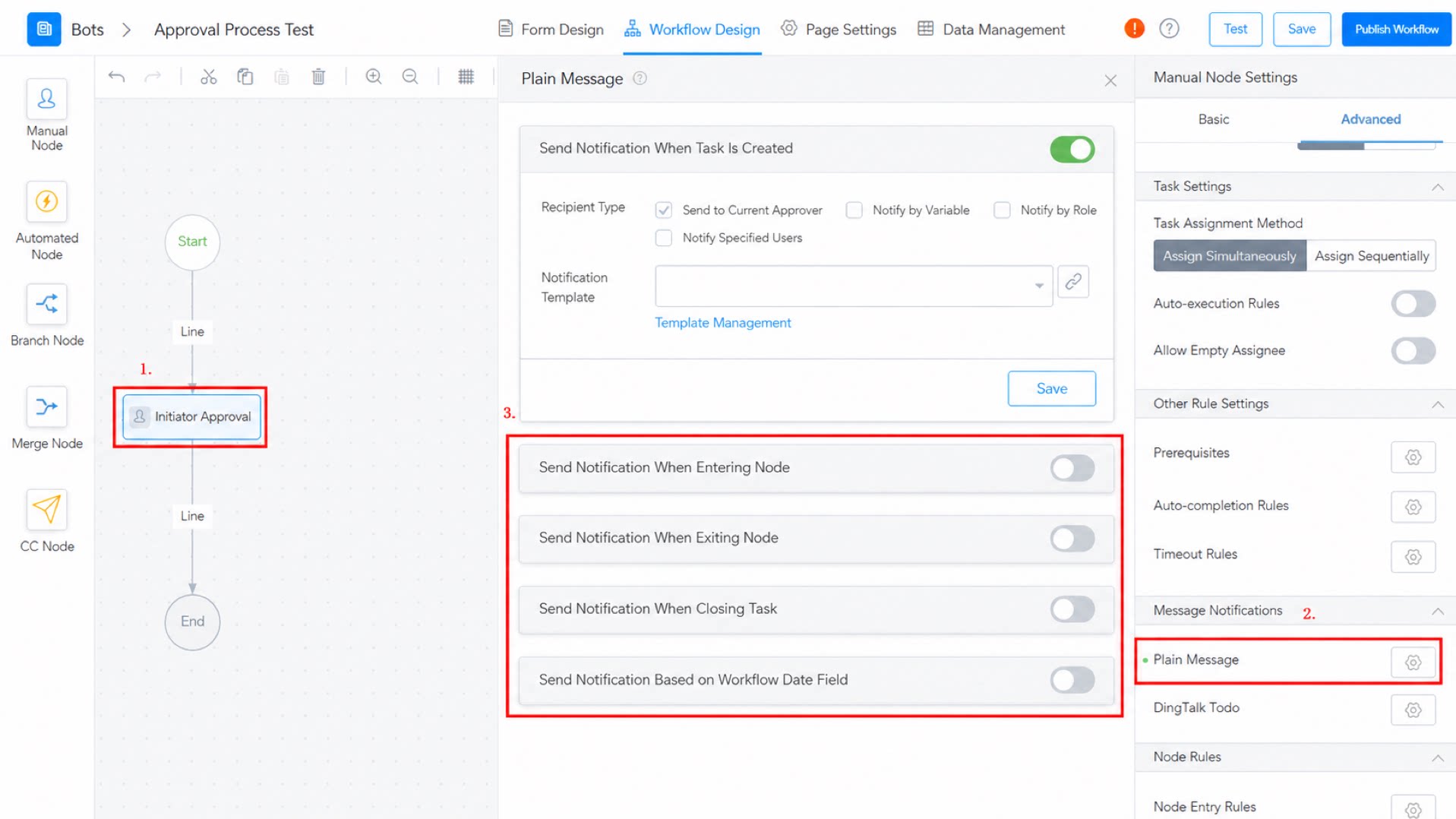
Before using a message node, create a message notification template. Both Plain messages and DingTalk To-Do are supported. For details, see Message notification templates.Node Message Settings
Path: Approval node > Premium > Plain message