Chats
Chats Calendar
 Meetings
 Contacts
 Mail
Mail Docs
Docs Drive
Drive AI Table
 AI Minutes
 Attendance
 Approval
 YiDA
YiDA Admin Console
Steps
- Open the Premium workflow designer.
- Select two nodes that have been configured but are not yet linked.
- Select one of the nodes, then click an arrow in any direction to connect it to the next node.
1
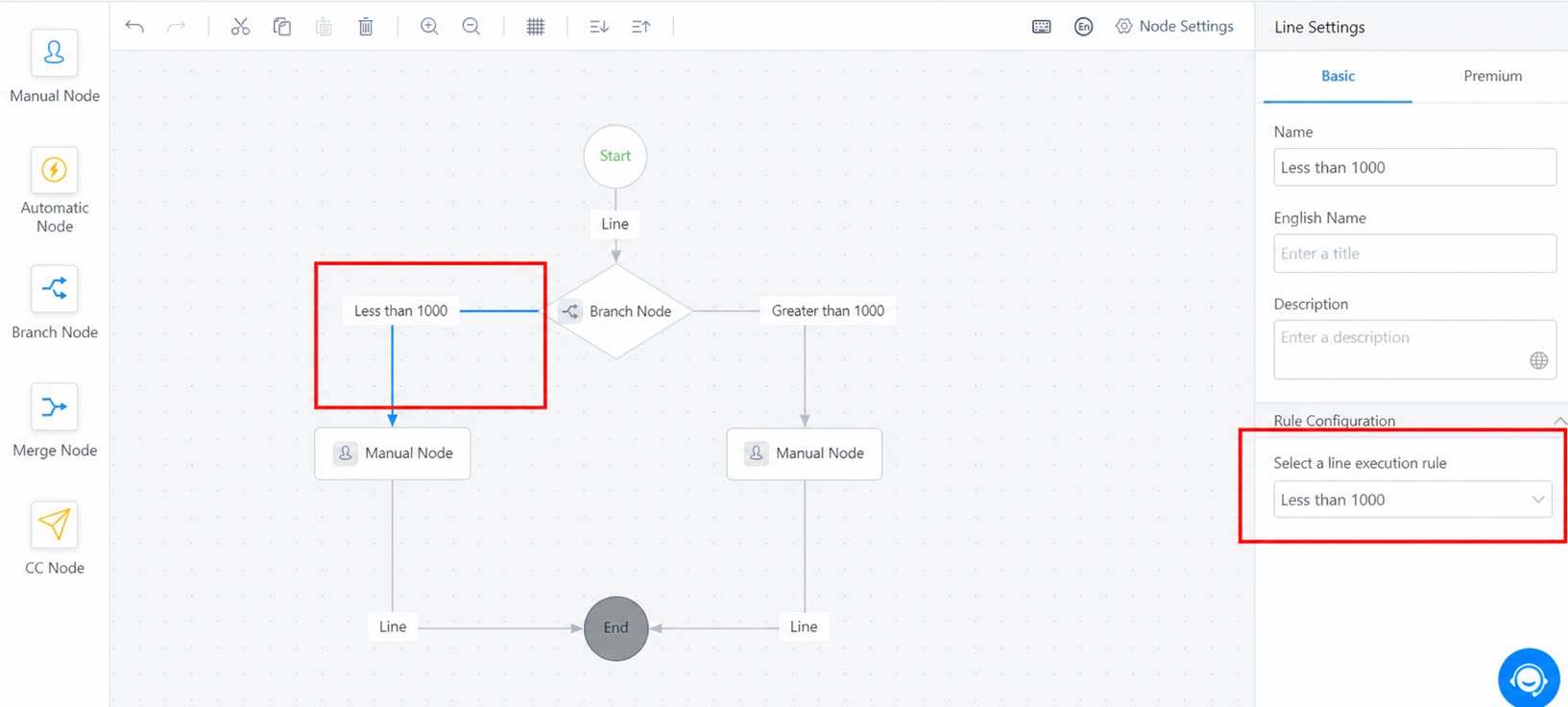
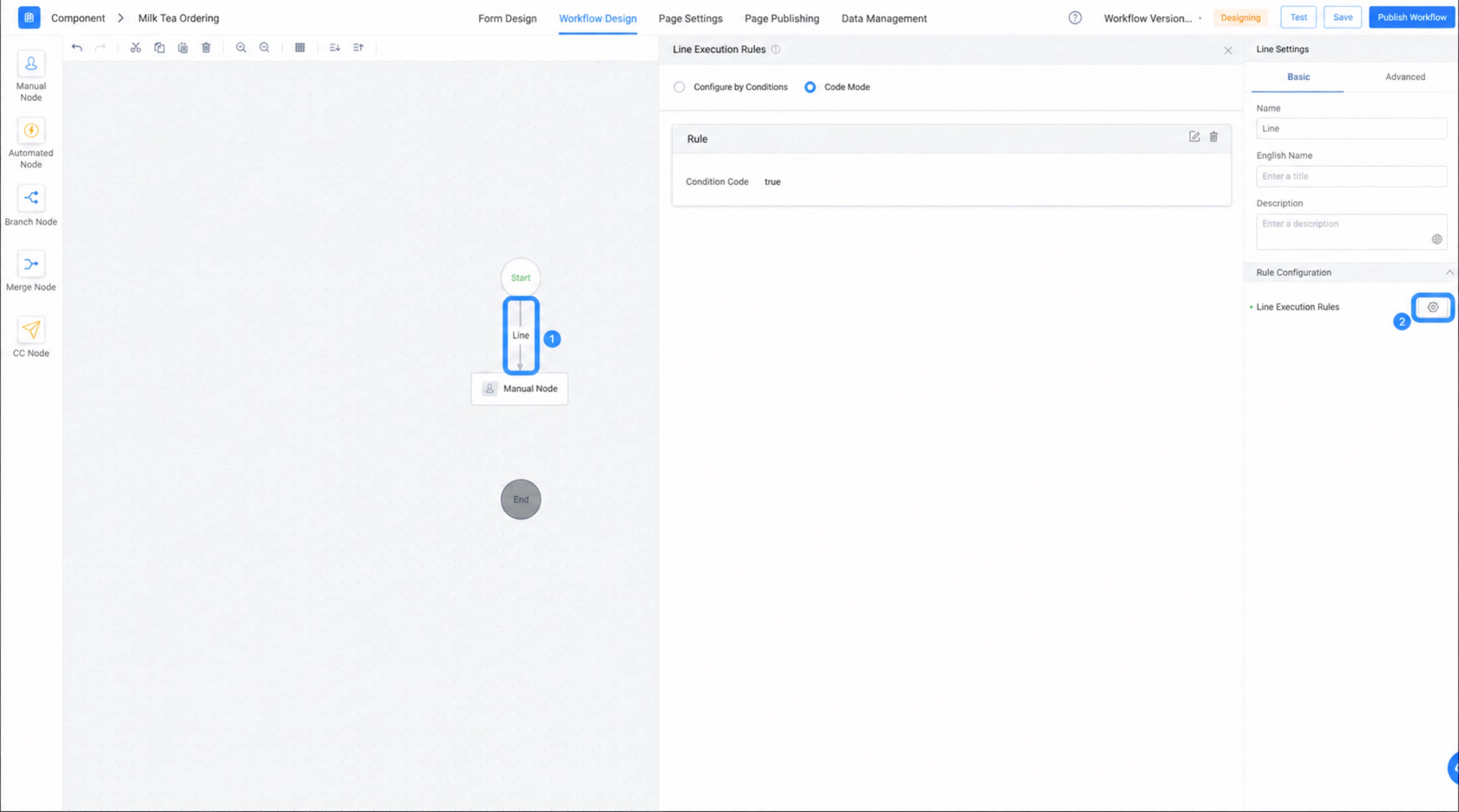
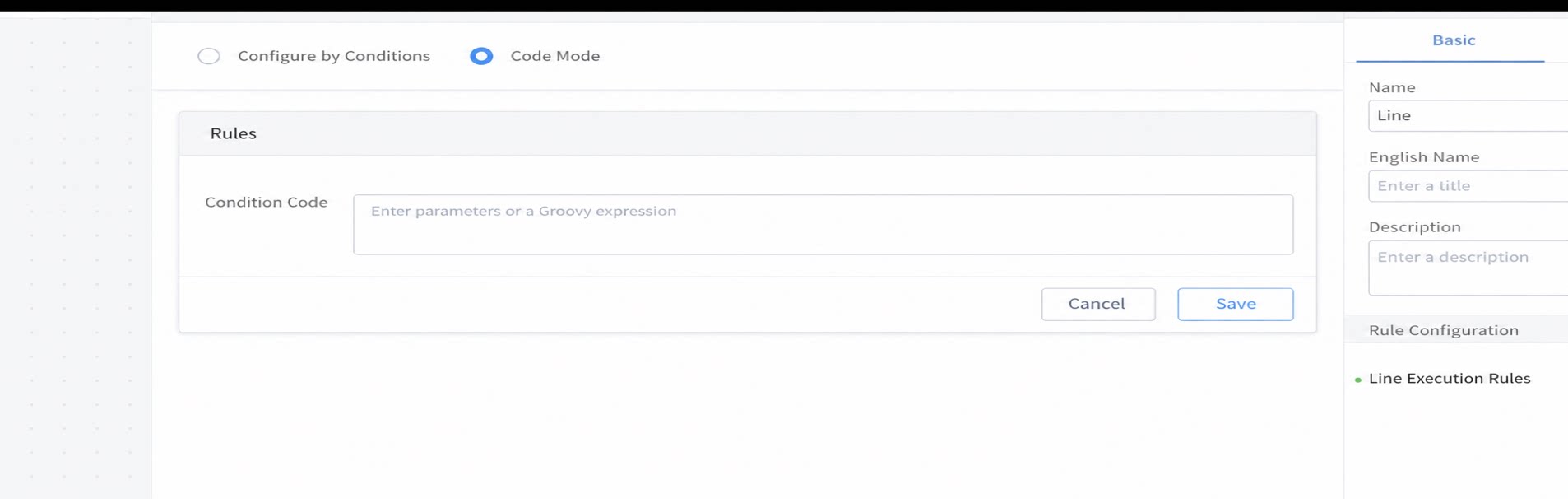
Click a connection line and select a line execution rule
2
Configure the line execution rule in the dialog box that appears
Usage Example
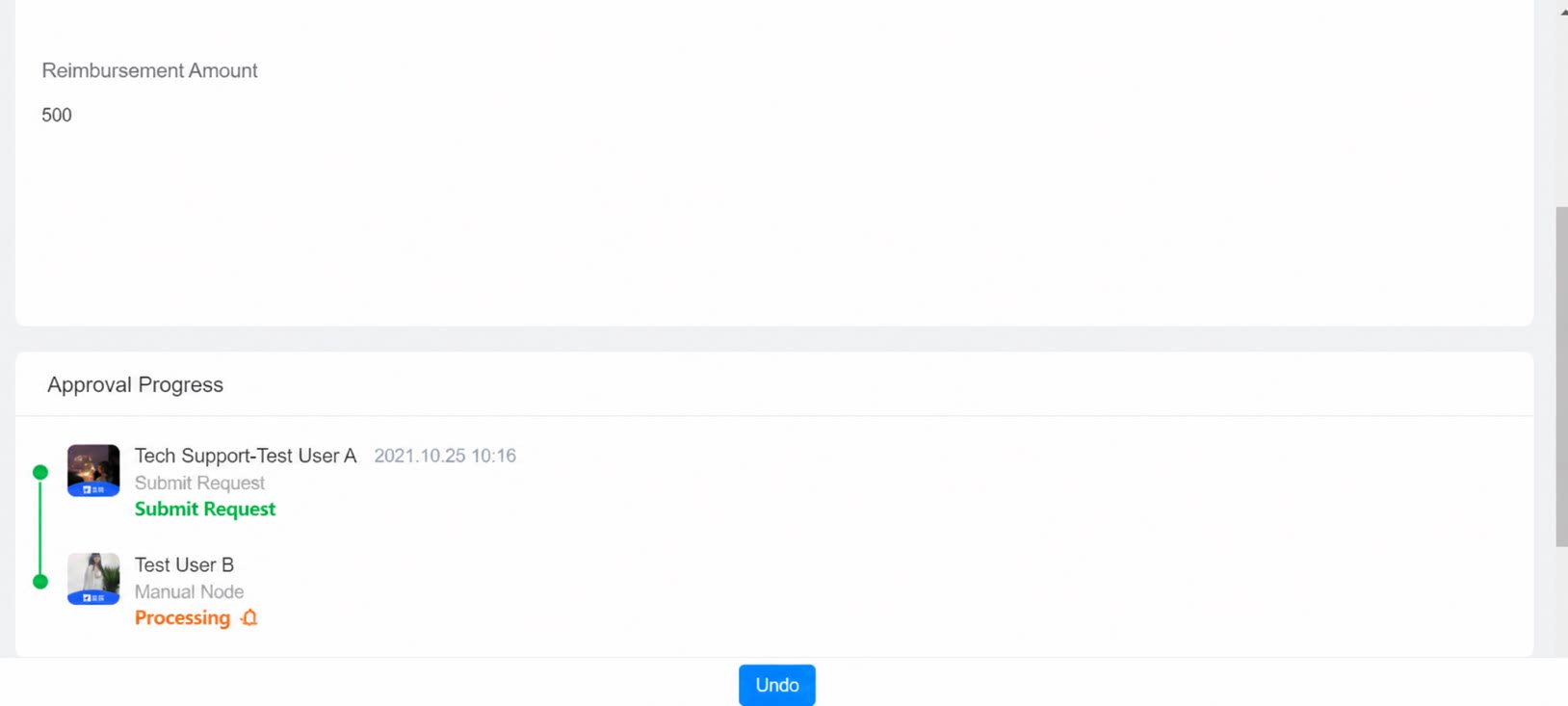
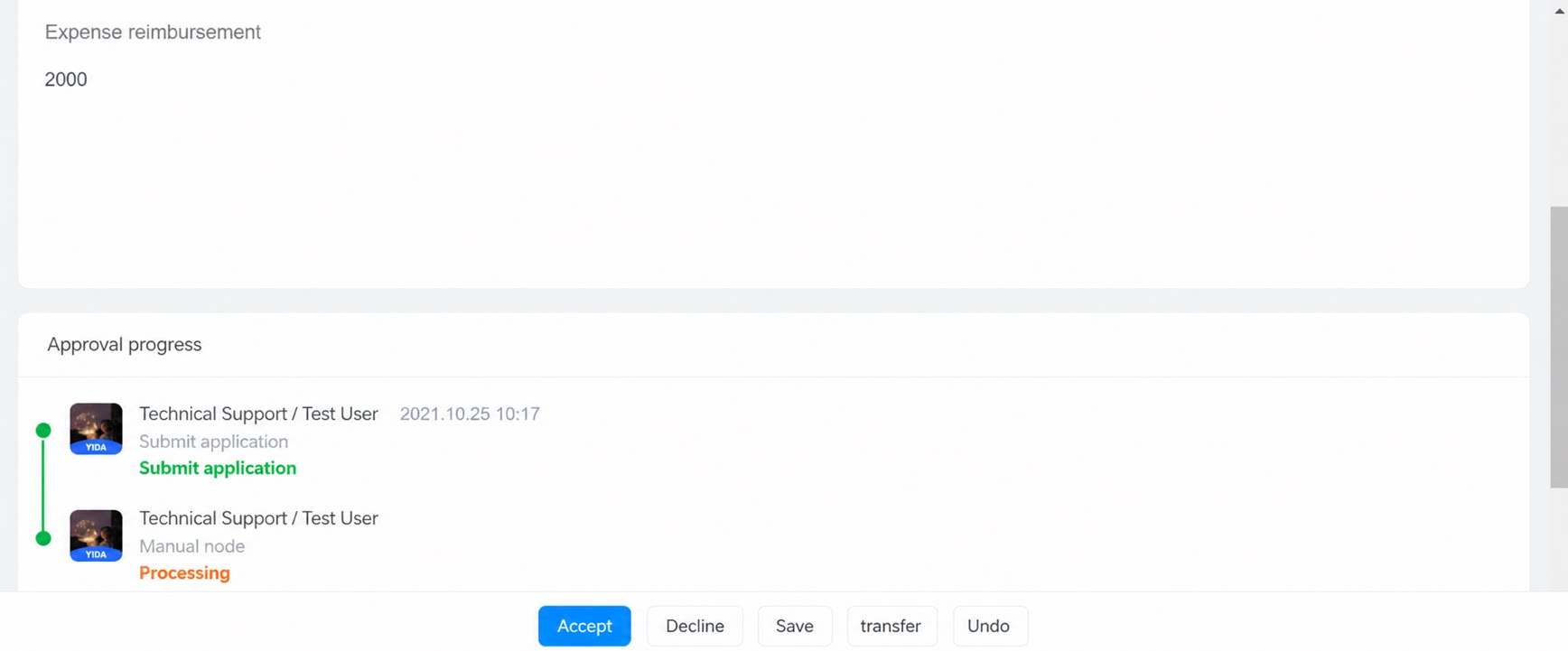
When the value of the form component “Reimbursement amount” is less than 1,000, the workflow routes to the “Supervisor” for Approval. When the amount is greater than 1,000, the workflow routes to “Finance” for Approval.