Chats
Chats Calendar
 Meetings
 Contacts
 Mail
Mail Docs
Docs Drive
Drive AI Table
 AI Minutes
 Attendance
 Approval
 YiDA
YiDA Admin Console
1. Data Management Page Overview
The data management page displays all submitted form records and provides features such as import/import history, export/export history, edit history, file download/download history, print/print history, Add, More actions (edit data, delete), search, filter, display column settings, sort, refresh, and fullscreen.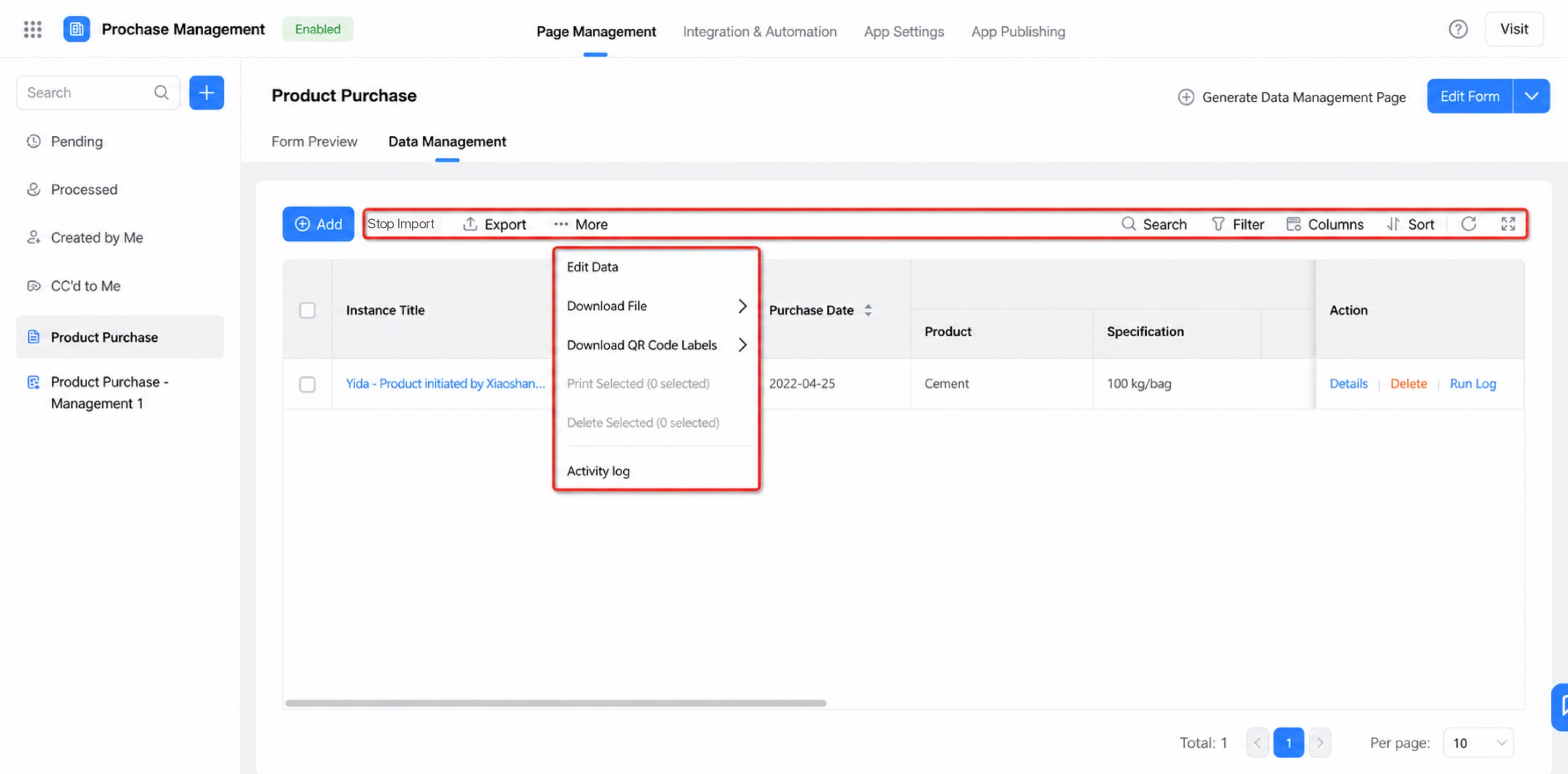
2. Feature Overview
Path: My Apps >> click an app >> Form/Workflow form >> Data management2.1 Source Records
2.1.1 Copy
Regular forms provide a quick copy feature for record details with no additional configuration required. Just open the record details page to use it. For workflow forms, enable the Copy workflow button in Basic settings. Notes:- This feature is not supported in 1.0 or 2.0 apps.
- It is available in all editions of YiDA.
- Fields configured as hidden, disabled, or read-only are not copied.
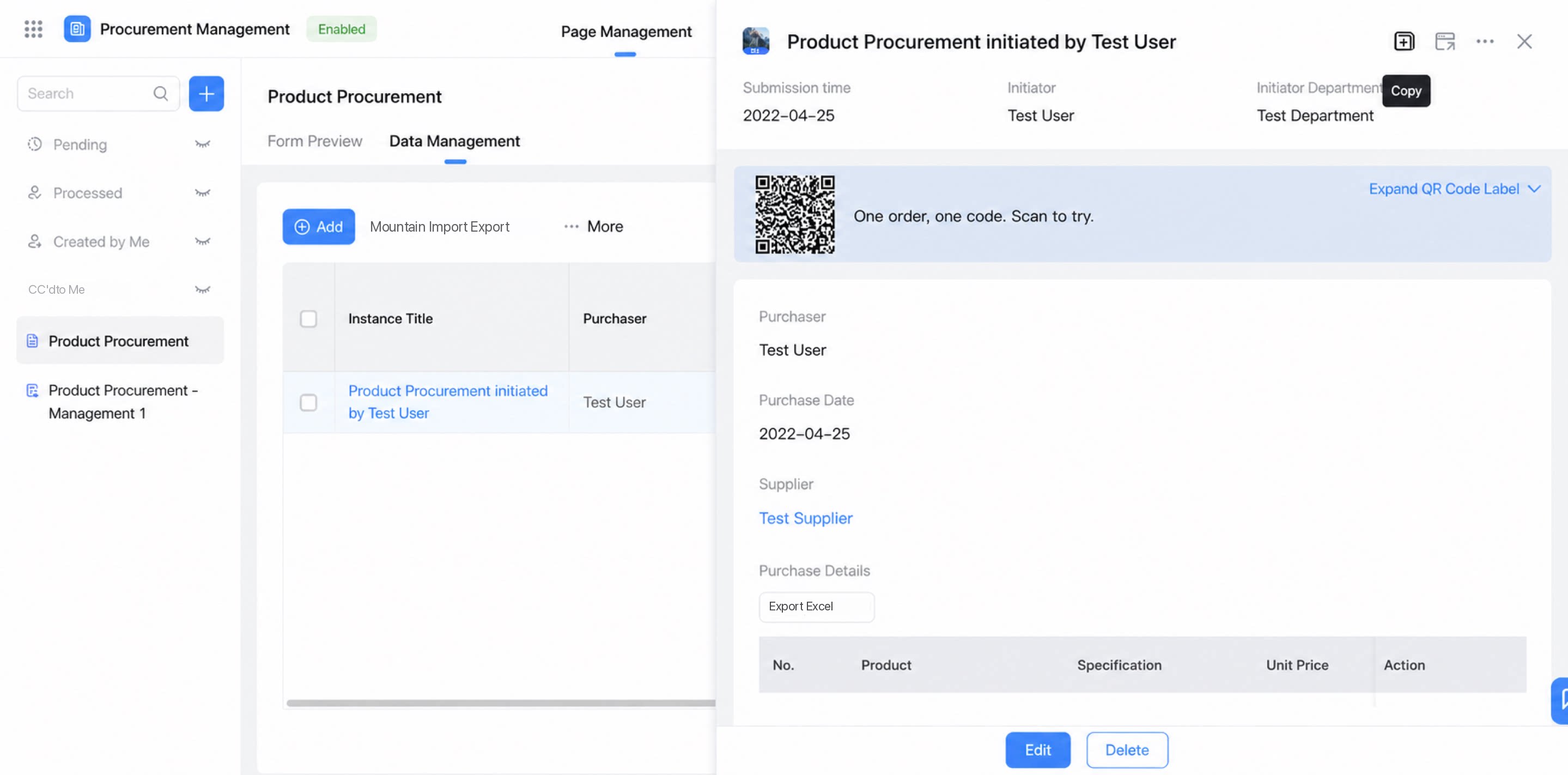
2.1.2 Open in New Page
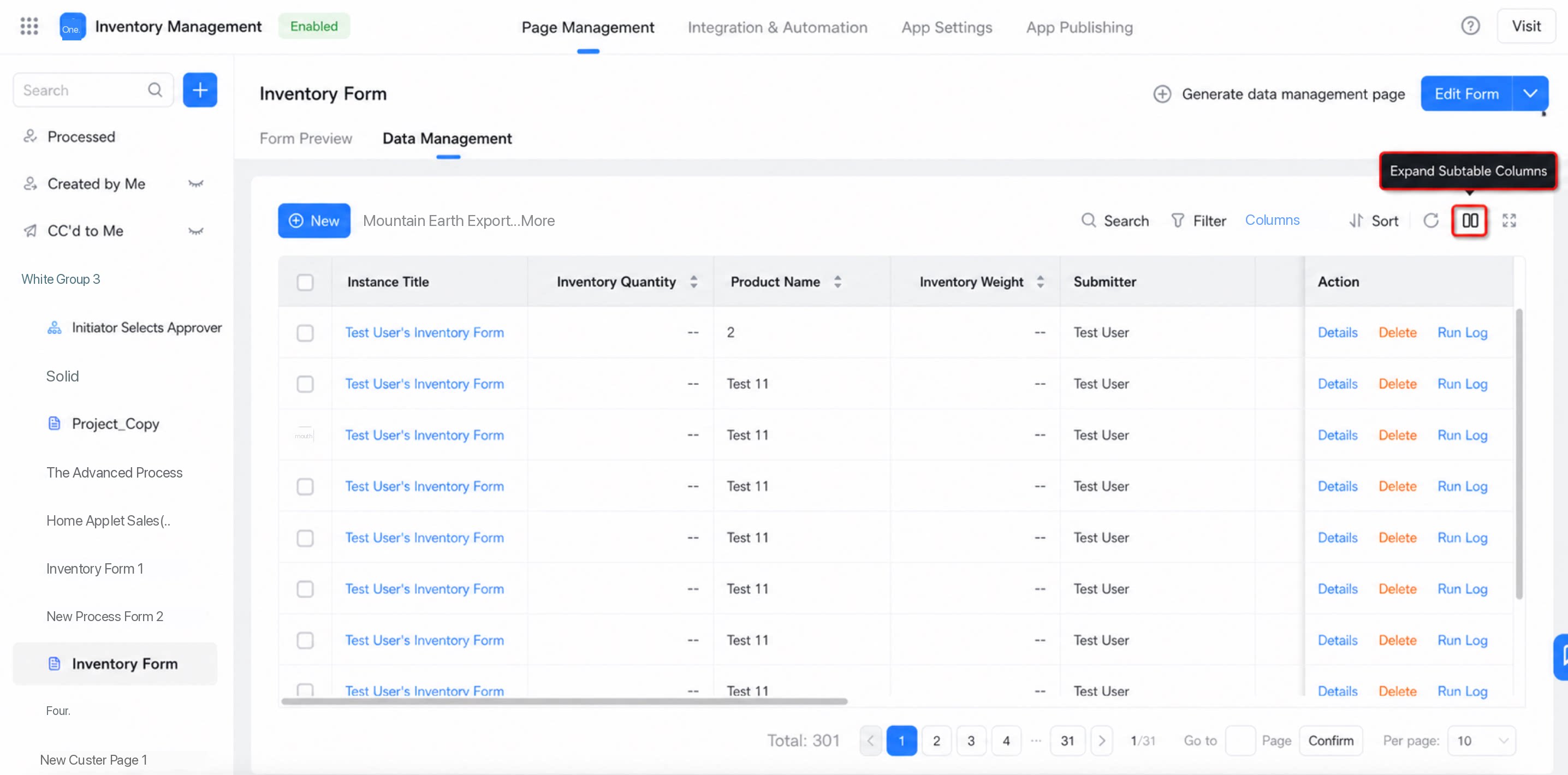
When you click a record on the data management page, it opens in a small window. To display the record details in full page mode, click Open in new page, as shown below:3. FAQ
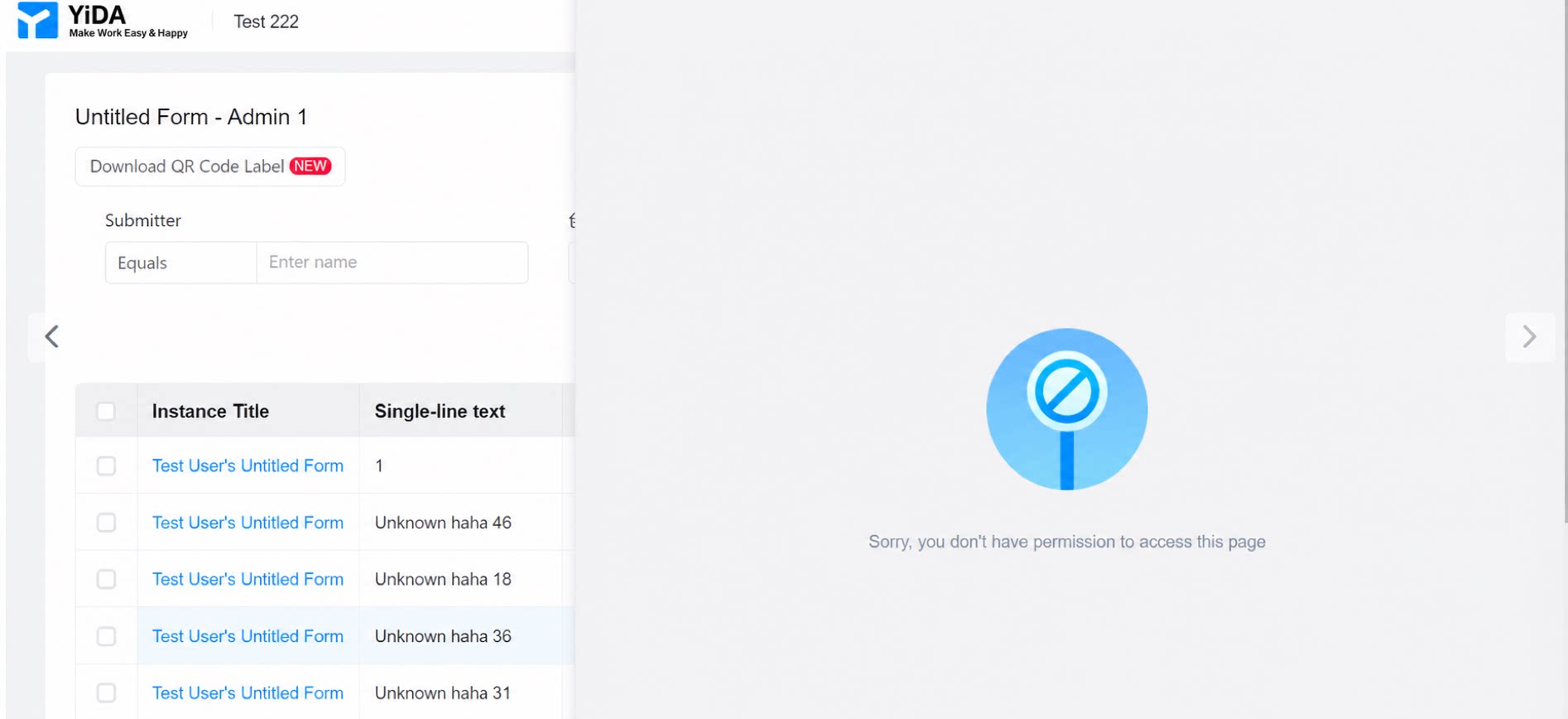
3.1 Why does clicking the Copy button show 'No permission to access this page'?
3.1 Why does clicking the Copy button show 'No permission to access this page'?
Check whether the permission group for the form submission status is configured to allow your account to submit records.
3.2 Why can subforms be expanded on some form data management pages?
3.2 Why can subforms be expanded on some form data management pages?
New storage expands subform components by default, while old storage does not load them by default. Therefore, the Expand subform button is retained for old storage.
3.3 Why are global search results inaccurate?
3.3 Why are global search results inaccurate?
If the current app uses old storage, global search results may be inaccurate. For details about the search capability upgrade, see the upgrade notes.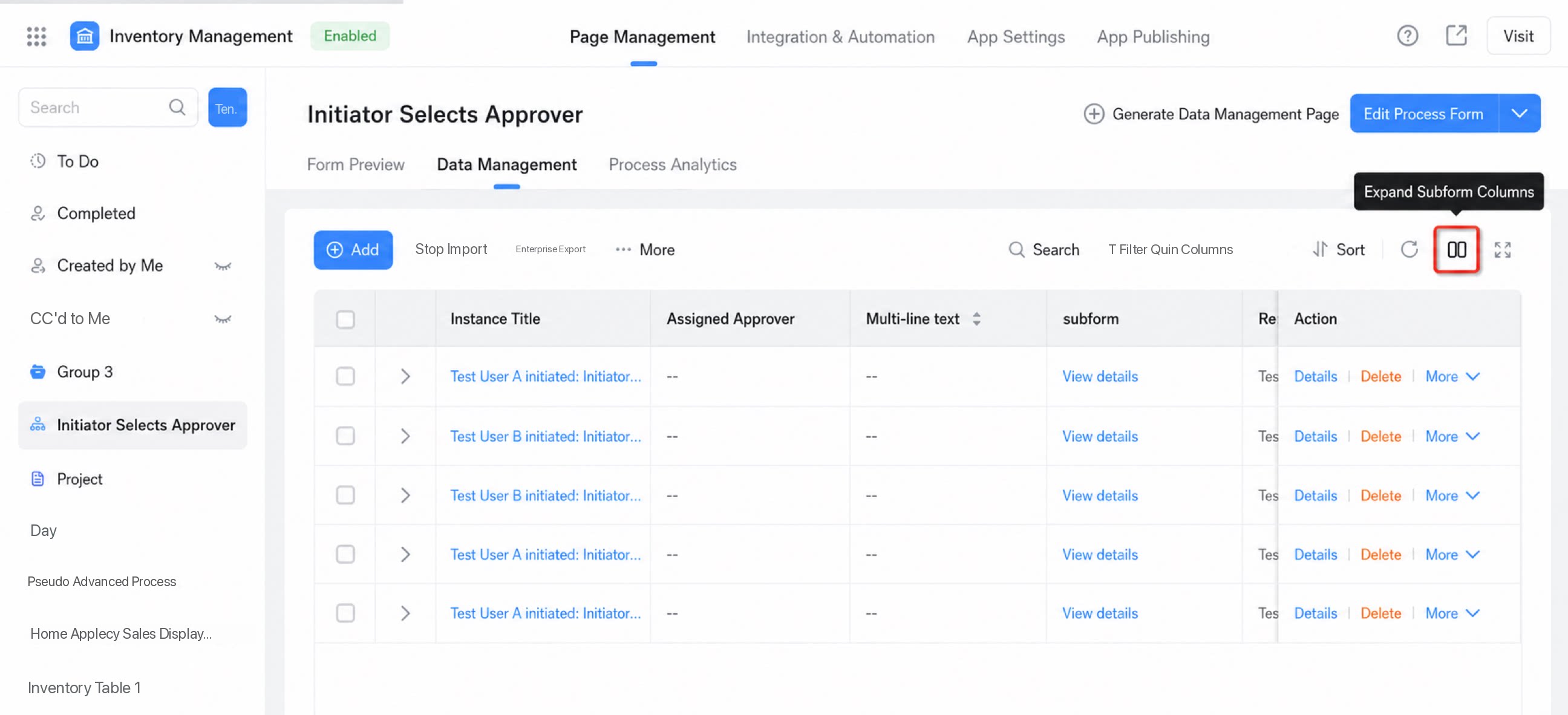
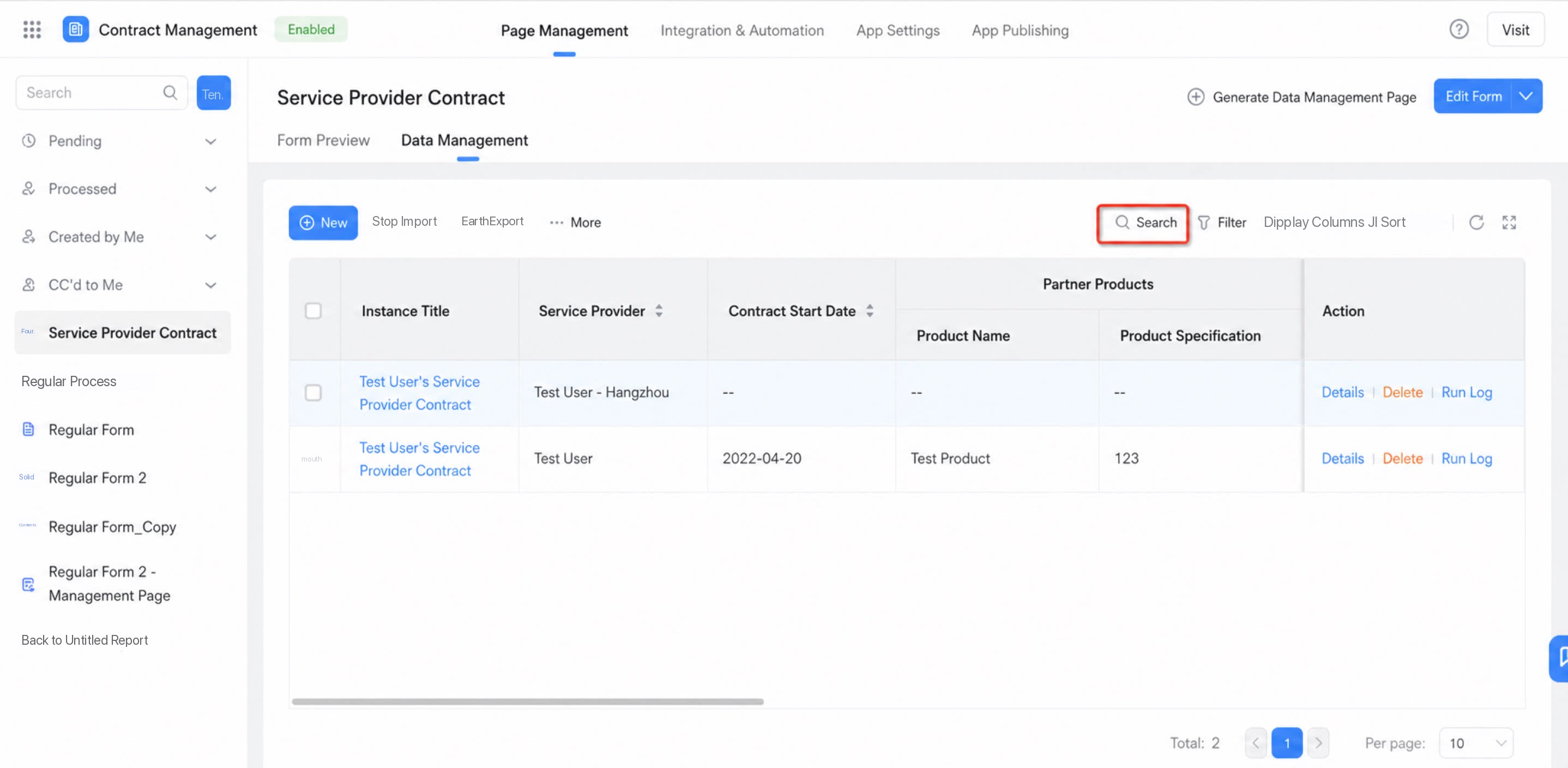 Note: If the form’s data management page has an Expand subform button, the app uses old storage.
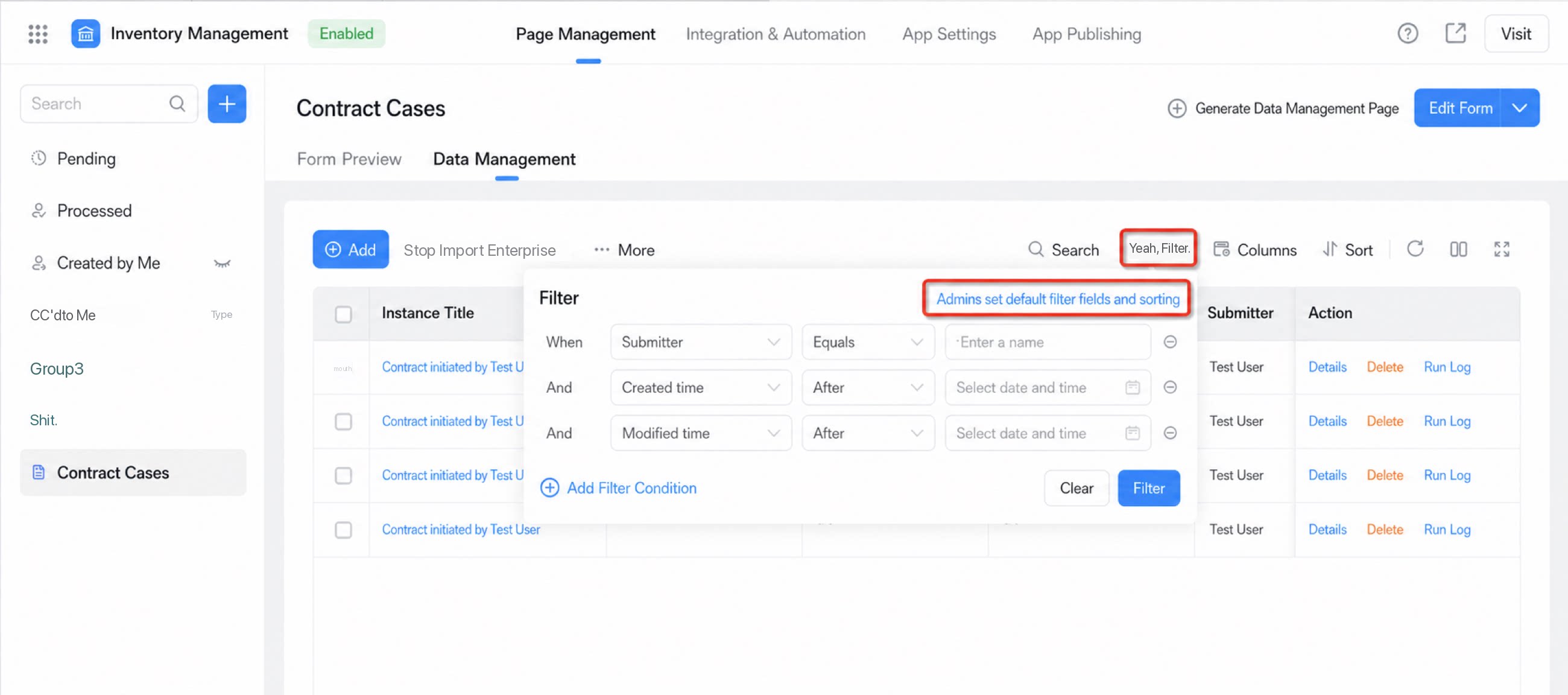
3.4 Why do some app forms lack Admin settings for default filter fields and sorting?
3.4 Why do some app forms lack Admin settings for default filter fields and sorting?
New storage apps no longer restrict which fields can be searched. By default, all filter fields you add are searchable. Therefore, apps whose forms still have this button use old storage.