Chats
Chats Calendar
 Meetings
 Contacts
 Mail
Mail Docs
Docs Drive
Drive AI Table
 AI Minutes
 Attendance
 Approval
 YiDA
YiDA Admin Console
1. Basic Introduction
1.1 What Is the Signature Component
A Component that enables quick electronic signatures on mobile devices.1.2 Use Cases
- Submit Data on a mobile phone or iPad with an electronic Signature as a Form Credential for business entries, such as customer information Confirmation at car dealerships.
- Official document application systems, such as PCR test information submissions and return-home applications during the pandemic.
2. Features and Attributes
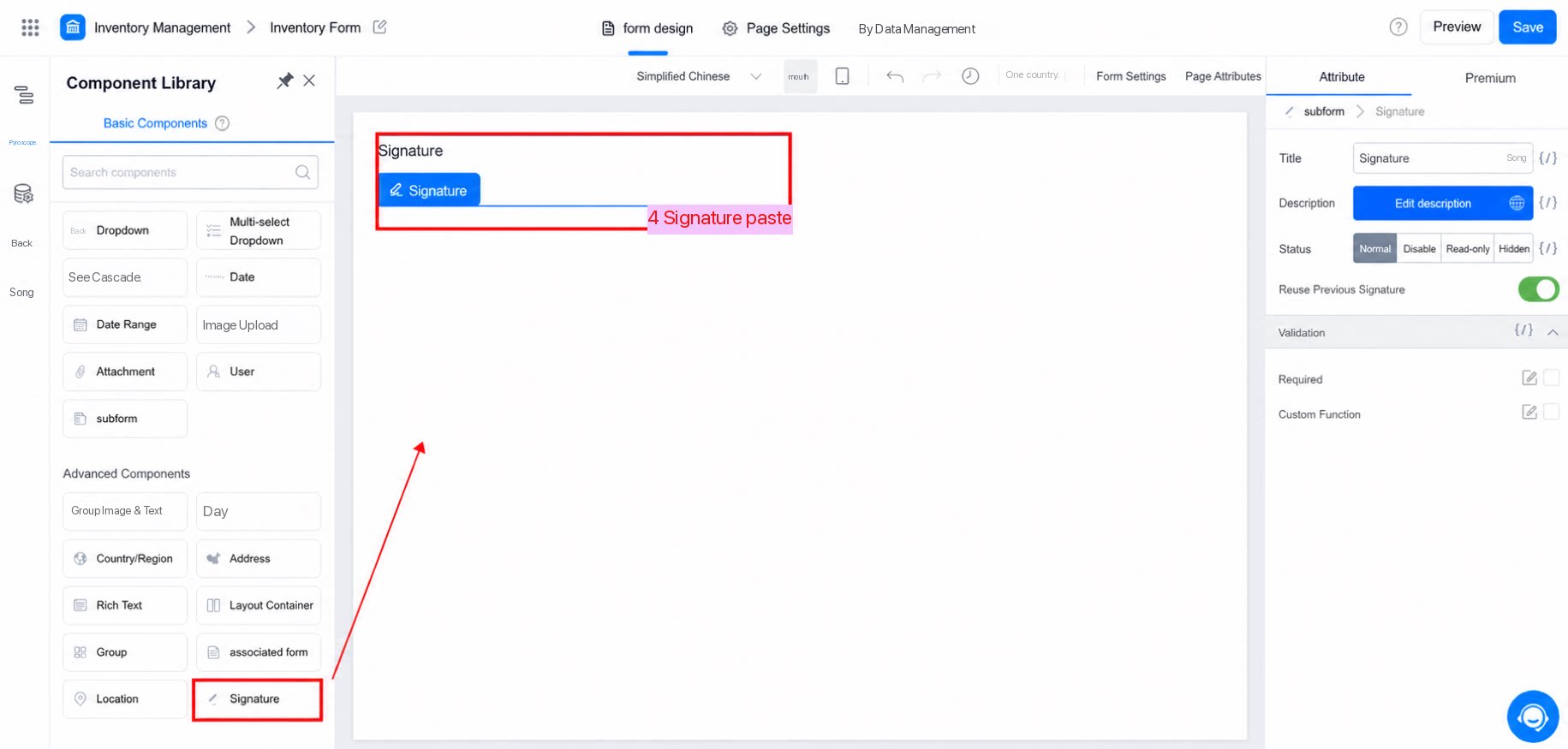
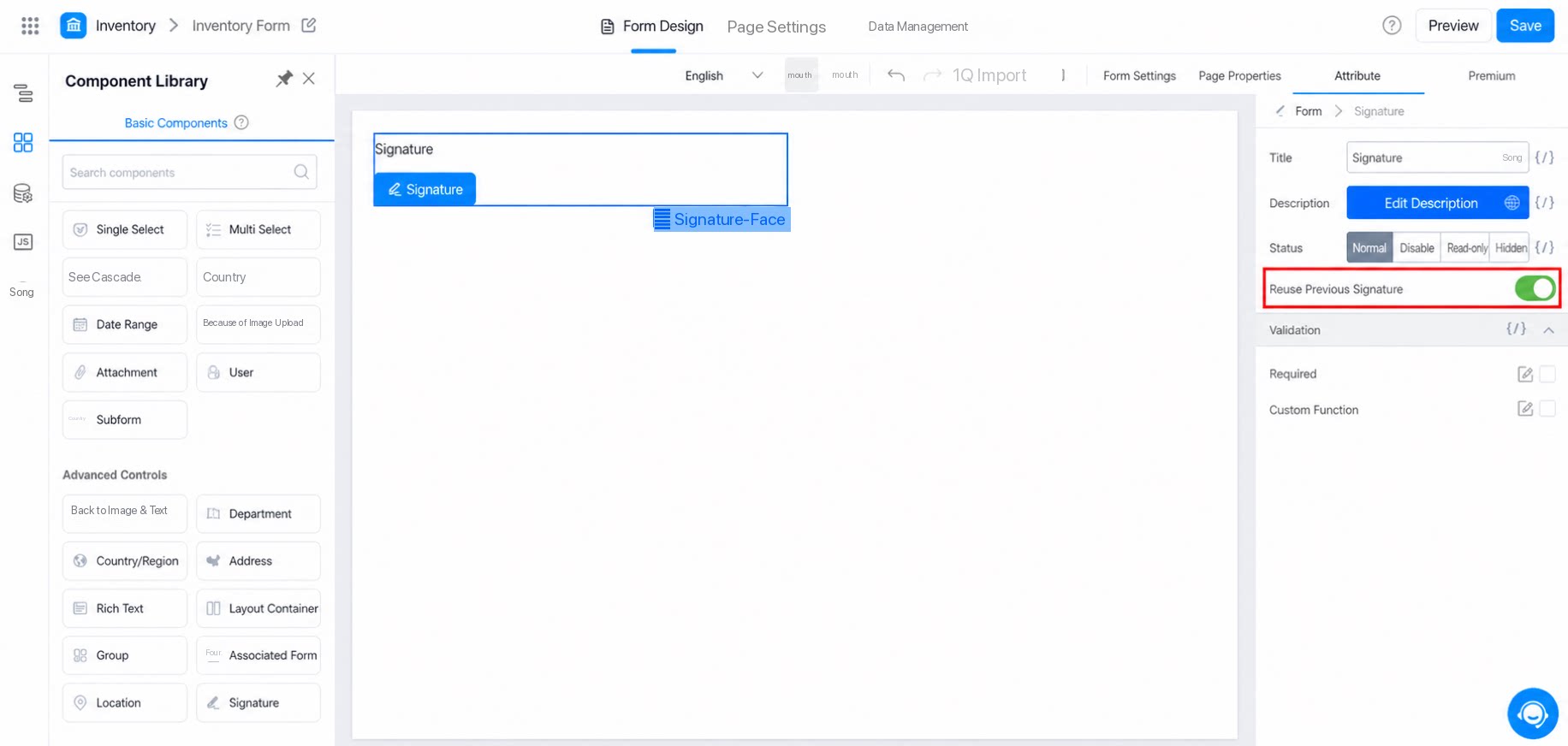
- The Signature component currently supports only Basic Attribute configuration, as shown below:
3. Preview
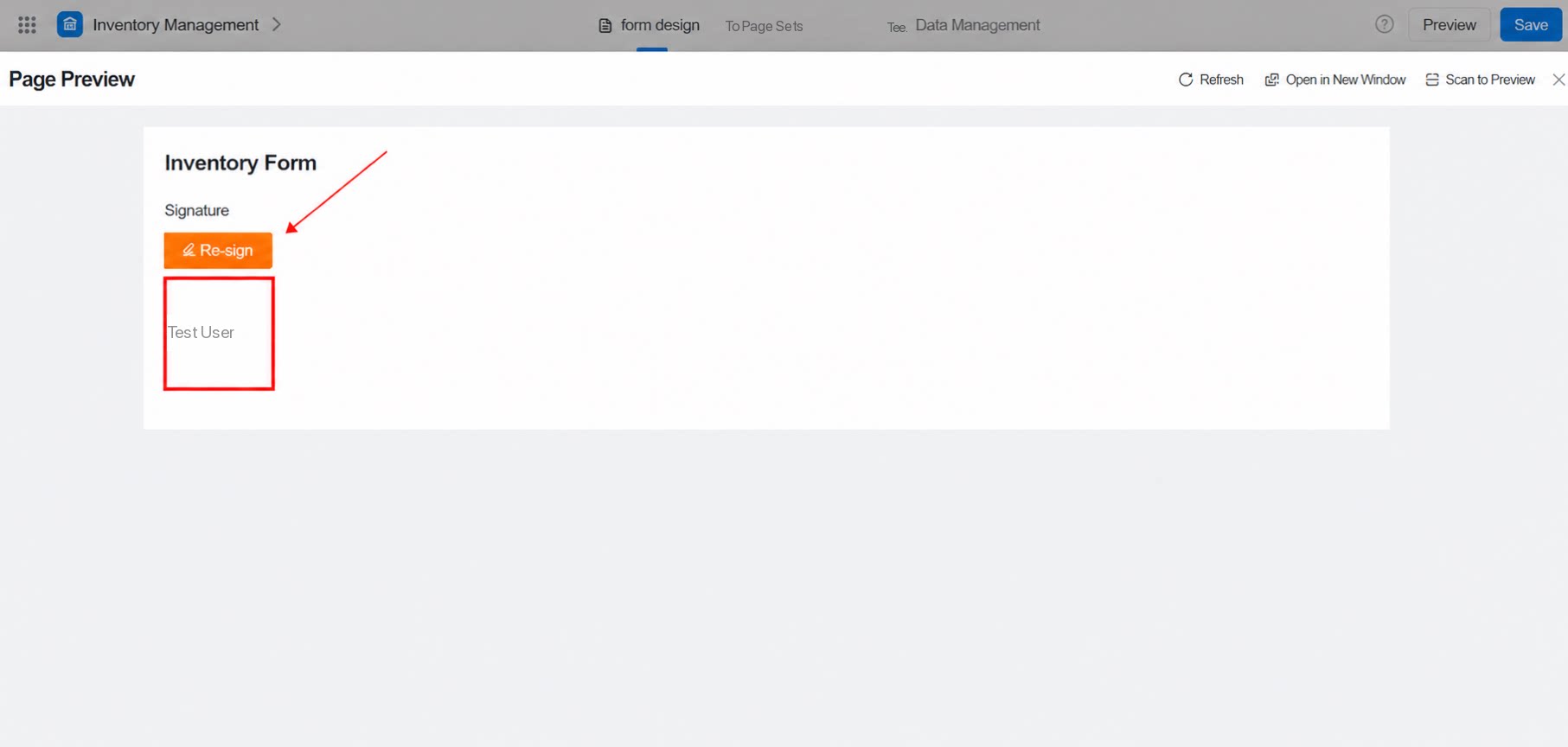
- Signature Video demo