Chats
Chats Calendar
 Meetings
 Contacts
 Mail
Mail Docs
Docs Drive
Drive AI Table
 AI Minutes
 Attendance
 Approval
 YiDA
YiDA Admin Console
Use Cases
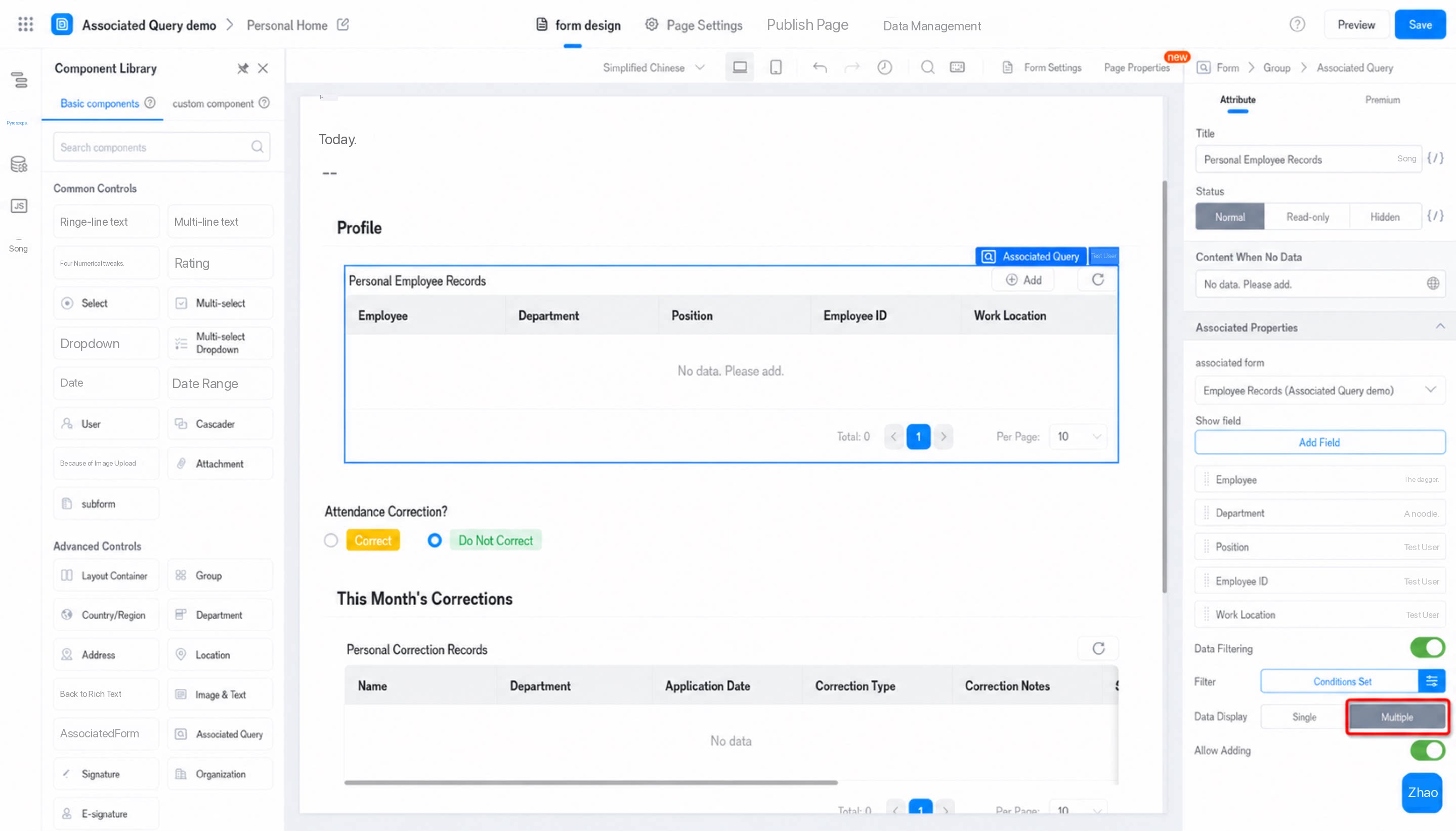
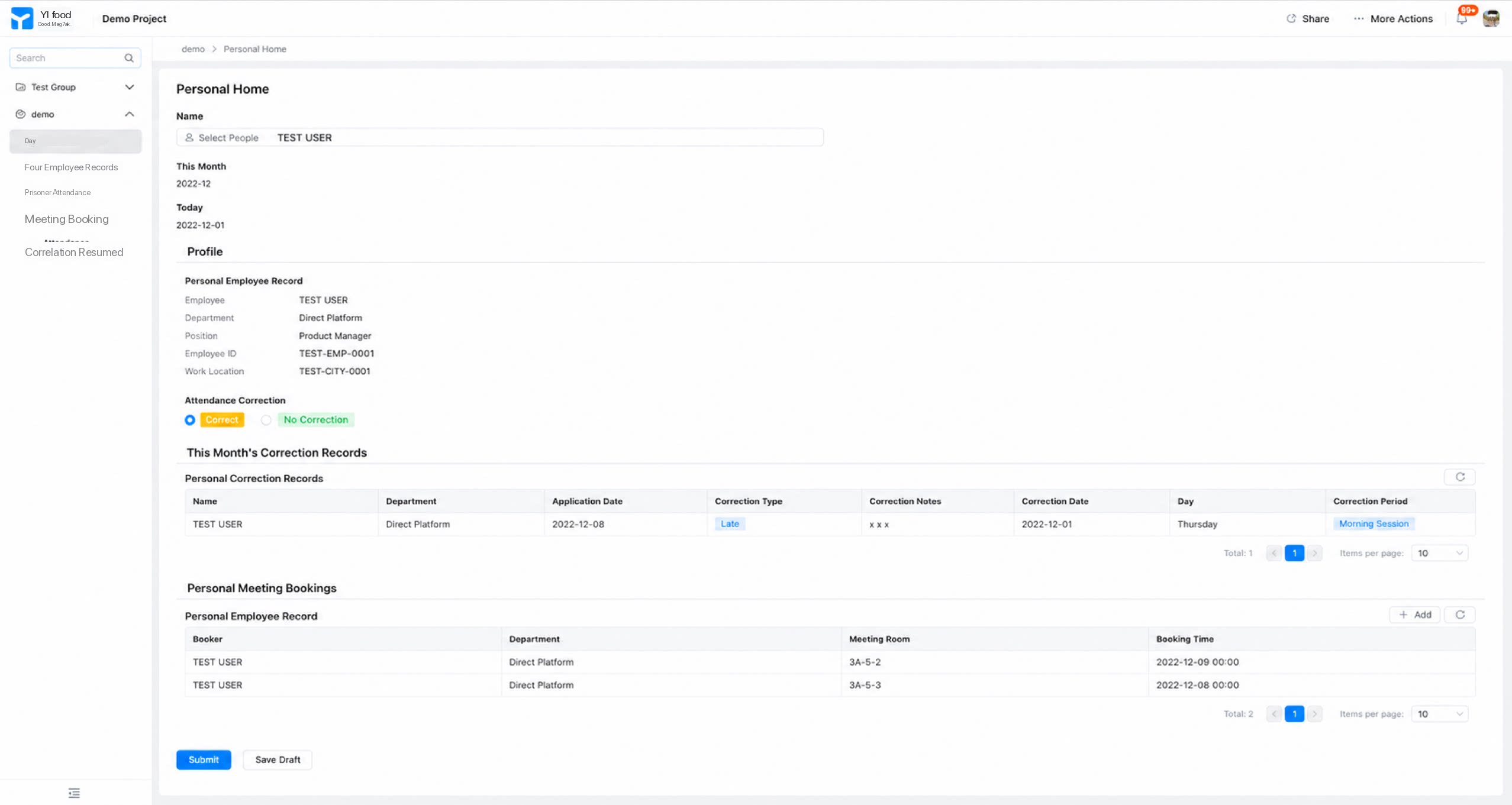
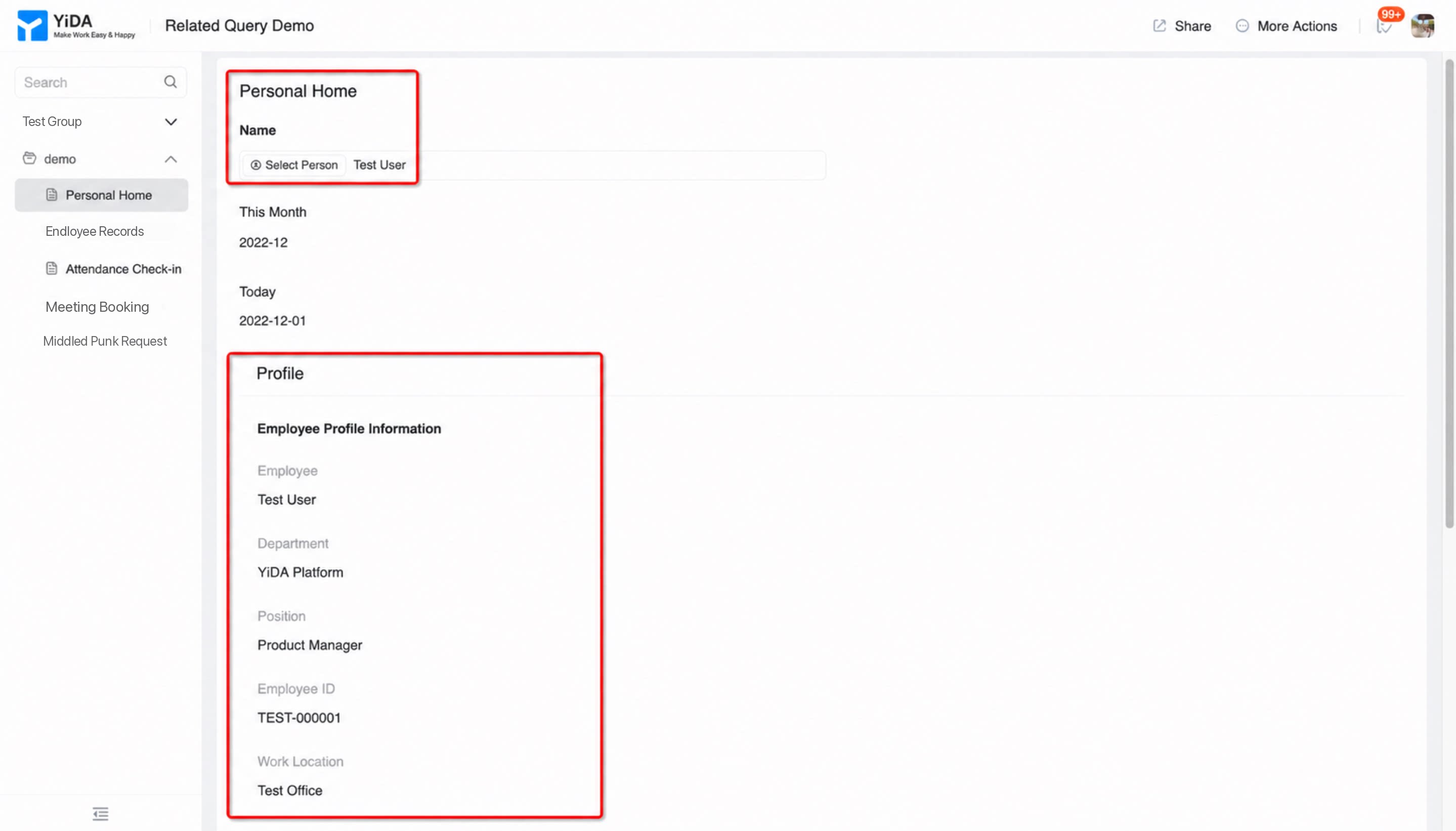
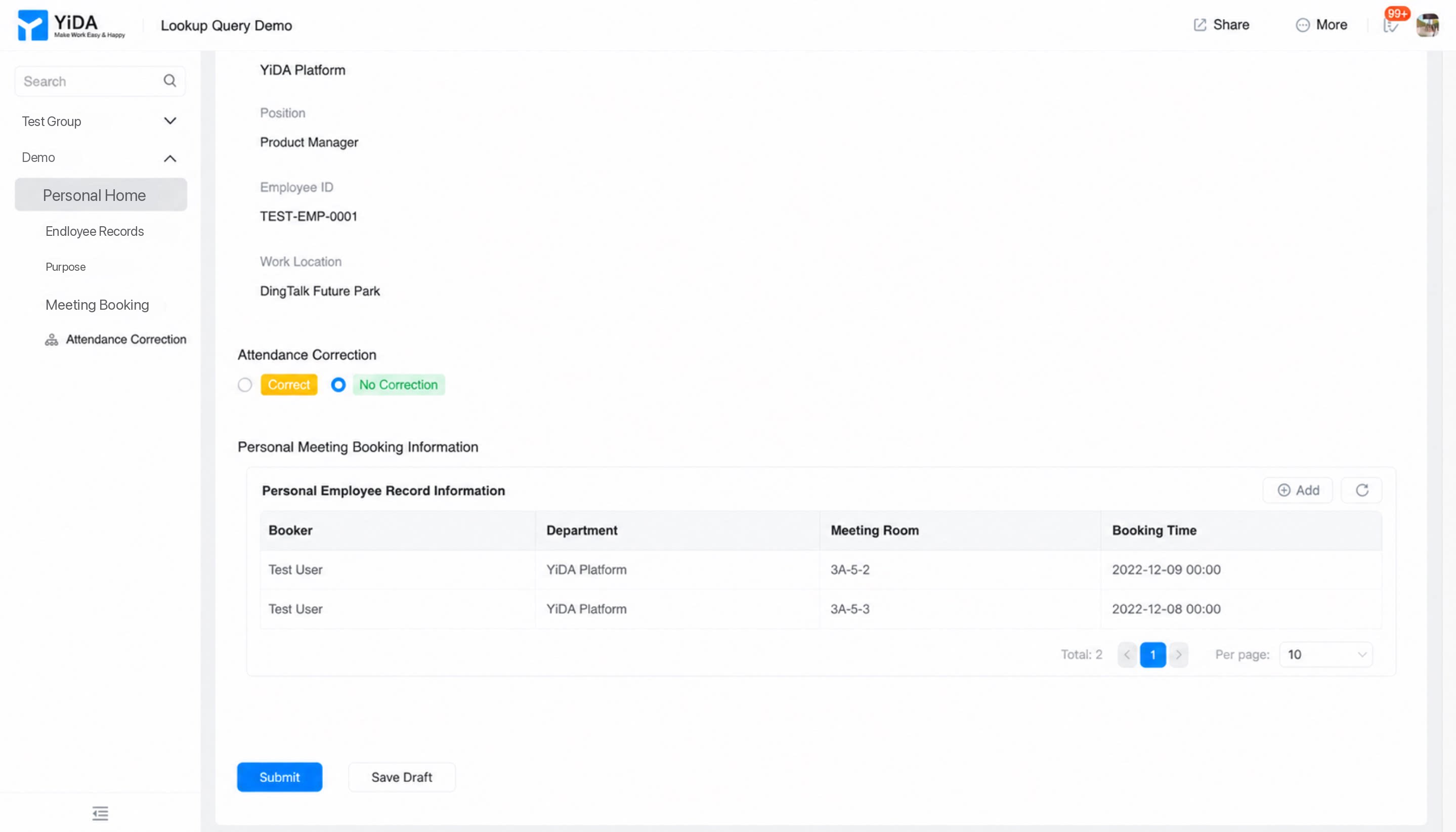
Query data from other forms within a core form. Applies to a wide range of data lookup scenarios, such as: ● In HR OA management systems, view your own employee records, Meeting reservation records, attendance records, and other data on the Profile home page.| Before (complex configuration, record limit, no nested queries) For example, the raw material table linked to “Product” is currently implemented as a subform. The subform is capped at 500 records, and subforms cannot be further nested with associated subforms. 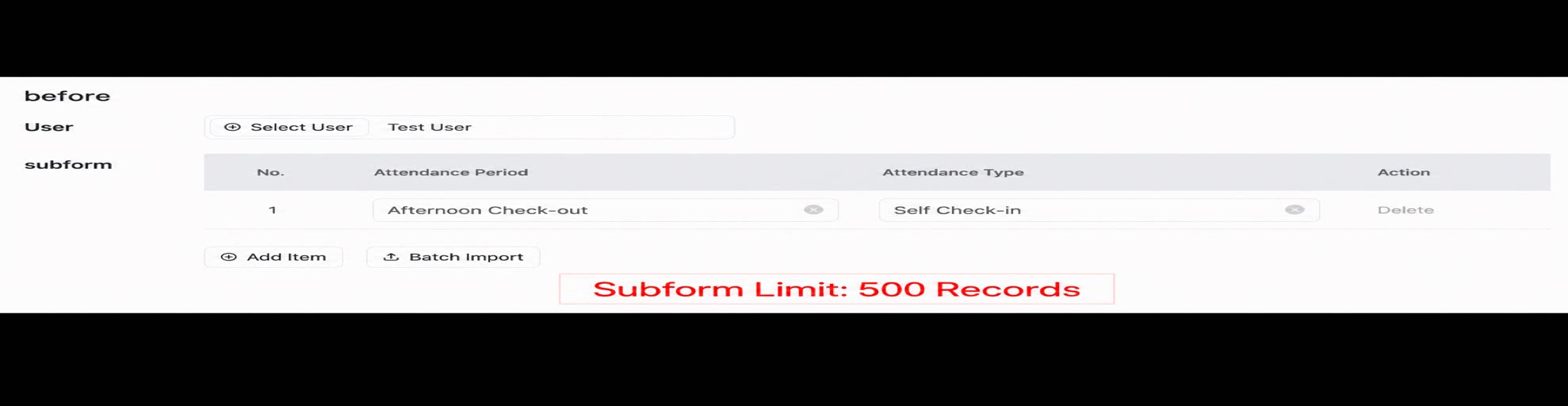 | After (simple, direct, efficient, easy to understand, higher data capacity, supports recursive nested queries) Reference the “Association Query” component directly to retrieve and display details from the associated table. There is no need to configure Default value data linkage for each field in the subform. This improves Best practices configuration efficiency, reduces operational and cognitive overhead, and supports Association Queries on subform data. 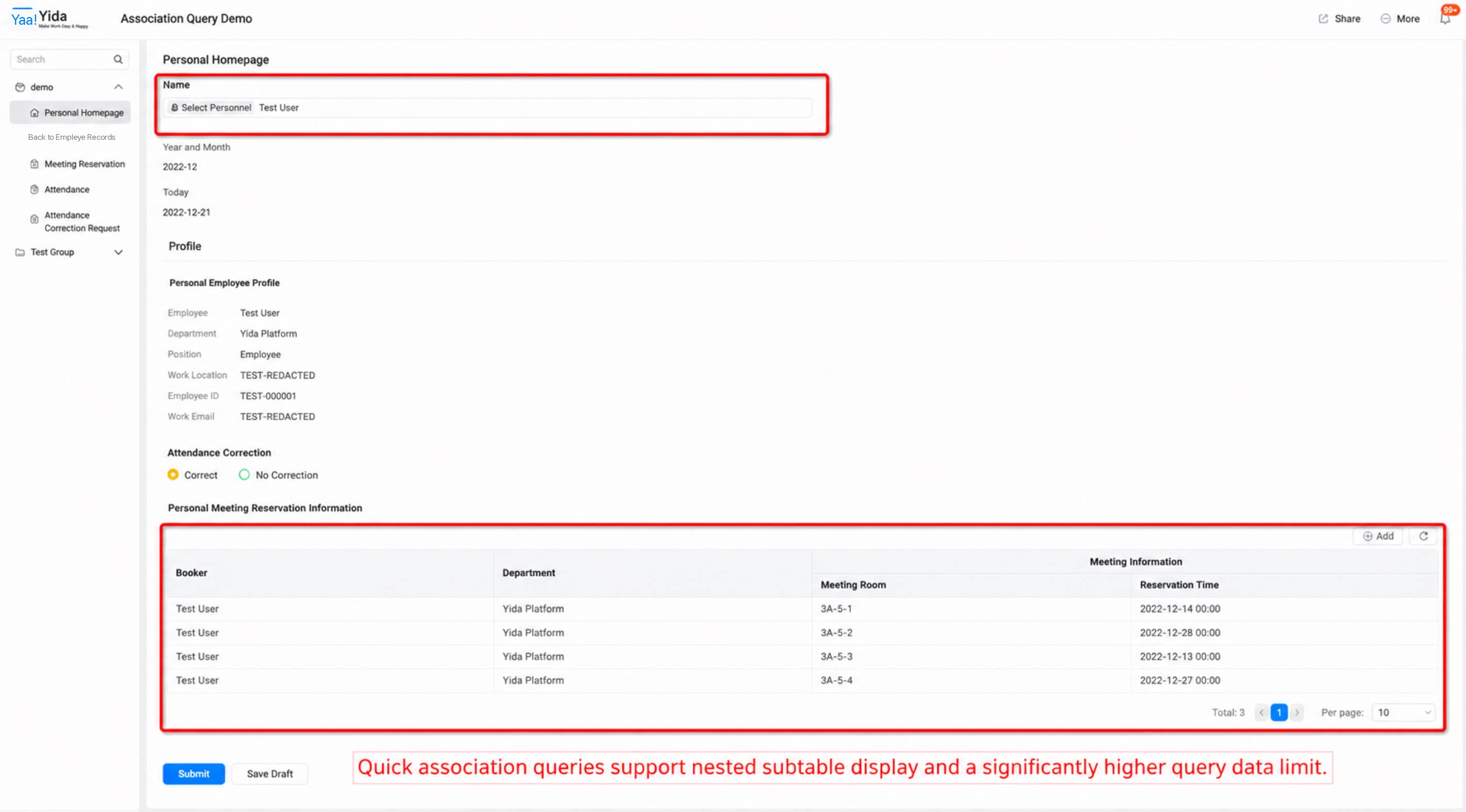 |
|---|
1. Field Overview
Association Query is a standalone query and display feature. It automatically retrieves one or more records from other forms without saving them to the database. Component usage scope:- Supported in all editions of YiDA (cross-platform compatible).
- Applies to YiDA regular form and workflow form page types. Not currently supported on custom pages.
- Because of how this component works, it is intended for pure data lookup or view scenarios that do not require submitting Data to the database. As a result, the component is currently available only on the form detail page. Other feature surfaces (such as the data management page) do not expose this component at this time.
- Show/hide logic in components such as dropdown Select and dropdown Multiselect can reference the “Association Query component”.
2. Field Attributes
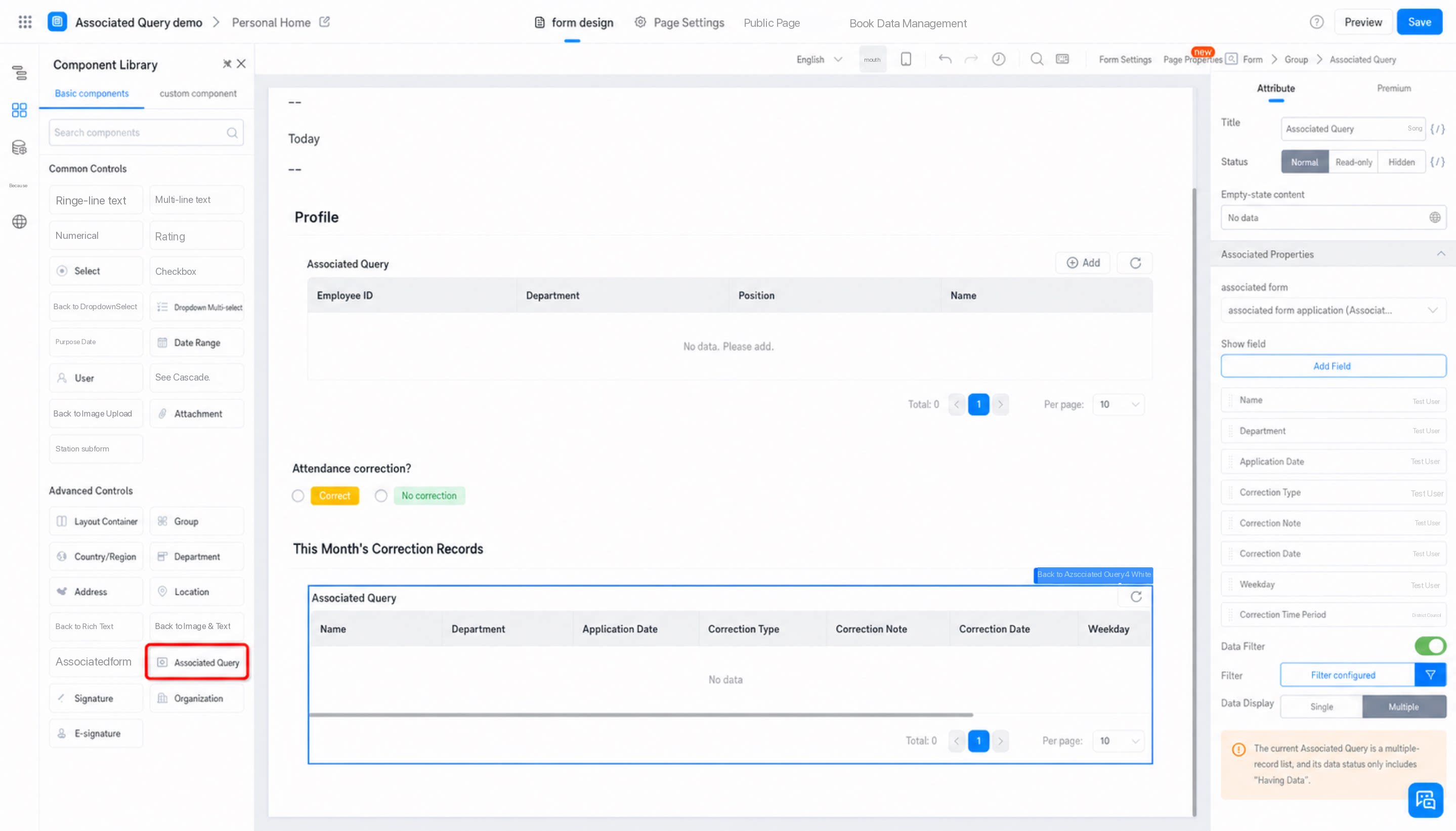
2.0 General Attributes
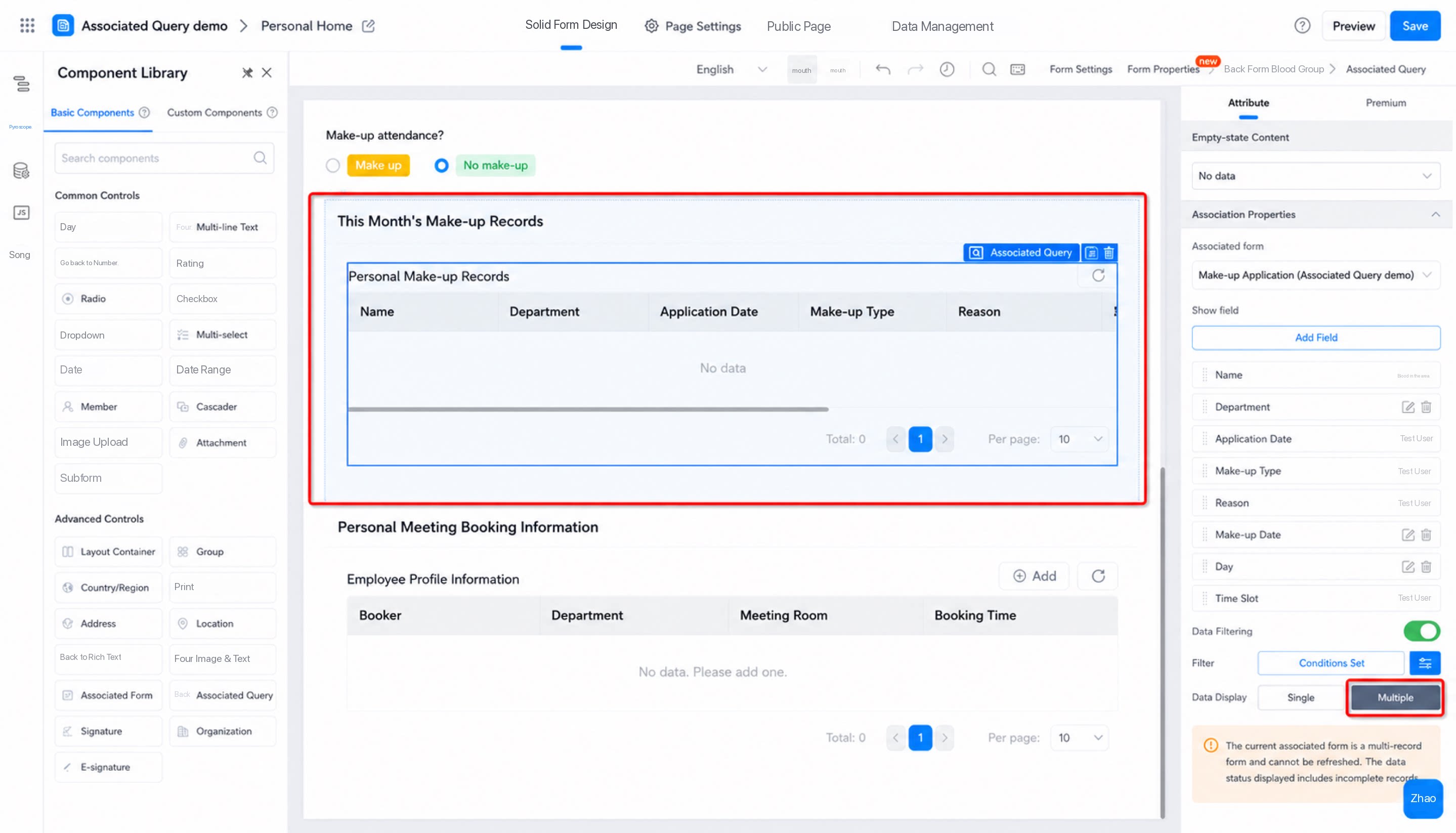
General attributes of the Association Query component include:- Title
- Status: Normal / Read-only / Hidden
- Content shown when there is no data: Custom supported
2.1 Association Attributes
Select an associated form. Both same-app and cross-App associations are supported.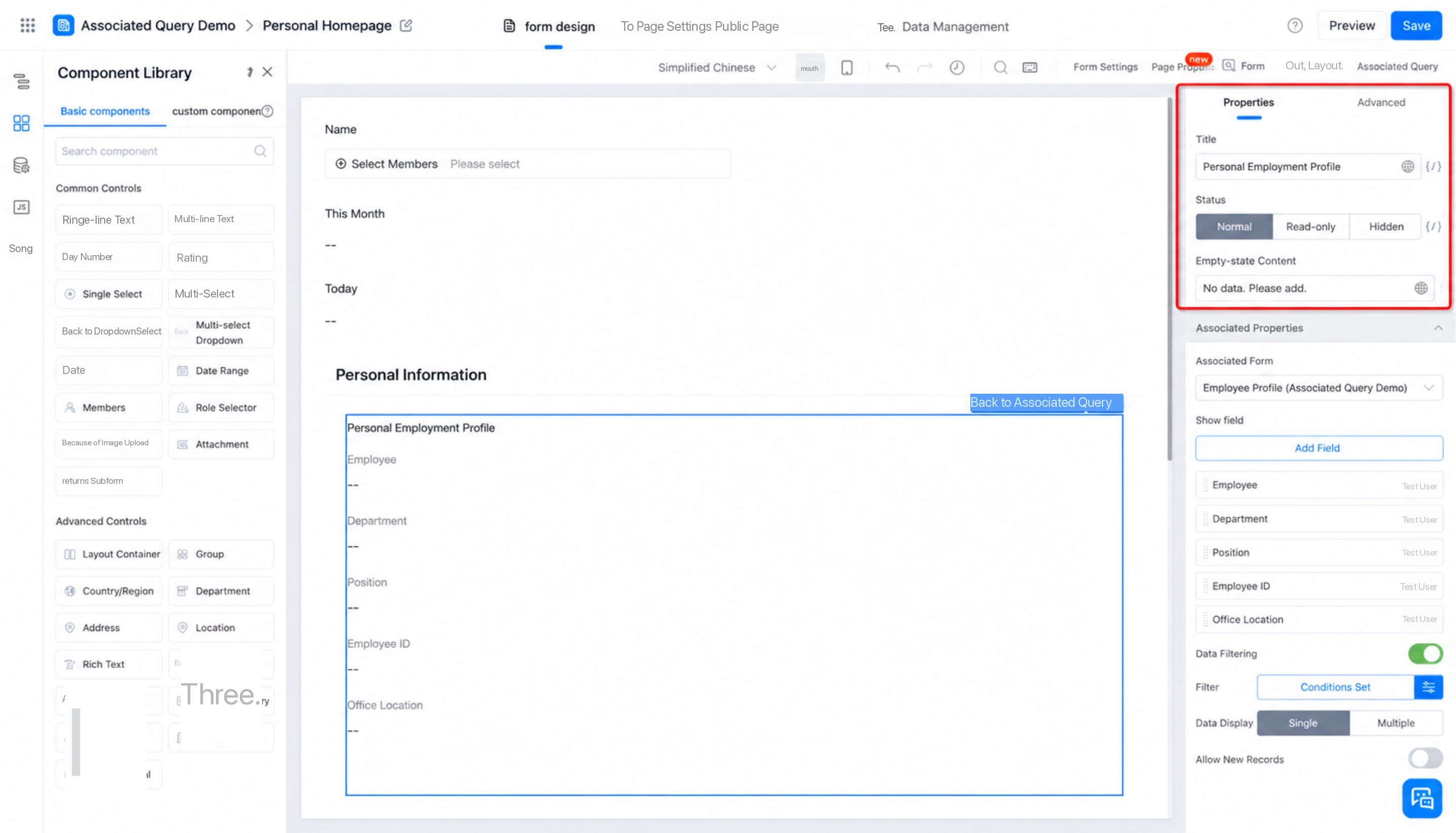
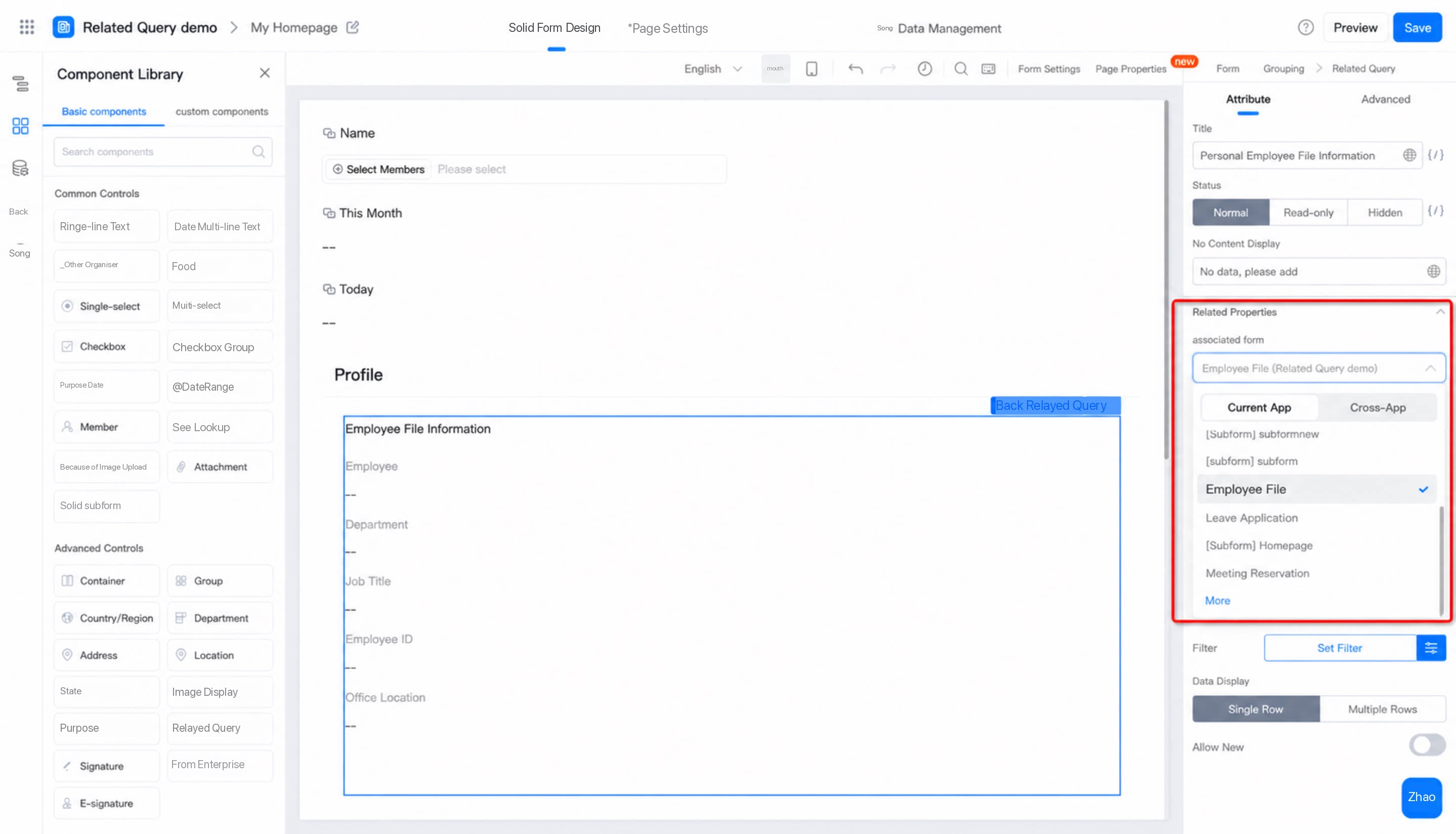
2.2 Show Field
1
Show field: retrieve and display fields from a target associated form via Association Query
2
Added Show fields support Sort, Rename, Delete, and other actions
2.3 Data Filtering
Apply filters to the records returned by the Association Query. Records that match the Filter conditions appear in the corresponding fields.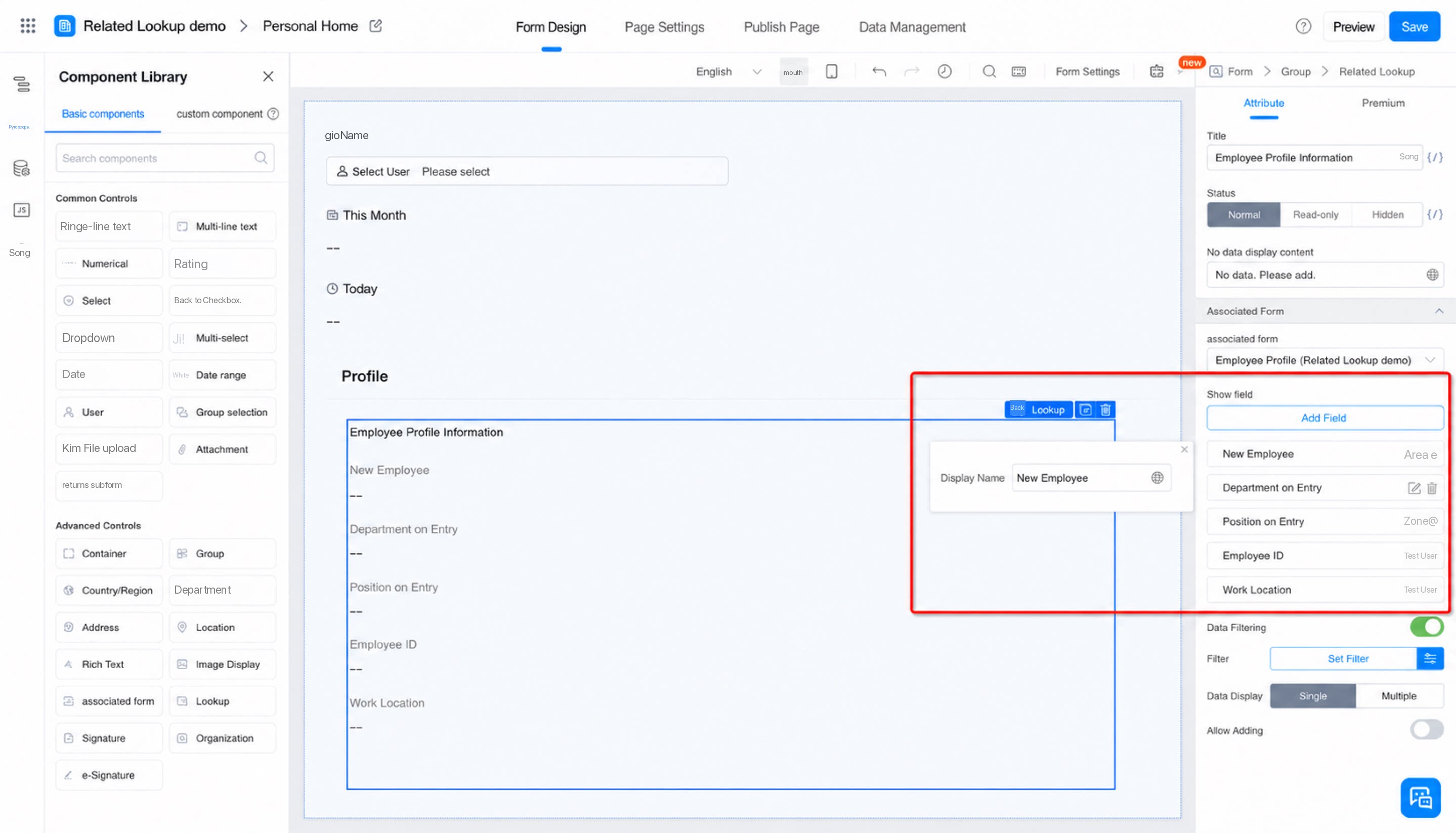
2.4 Number of Records Displayed
Choose how Association Query results are displayed: “Single record” or “Multiple records”.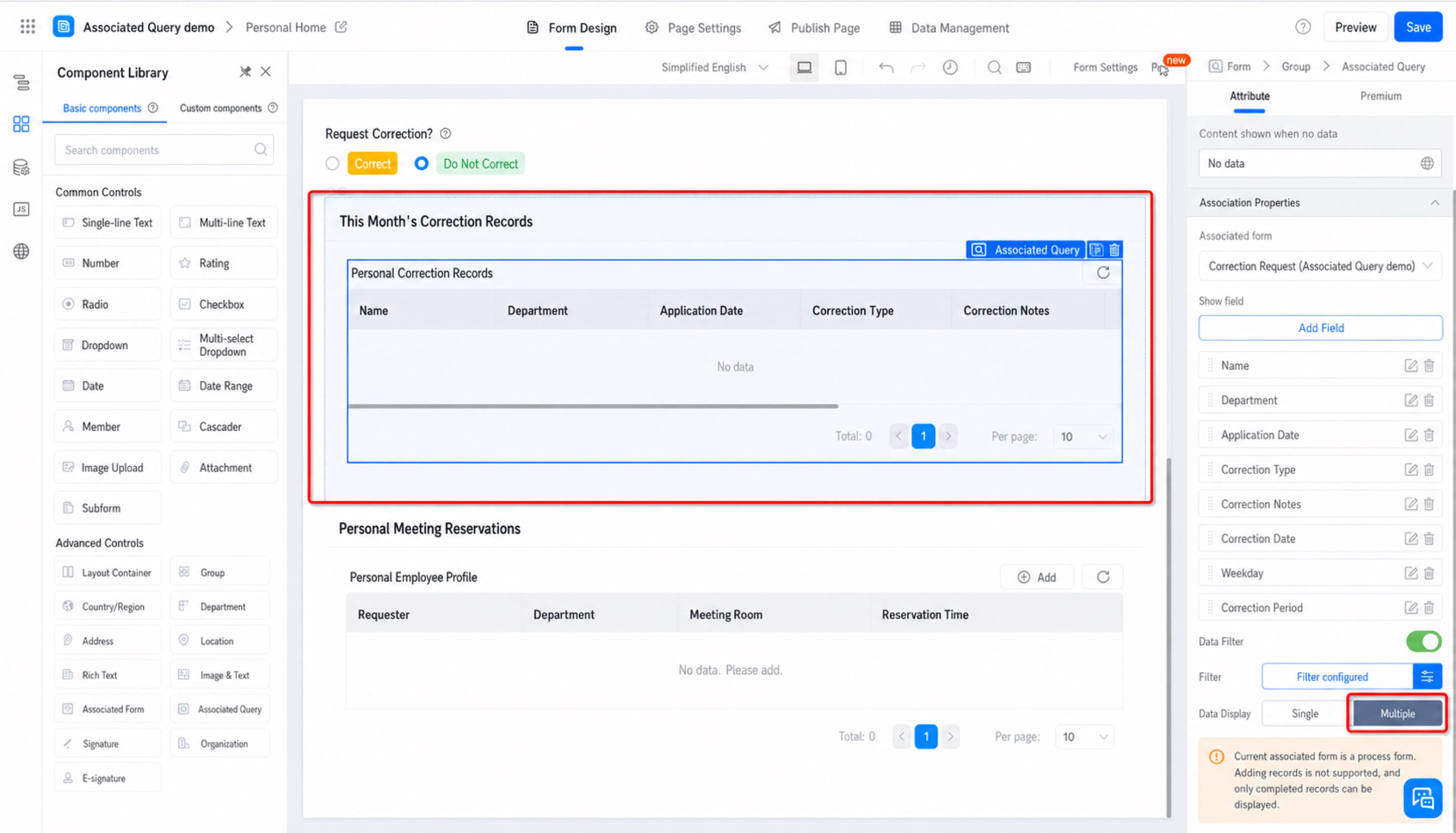
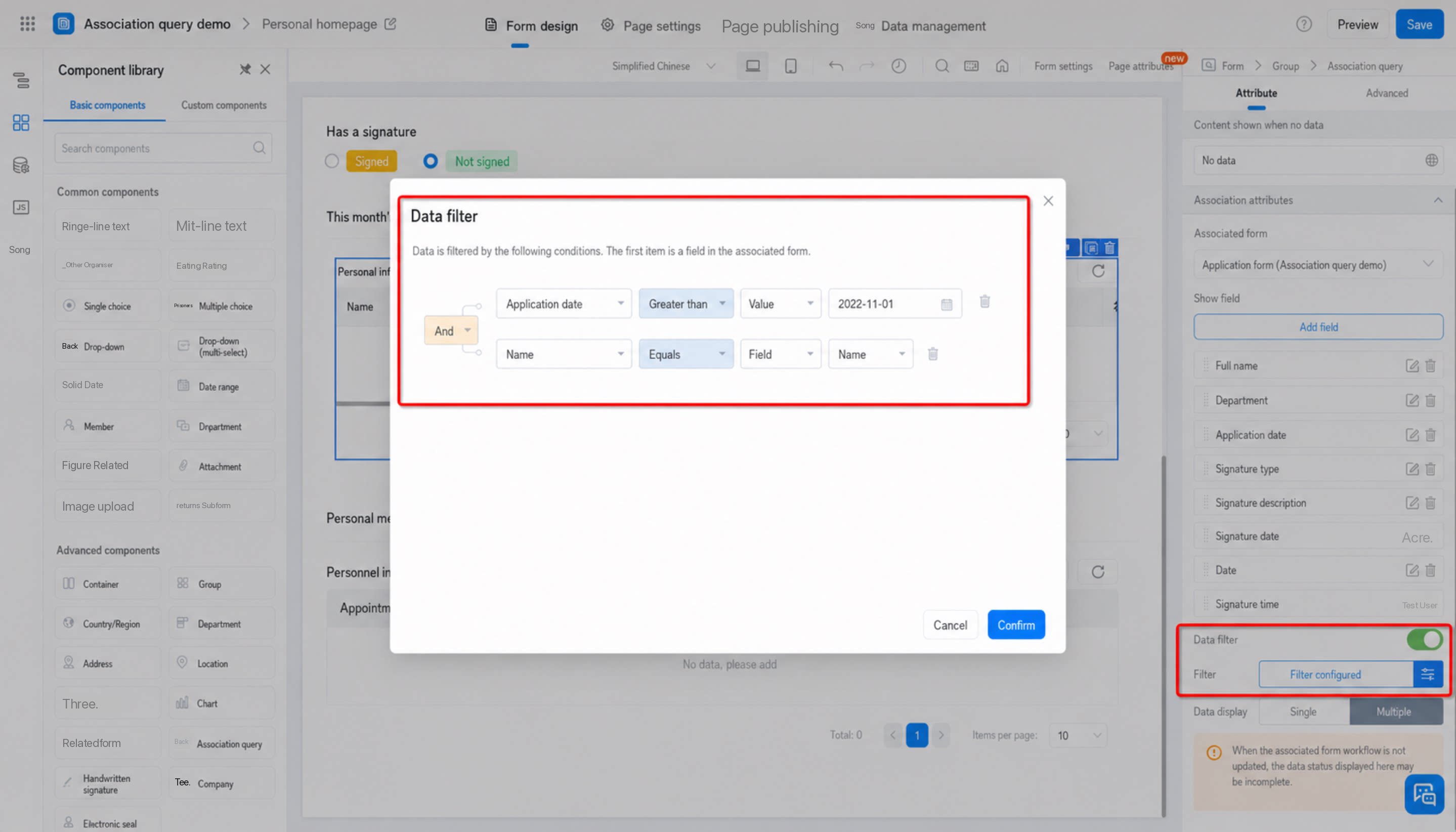
2.5 Associated Table Actions
3. Notes
- The Association Query List displays at most 5,000 records.
- When querying workflow form data via Association Query, only records whose workflow status is Completed are returned.
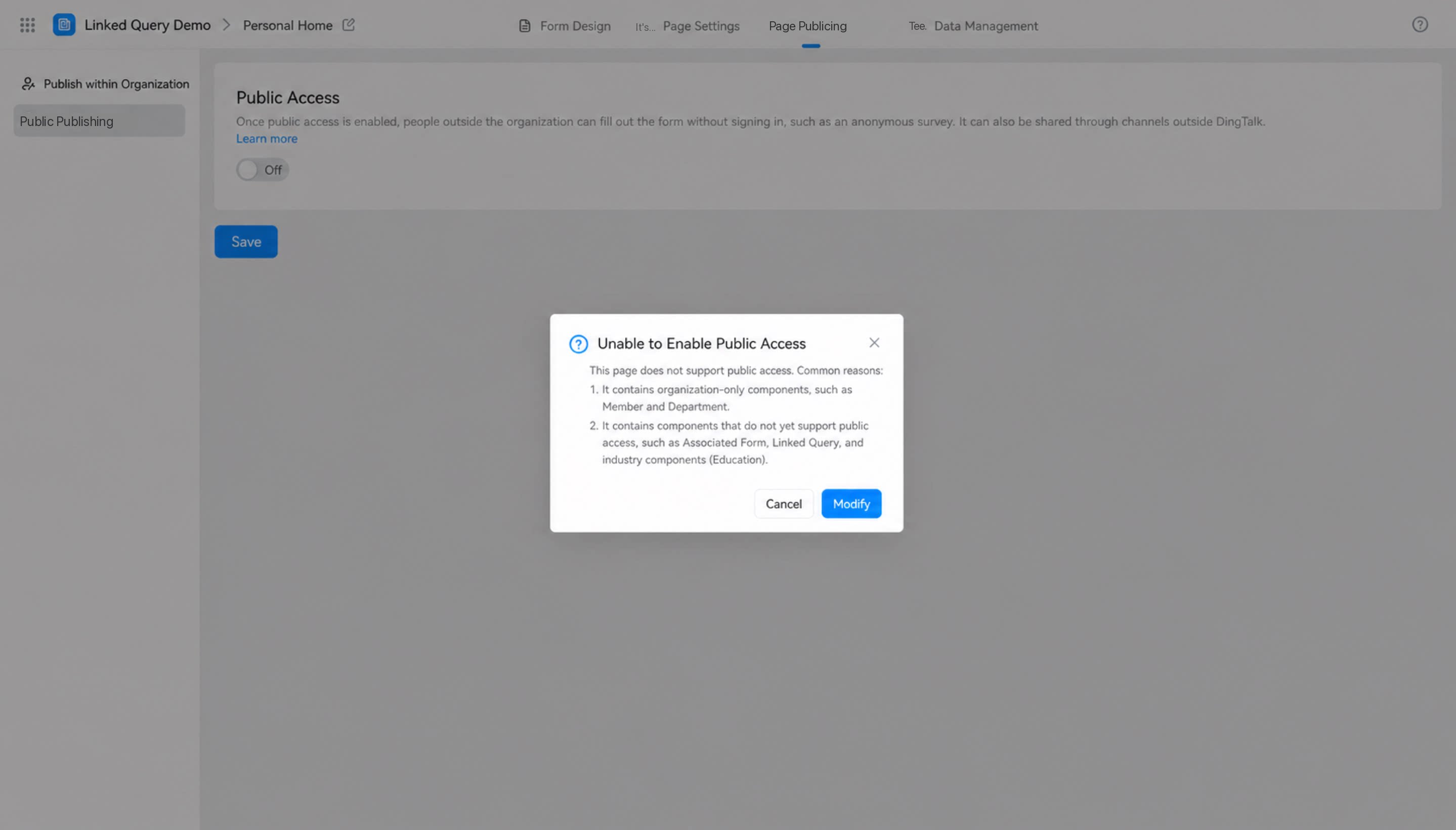
- Public access cannot be enabled while this Component is present on a Page.
- Records returned by the Association Component inherit the scope of the form’s field permissions and Data Permissions.
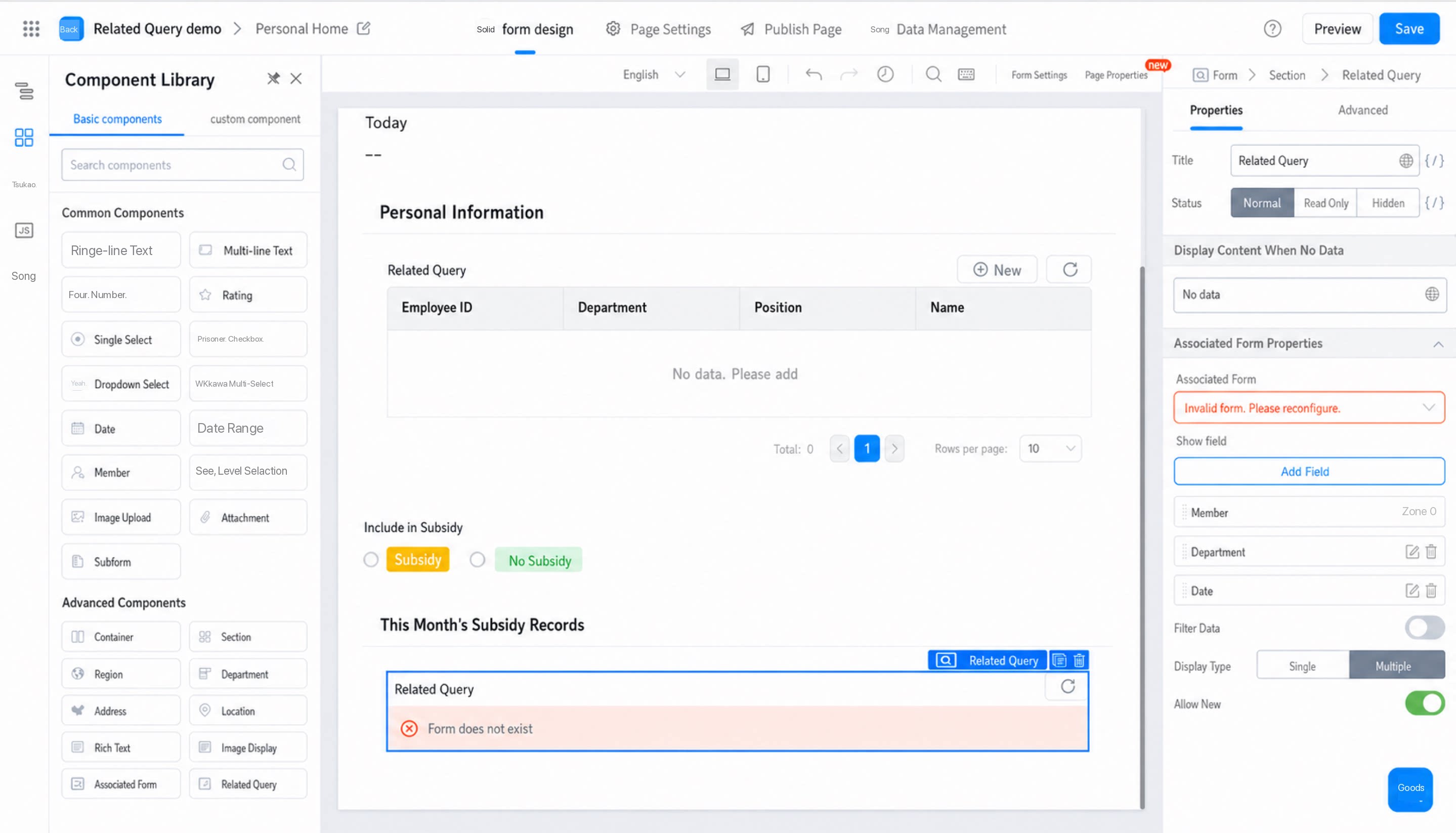
- If the associated form has been deleted, an error message appears: