Chats
Chats Calendar
 Meetings
 Contacts
 Mail
Mail Docs
Docs Drive
Drive AI Table
 AI Minutes
 Attendance
 Approval
 YiDA
YiDA Admin Console
1. Country/Region
1.1 What Is the Country/Region Component
A component for selecting countries or administrative regions worldwide.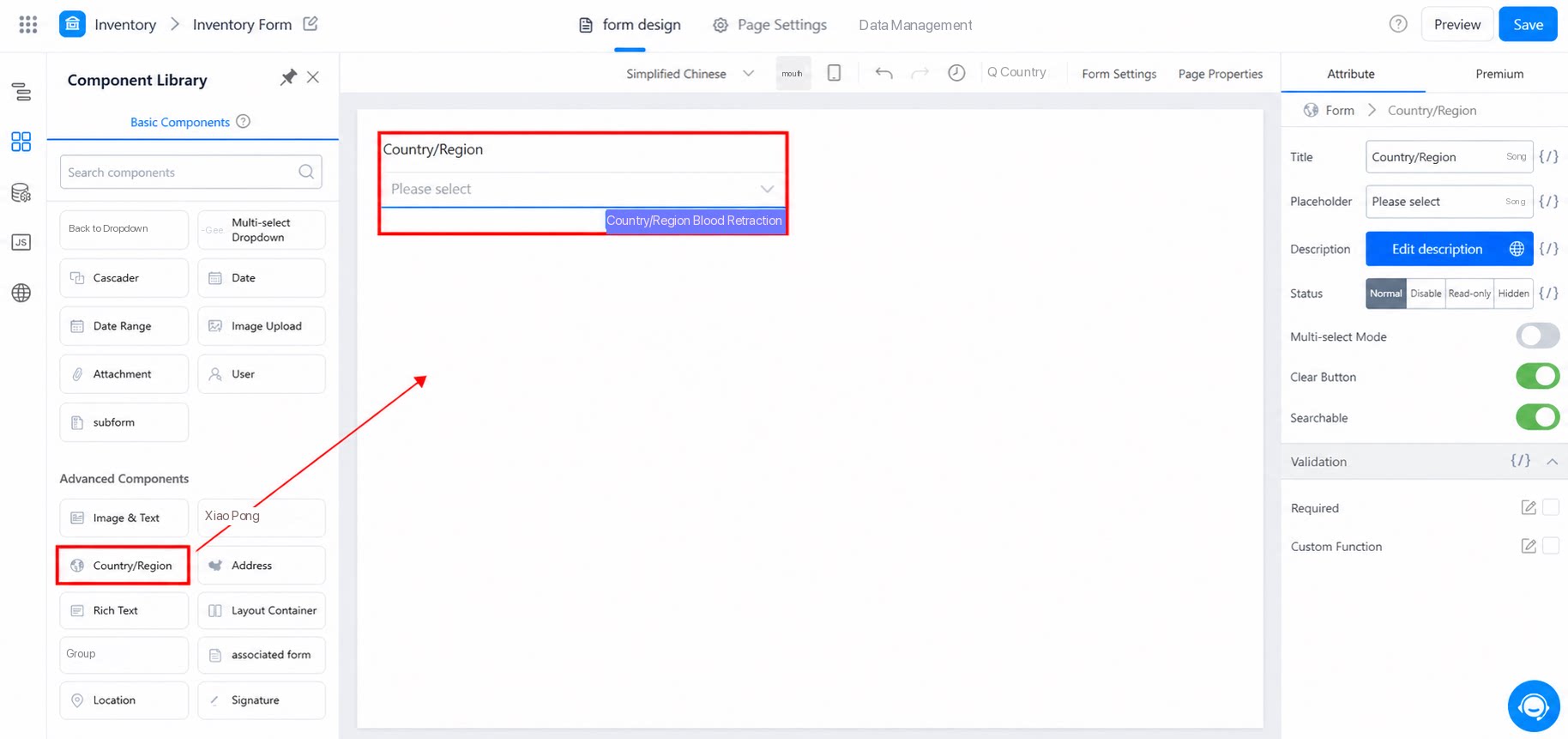
1.2 Use Cases
- A logistics company selects the origin or destination for a shipment.
- An employee selects the departure or destination city when booking airfare for reimbursement.
2. Attributes
2.1 Multiselect Mode
The component is set to Select by default. Turn on Multiselect mode to select multiple countries or regions, as shown below: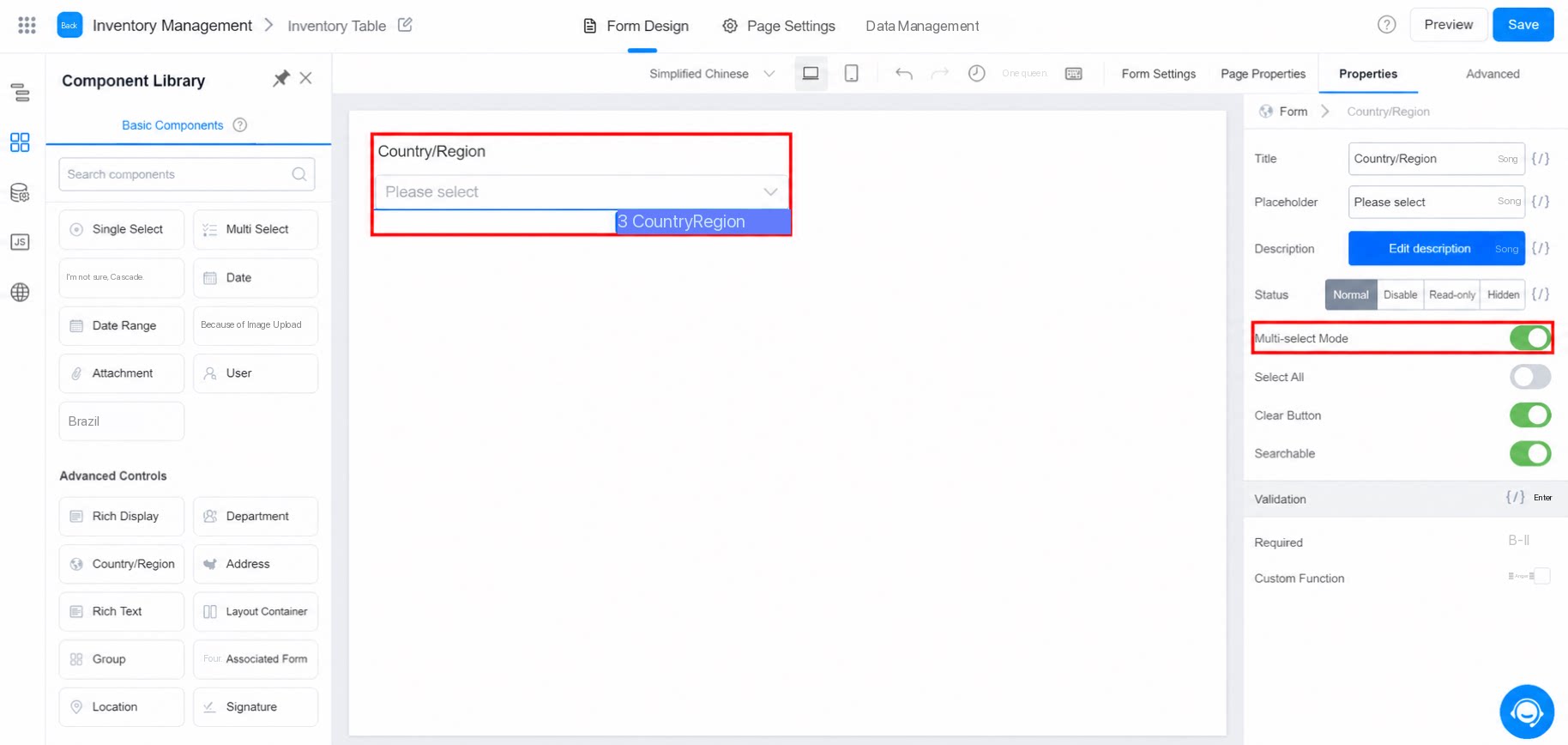
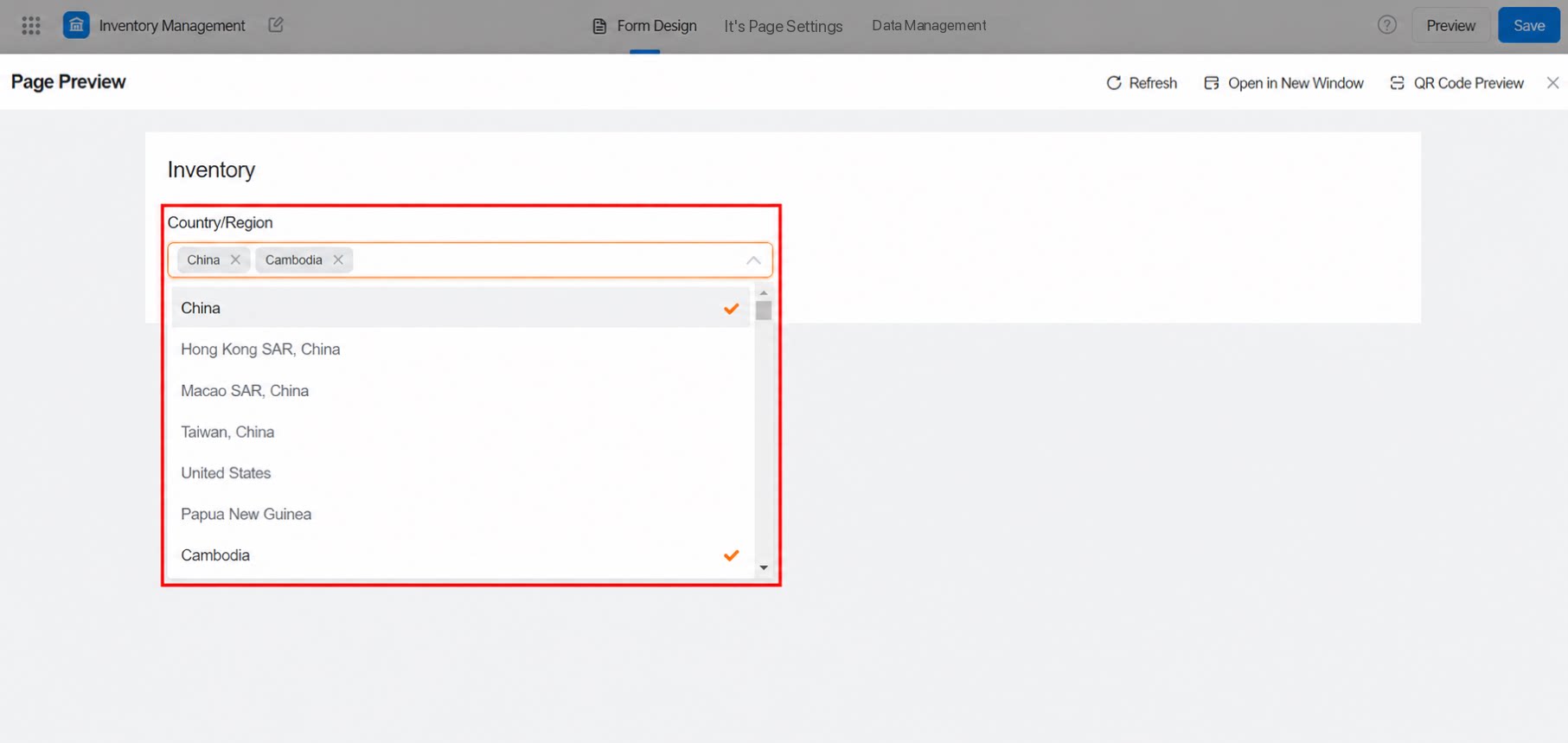
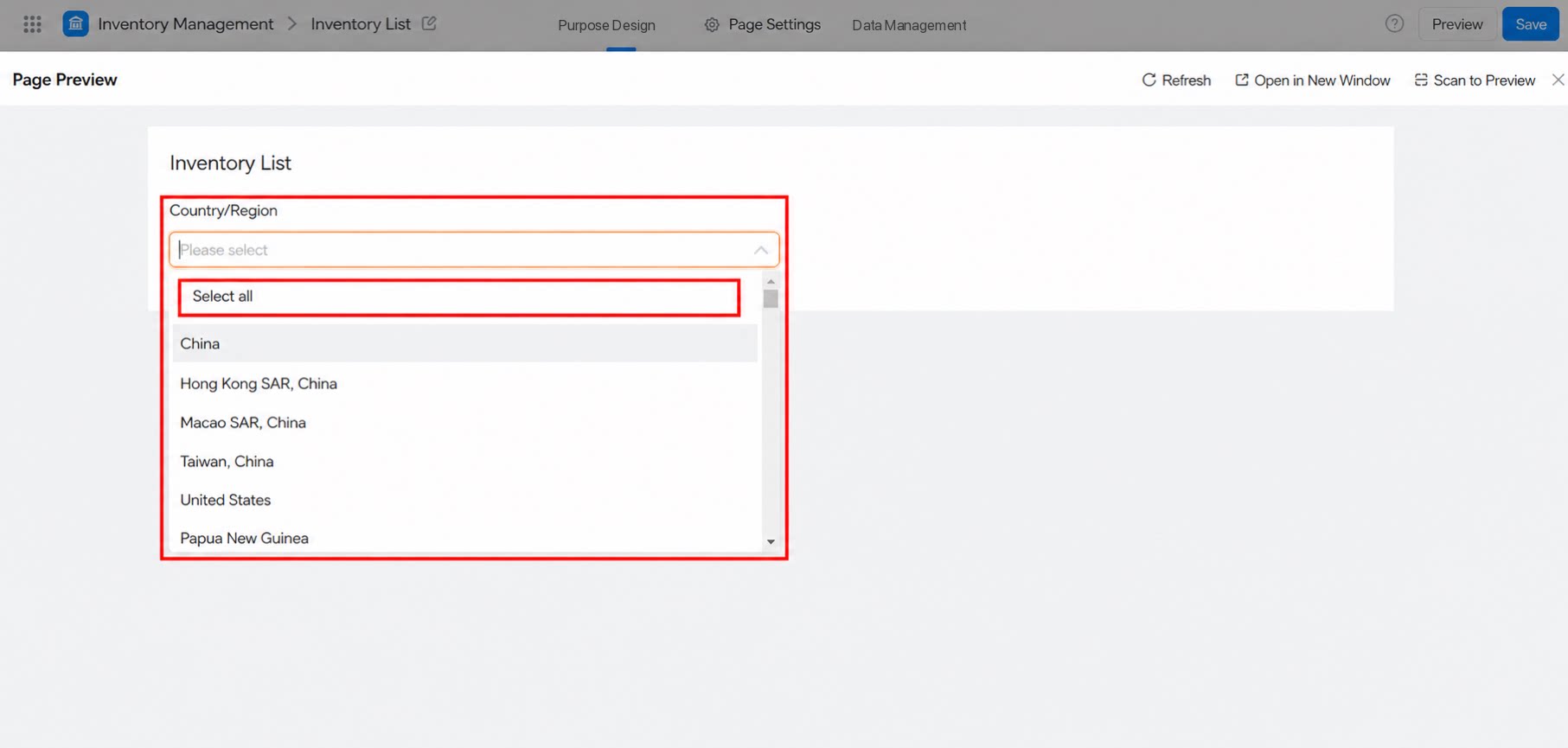
2.2 Select All
After you turn on Select all, a Select all toggle appears on the Submit page. Use it to select every region in the current dropdown list, as shown below: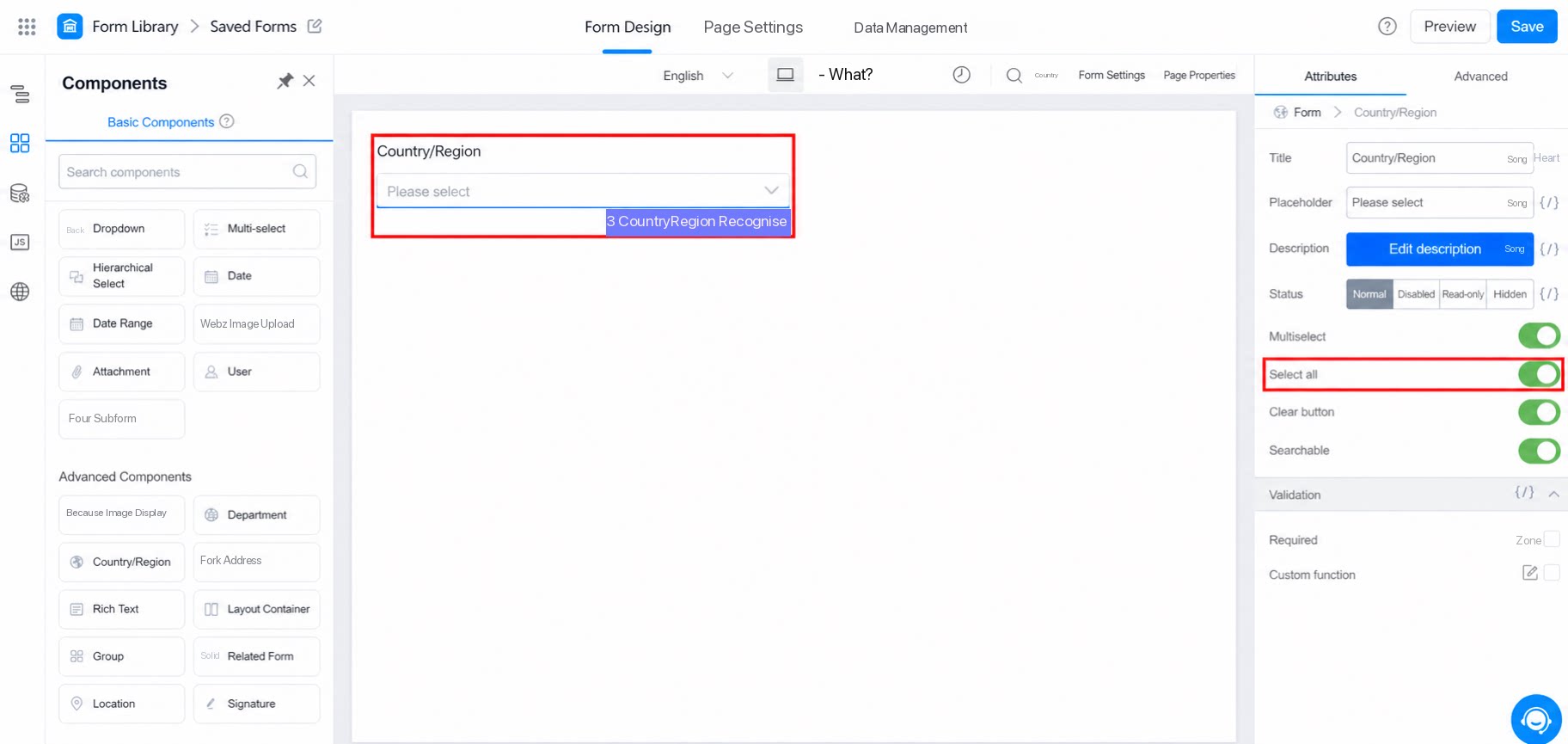
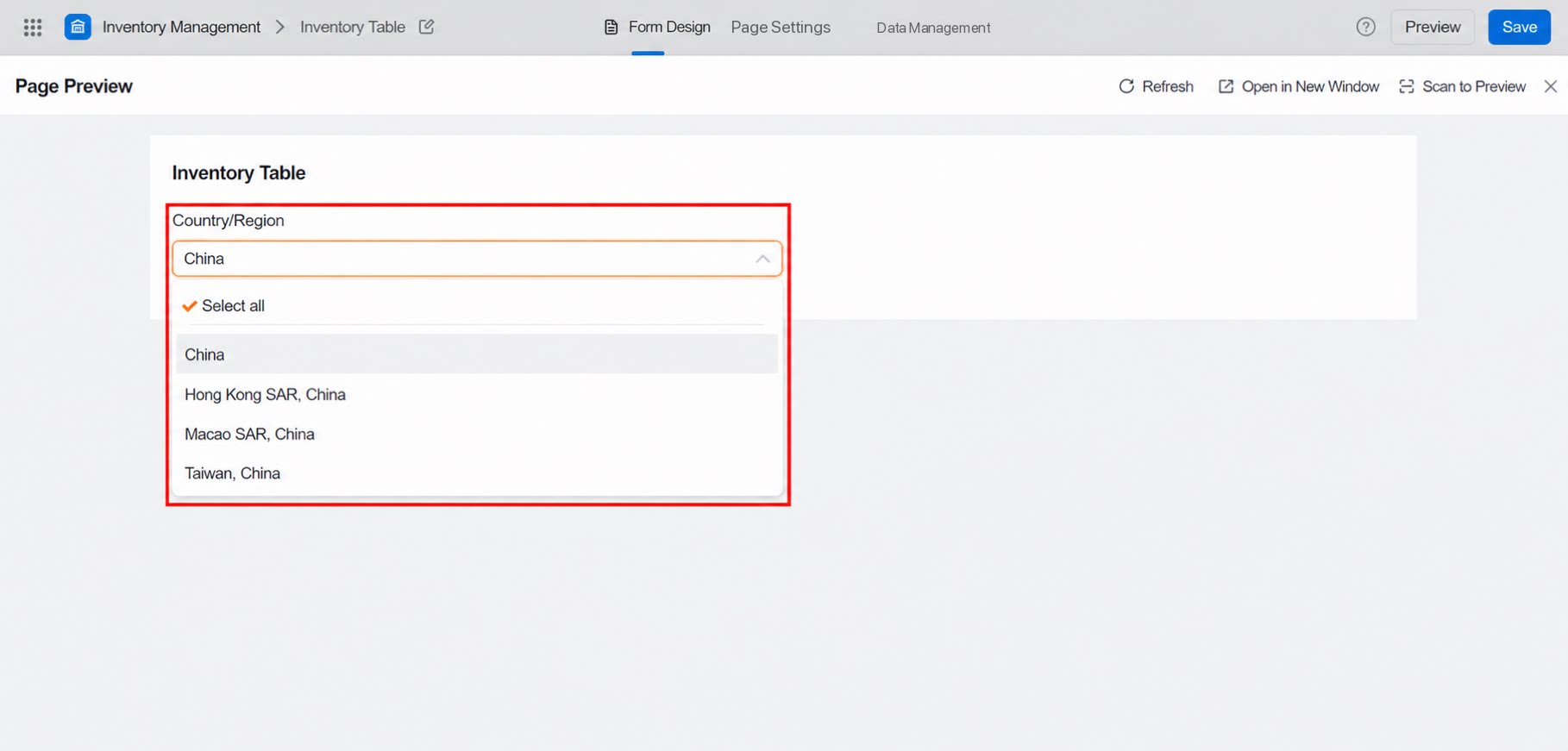
2.3 Search
Enter a country or region name to search, as shown below: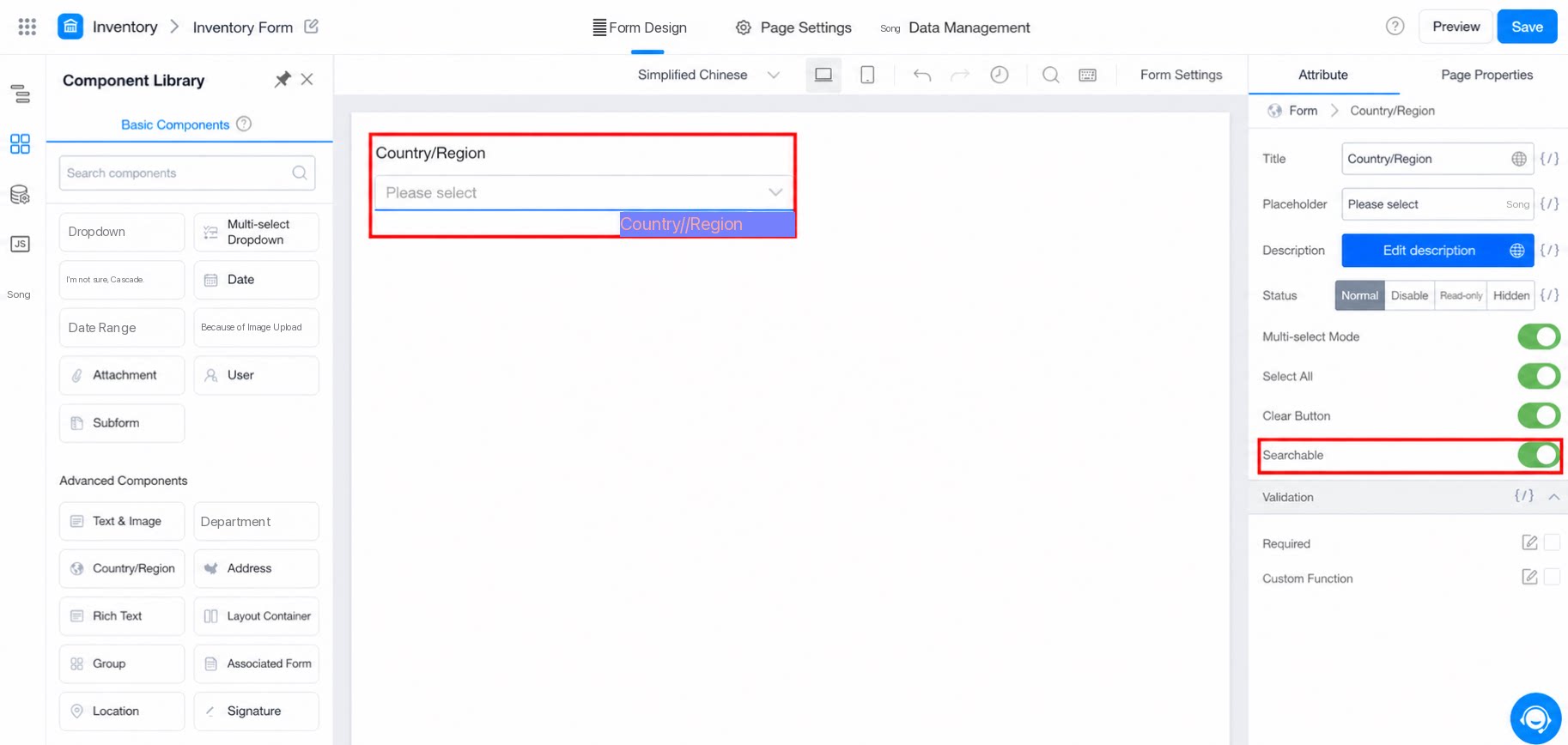
3. Premium
3.1 Action Settings
Select the component to configure its actions, including JS code when required.