Chats
Chats Calendar
 Meetings
 Contacts
 Mail
Mail Docs
Docs Drive
Drive AI Table
 AI Minutes
 Attendance
 Approval
 YiDA
YiDA Admin Console
For component attributes, usage, and examples, click here.
Basic Features
Supports QR code scanning, character counter, one-click clear, and advanced page redirection.QR Code Scanning
Scan Mode
Call DingTalk’s scanning feature to quickly capture QR code or barcode data into the Single-line text component. Commonly used for scenarios that require scan-based input, such as device inspection and asset inventory.
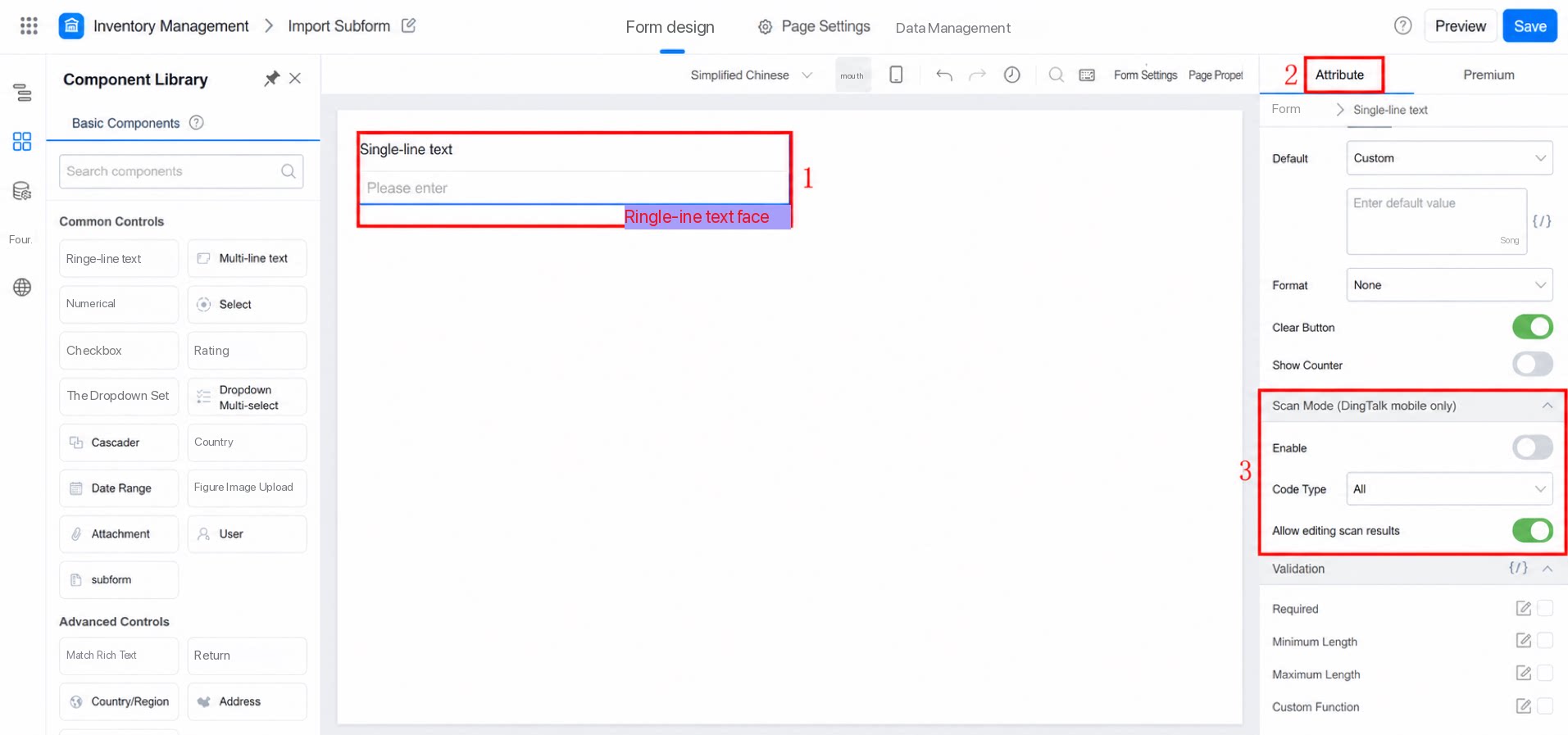
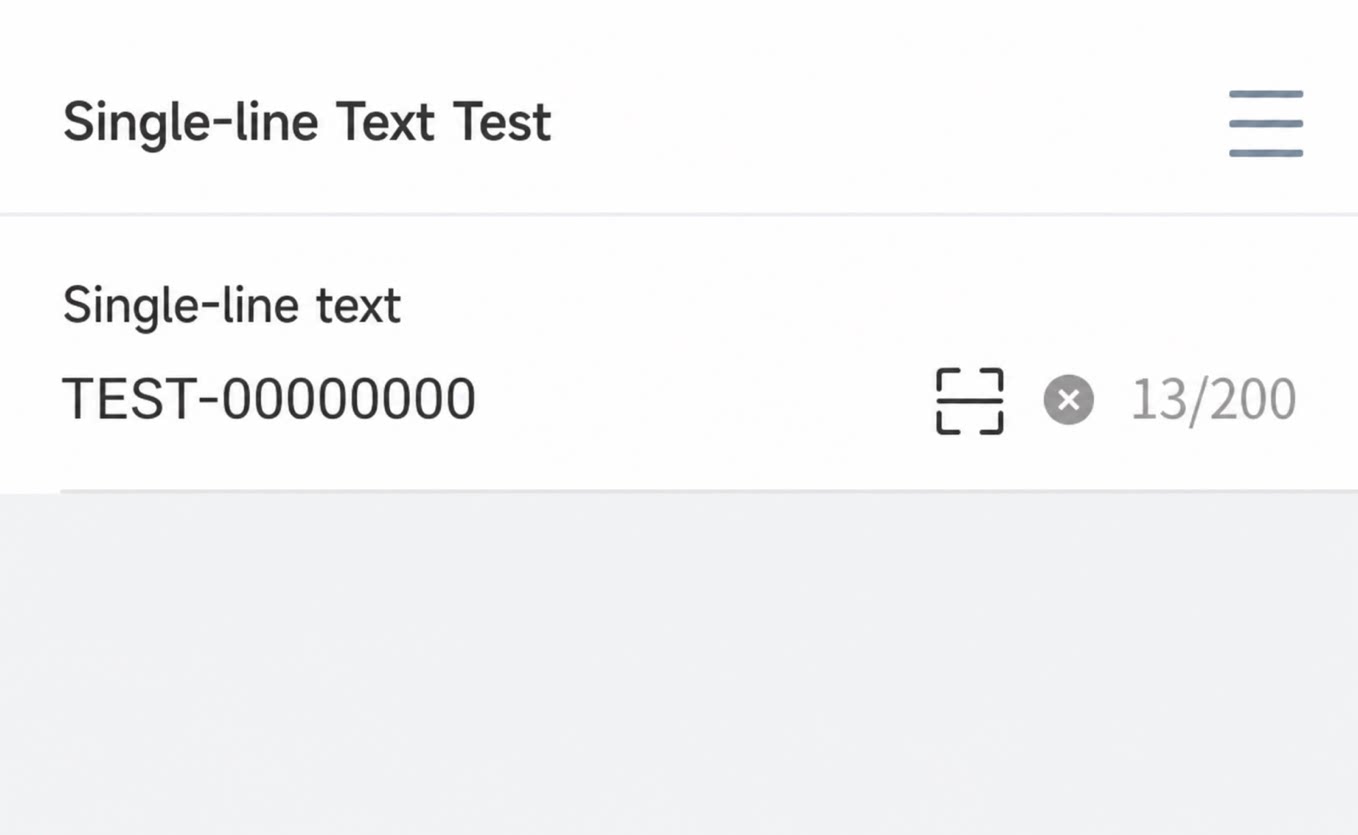
Scan Type
Supported scan types:All, QR Code only, Barcode only.
All: A single control can recognize both QR Code and Barcode.
Supports selecting an image from the Album for recognition.
Allow Modifying Scan Results
Scanned information can be modified by default. If the option to disallow modifying scan results is enabled, the scan output cannot be edited. Configure it as shown below: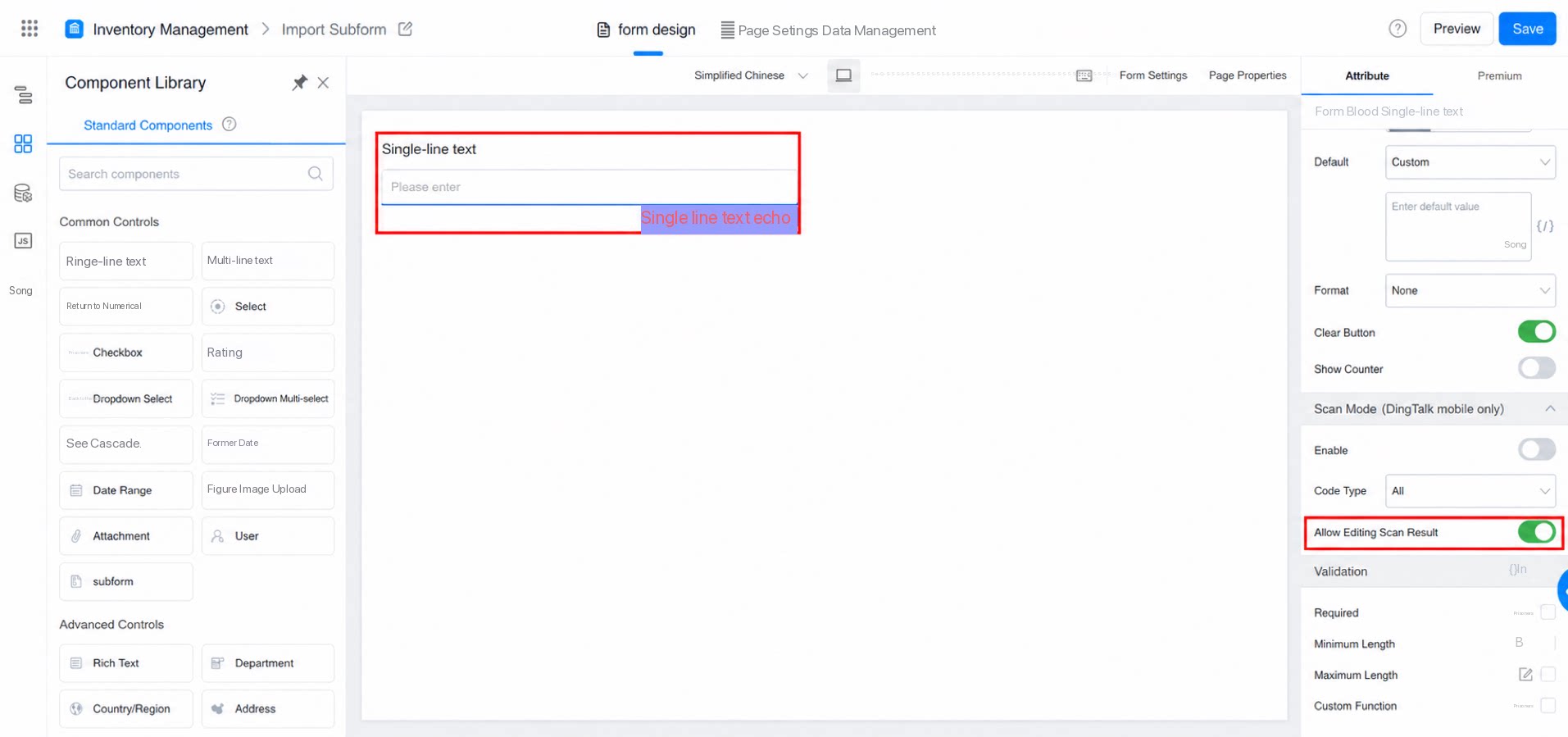
Character Counter
After enabling the character counter, set the maximum character length for the component. Exceeding the limit triggers a validation prompt.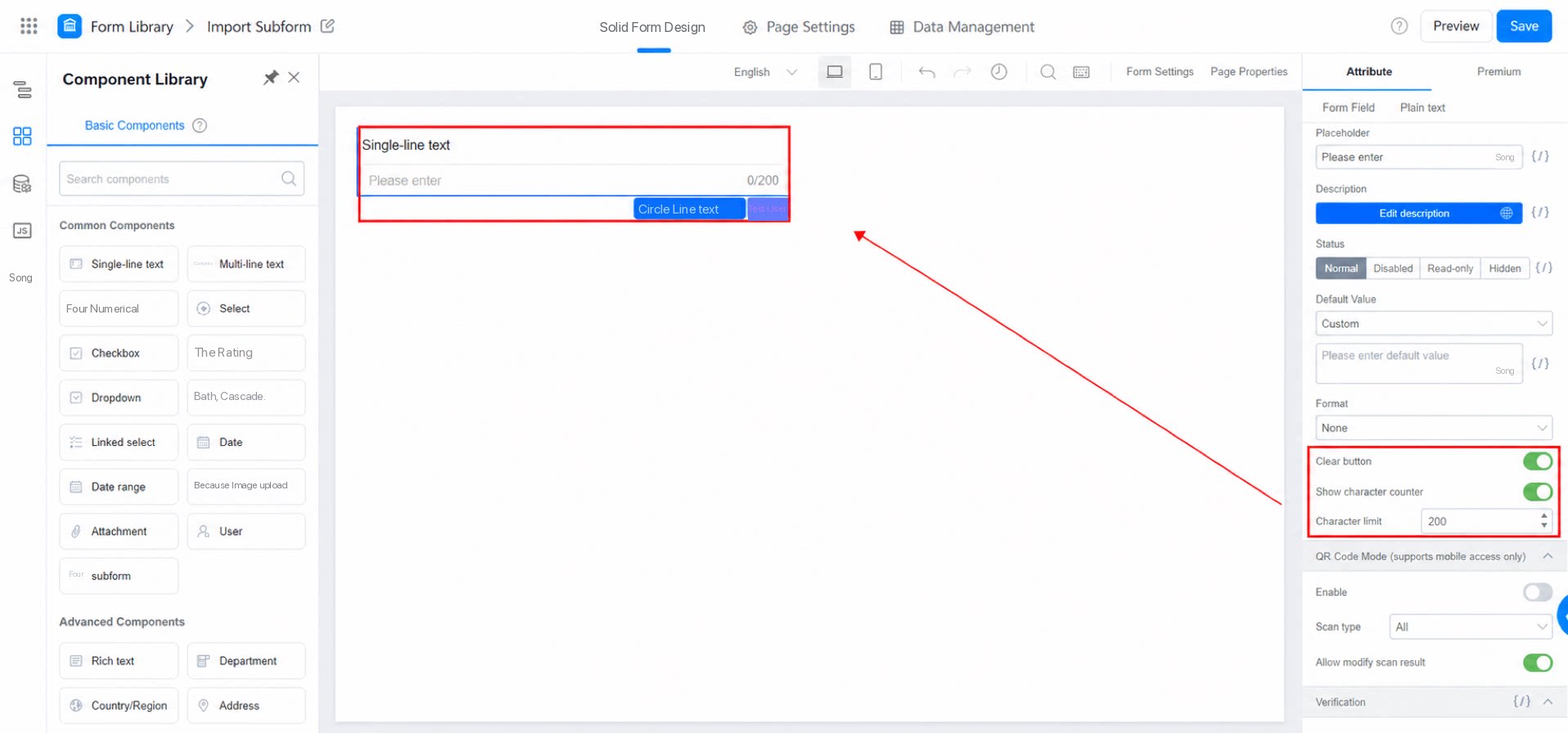
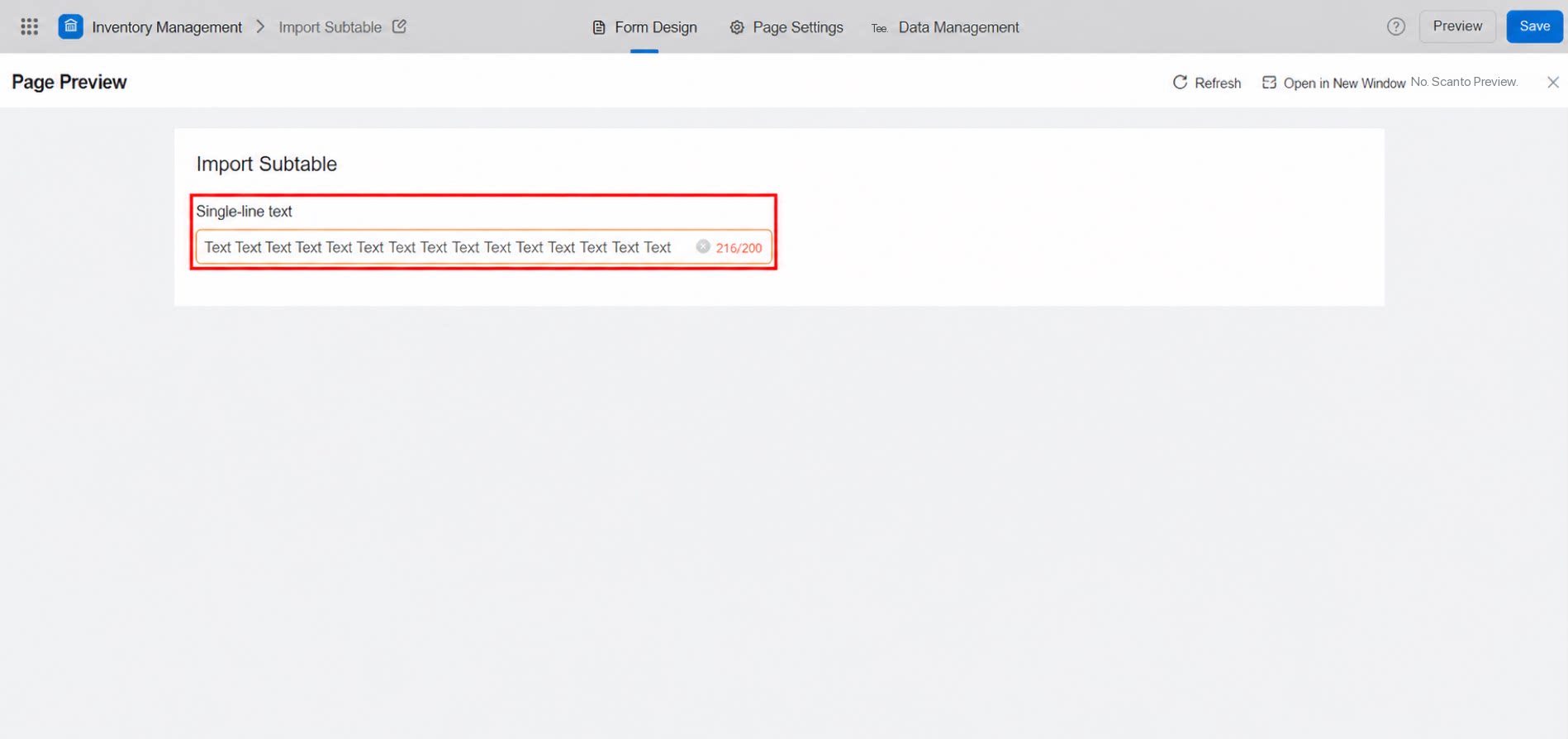
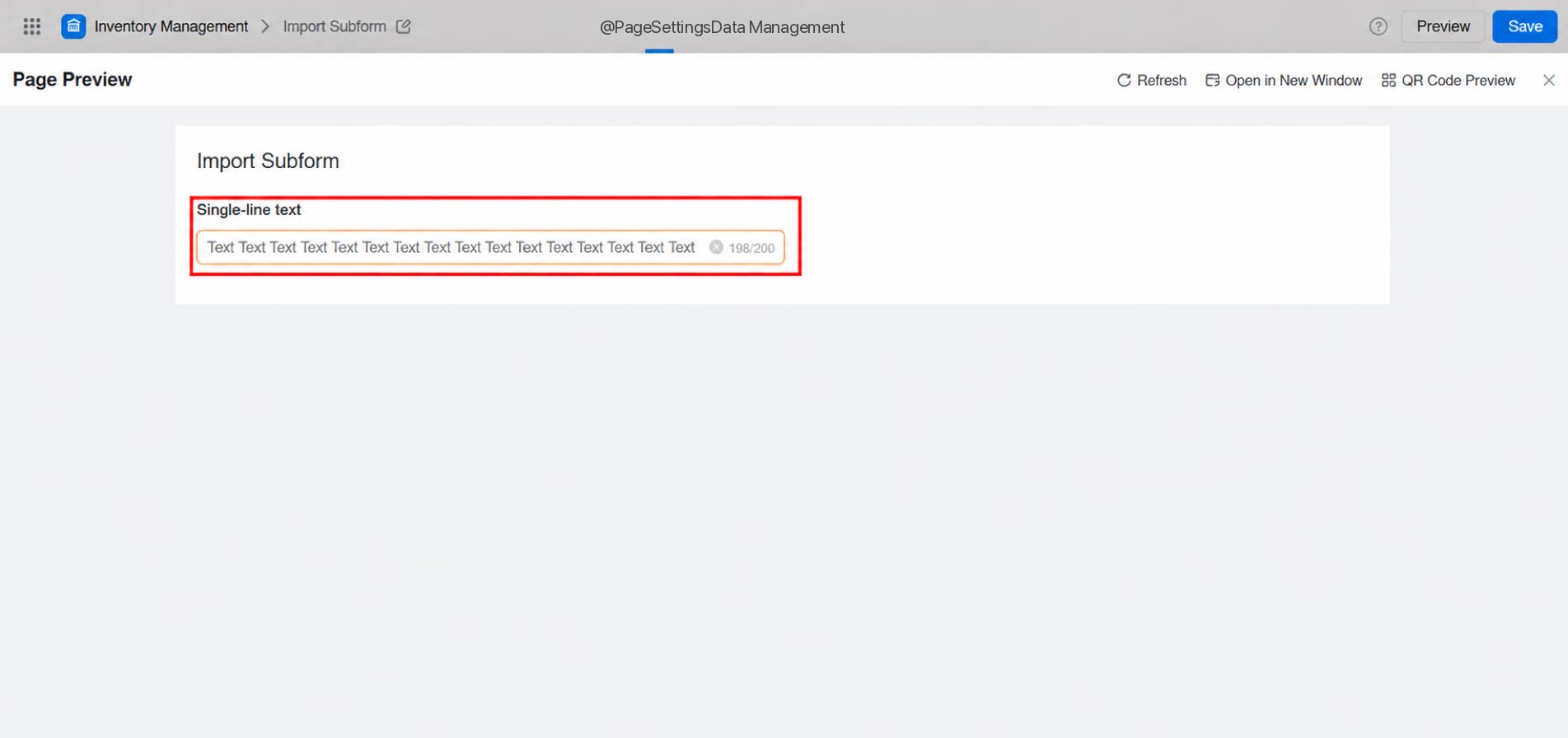
One-Click Clear
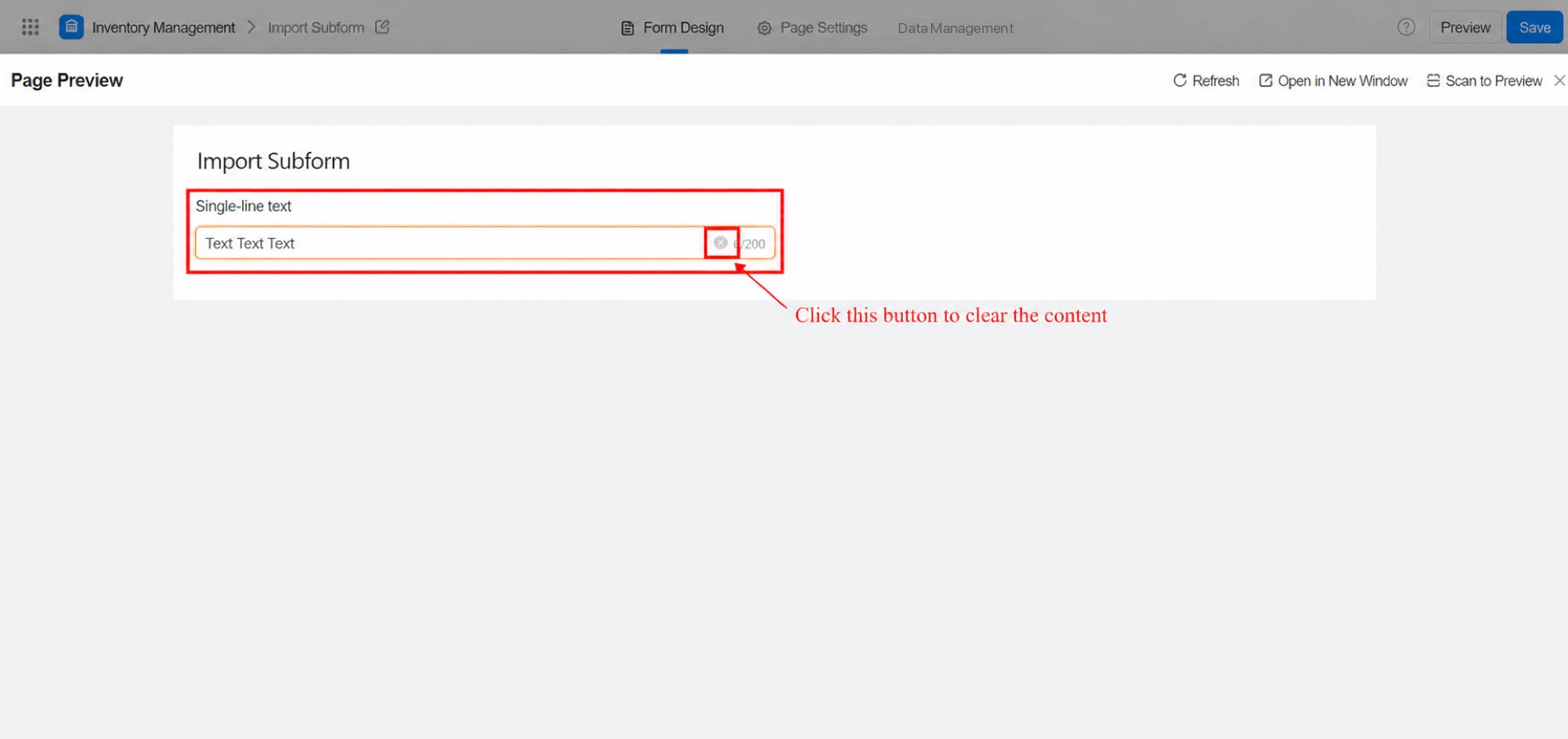
After selecting the option to display the clear button, users can tap it on the access or preview page to instantly clear any incorrect input.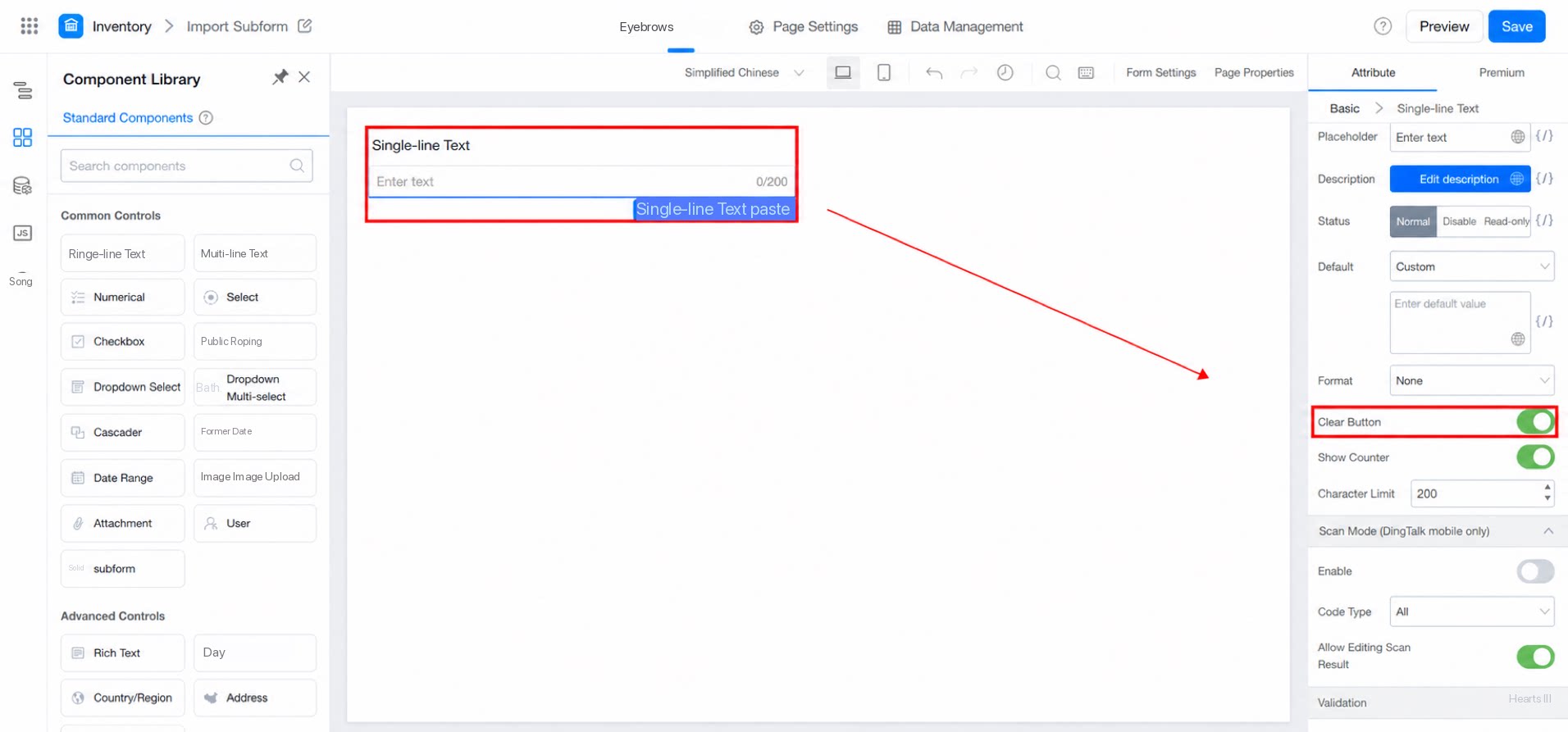
Advanced Usage
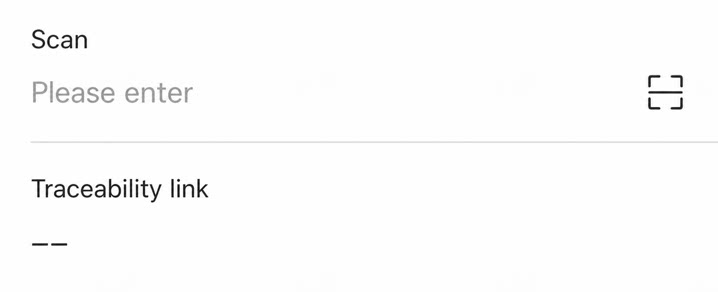
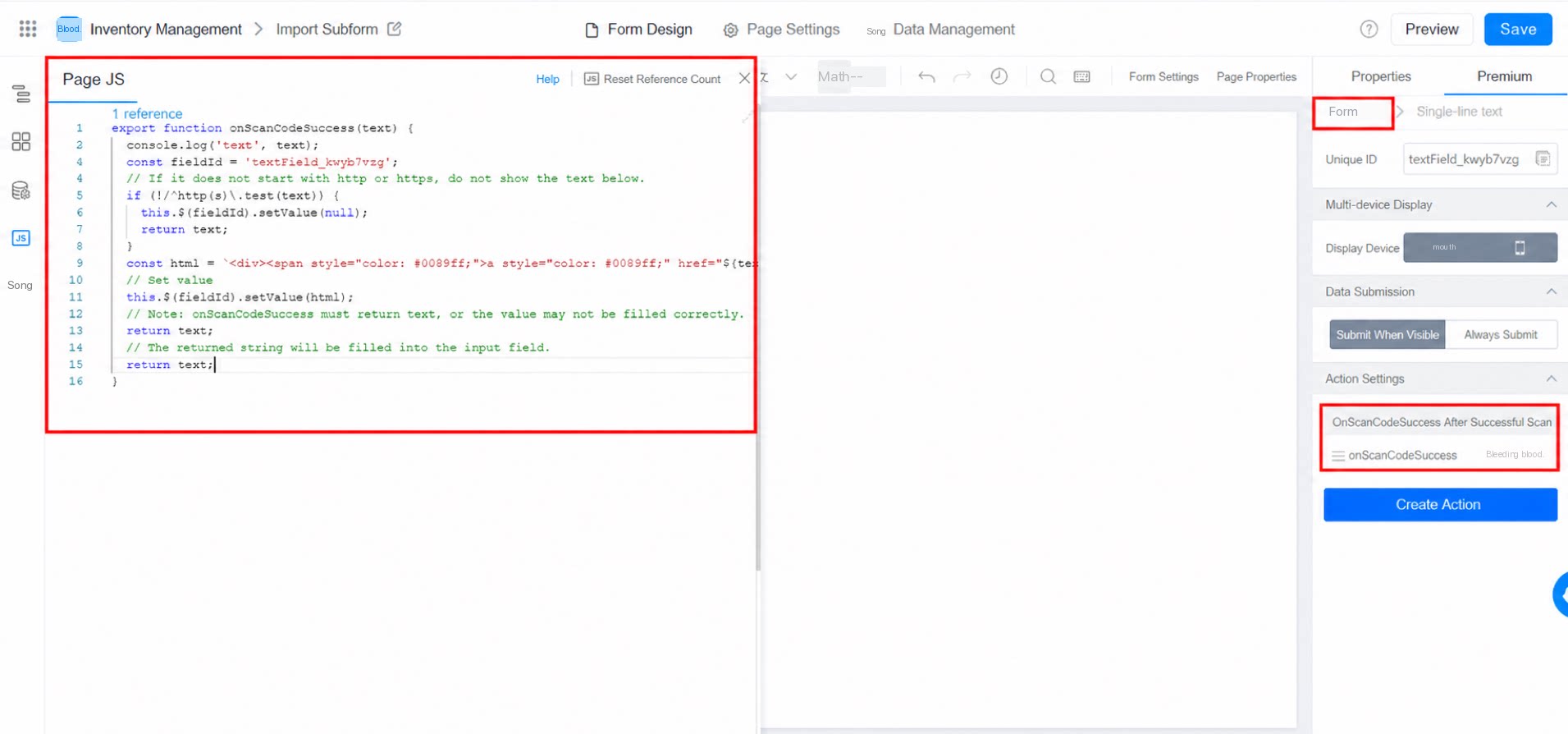
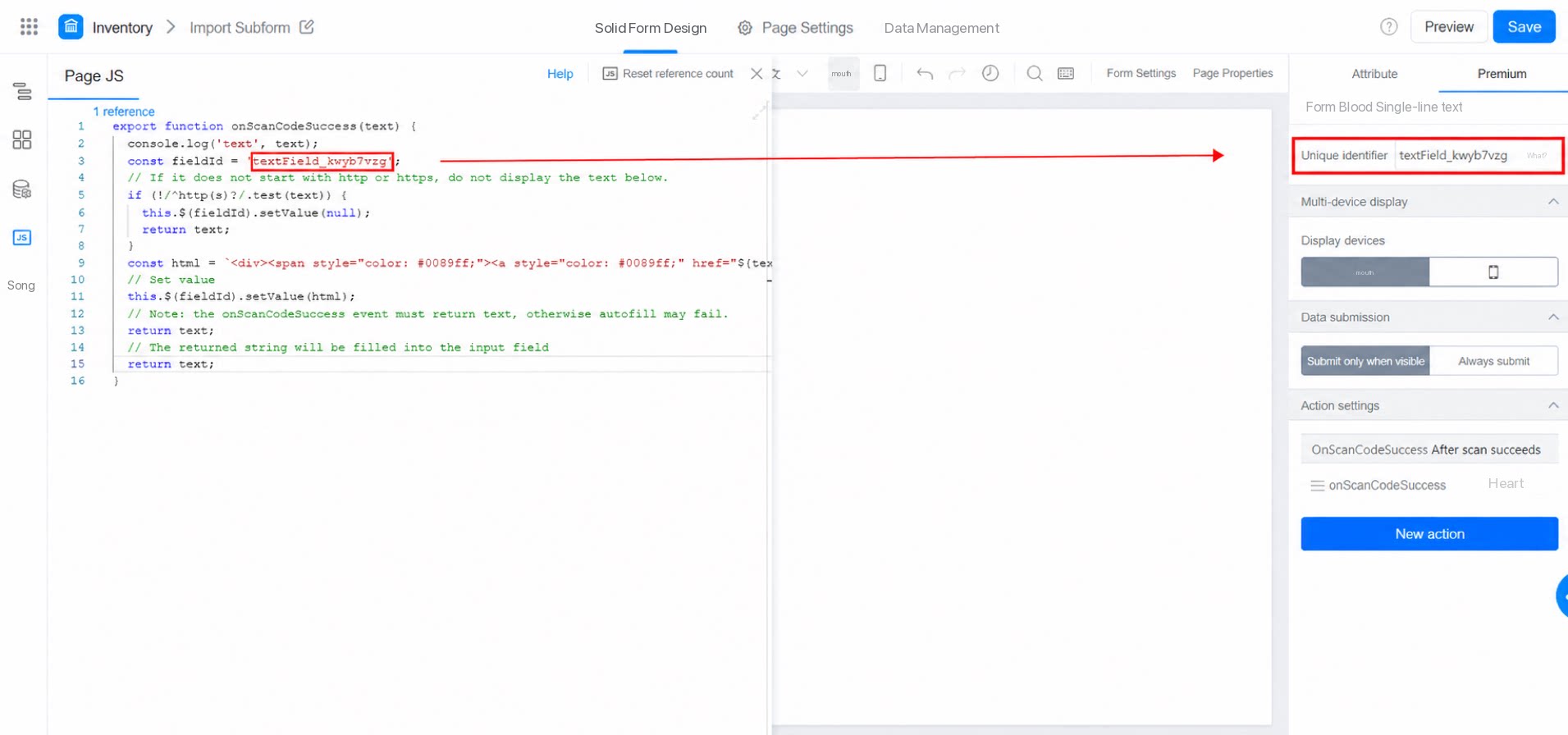
Information obtained by scanning a QR code or barcode can be concatenated into a link to trigger a page redirect. For example, this applies to scenarios such as scanning to view product details or scanning to place a food order. Result: