Chats
Chats Calendar
 Meetings
 Contacts
 Mail
Mail Docs
Docs Drive
Drive AI Table
 AI Minutes
 Attendance
 Approval
 YiDA
YiDA Admin Console
1. Use Cases
Multi-line text is suitable for entering longer, more complex content, letting users freely express opinions and provide additional information, such as in feedback scenarios. Component basicsFor component attributes, usage, and examples, see Component interface.
2. Basic Features
2.1 Multi-Line Text Height
Set the display height of the Multi-line text field. This setting takes effect only on PC. See the following example: Multi-line text height2.2 Auto-Adjust Height
The height of the Multi-line text field expands automatically as more content is entered. See the following example: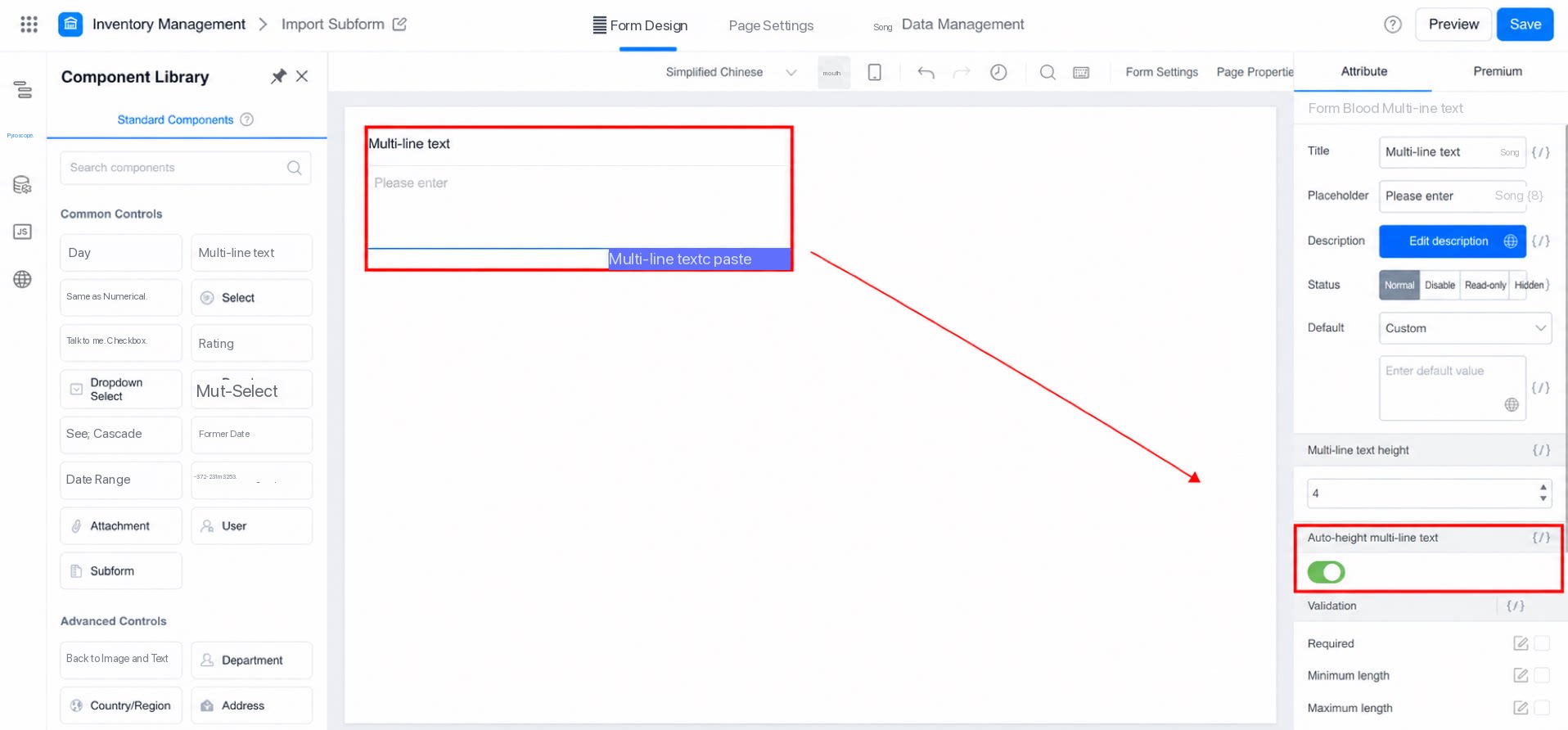
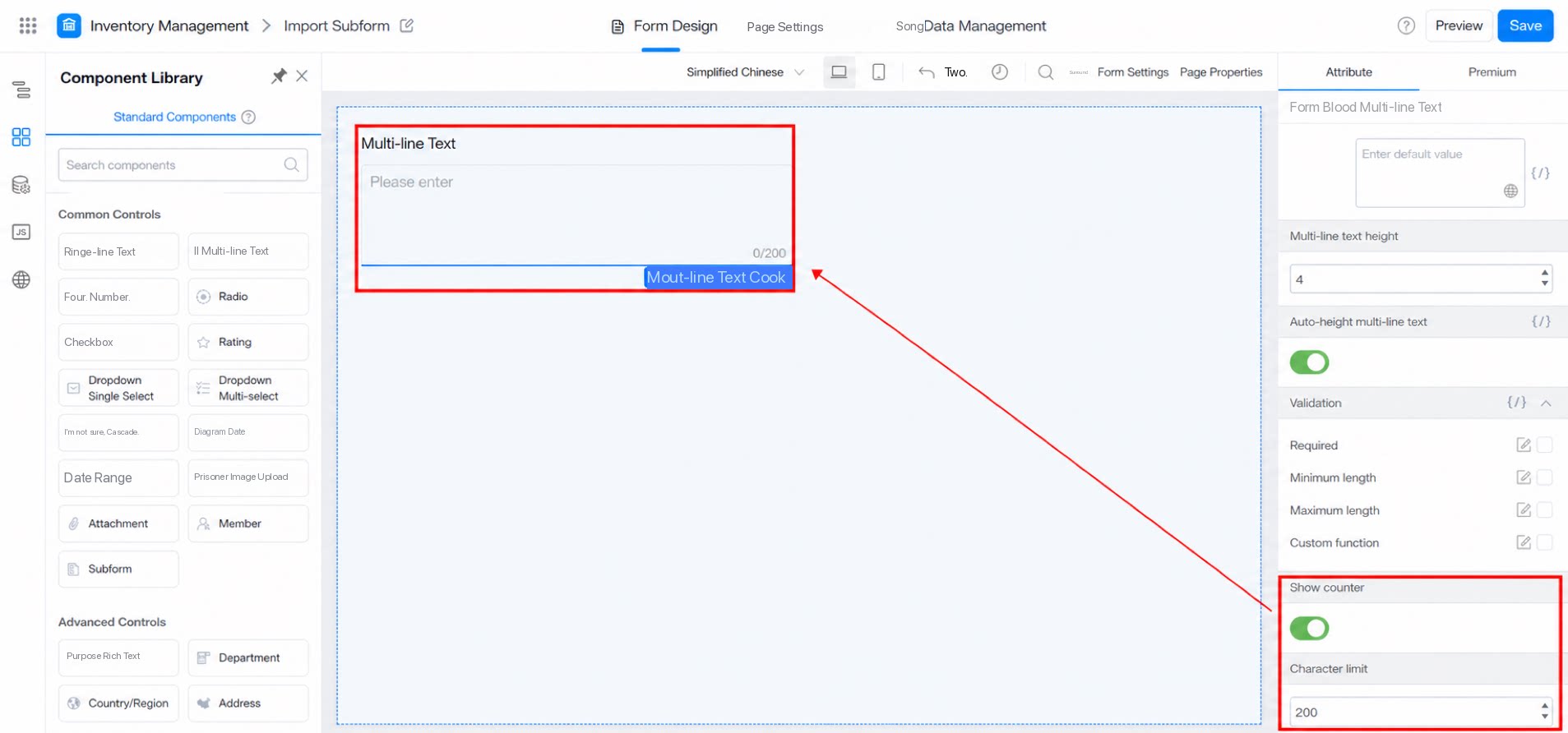
2.3 Display Counter