Chats
Chats Calendar
 Meetings
 Contacts
 Mail
Mail Docs
Docs Drive
Drive AI Table
 AI Minutes
 Attendance
 Approval
 YiDA
YiDA Admin Console
1. Use Cases
Use the Rating component to evaluate items such as task completion or personal performance. It is commonly used in surveys and similar scenarios.For component attributes, usage, and examples, see the Rating component reference.
2. Basic Features
2.1 Total Score
The total score defines the rating cap, with each point represented by a star. Set the upper limit to a value such as 5 or 10.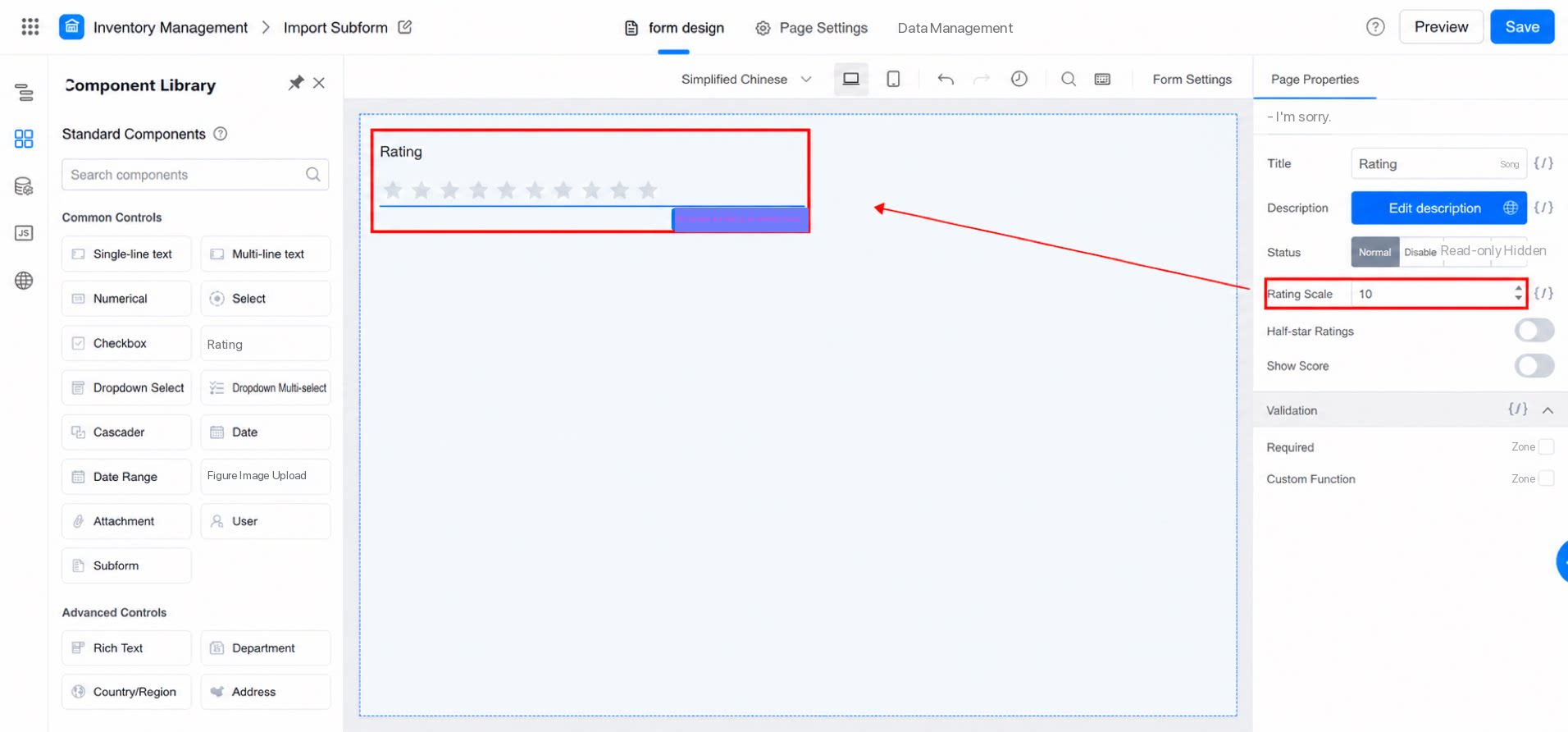
2.2 Half-Star Rating
Enable half-star ratings for more precise evaluations. Note: Half-star ratings are currently supported only on desktop. Mobile does not support half-star ratings.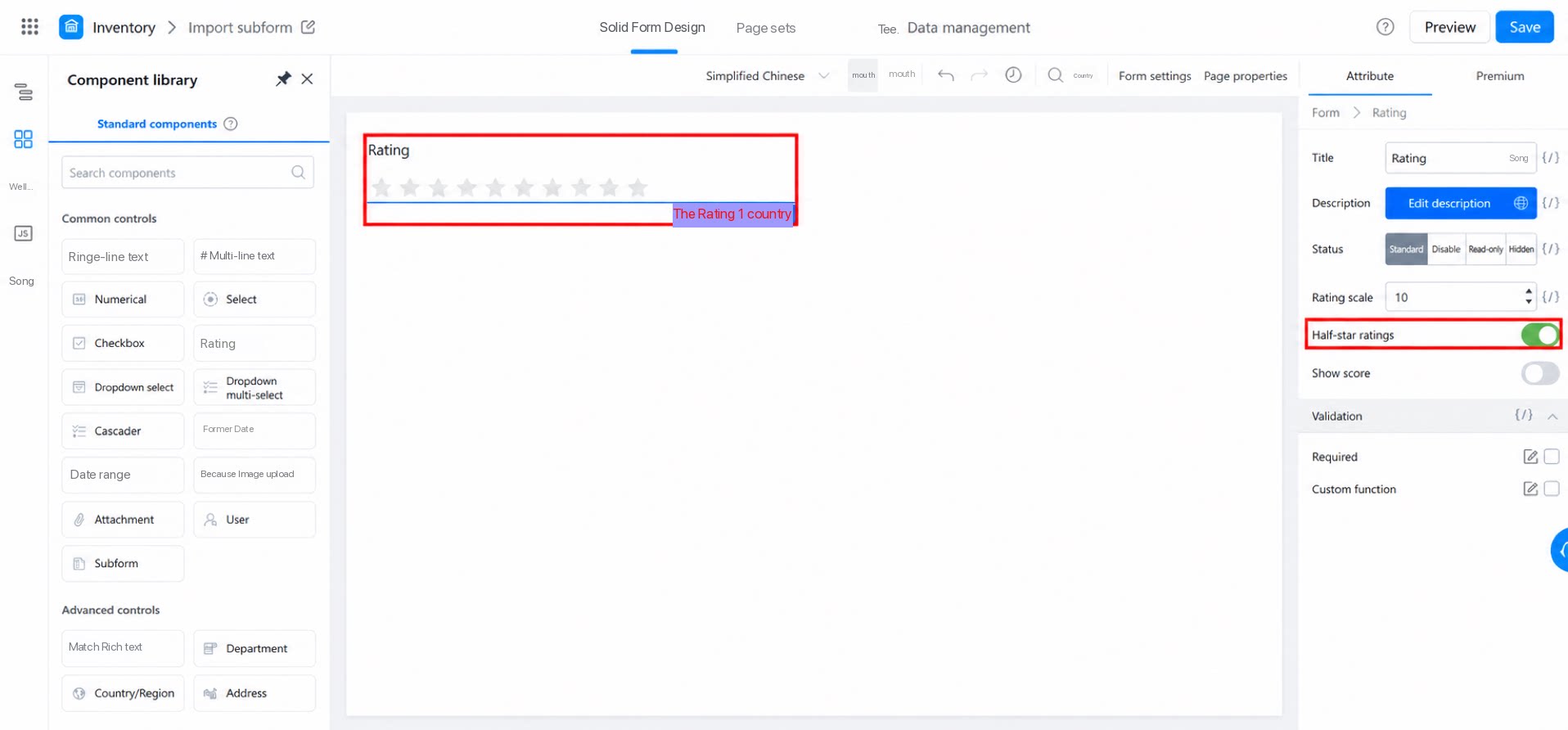
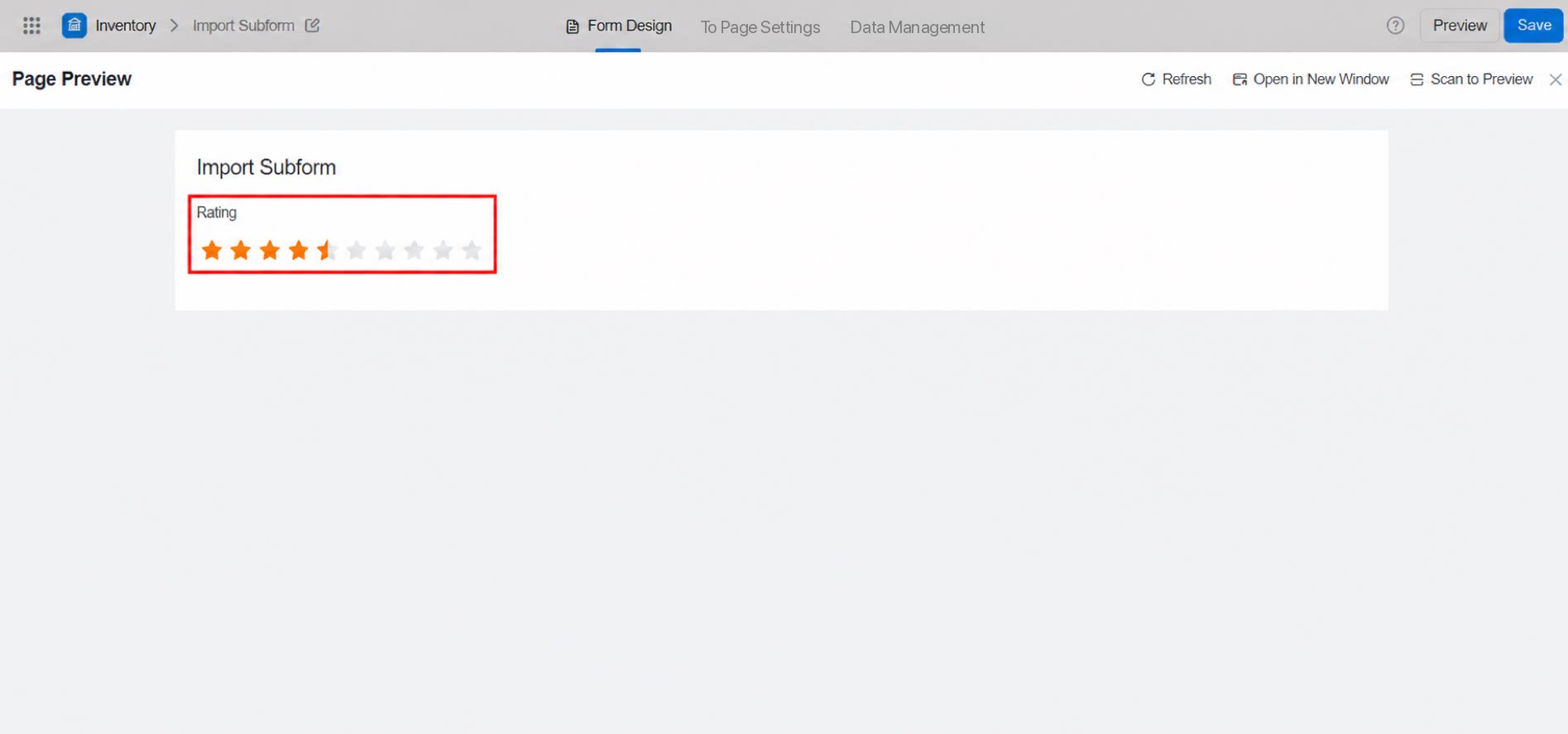
2.3 Display Score
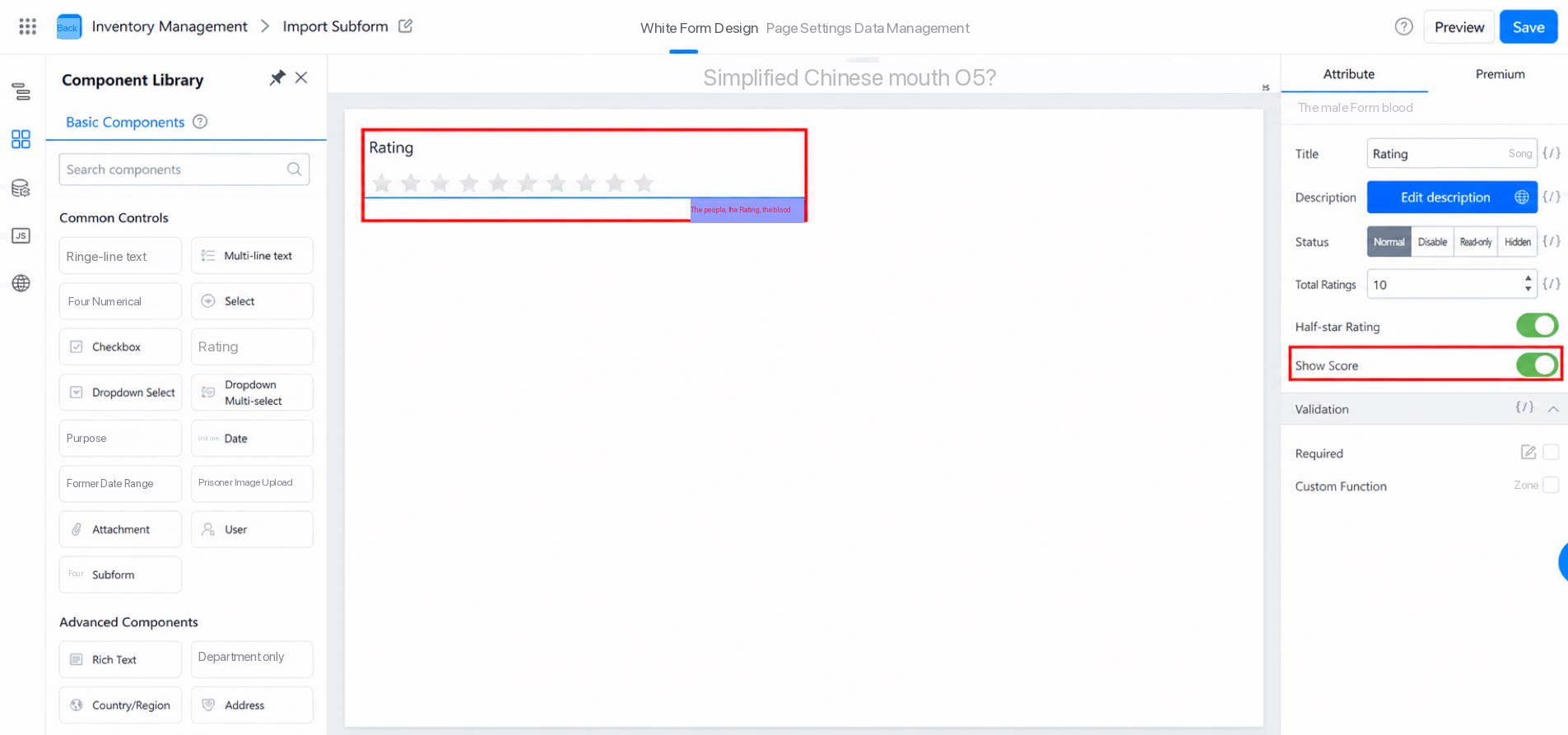
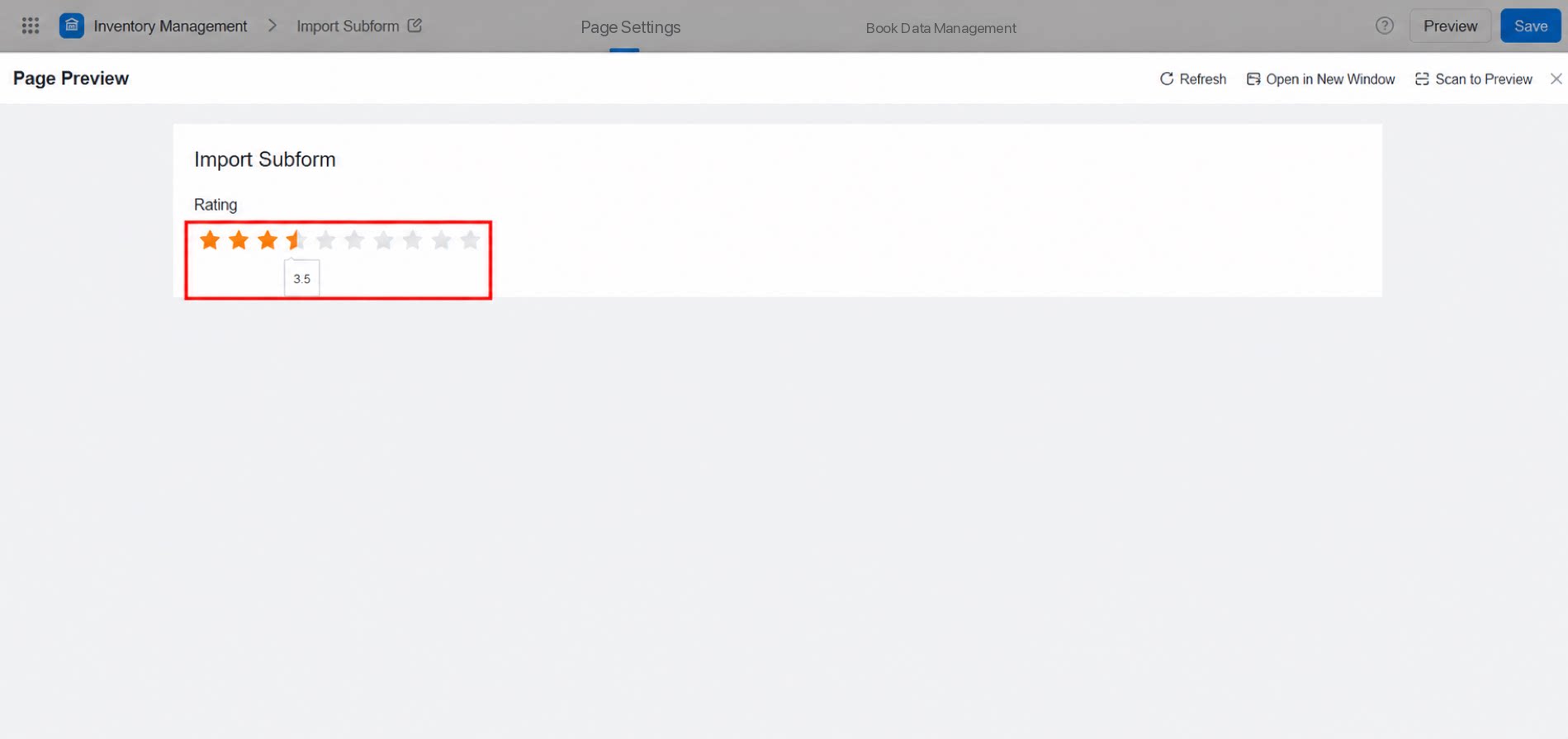
While rating, hover over a star to display the corresponding score below it. This helps the Submitter see the exact score being given.