Chats
Chats Calendar
 Meetings
 Contacts
 Mail
Mail Docs
Docs Drive
Drive AI Table
 AI Minutes
 Attendance
 Approval
 YiDA
YiDA Admin Console
1. Use Cases
Use this component to select multiple options from a dropdown list. It suits scenarios that require multiselect, and also supports use cases such as associating other Tables and data linkage. If the options come from another Table and, after selection, related information must be populated into the form (a data association scenario)—for example, in a contract management scenario where creating a contract or order requires linking an associated form component to a customer Table to pull in customer details—use the associated form component instead.For component attributes, usage, and examples, see the component interface reference.
2. Basic Features
2.1 Select All
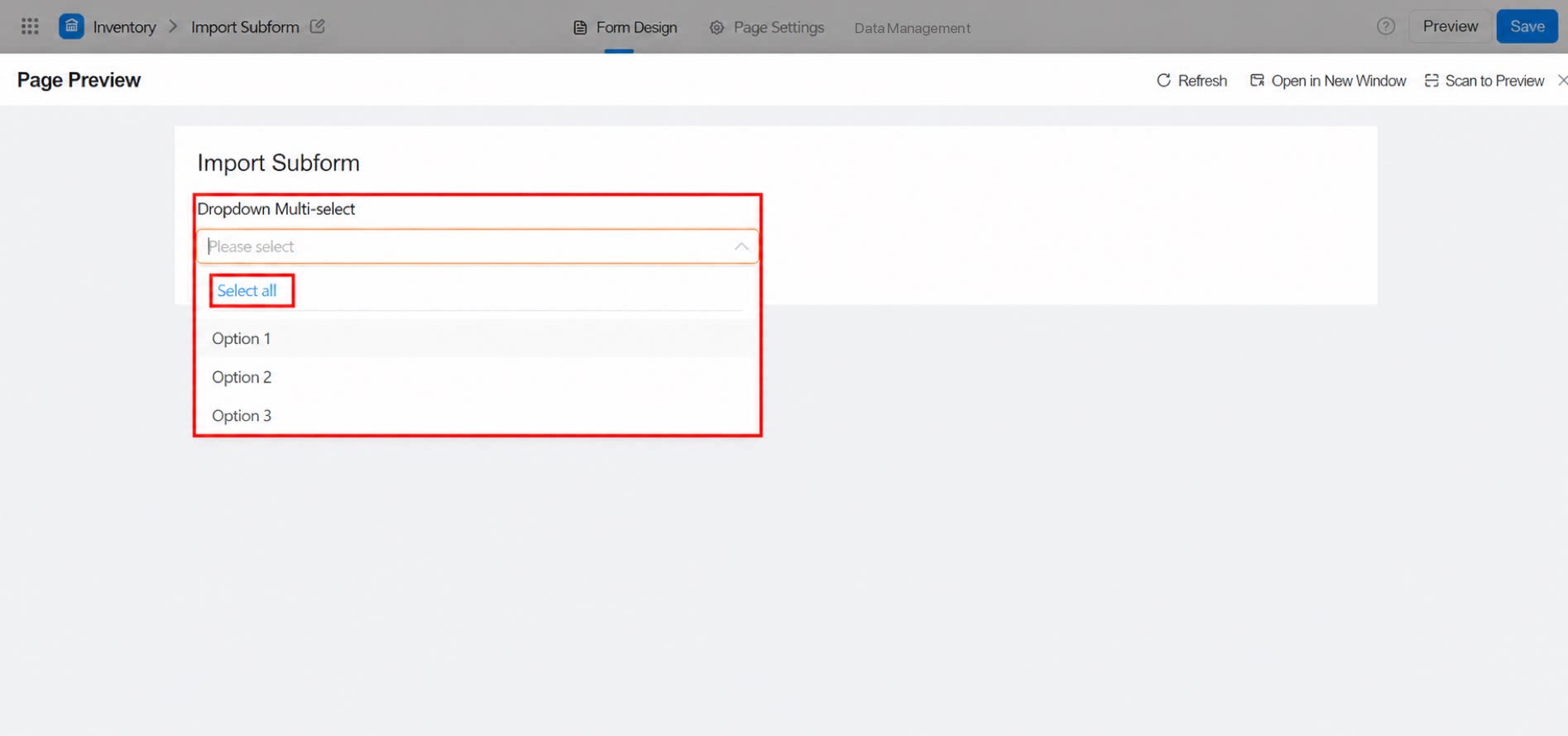
Selecting each option one by one is tedious. Use the Select all feature to select every option at once.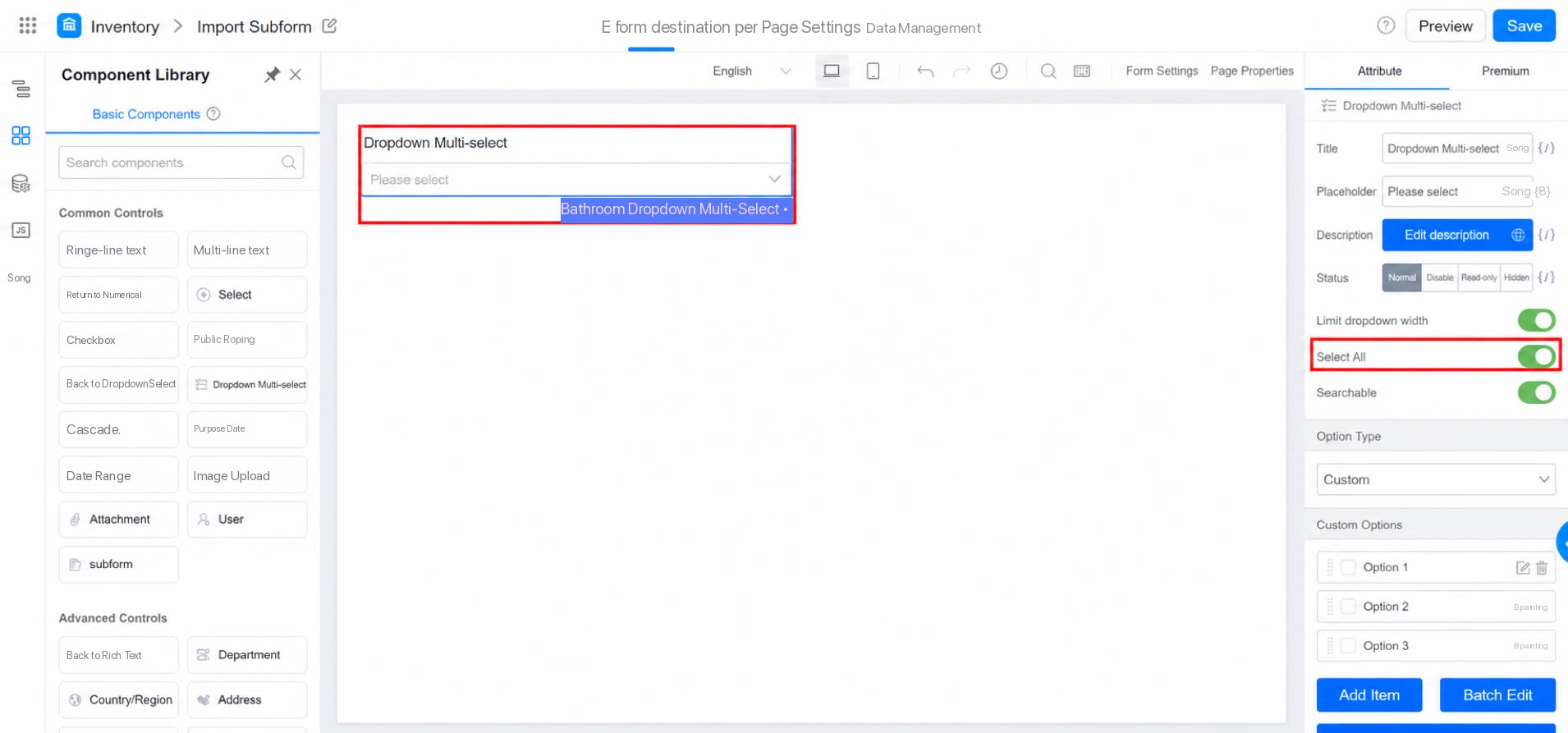
2.2 Searchable
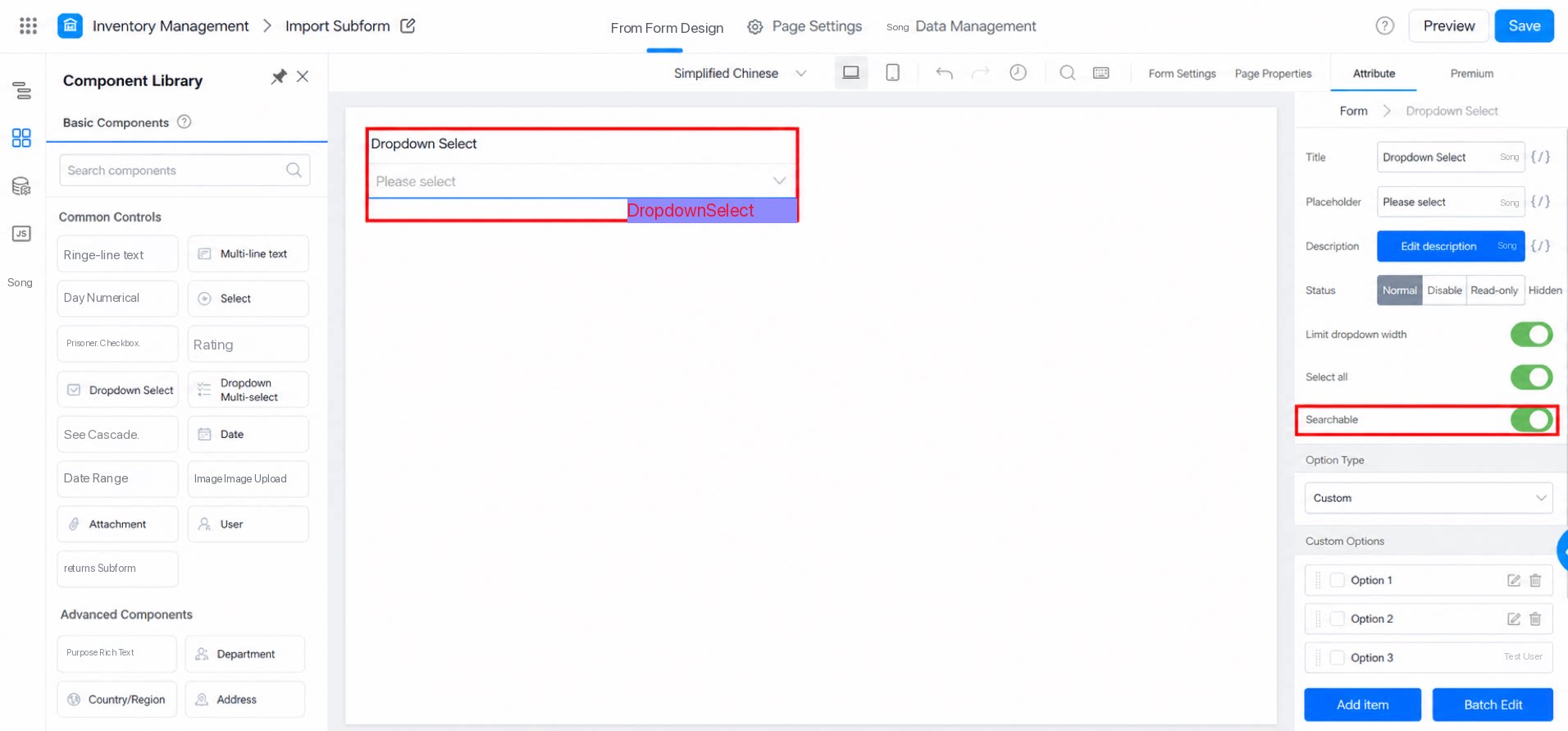
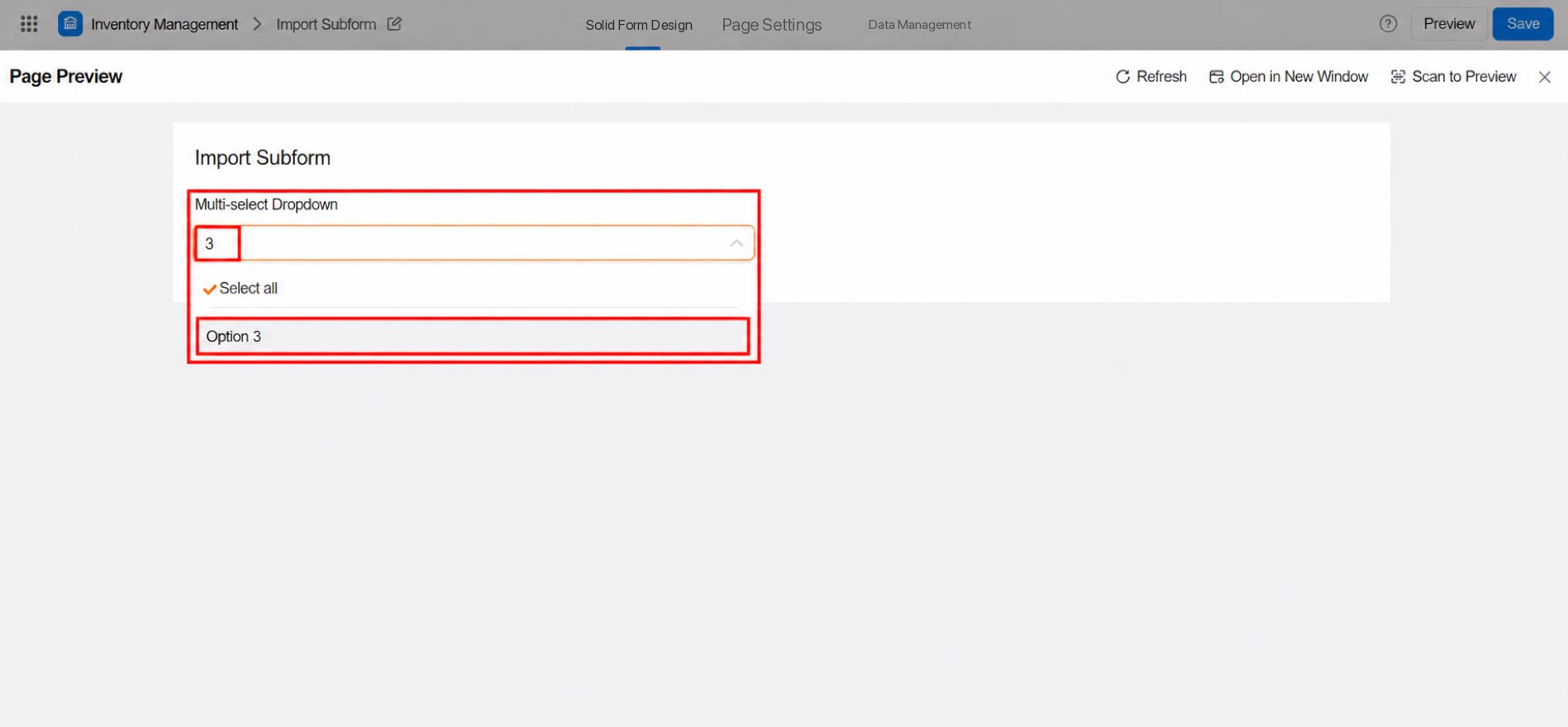
Search is supported for the options. When the dropdown contains many options, use Search to quickly locate the content you need.