Chats
Chats Calendar
 Meetings
 Contacts
 Mail
Mail Docs
Docs Drive
Drive AI Table
 AI Minutes
 Attendance
 Approval
 YiDA
YiDA Admin Console
DingTalk Dedicated edition requires version 7.0.40 or later.
Overview
Unlike reports, which offer a full analytics workflow, YiDA data cards let you quickly assemble fragmented, scenario-based charts for use in a YiDA portal. Cards also include a built-in broadcast capability, so you can share data snapshots directly to groups.
Use Cases
Present Key Metrics
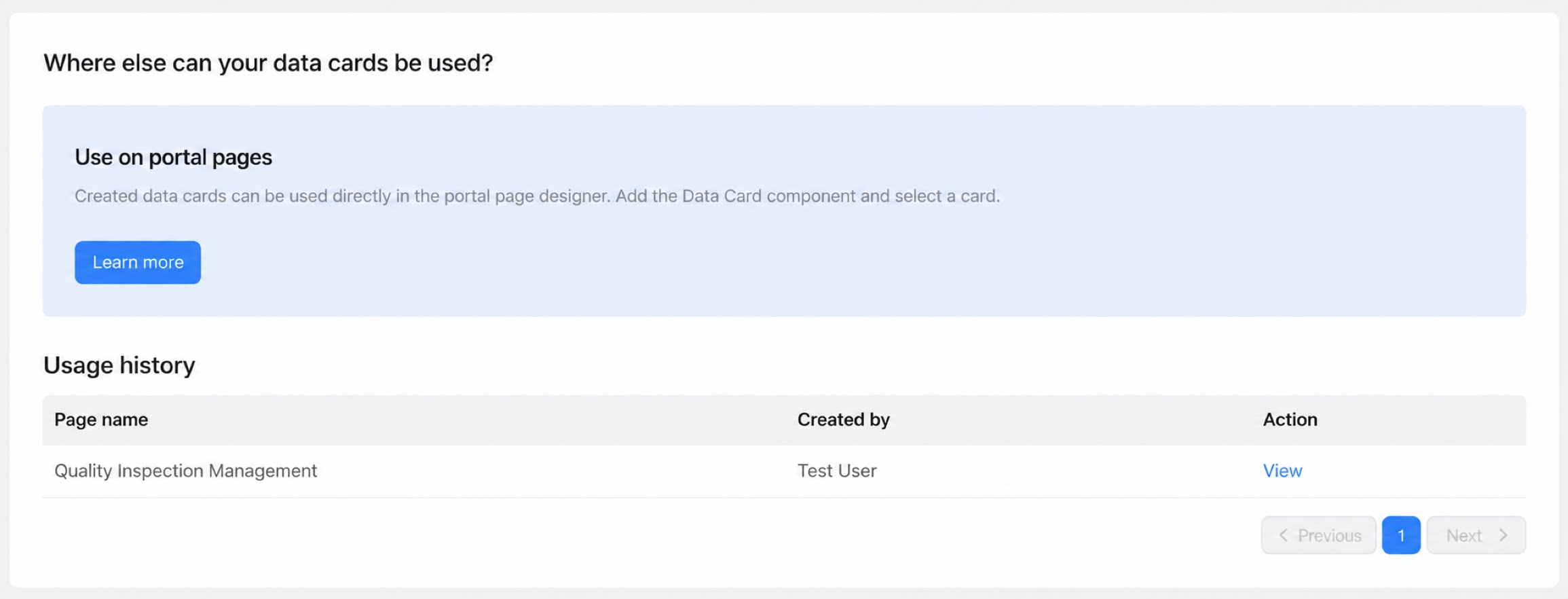
Combine data cards with a portal to surface key metrics inside your app portal and bring the portal to life with live data.Push Daily Insights
Push key metrics configured in a data card to a group as a snapshot. This works well for scenarios such as daily data briefings and weekly progress updates. Data cards can push key metrics to DingTalk groups.Card Management
Management Page
The data card management page lives inside the YiDA Data Factory.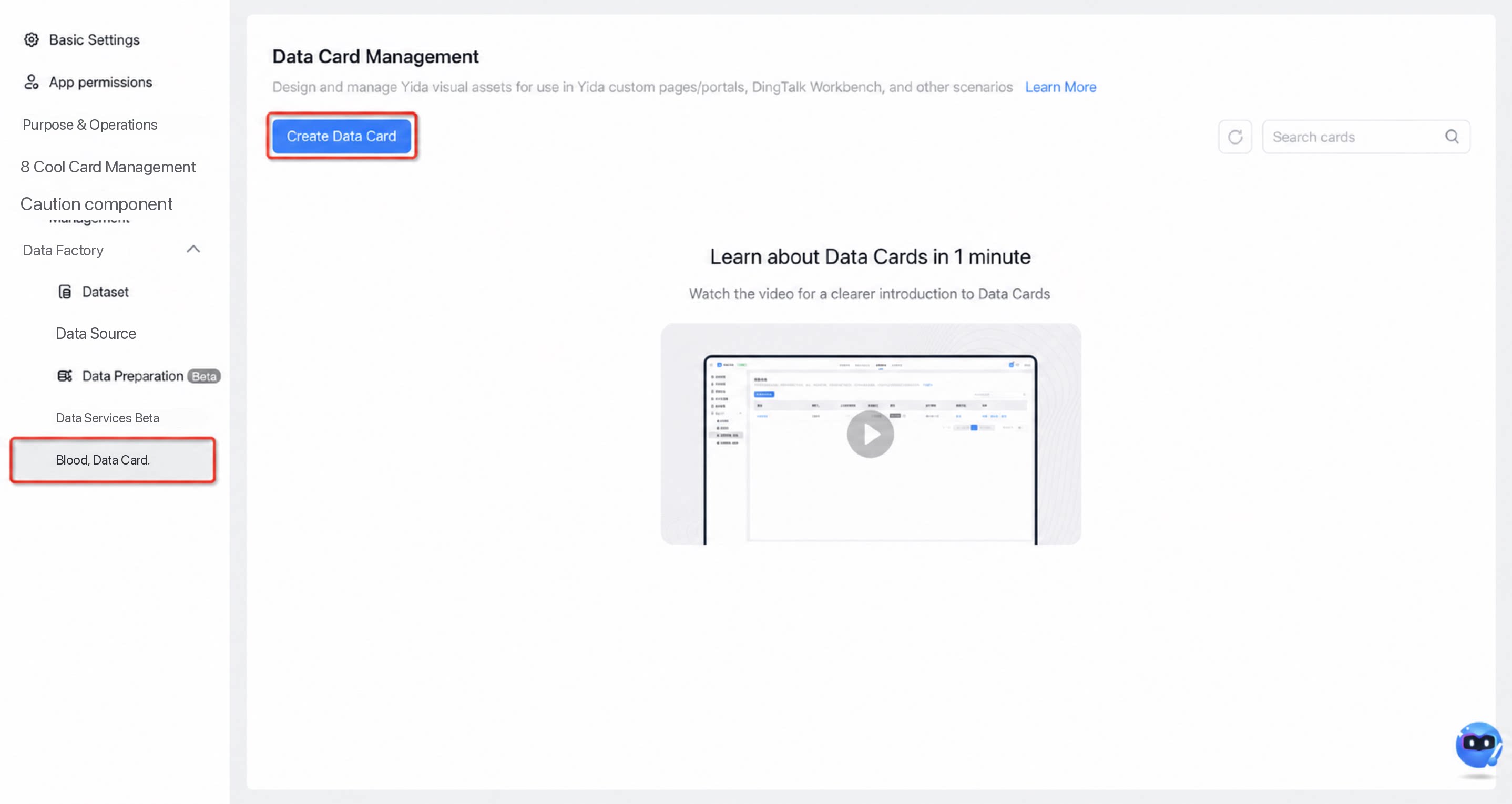
Card Actions
For an individual card, focus on three areas: Tag, Action, and Preview.- Card tag:
- Card action:
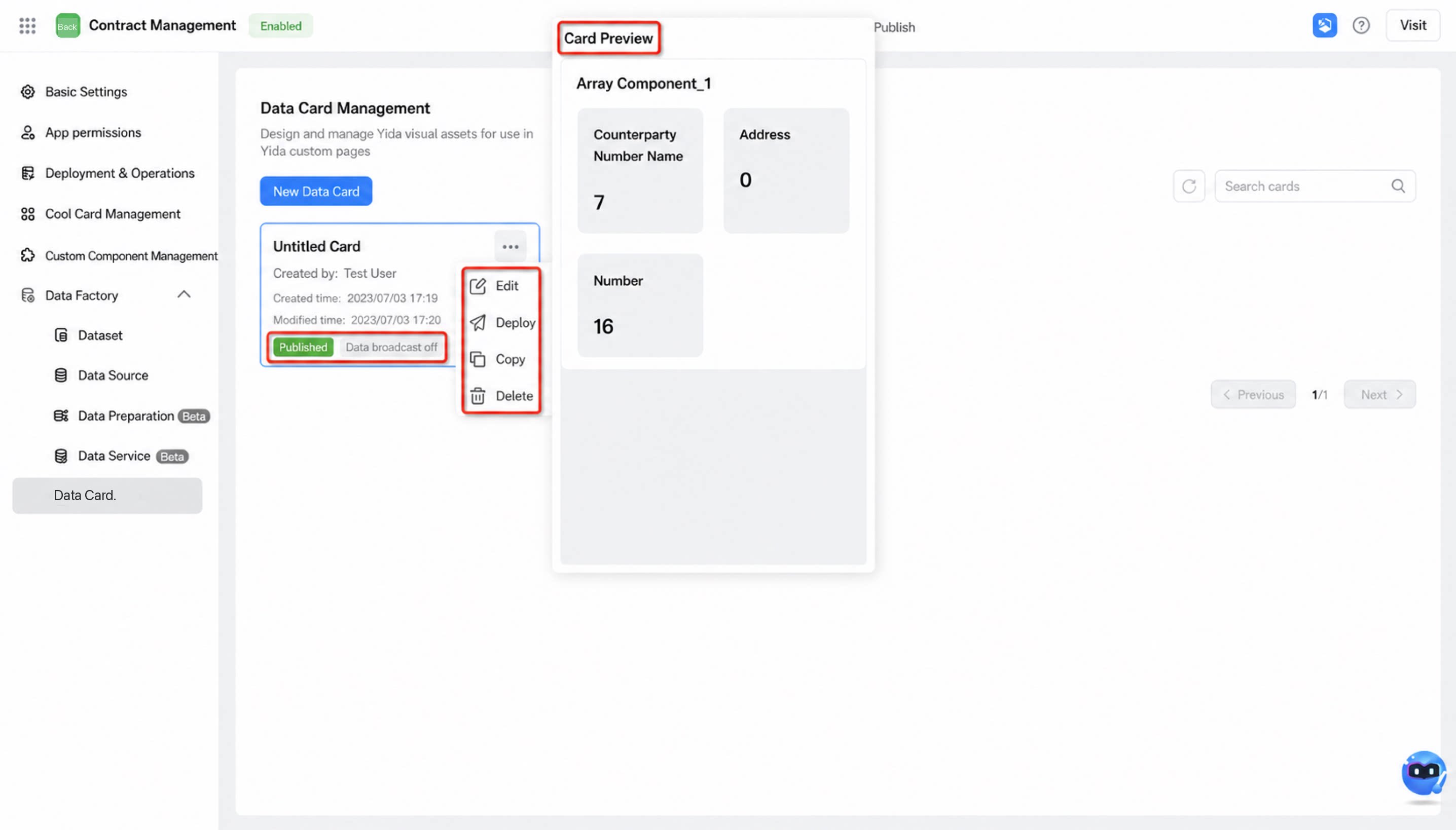
- Card preview
Card Permissions
The Platform Admin, App Management Admin, and Data Admin can build cards and configure broadcasts. The Developer role is not supported.How to Use
Card design and setup: Build a card Card distribution scenarios and usage: Distribute a cardFAQ
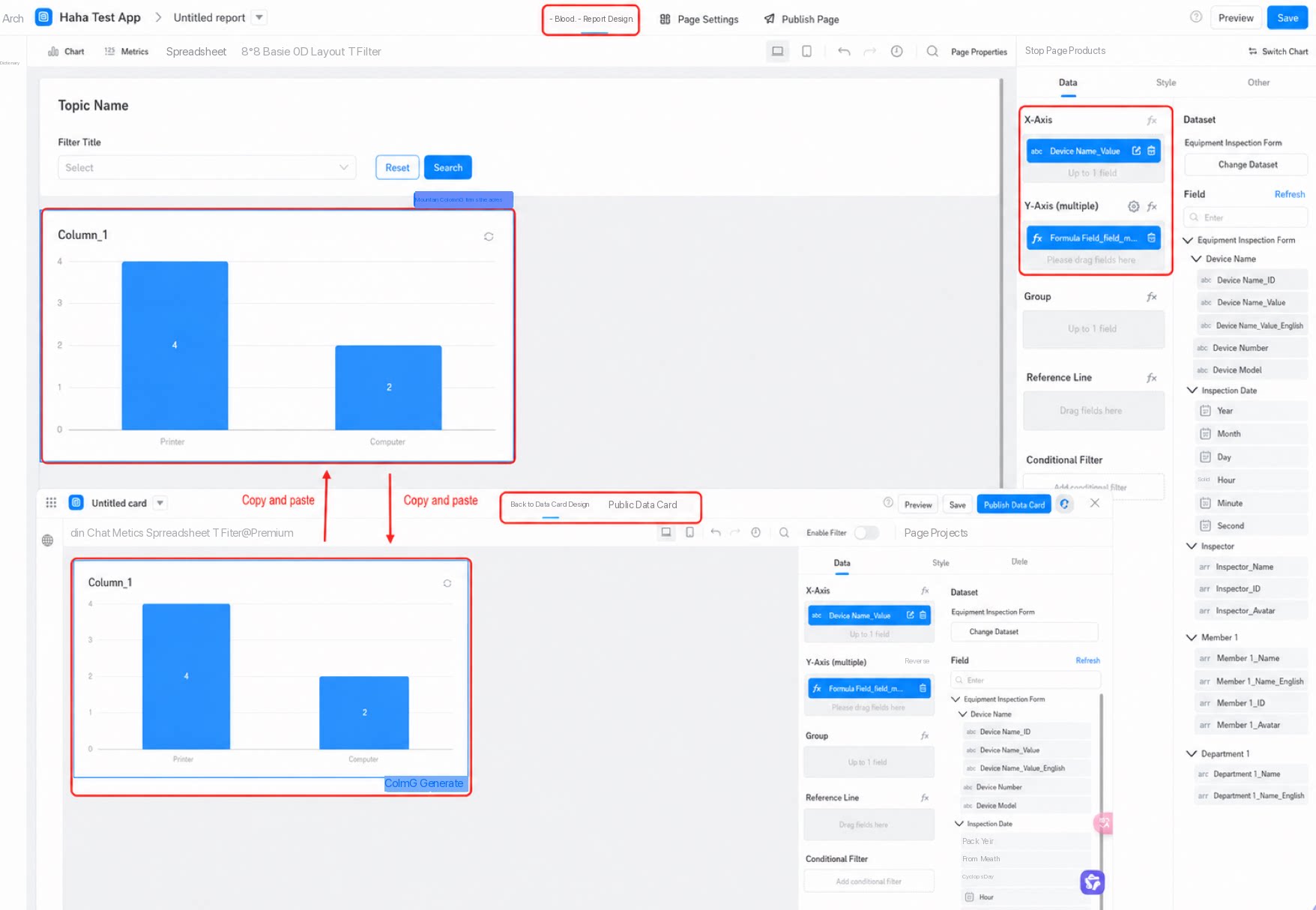
Q: Can report charts and data cards be shared with each other? A: Yes. Simply copy and paste, as shown below.