Chats
Chats Calendar
 Meetings
 Contacts
 Mail
Mail Docs
Docs Drive
Drive AI Table
 AI Minutes
 Attendance
 Approval
 YiDA
YiDA Admin Console
Data Source Overview
A data source is a description of data source information. By connecting to a data source, diverse data such as local databases (public network access required) and spreadsheets can be deeply integrated with YiDA apps, improving data interoperability efficiency. YiDA already supports the management and maintenance of data sources such as files and databases. YiDA supports the following two types of data sources:- Relational databases: MySQL (version 5.7 or later), SQL Server (version 2012 or later), Oracle (version 19c or later), PostgreSQL (version 9.0 or later), Hologres.
- File: Excel files, CSV files. For how to Create a dataset from a File, see Create a dataset from a File.
Add a Data Source
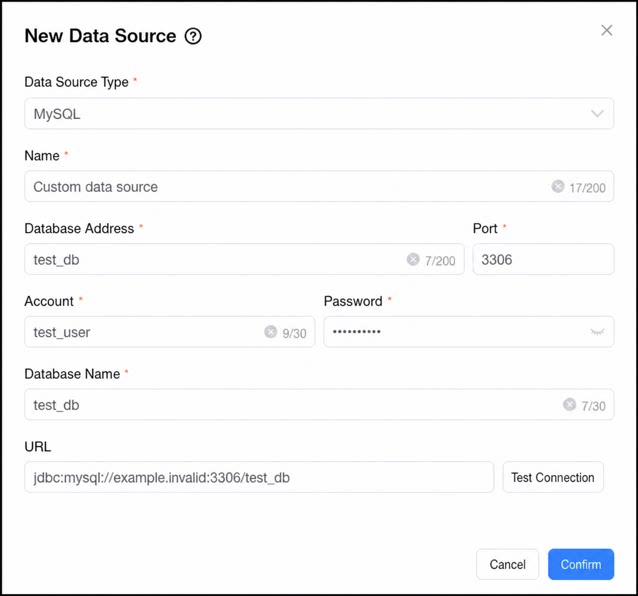
Follow the steps below to add a database-type data source.- Sign in to the YiDA workbench and go to the App Settings Page.
- Select Data Factory > Dataset in sequence, and click Create dataset.
- In the Create Data Source dialog box, fill in the database information and click Confirm to complete the creation.
FAQ
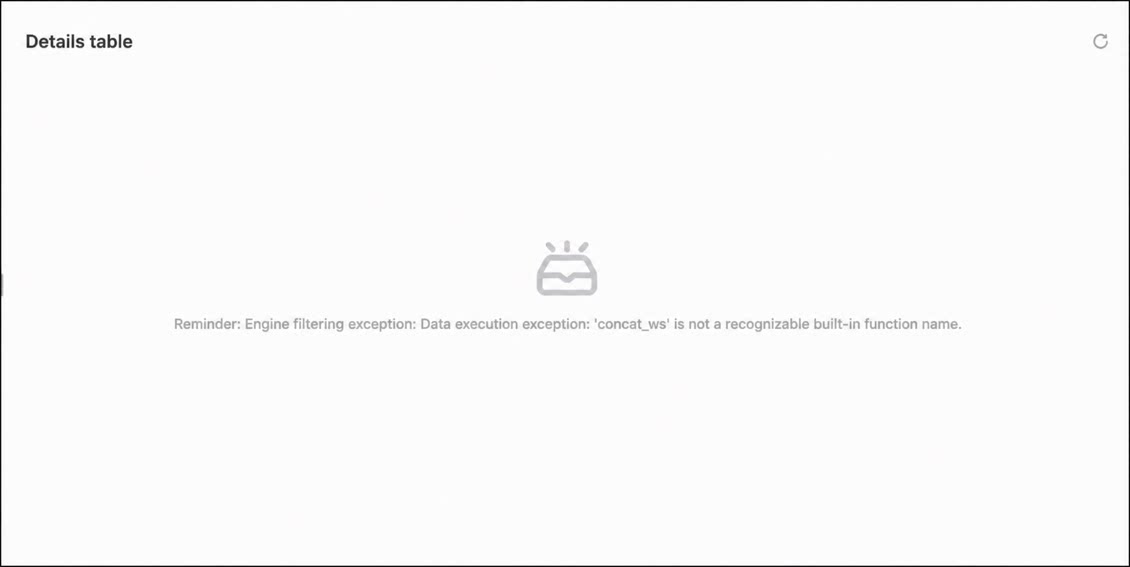
Q: When retrieving data from a SQL Server database in a report and using the SUM function, the error “concat ws” is not a recognized built-in Function name occurs. Why?