Chats
Chats Calendar
 Meetings
 Contacts
 Mail
Mail Docs
Docs Drive
Drive AI Table
 AI Minutes
 Attendance
 Approval
 YiDA
YiDA Admin Console
Overview
This section explains the data sources available through official data integration, the entitlements required for each YiDA edition, and how to request the necessary permissions. With this capability, enterprises can efficiently drive deep integration between low-code development and their full range of enterprise data resources on the YiDA platform, significantly improving the efficiency and effectiveness of data-driven decision-making. The supported data source entitlements are as follows. Before
After
The fields supported by each data source are as follows.
| Data Source | Data freshness | Fields |
|---|---|---|
| General metrics | Updated next day | Contacts count, log Submitter count, log submission rate, total DINGs sent, total Group Chats, expense report count, Documents created in the last day, and more.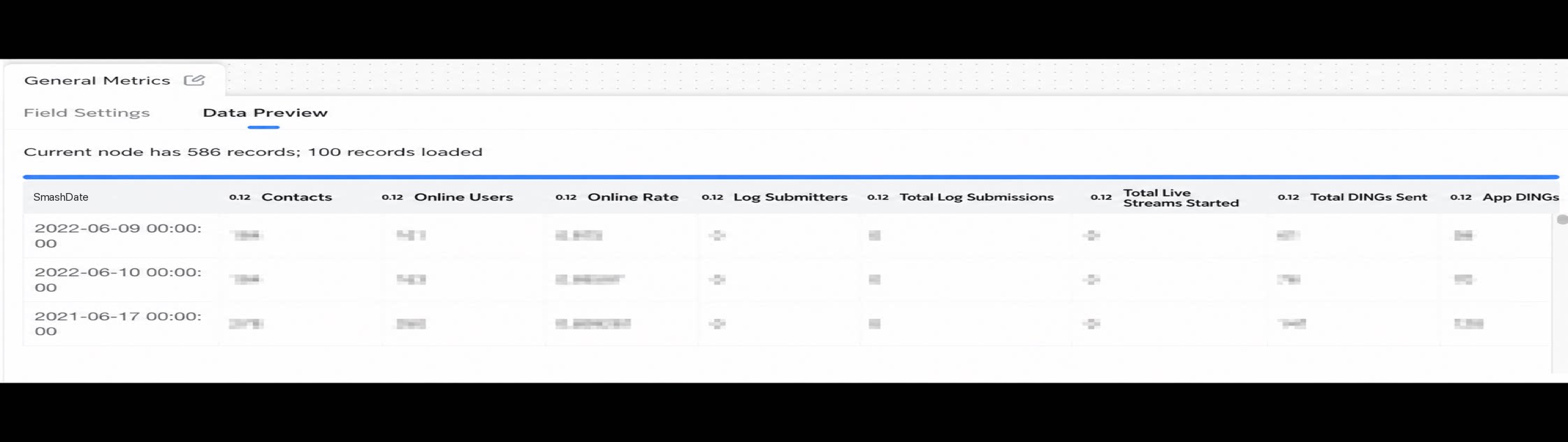 |
| Employee Roster | Updated next day | Employee Name, Job Title, Employee ID, Department name, probation Type, onboarding date, confirmation date, and more.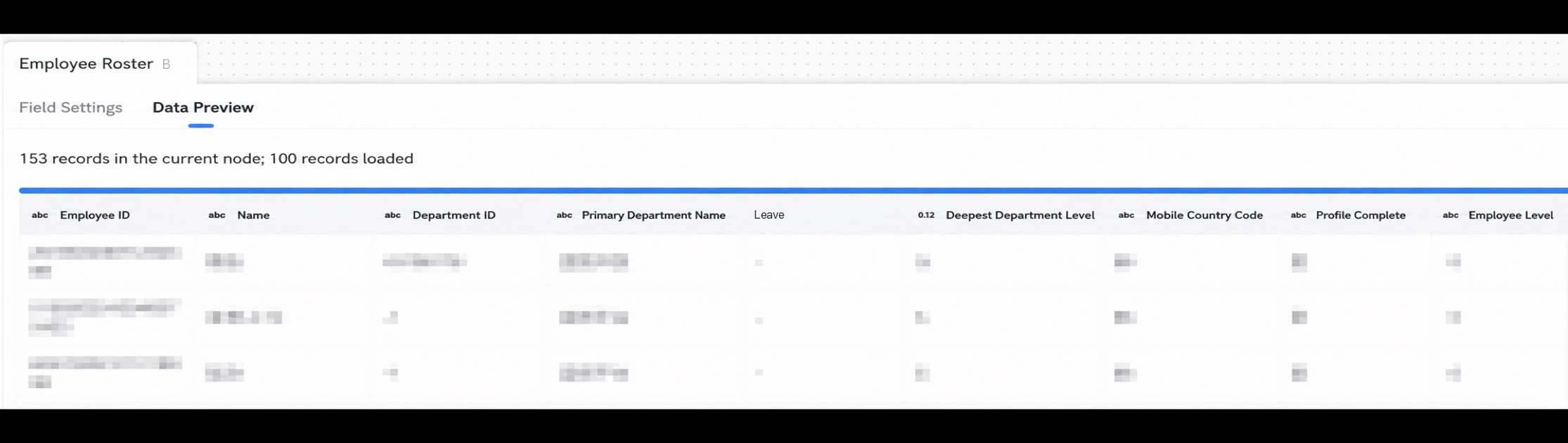 |
| OA Approval | Real-time updates | Form Custom business Fields, Submitter, Submission time, approver, Approval status, Approval completion time, Approval Records, and more.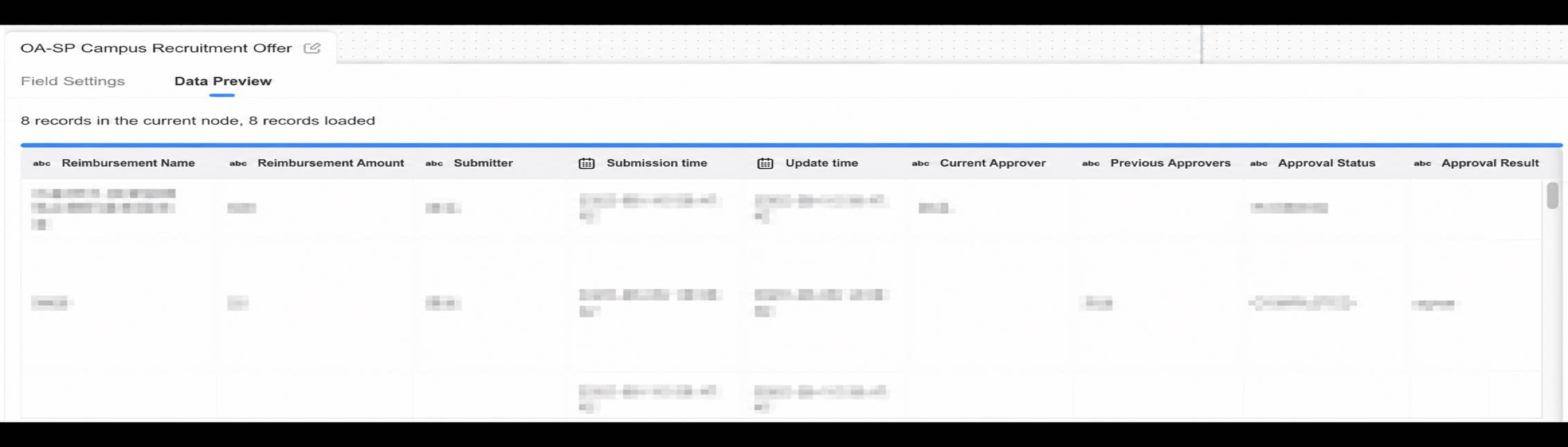 |
| Smart HR | Updated next day | Onboarding date, position level, confirmation date, post-confirmation level, offboarding date, offboarding reason, and more.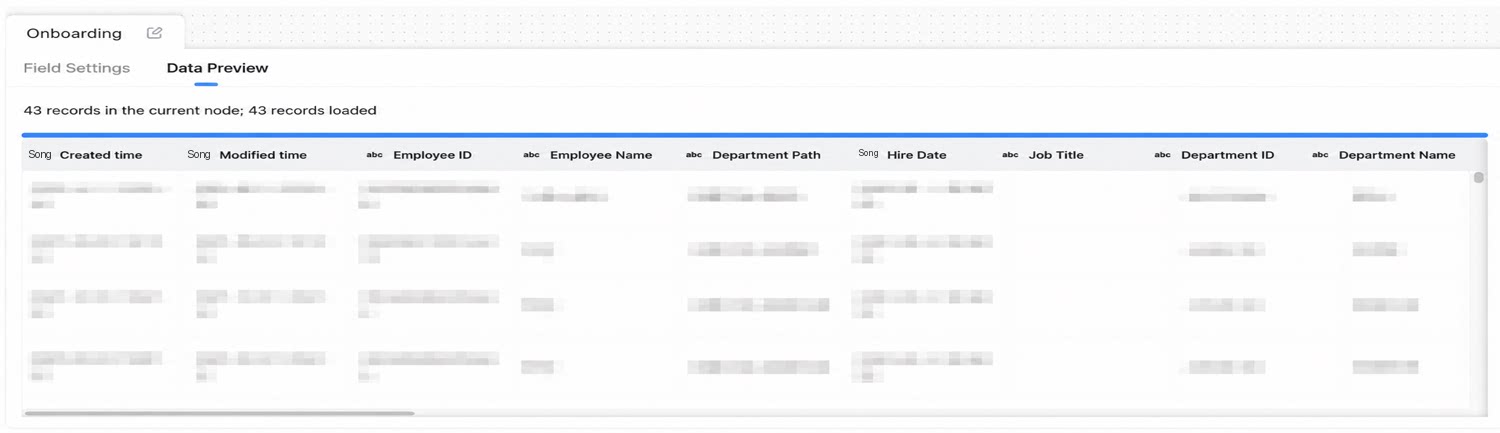 |
| Attendance (past six months) | Real-time updates | User Name, Department, check-in time, overtime flag, expected attendance flag, attendance group name, field work flag, missed check-in flag, and more.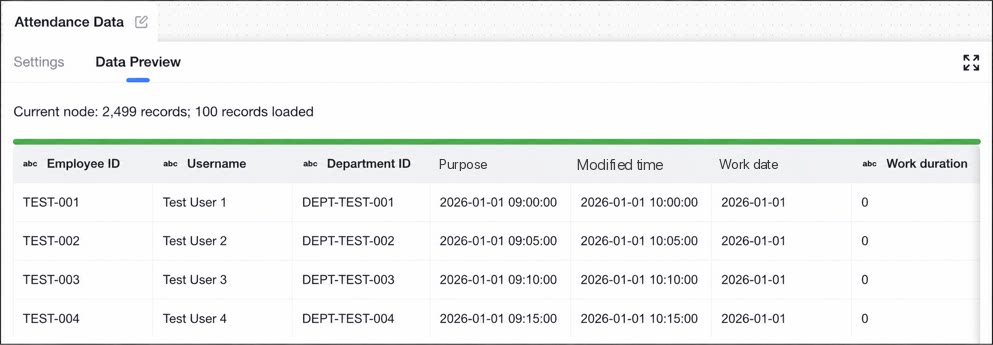 |
Request Permission
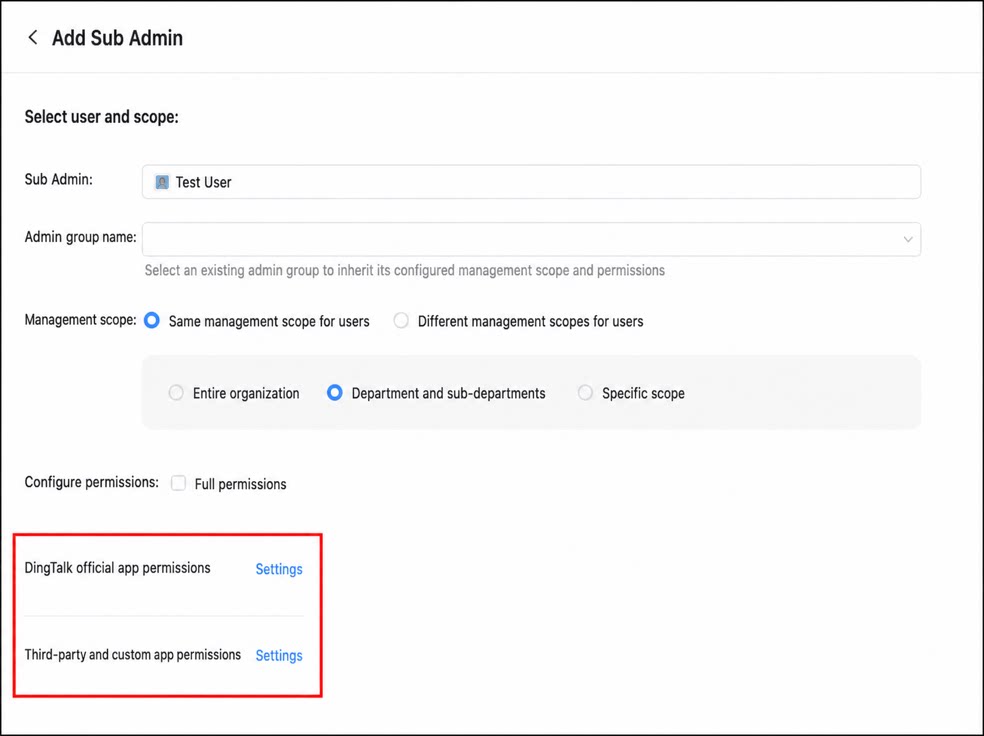
To use official data integration, the app’s Super Admin must first obtain management permissions for the corresponding data. For example, to use Employee Roster data, obtain Sub Admin permissions for Smart HR. Follow these steps:1
Step 1
Sign in to the OA Admin Console as the DingTalk Super Admin.
2
Step 2
Click Security & Permissions > Manage permissions > Sub Admin > Add Sub Admin.
3
Step 3
Select the users to add, then Configure the required permissions.
4
Step 4
After configuration, click Save.
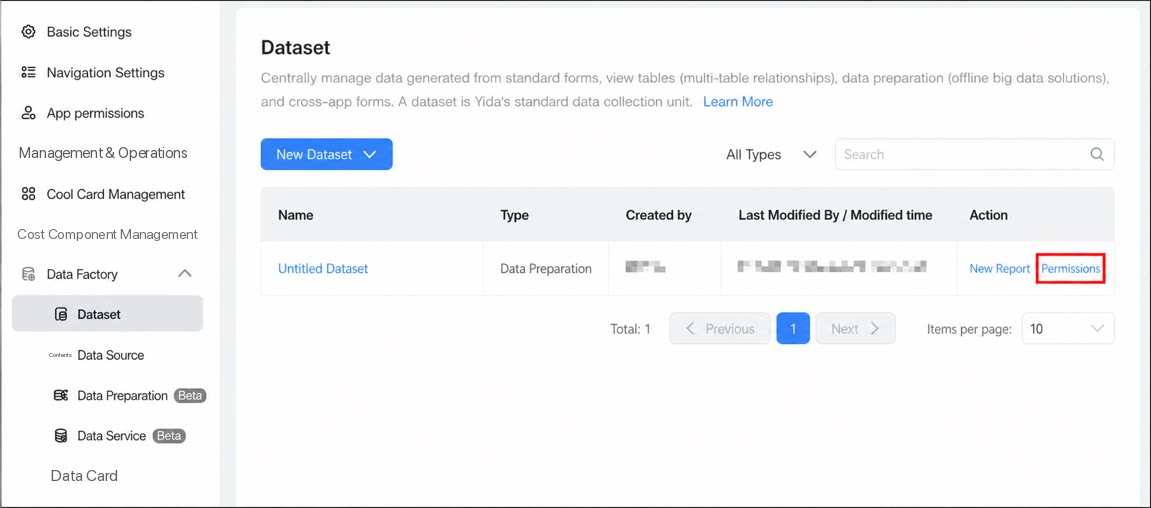
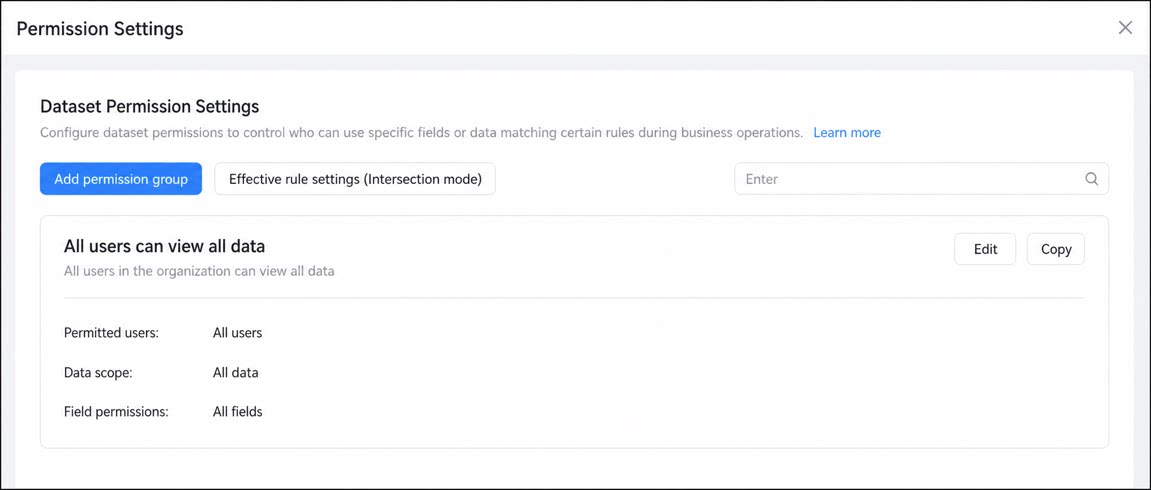
Dataset Permissions
YiDA now supports independent permission control for all datasets. When a dataset with permissions configured is consumed, its data is filtered and controlled in real time by user (who can view), row permissions (rule configuration), and column permissions (field scope). As YiDA is used in richer scenarios, Data permissions control becomes essential for consumption scenarios such as reports and dashboards.