Chats
Chats Calendar
 Meetings
 Contacts
 Mail
Mail Docs
Docs Drive
Drive AI Table
 AI Minutes
 Attendance
 Approval
 YiDA
YiDA Admin Console
1. Introduction
Embed content from other web pages into your current designer page. The following example embeds the URL of the DingTalk YiDA help document.2. Steps
2.1 Select the Component
Open the report, then from the top menu select Others >> iFrame and drag it into the page.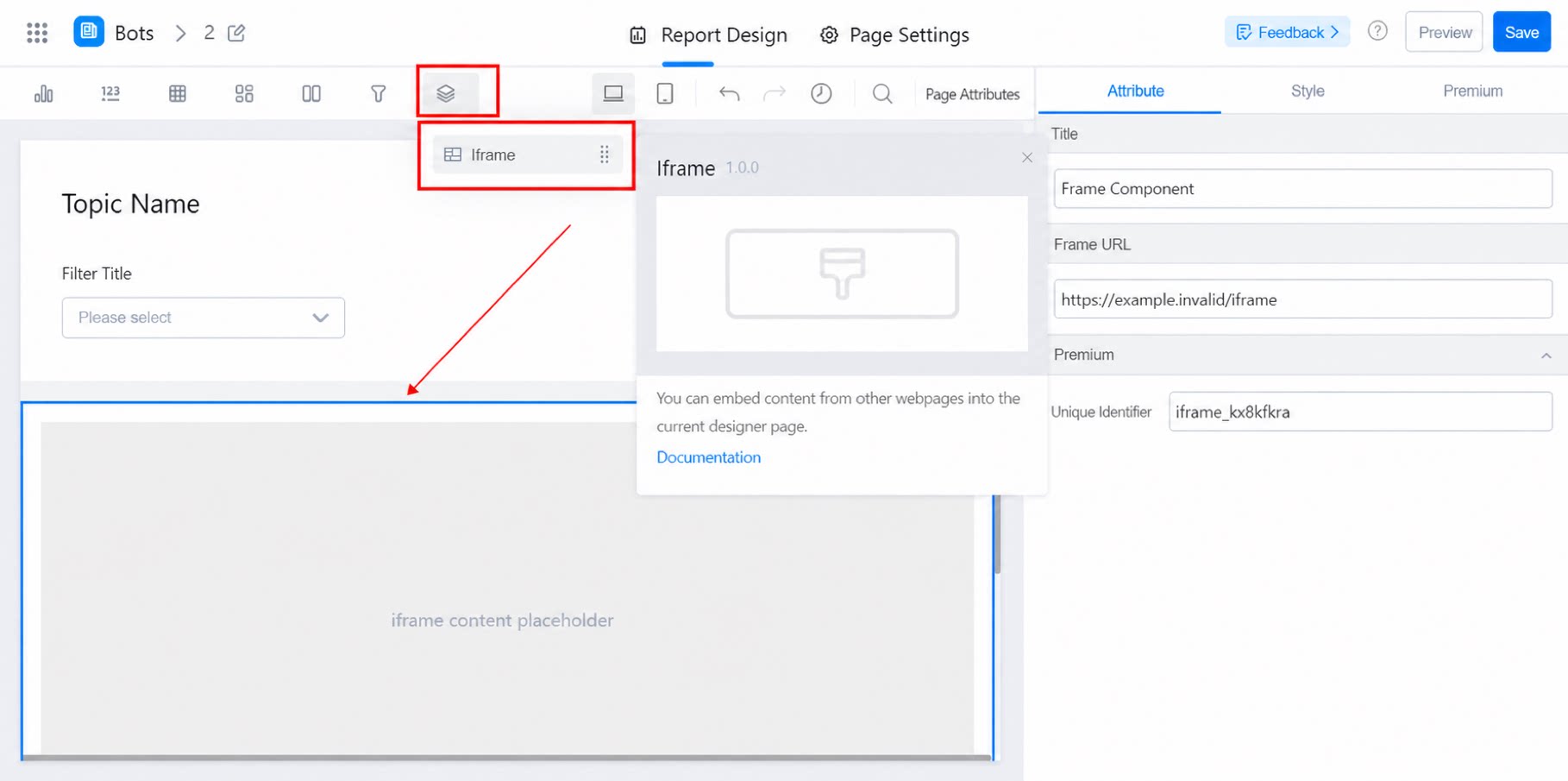
2.2 Attribute Settings
2.2.1 iFrame URL
Click the iFrame component. In the right-side attribute panel, locate iFrame URL and enter the YiDA official website URL.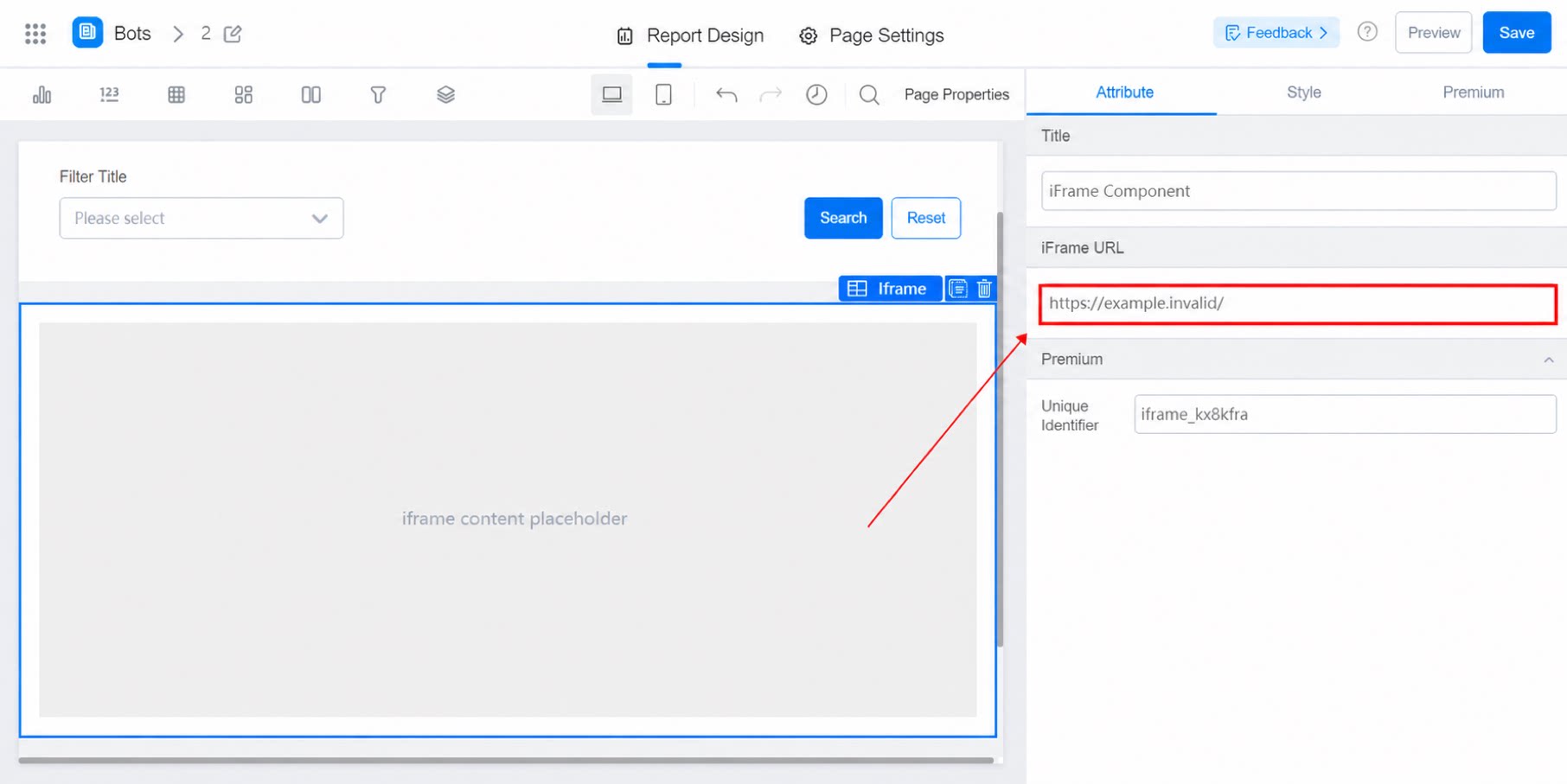
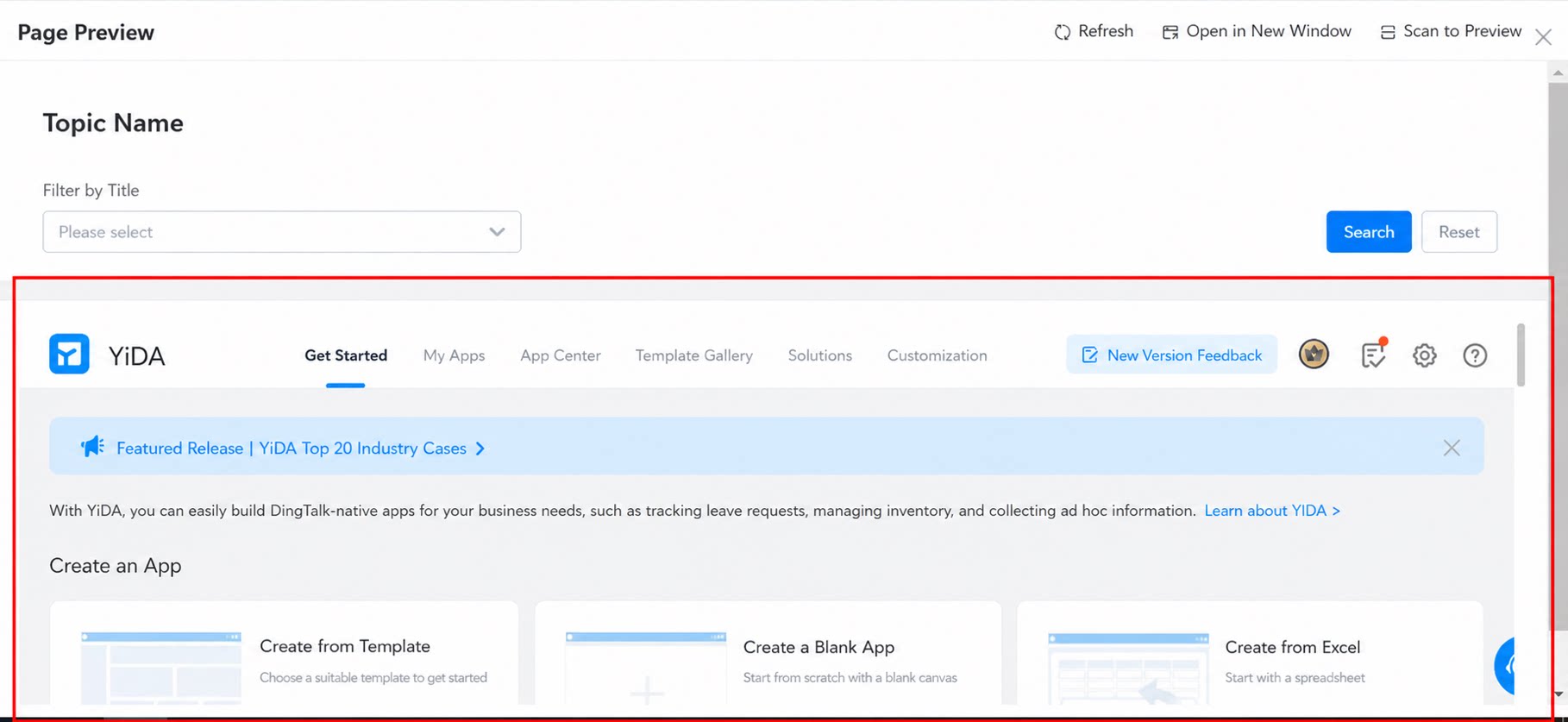
2.2.2 Premium
Displays the unique identifier of the component.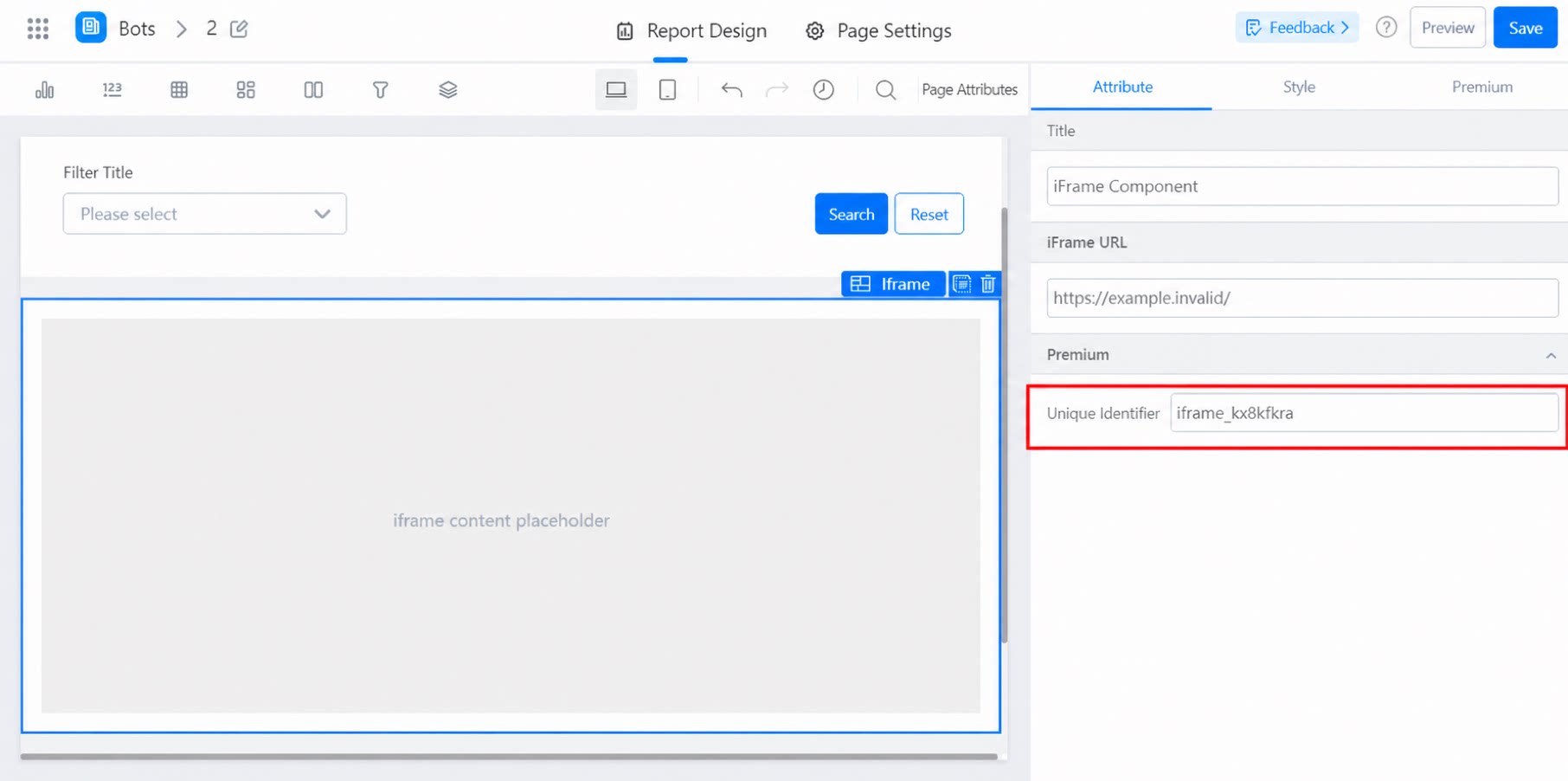
3. Further Reading
How to use 3.0 report features in 2.0 reports