Chats
Chats Calendar
 Meetings
 Contacts
 Mail
Mail Docs
Docs Drive
Drive AI Table
 AI Minutes
 Attendance
 Approval
 YiDA
YiDA Admin Console
1. Introduction
Containers are mainly used for layout and can be combined with other components. Note: You can adjust the size of the components inside, but you cannot move the container’s position (Left Align, Center Align, or Right Align).2. Steps
2.1 Select a Component
Select the Container component and drag it into the designer. You can then drag other components into it. Add a Container component.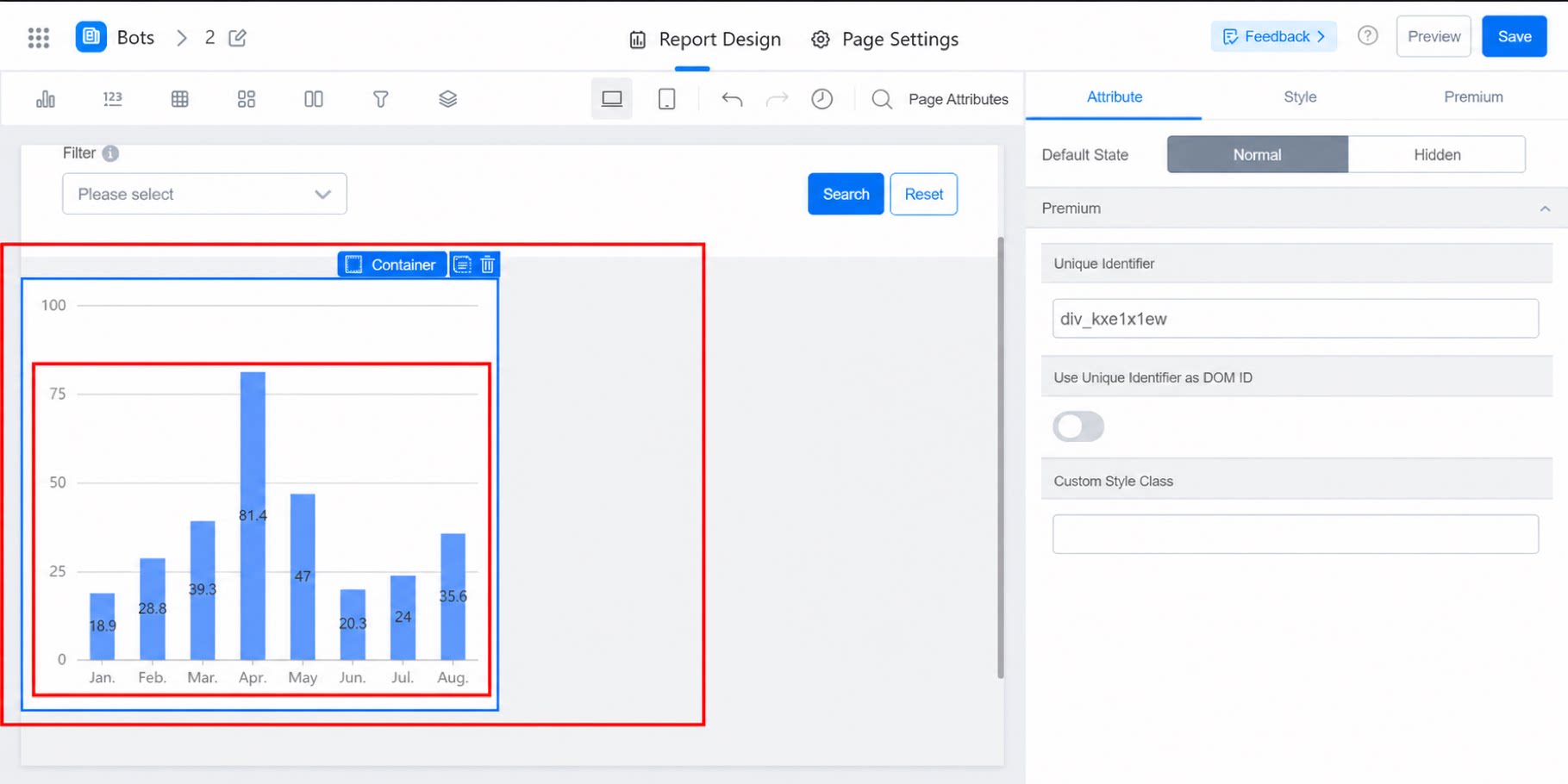
2.2 Configure Styles
Adjust the default state and other styles as needed. Style Settings