Chats
Chats Calendar
 Meetings
 Contacts
 Mail
Mail Docs
Docs Drive
Drive AI Table
 AI Minutes
 Attendance
 Approval
 YiDA
YiDA Admin Console
1. Introduction
Used primarily for layout, and can be combined with other components. Highlights: Column size can be adjusted freely, but the position of the Column Layout (left, center, right) cannot be moved.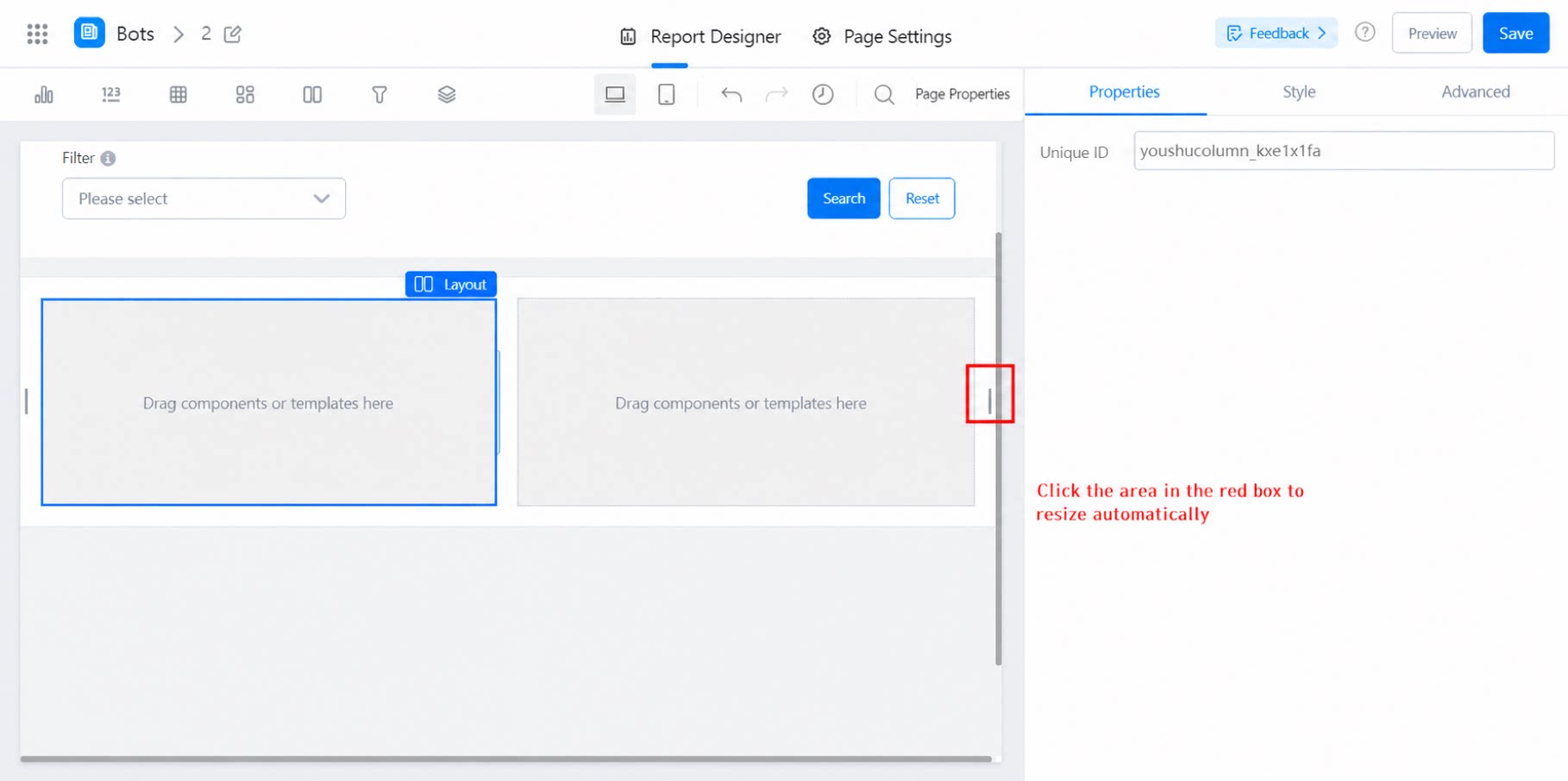
2. Procedure
2.1 Select the Component
Select the component and drag it into the designer, then add other components inside it.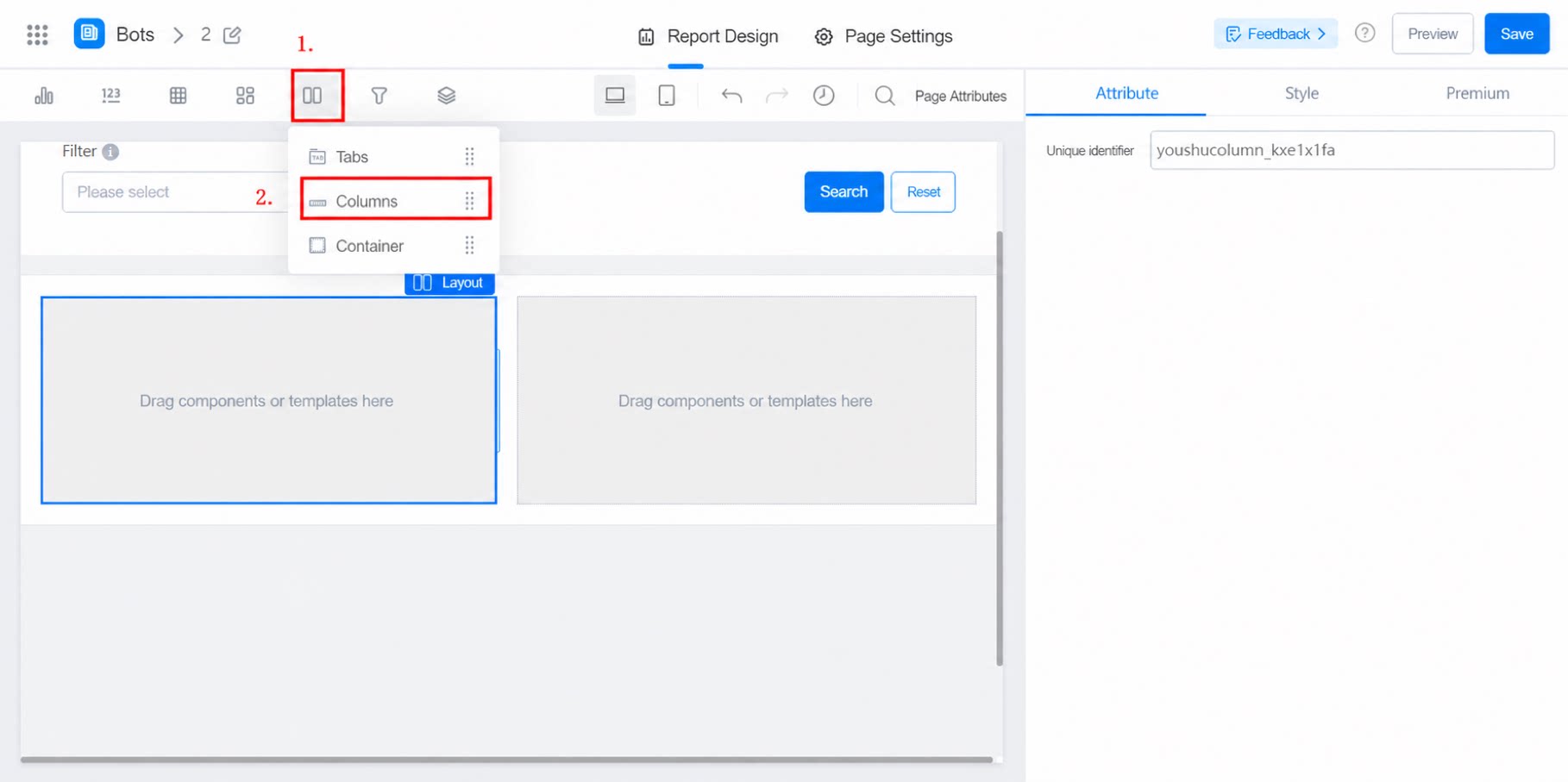
2.2 Configure the Layout
- Layout: Two columns by default. Supports one column (equivalent to a container), three columns, four columns, and six columns.
- Column ratio: Adjustable within a total of 12 units. For example: 3:9, 9:3, 8:4, or 3:6:3.
- Column spacing: Options include Extra large, Large, Medium, Small, Extra small, None, or Custom.
- Row spacing: Options include Extra large, Large, Medium, Small, Extra small, None, or Custom.