Chats
Chats Calendar
 Meetings
 Contacts
 Mail
Mail Docs
Docs Drive
Drive AI Table
 AI Minutes
 Attendance
 Approval
 YiDA
YiDA Admin Console
1. Overview
1.1 Feature Overview
Use this component to redirect users to a URL and freely combine parameters. Highlights: You can control the component size, but you cannot change the link alignment (left, center, or right).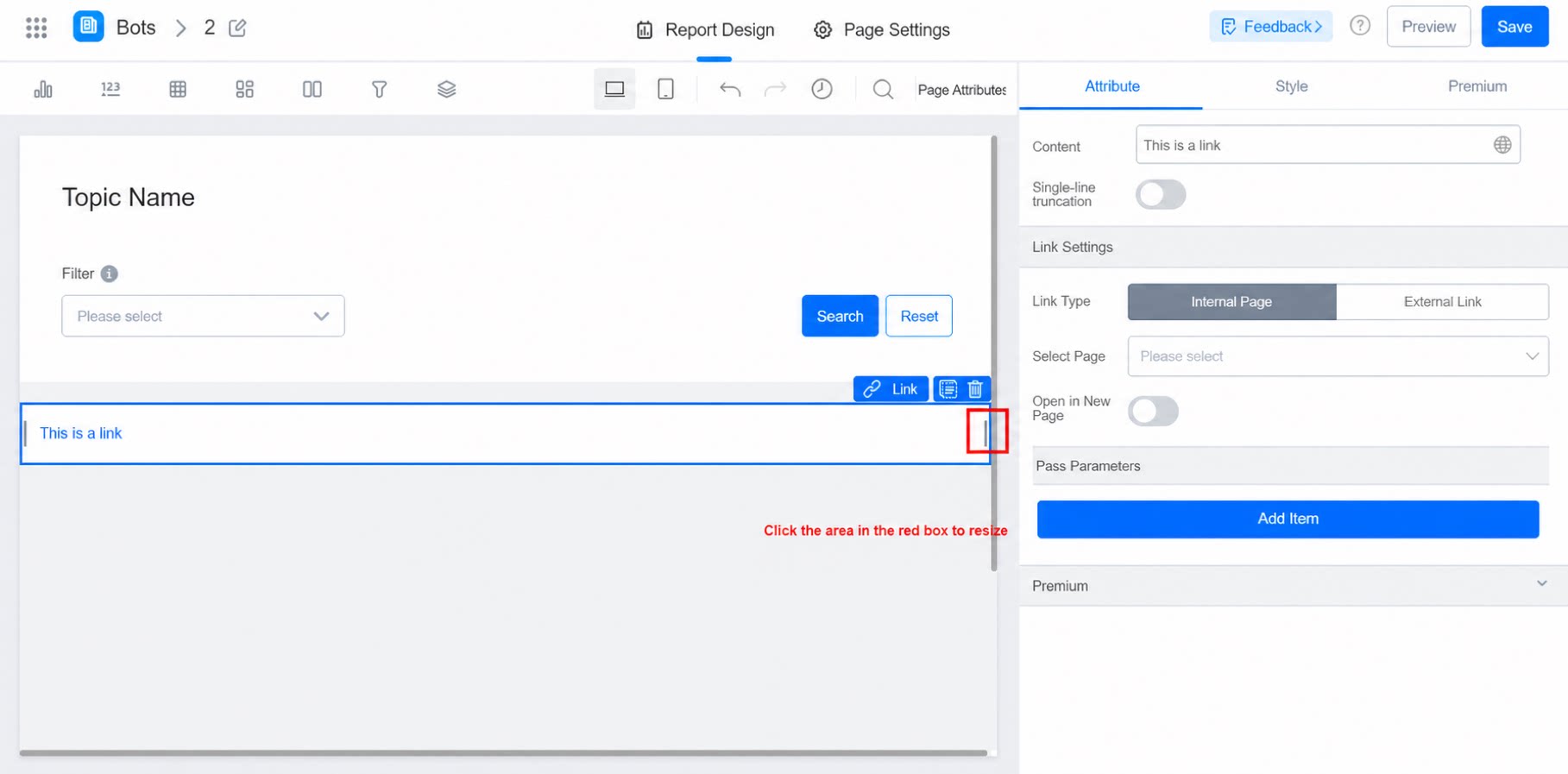
1.2 Use Cases
On a product data display page, configure a link that redirects users to the product details page when they want to view more information.2. Steps
2.1 Select the Component
Select the component and drag it into the designer.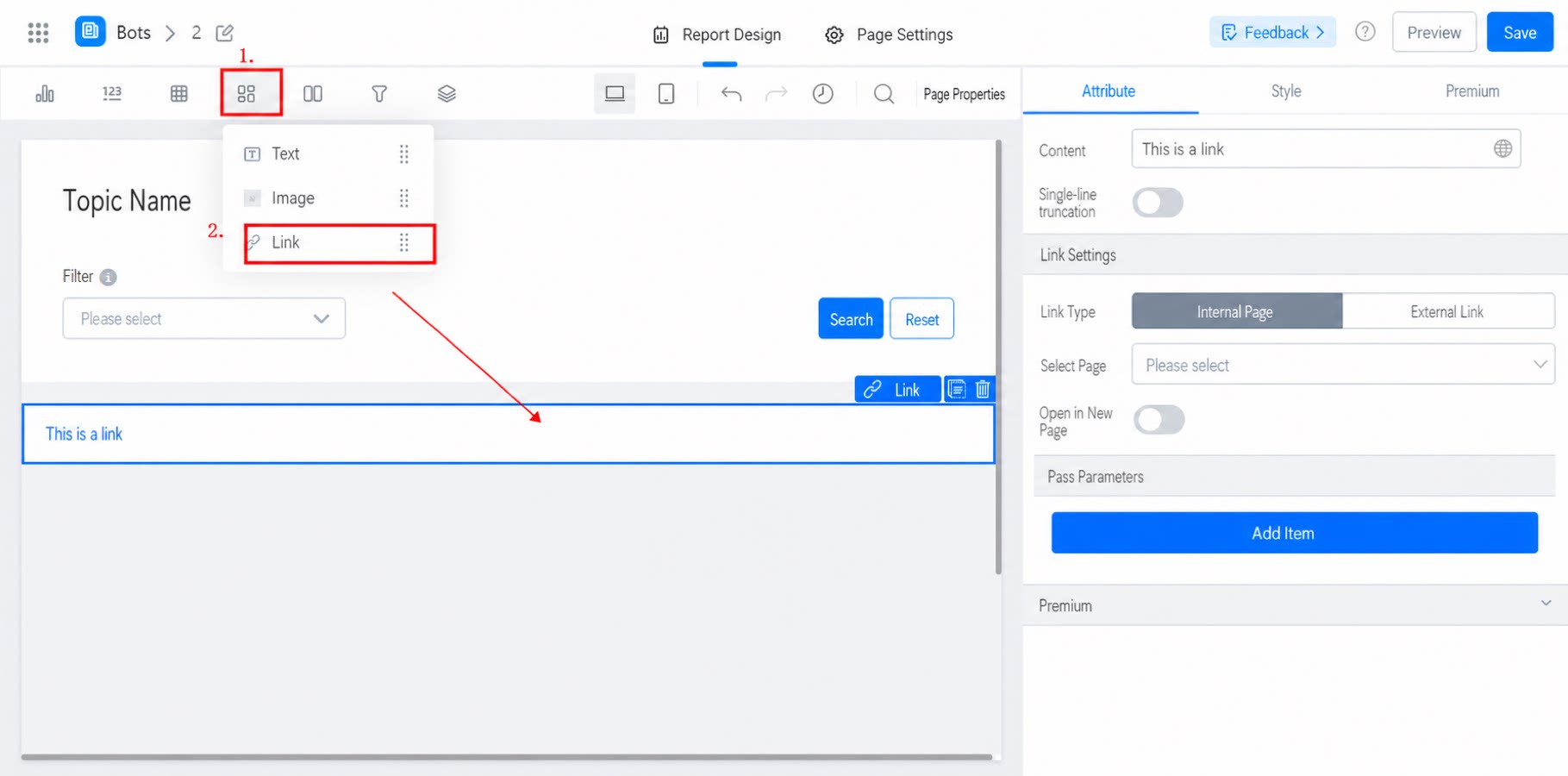
2.2 Configure Content
Configure the link title and URL.- Supports truncated display.
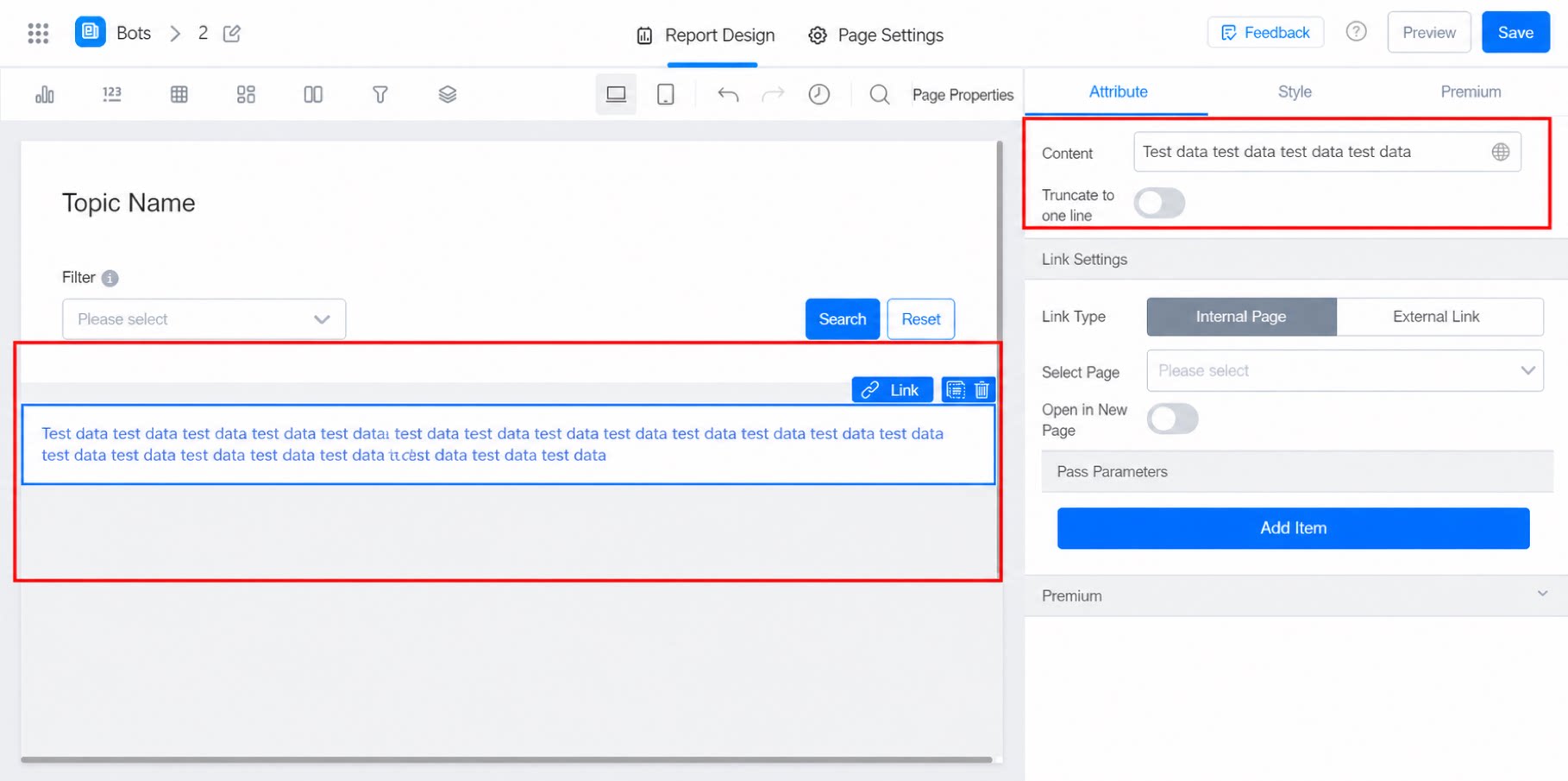
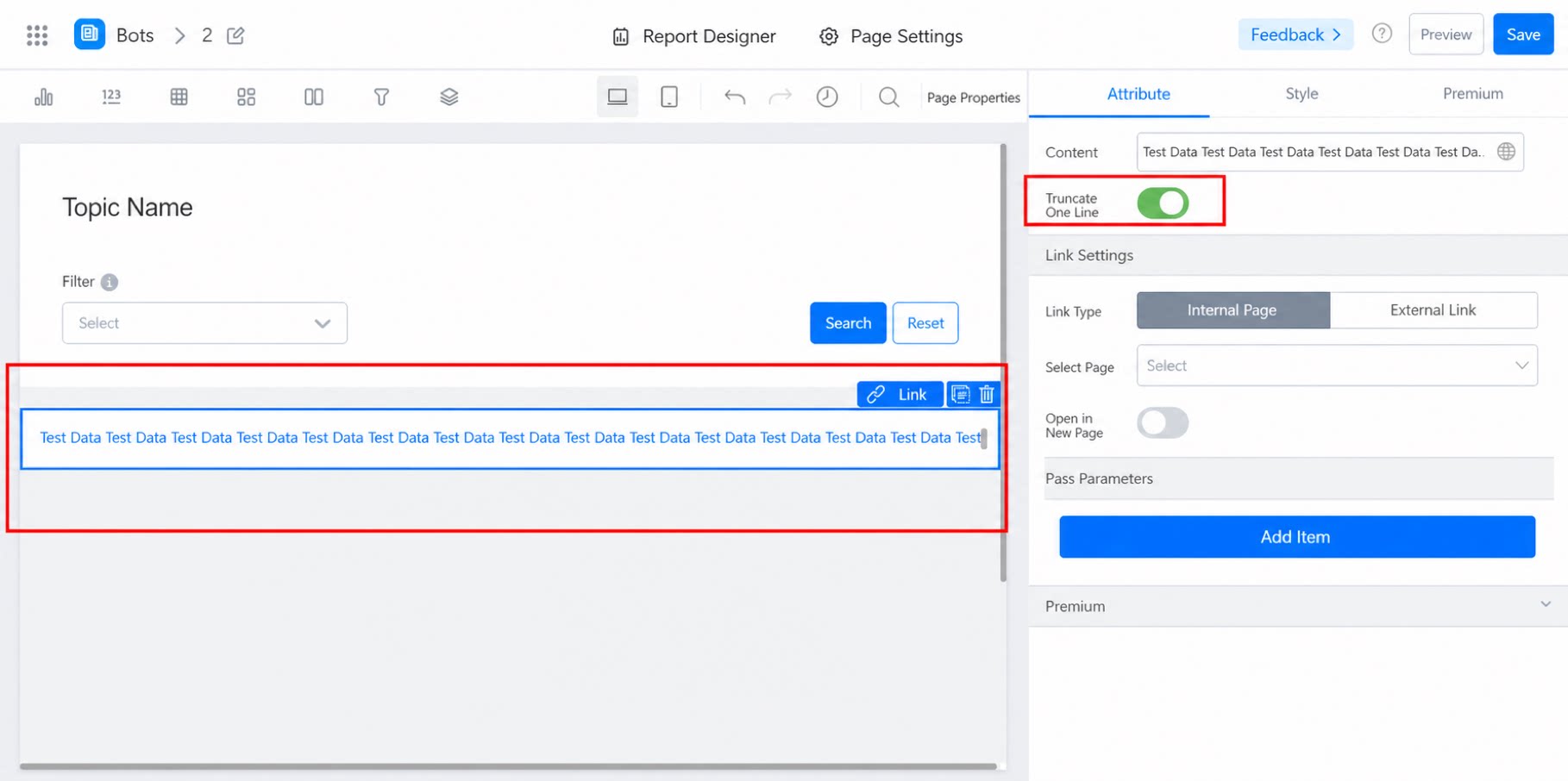
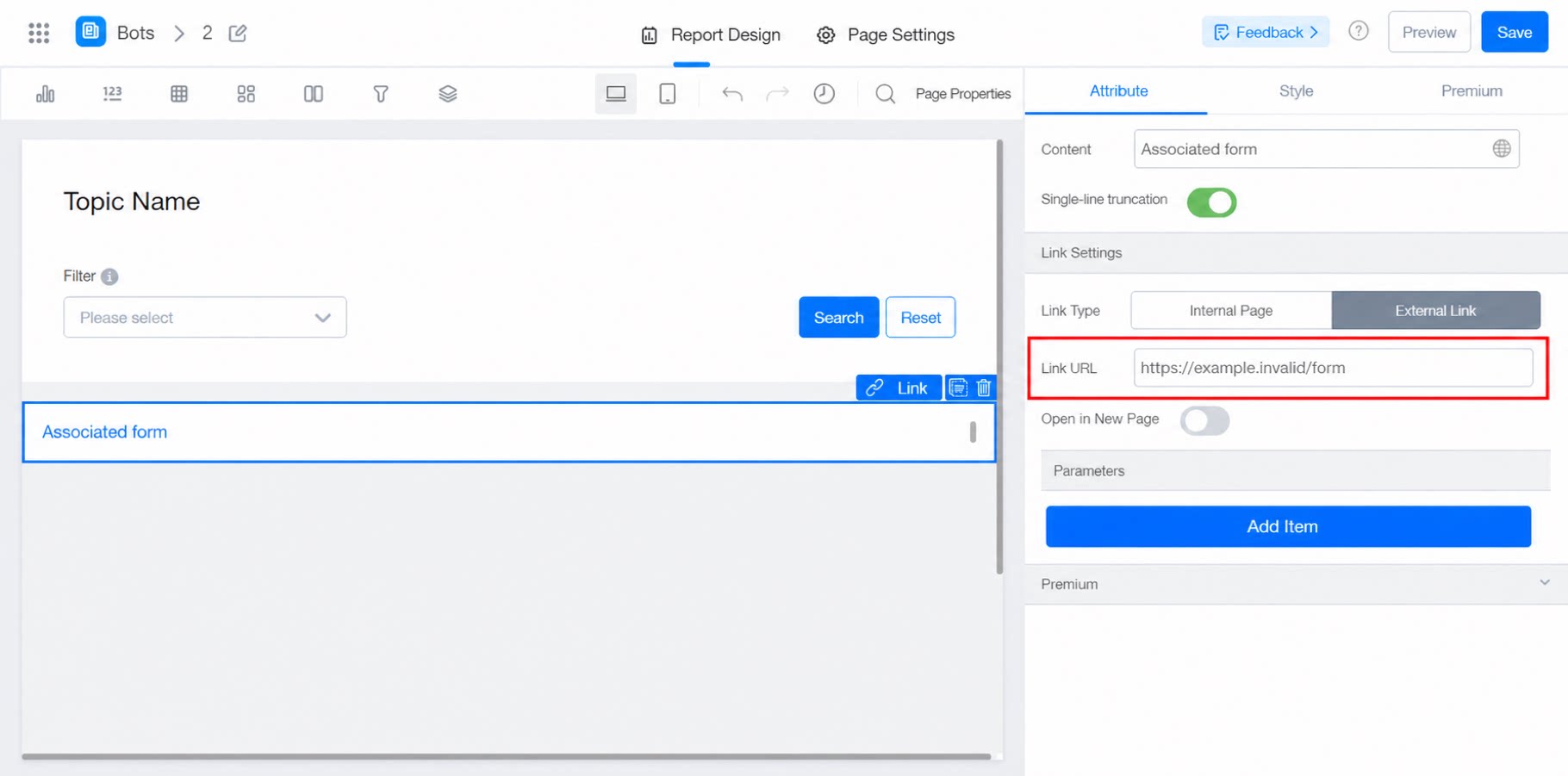
- Supports setting the link type (redirect to an internal page or an external link).
- Supports setting how the link opens.
- Supports custom parameters in the link (you can add multiple parameters).
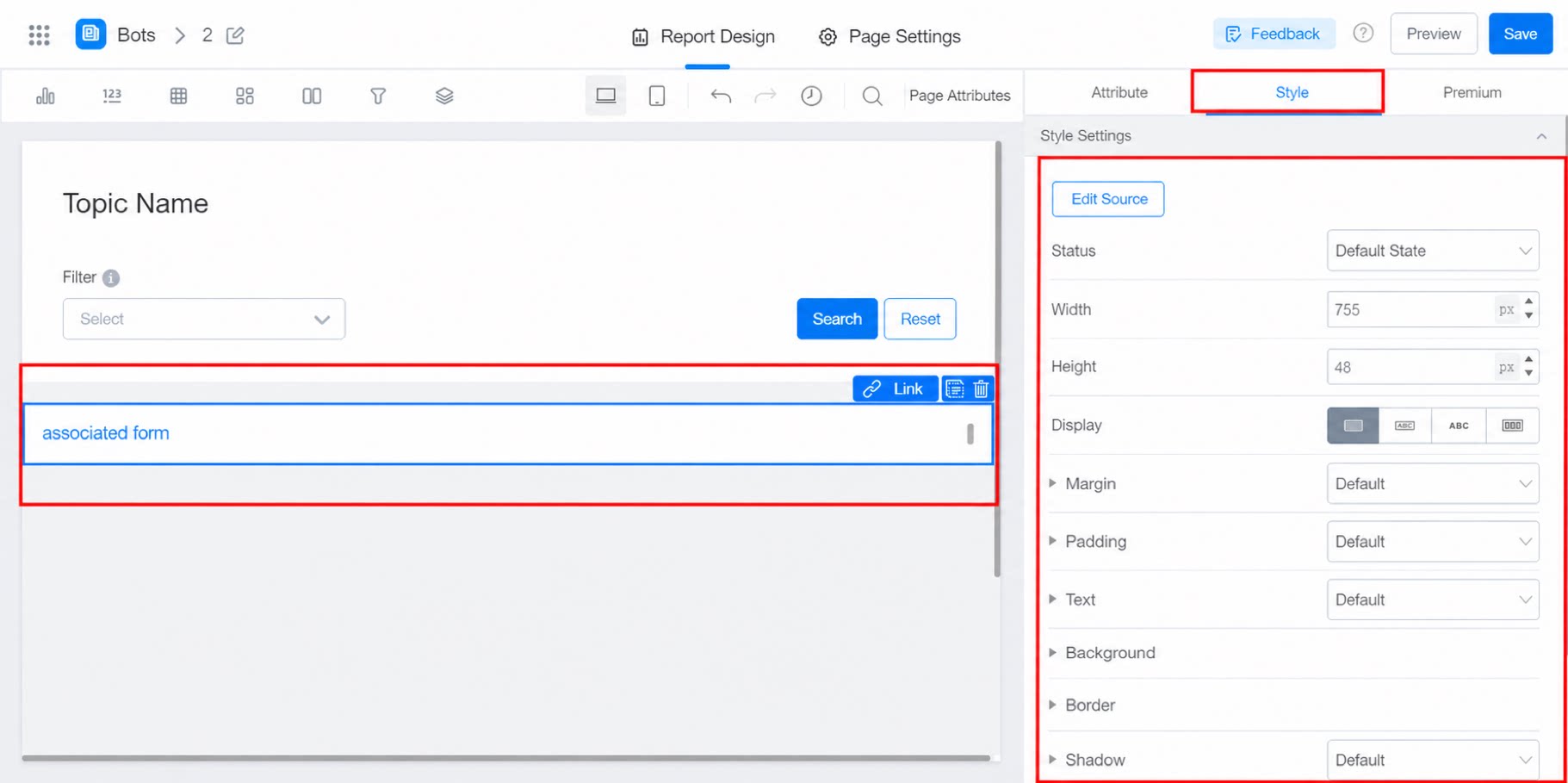
2.3 Configure Styles
Adjust the default state and other style settings.