Chats
Chats Calendar
 Meetings
 Contacts
 Mail
Mail Docs
Docs Drive
Drive AI Table
 AI Minutes
 Attendance
 Approval
 YiDA
YiDA Admin Console
1. Overview
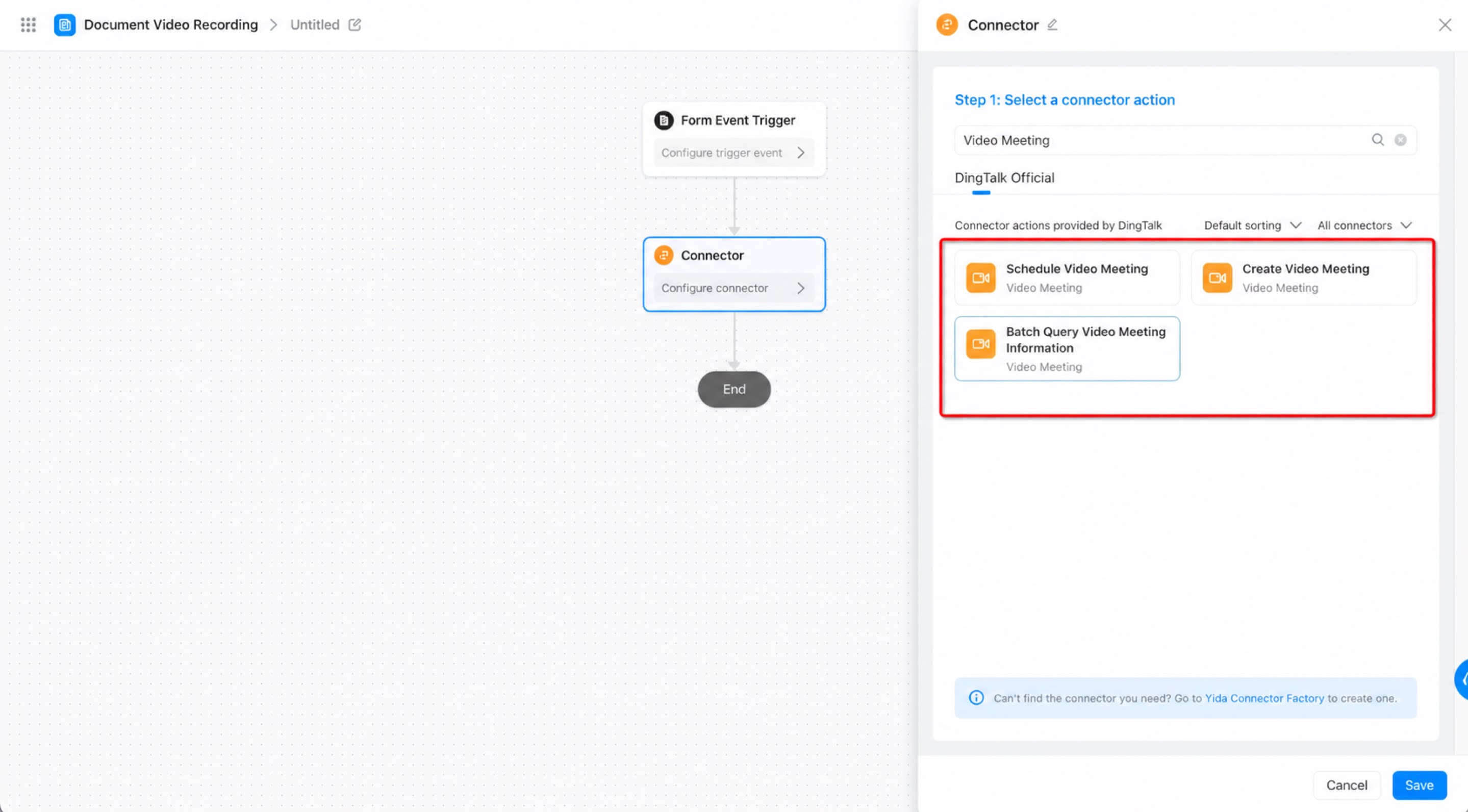
This topic introduces the video meeting connector’s three core actions and explains how each one supports a stage of the meeting lifecycle in YiDA.2. Actions
- Schedule a video meeting: Fill in and submit a YiDA form to create a meeting event for the selected members, send reminders, and complete the booking.
- Create a video meeting: Submit a YiDA form to trigger the Create Video Meeting action. DingTalk automatically initiates the video meeting for the organizer. Once the organizer confirms, DingTalk invites the members selected in the form to join the conference and start the video meeting.
- Query video meeting information in bulk: Submit a YiDA form containing the IDs of ongoing video meetings to retrieve meeting and participant details, including the meeting name, start time, meeting status, and participant list.